Model:
OT Pop C7 7040E
Problem:
Hang
Solution:
Flash device using SP Flash Tool v5.1352.01
Procedure:
Model:
OT Pop C7 7040E
Problem:
Hang
Solution:
Flash device using SP Flash Tool v5.1352.01
Procedure:
Open SP Flash tool
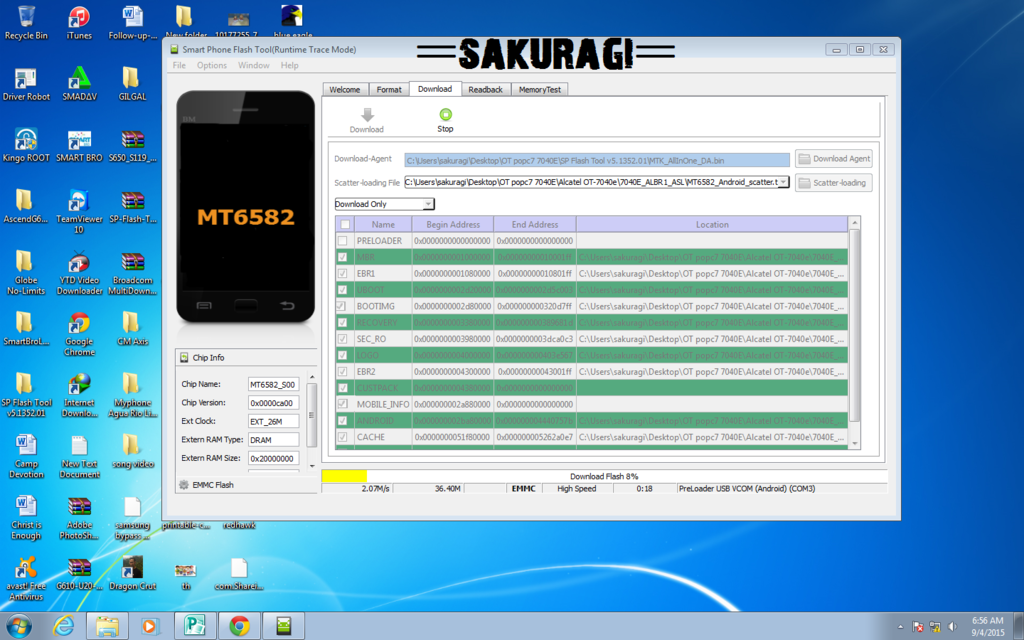
Load Scatter file
after loading scatter file
FILL CUSTPACK, MOBILE_INFO, and other file. UNCHECK PRELOADER only (Never flash preloader)
if error occur include PRELOADER. Proceed at your own risk,
Press Download to Flash your Phone.
insert usb cable to the device
if flashin successful make HARD RESET
press vol+ and power button
Done
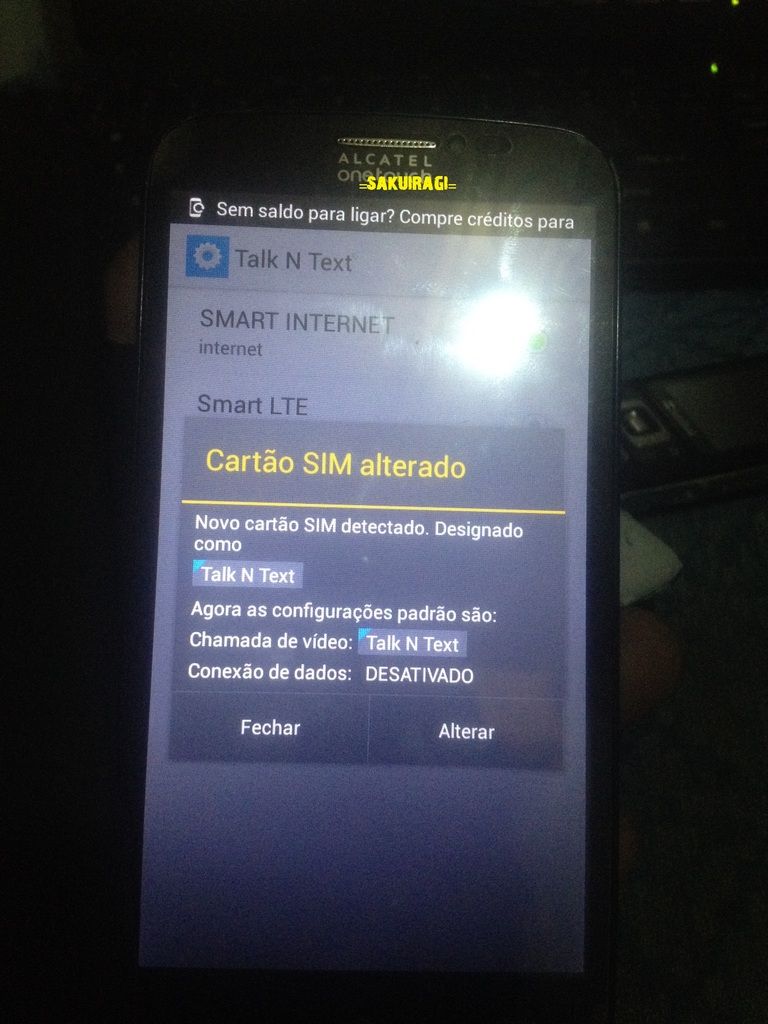
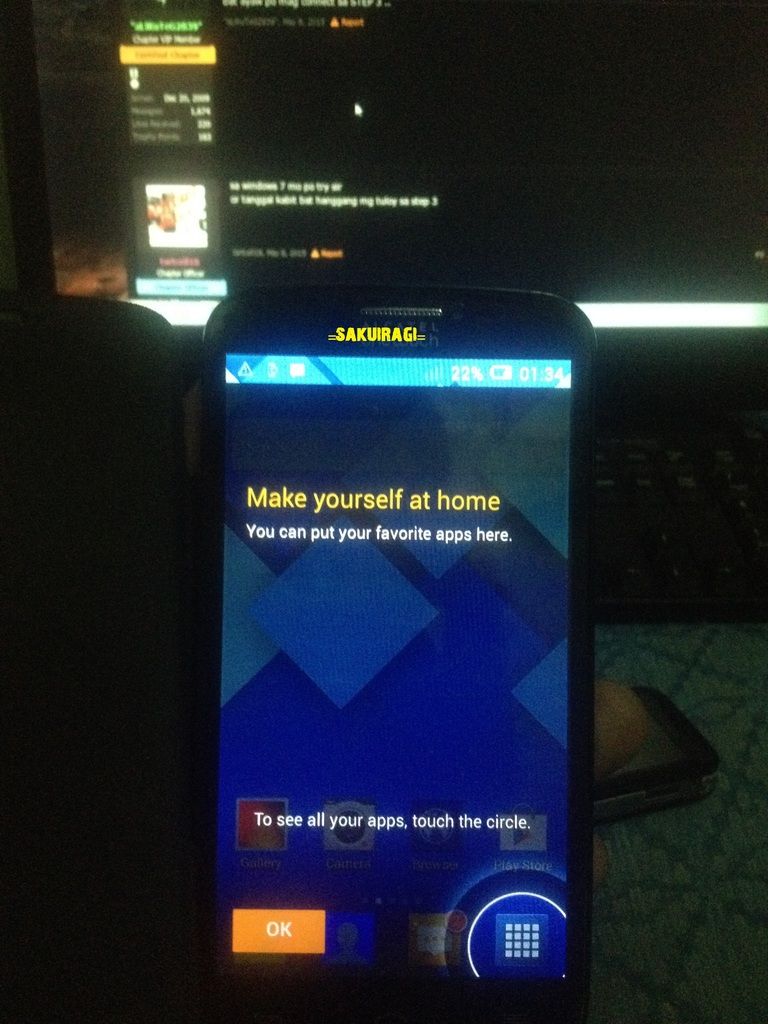
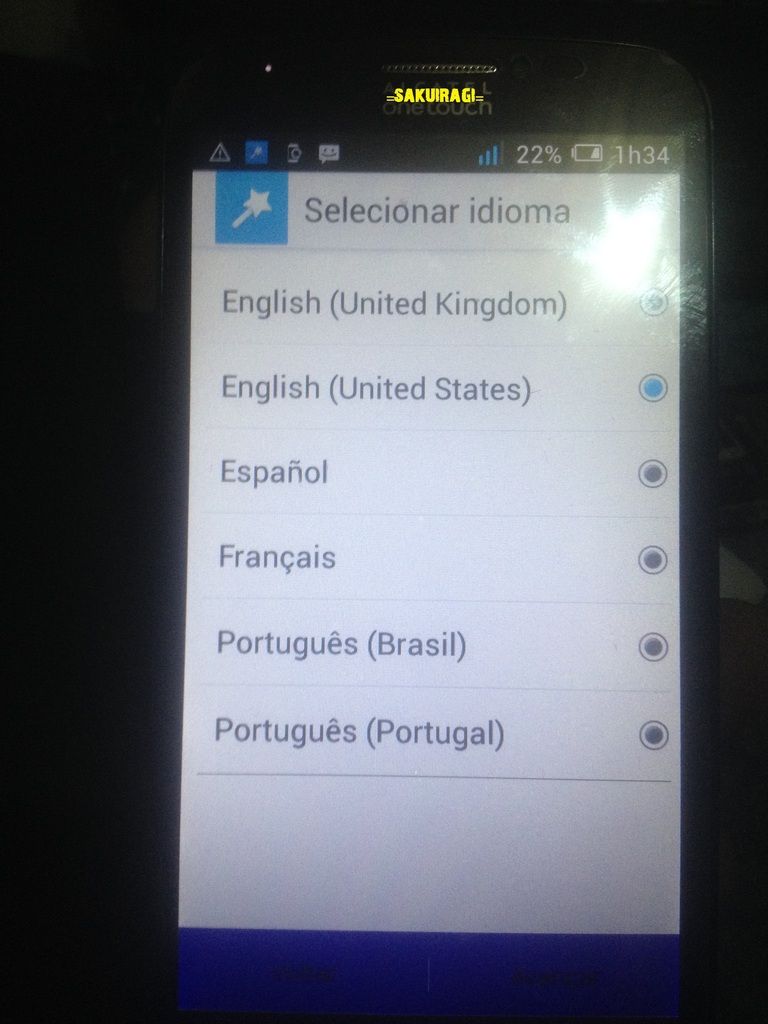
screenshoot:
before
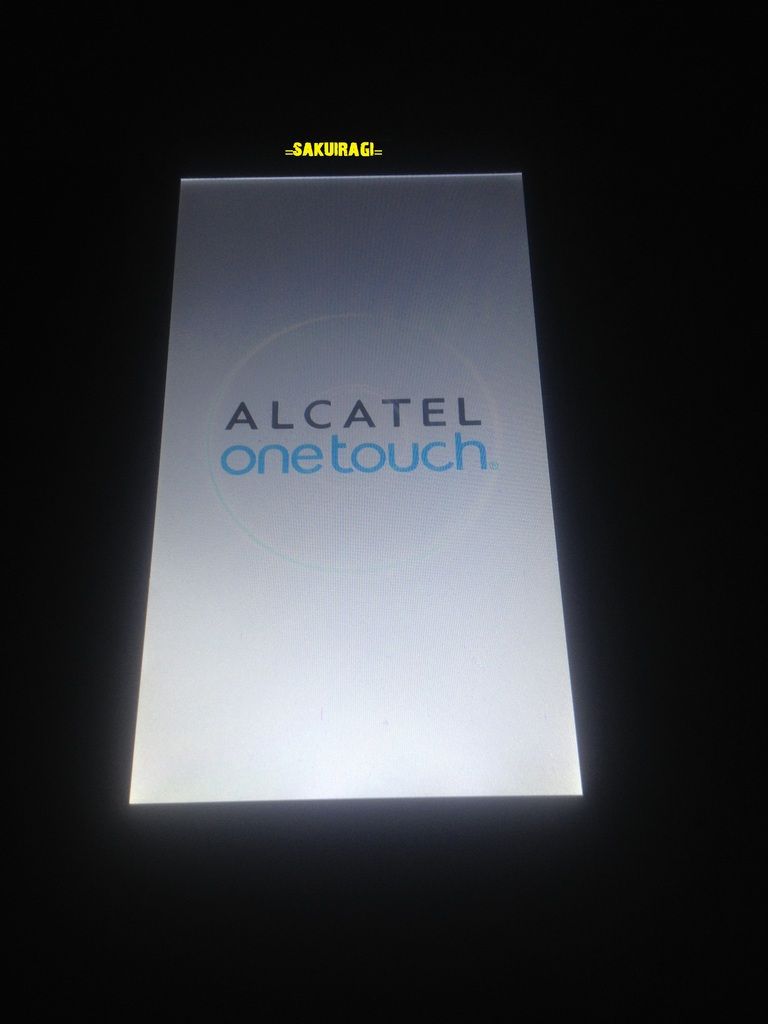
Flahing
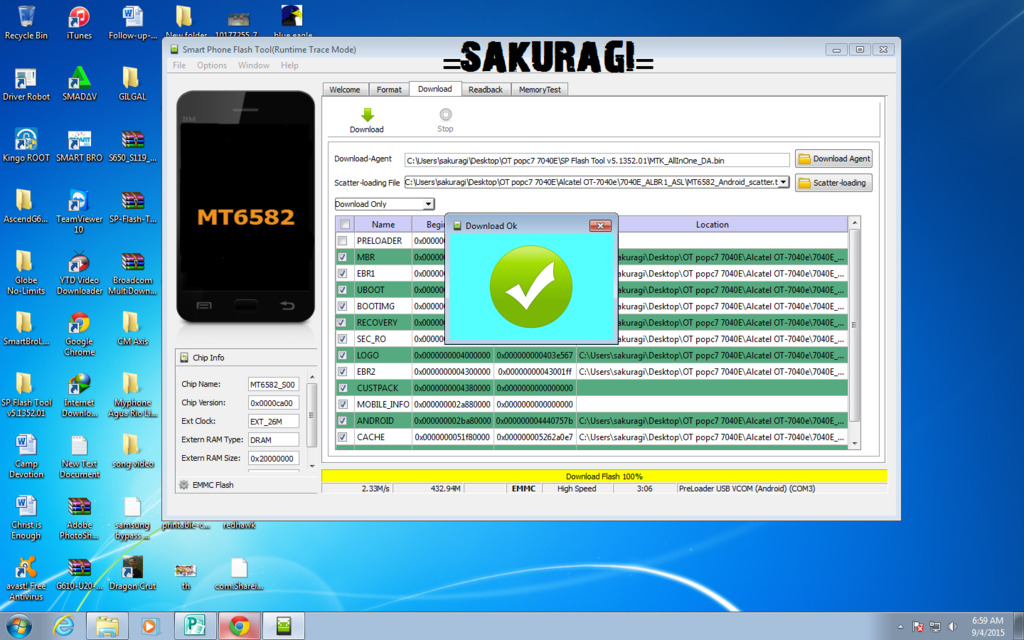
Hard REset
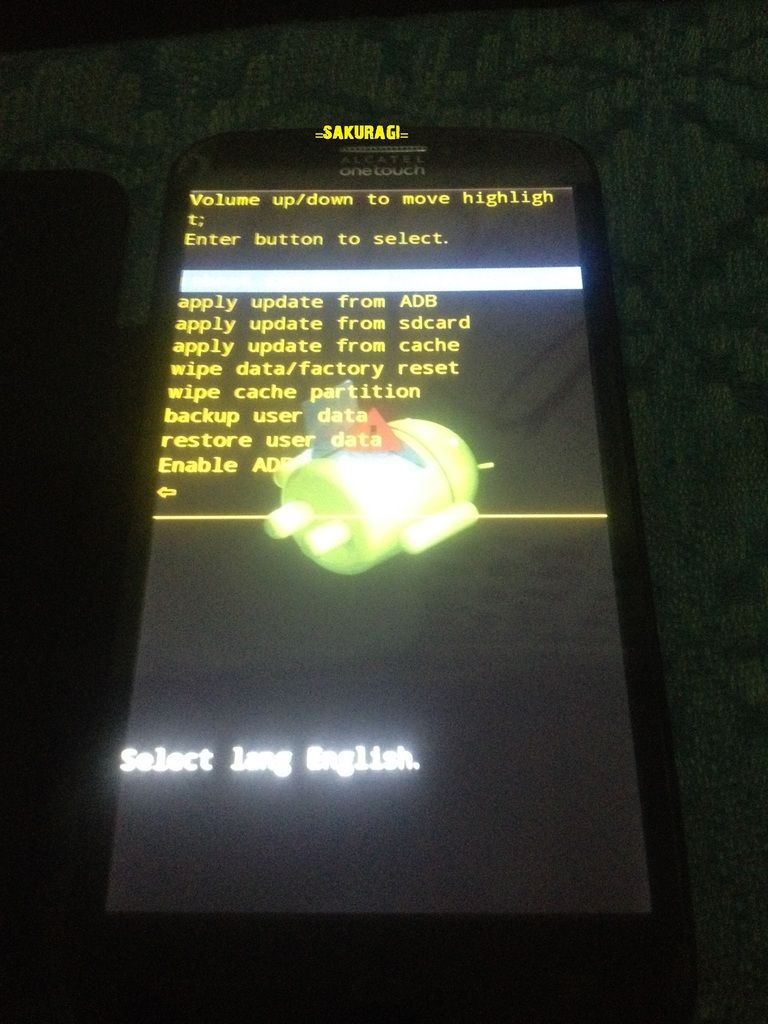
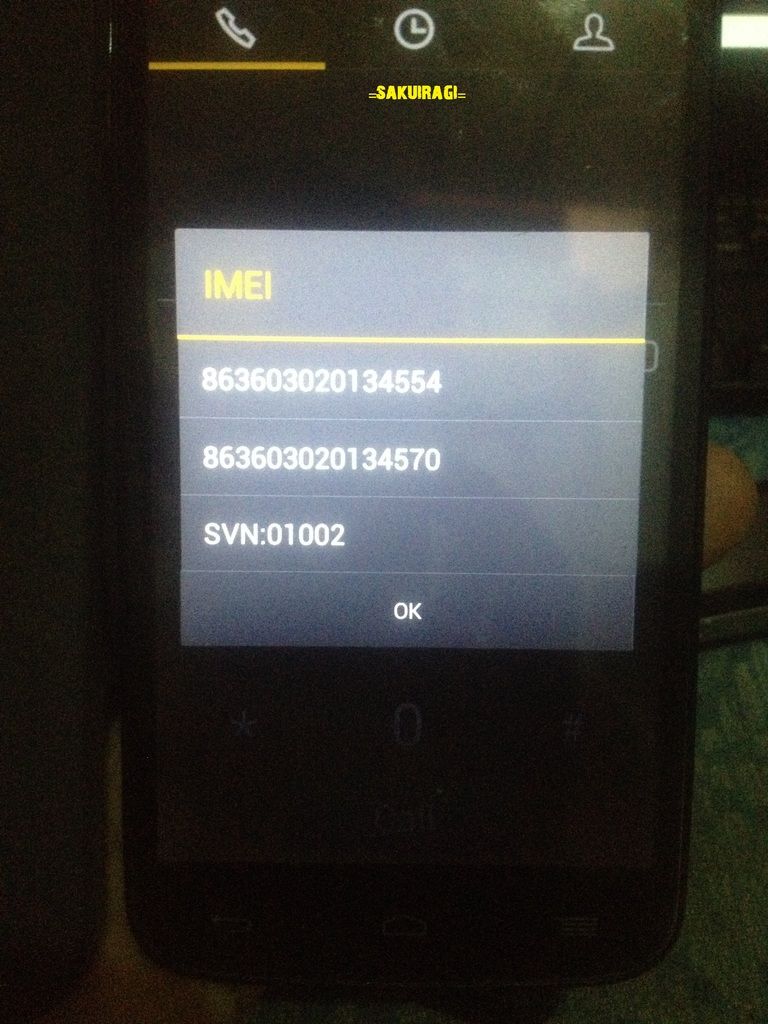
Done
Package:
Alcatel One Touch Pop C7 7040E firmware/stock rom to unbrick your phone ~ FIRMWARES2U
OT Pop C7 7040E
Problem:
Hang
Solution:
Flash device using SP Flash Tool v5.1352.01
Procedure:
Model:
OT Pop C7 7040E
Problem:
Hang
Solution:
Flash device using SP Flash Tool v5.1352.01
Procedure:
Open SP Flash tool
Load Scatter file
after loading scatter file
FILL CUSTPACK, MOBILE_INFO, and other file. UNCHECK PRELOADER only (Never flash preloader)
if error occur include PRELOADER. Proceed at your own risk,
Press Download to Flash your Phone.
insert usb cable to the device
if flashin successful make HARD RESET
press vol+ and power button
Done
screenshoot:
before

Flahing


Hard REset


Done


Package:
Alcatel One Touch Pop C7 7040E firmware/stock rom to unbrick your phone ~ FIRMWARES2U


