
PROCEDURE:
1. Power Off Phone
2. PRESS and HOLD BOTH VOLUME KEYS!
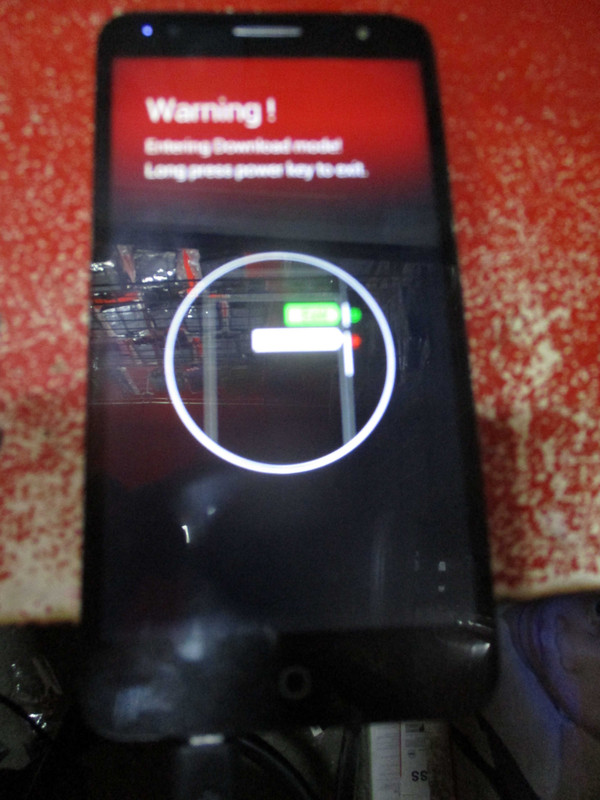
3 After that you see on screen press power button + volume up to to emergency mode
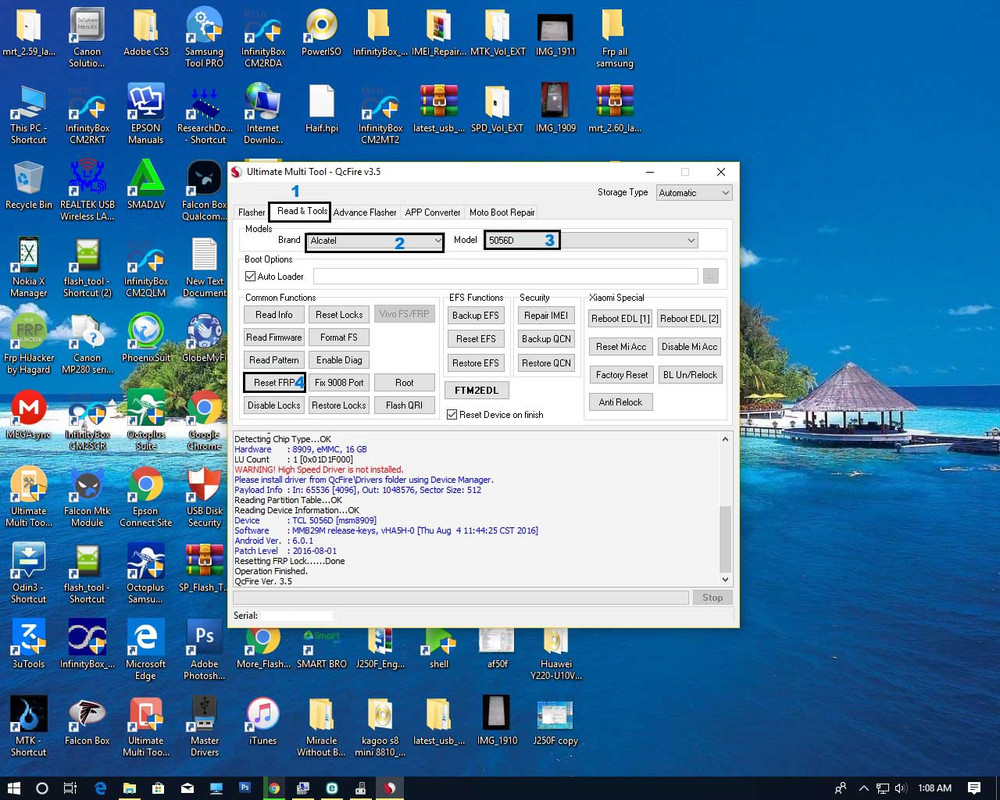
4. Then click Reset FRP
5. Insert USB cable
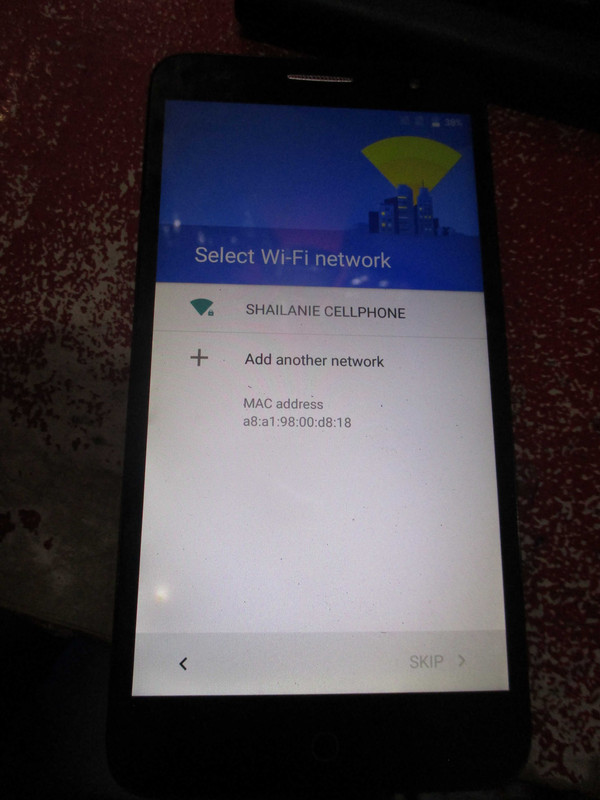
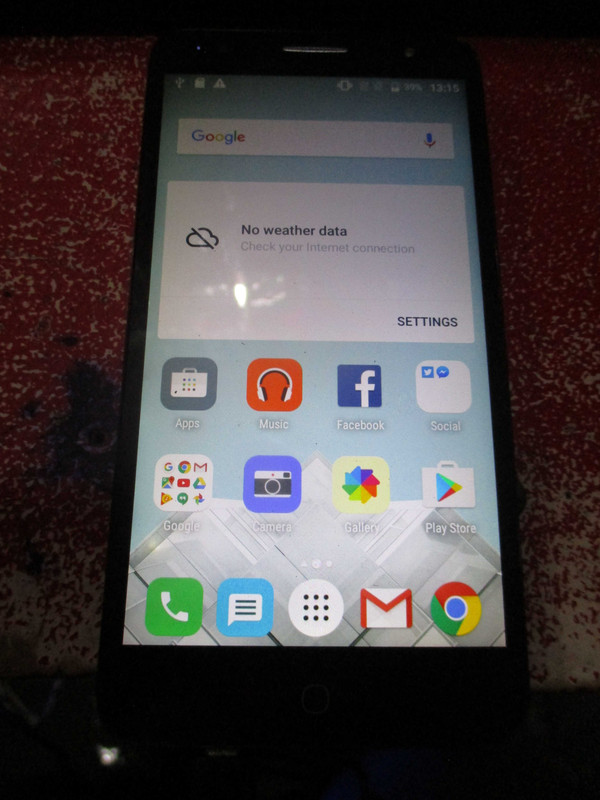
6. wait until finish done
I hope makatulong,,,
Hits thanks lang po sa viewers...
1. Power Off Phone
2. PRESS and HOLD BOTH VOLUME KEYS!
3 After that you see on screen press power button + volume up to to emergency mode
4. Then click Reset FRP
5. Insert USB cable
6. wait until finish done
I hope makatulong,,,
Hits thanks lang po sa viewers...