
Do At Your Own Risk
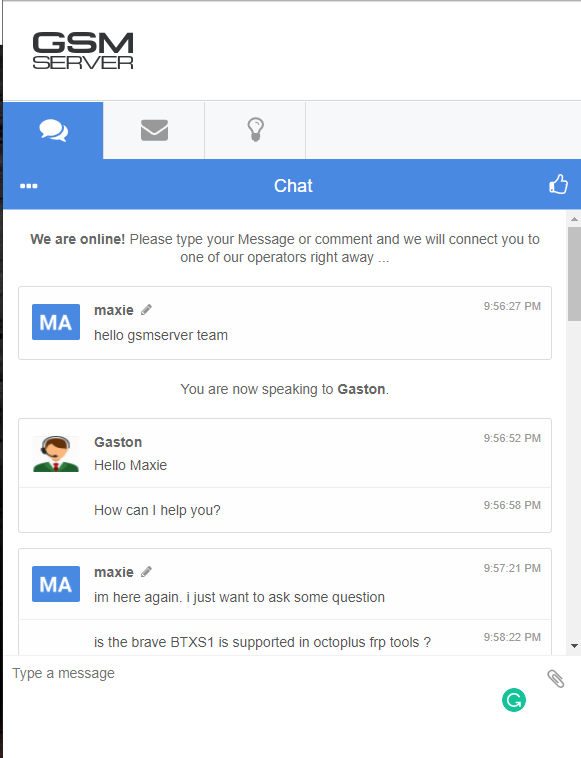
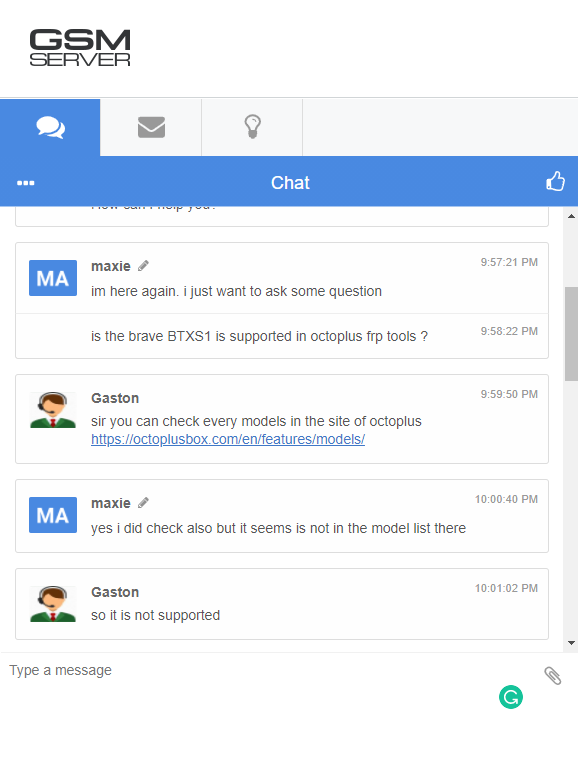
nagawa ko lang ito dahil batay sa mga karanasan ko dati pa sa kapanaunan ng mga SPD devices . at Dahil likas sakin at na ti-treger ako sa mga challenges kaya ito ang resulta Bago ang lahat nag kunsulta muna ako para safe kaso ito ang sagot sakin
Hi
Unit: Brave Techs
Model: BTXS1
Problem: FRP
Solution Unlock via octoplus
Steps : 1
Step: 2
here is the lock and picture
Images
ayan sana meron kayong natutunan :
like lang po masaya na ako
nagawa ko lang ito dahil batay sa mga karanasan ko dati pa sa kapanaunan ng mga SPD devices . at Dahil likas sakin at na ti-treger ako sa mga challenges kaya ito ang resulta
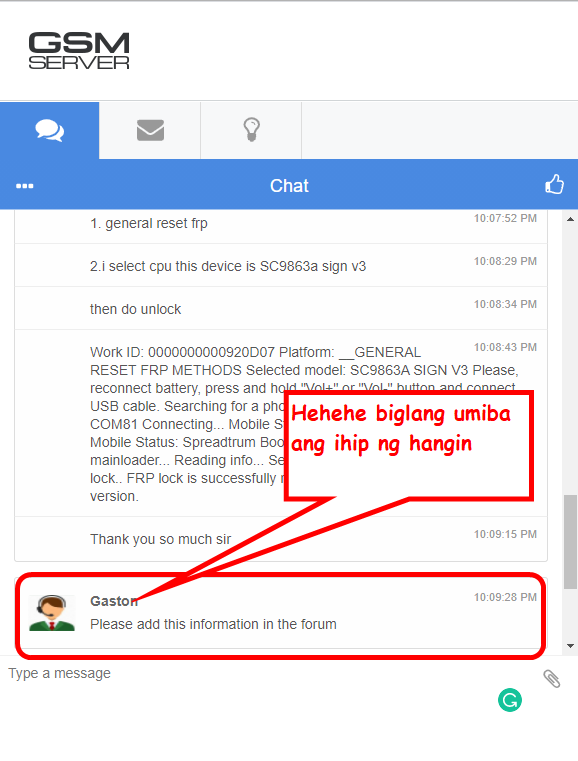
Bago ang lahat nag kunsulta muna ako para safe kaso ito ang sagot sakin
Hi
Unit: Brave Techs
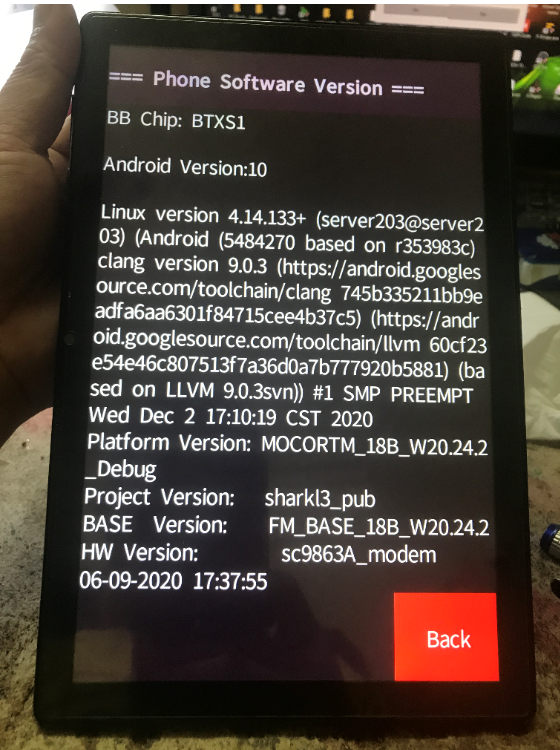
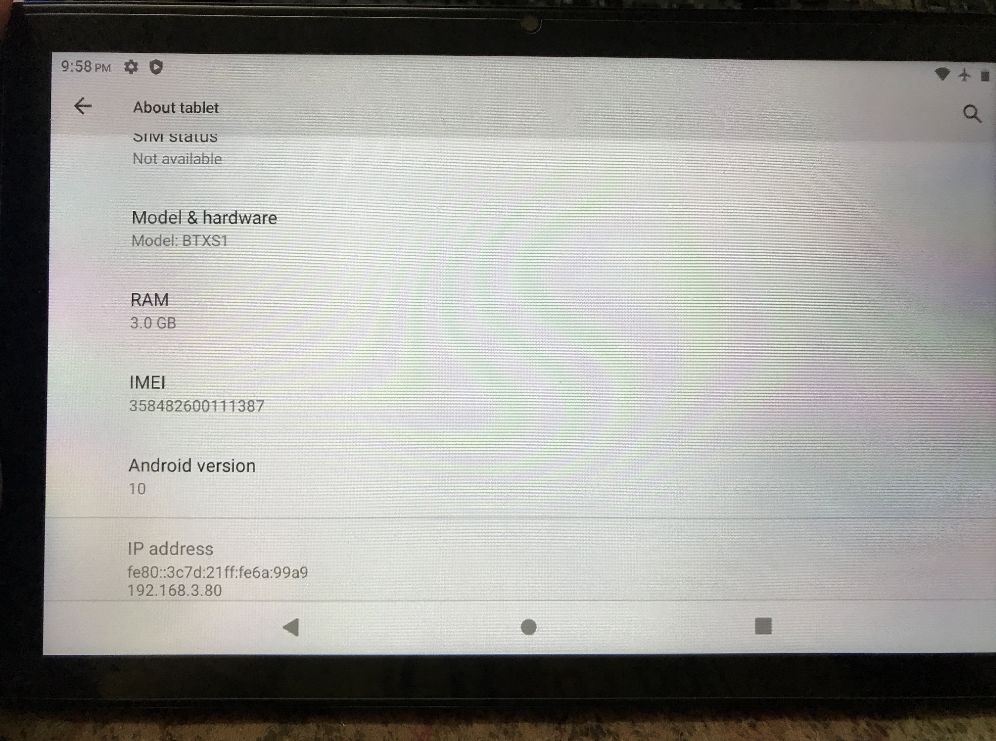
Model: BTXS1
Problem: FRP
Solution Unlock via octoplus
Steps : 1
- Open octoplus
- Select General FRP method
- Select CPU sc9863a sign v3
- Pres unlock FRP
Step: 2
- Turn Off phone
- Press the Vol button Near to power switch
- insert cable
- Wait till the process finish
- Done
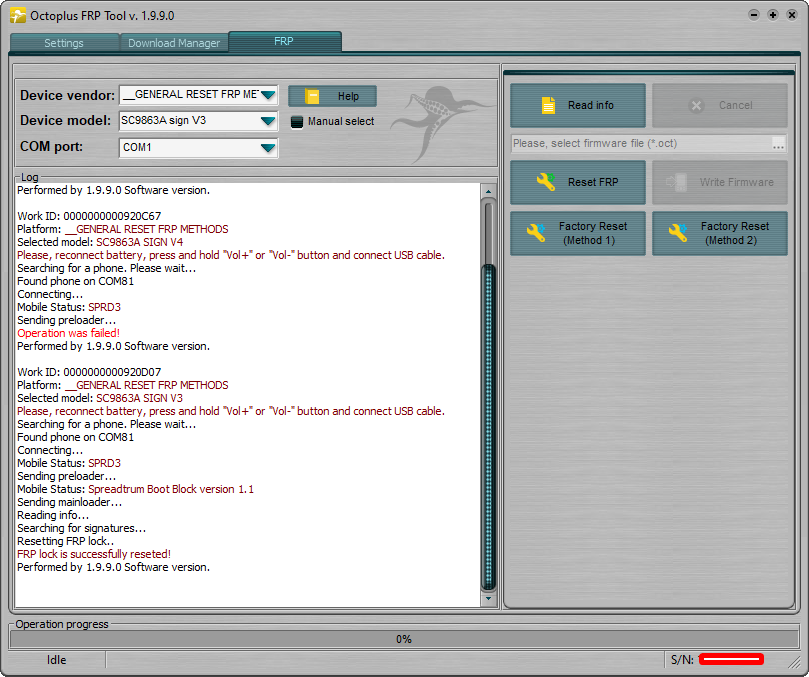
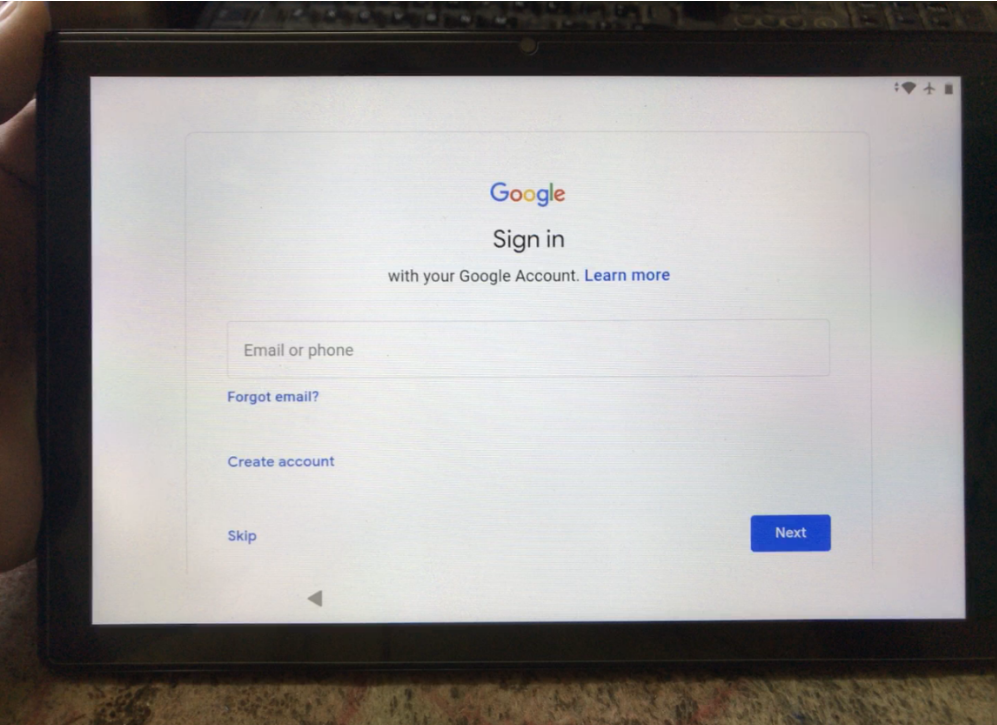
here is the lock and picture
Work ID: 0000000000920D07
Platform: __GENERAL RESET FRP METHODS
Selected model: SC9863A SIGN V3
Please, reconnect battery, press and hold "Vol+" or "Vol-" button and connect USB cable.
Searching for a phone. Please wait...
Found phone on COM81
Connecting...
Mobile Status: SPRD3
Sending preloader...
Mobile Status: Spreadtrum Boot Block version 1.1
Sending mainloader...
Reading info...
Searching for signatures...
Resetting FRP lock..
FRP lock is successfully reseted!
Performed by 1.9.9.0 Software version.
Platform: __GENERAL RESET FRP METHODS
Selected model: SC9863A SIGN V3
Please, reconnect battery, press and hold "Vol+" or "Vol-" button and connect USB cable.
Searching for a phone. Please wait...
Found phone on COM81
Connecting...
Mobile Status: SPRD3
Sending preloader...
Mobile Status: Spreadtrum Boot Block version 1.1
Sending mainloader...
Reading info...
Searching for signatures...
Resetting FRP lock..
FRP lock is successfully reseted!
Performed by 1.9.9.0 Software version.
Images
ayan sana meron kayong natutunan :
like lang po masaya na ako