C6-01 Locked code successfully remove without box..
model: C6-01
problem: locked code
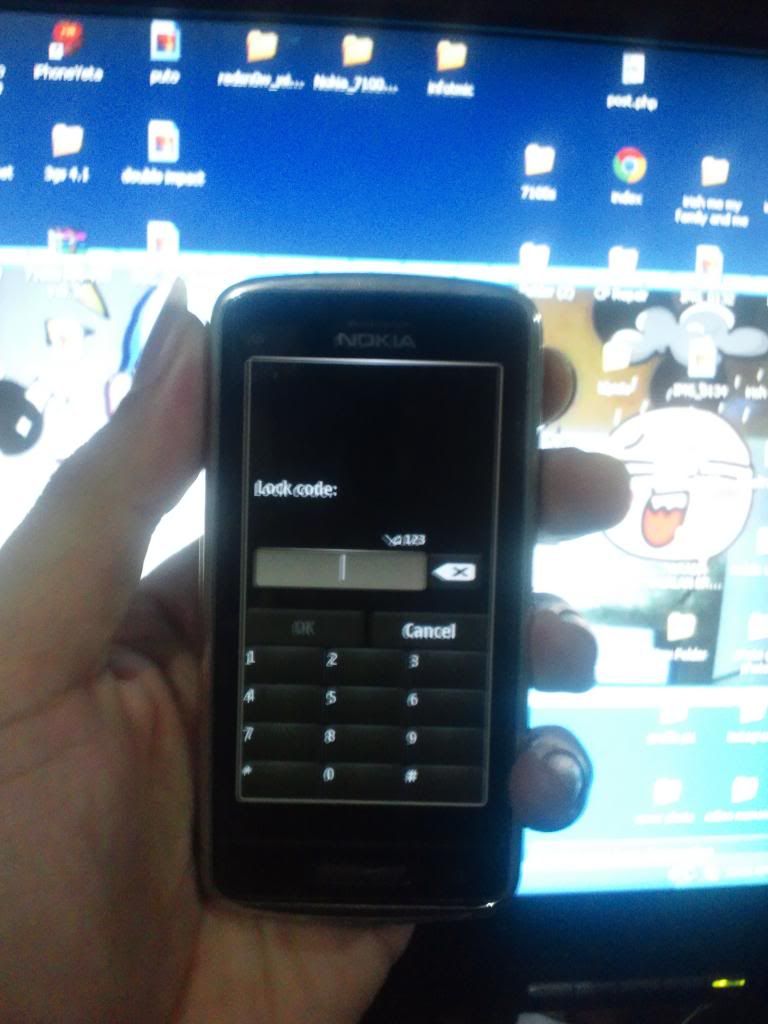
just follow my simple step
first the HARD RESET
You have to press 4 different buttons for this to work:
1. Turn Off the device
2.Press the Volume Down button
3.Press the Camera Button
4. Press the Menu Button
5. Last step is to press the Red Power/End Call button to initiate the wipe
6.Keep holding the four buttons until you see the Nokia Logo
When you see the welcome message it means the Hard Reset was successful.
take note:
ngayon wala na agad ang locked code sa umpisa kapag nag succes ung hard reset nyo
... pero hindi mo pa din mairerestore factory itself yan kasi may lock code number padin .. ang importante kasi mapapagana mo na ang pc suite or ovi suite once dinetect ng computer at sigurado akong mapag lolocal/test mode na yan
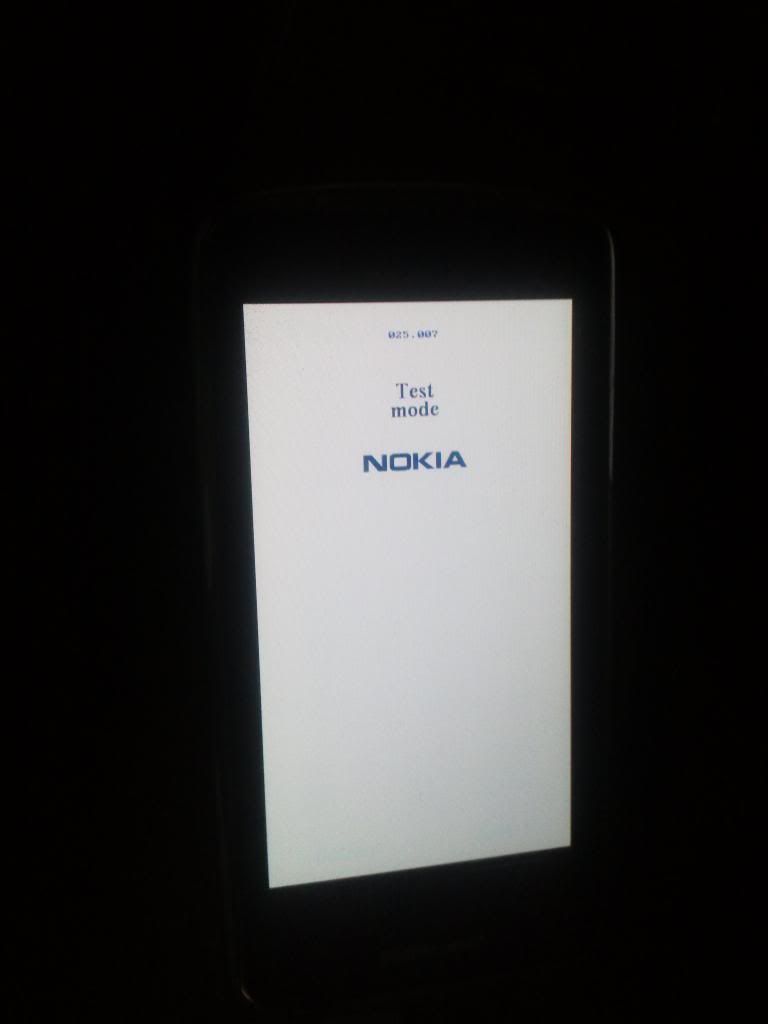
kaya
eto ang susunod na gagawin
second is
buksan ang OGM pa detect nyo sa USB at hit factory settings then click service sa OGM
screenshots
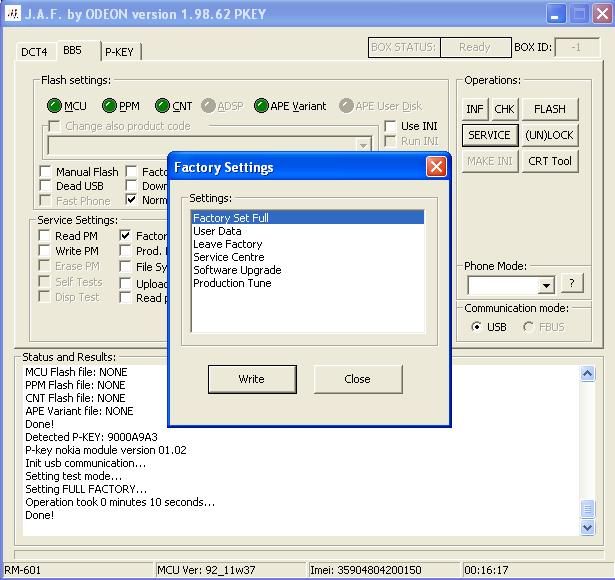
finish product

model: C6-01
problem: locked code
just follow my simple step
first the HARD RESET
You have to press 4 different buttons for this to work:
1. Turn Off the device
2.Press the Volume Down button
3.Press the Camera Button
4. Press the Menu Button
5. Last step is to press the Red Power/End Call button to initiate the wipe
6.Keep holding the four buttons until you see the Nokia Logo
When you see the welcome message it means the Hard Reset was successful.
take note:
ngayon wala na agad ang locked code sa umpisa kapag nag succes ung hard reset nyo
... pero hindi mo pa din mairerestore factory itself yan kasi may lock code number padin .. ang importante kasi mapapagana mo na ang pc suite or ovi suite once dinetect ng computer at sigurado akong mapag lolocal/test mode na yan
kaya
eto ang susunod na gagawin
second is
buksan ang OGM pa detect nyo sa USB at hit factory settings then click service sa OGM
screenshots
finish product