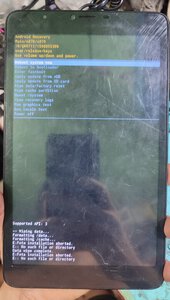
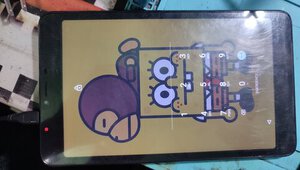
Hard reset for password issue, turn of tab, then press power, volume up and down, when logo appear release power button, remain volume up and down wait until go to recovery then do hard reset,
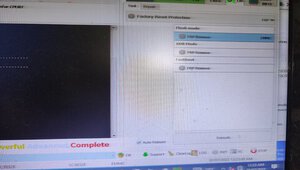
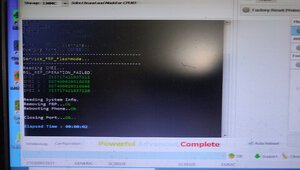
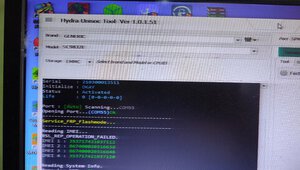
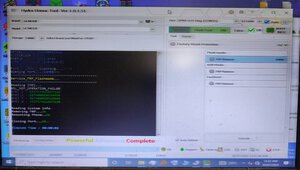
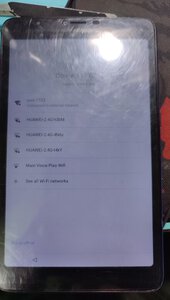
For frp solution open hydra spreadrum module choose generic and for model choose sc9832e, turn off tablet then press volume up for boot key, click boot info and plug the cable, wait until read the info of tablet,next step choose factory reset protection and choose frp remove in flash mode then check auto reboot and execute.
Wait until finish and your done.
For frp solution open hydra spreadrum module choose generic and for model choose sc9832e, turn off tablet then press volume up for boot key, click boot info and plug the cable, wait until read the info of tablet,next step choose factory reset protection and choose frp remove in flash mode then check auto reboot and execute.
Wait until finish and your done.
Attachments
-
 IMG_20220730_002456.jpg20 KB · Views: 2
 -
 IMG_20220730_002452.jpg21.9 KB · Views: 2
 -
 IMG_20220730_002448.jpg29.1 KB · Views: 2
 -
 IMG_20220730_002445.jpg25.5 KB · Views: 2
 -
 IMG_20220730_002437.jpg38 KB · Views: 3
 -
 IMG_20220730_001411.jpg67.1 KB · Views: 3
 -
 IMG_20220729_235908.jpg26.5 KB · Views: 3
 -
 IMG_20220729_235813.jpg28.4 KB · Views: 2