E
extreme
Anonymous
Cherry Mobile GEM hang Logo Done With Tested Firmware..
Model: Cherry Mobile Gem
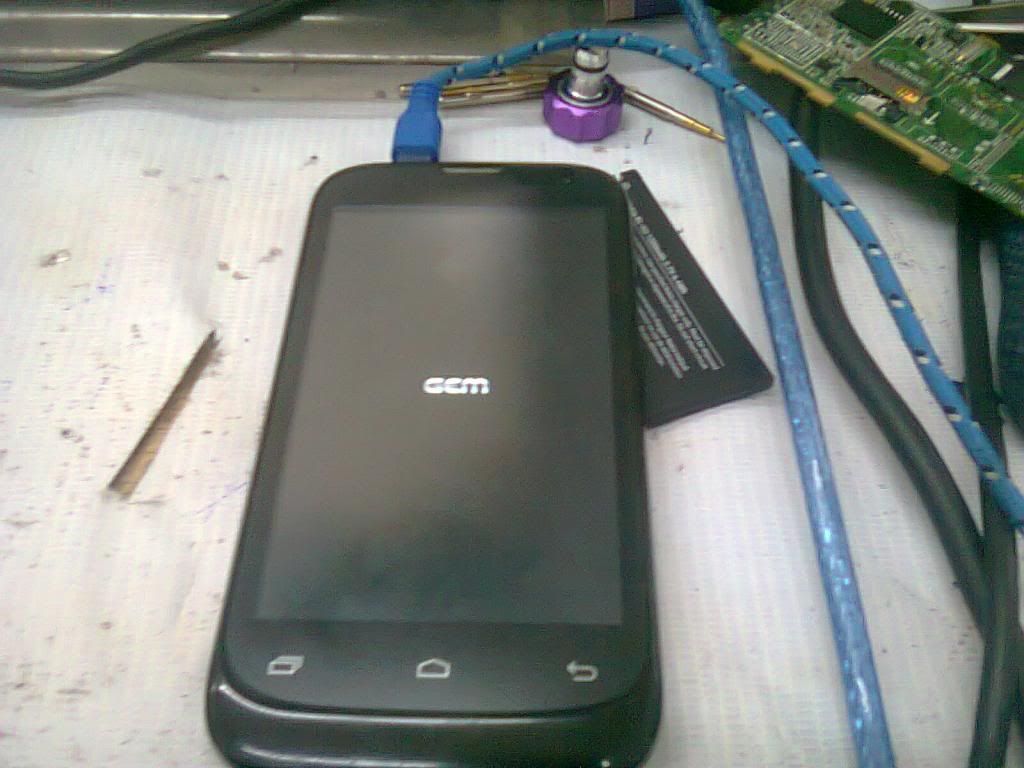
Problem: hang logo
Tools needed
1.USB cable
2.Firmware > Download Here > STOCK GEM
3.Usb driver > Download Here > Usb_Vcom_Auto_Installer_v1.1236.00
4.Flash tool > Download Here > SP_Flash_Tool_v3.1316.0.150(2)
Procedure to flash Your Phone.
first Turn off your phone.
1. Open SP flash Tools
2. Click on Scatter-loading
4. Click on'MT6572_Android_scatter_emmc.txt'
5. Click on Firmware > Upgrade
6.Press Vulume down and conect usb to your phone
Wait until Finish.
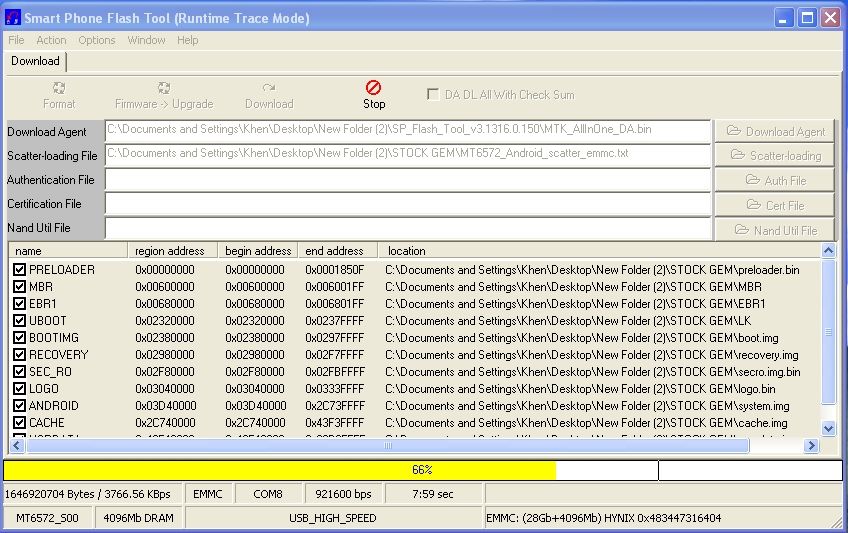
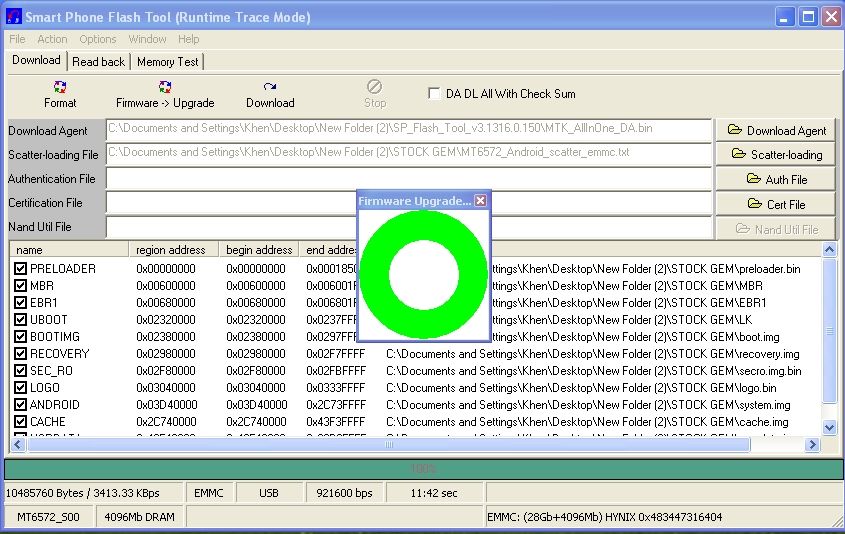
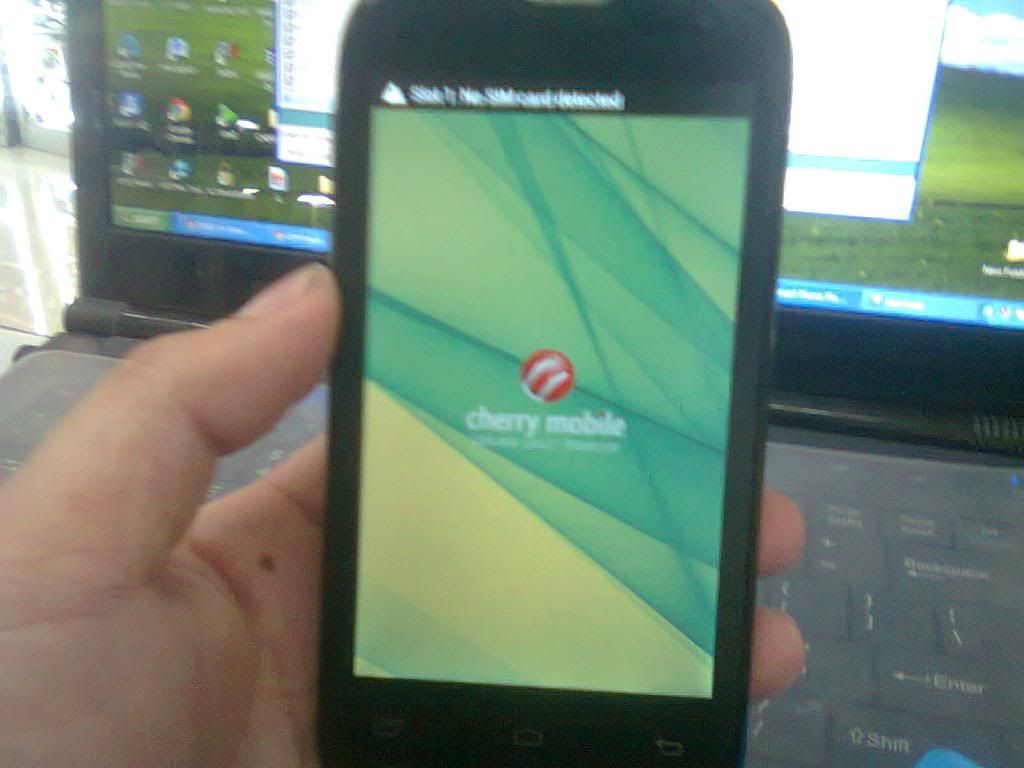
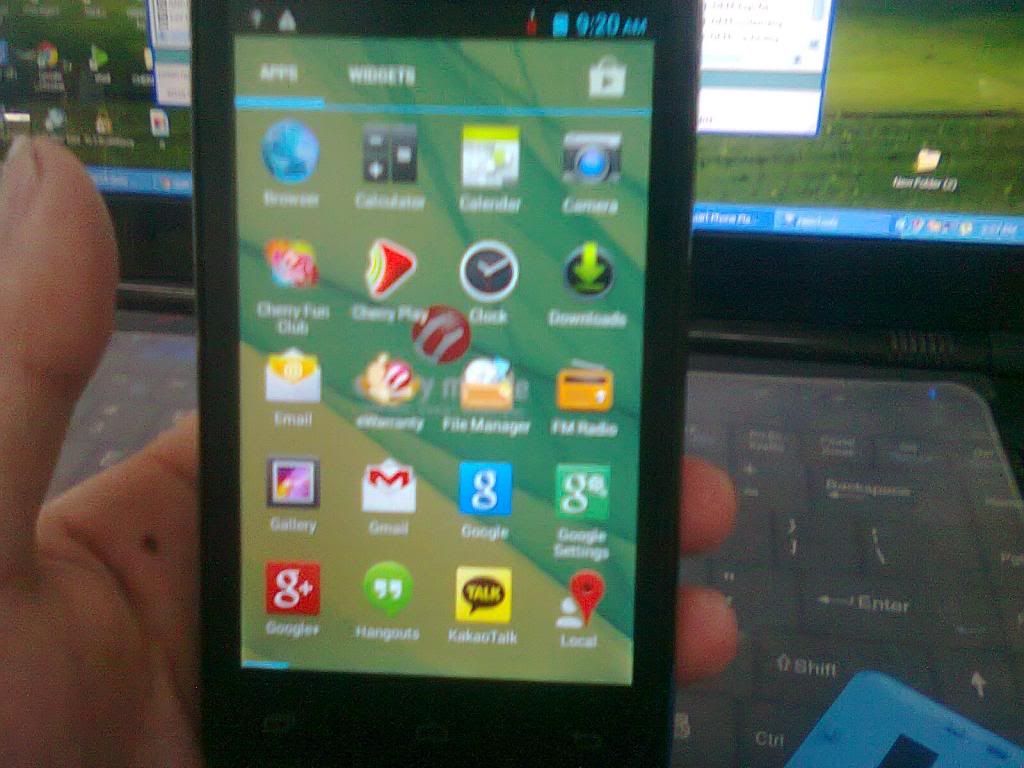
for reference......
Model: Cherry Mobile Gem

Problem: hang logo
Tools needed
1.USB cable
2.Firmware > Download Here > STOCK GEM
3.Usb driver > Download Here > Usb_Vcom_Auto_Installer_v1.1236.00
4.Flash tool > Download Here > SP_Flash_Tool_v3.1316.0.150(2)
Procedure to flash Your Phone.
first Turn off your phone.
1. Open SP flash Tools
2. Click on Scatter-loading
4. Click on'MT6572_Android_scatter_emmc.txt'
5. Click on Firmware > Upgrade
6.Press Vulume down and conect usb to your phone
Wait until Finish.


for reference......
