Cherry Mobile Hang sa Logo done with Firmware
Problem: Hang na ang unit pagbukas at di na tutuloy sa Menu...
Solution: Format via Volcano Tool
Tools:
*Volcano Box
*Volcano Tool v2.3.8 or latest version
*Micro Usb Jig (P-058)
*IMEI Tool
Screenshot:
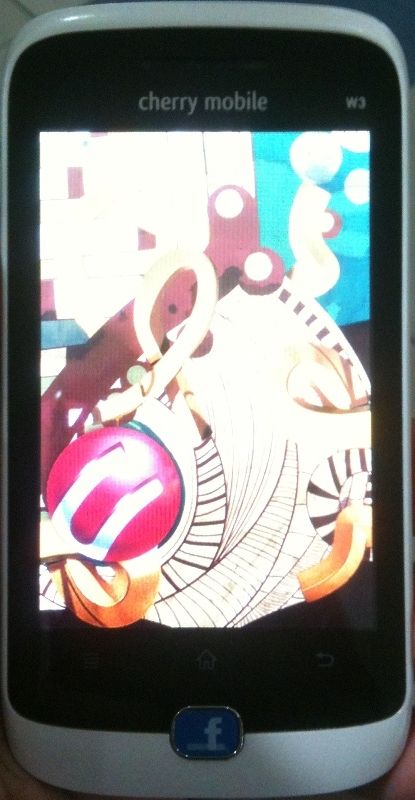
Hang na sya dito
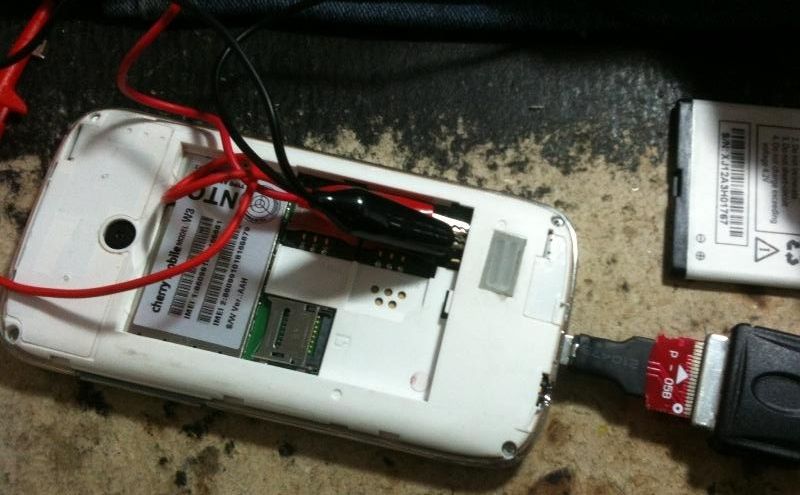
Connect phone via micro usb jig
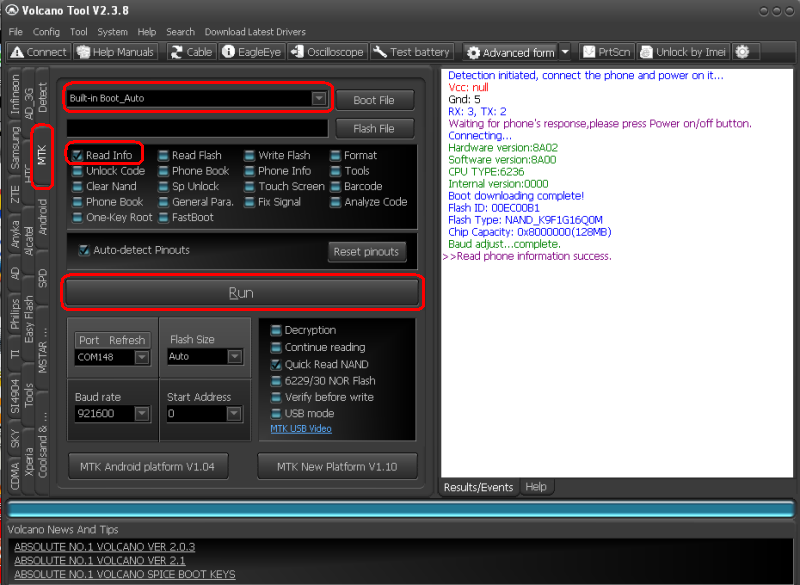
Open Volcano Tool, Click MTK, Select Boot_Auto, Check Read Info then click Run
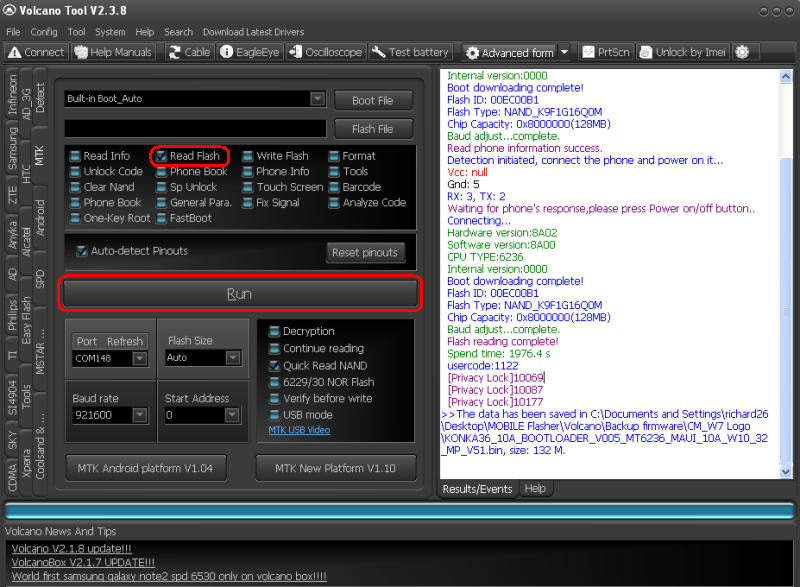
Check Read Flash then Click Run (for Back-up)
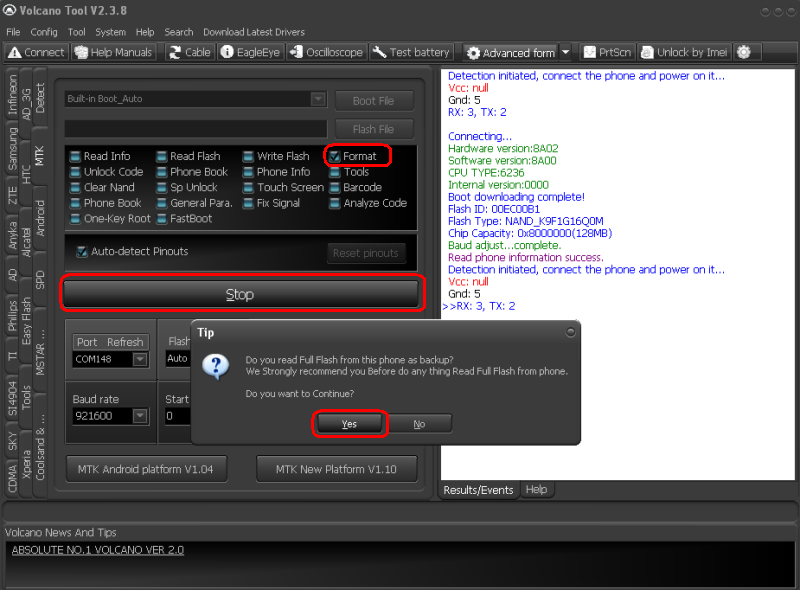
Check Format then Click Run, Tip tab will pop up then Click Yes
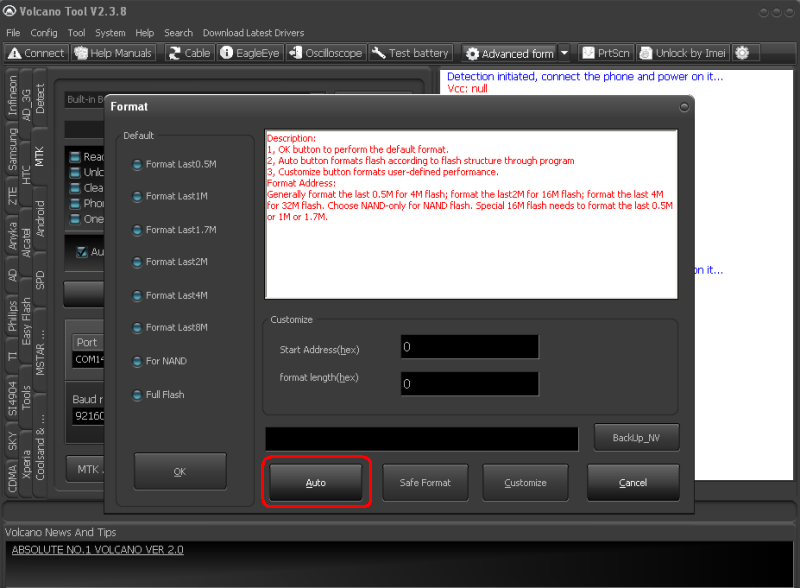
Select Auto
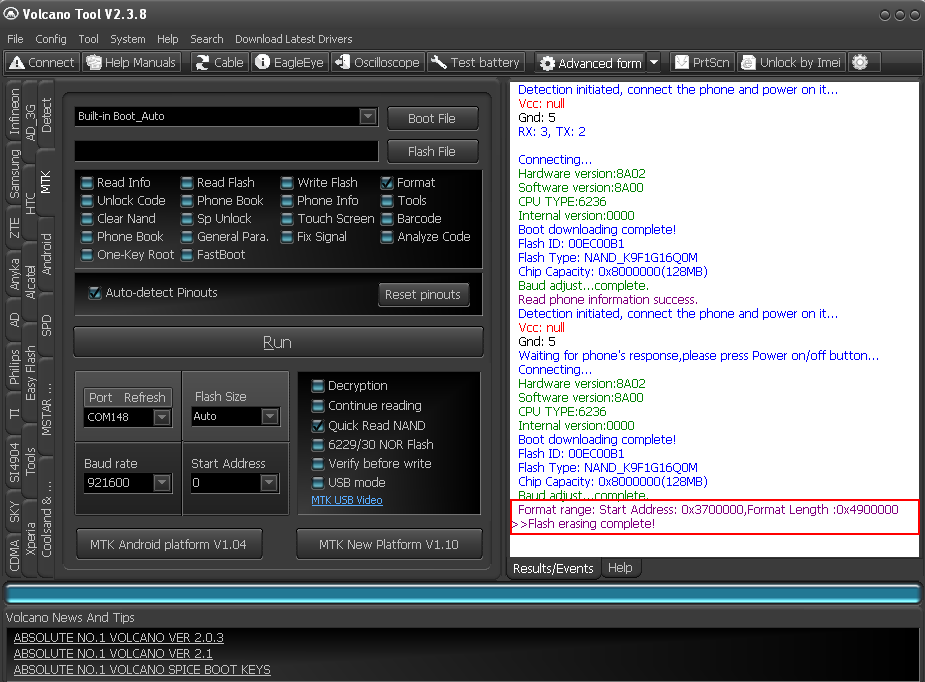
Wait Till Done Format
Done na sa Format at nagtuloy na sa Menu, kaso may problema sa IMEI
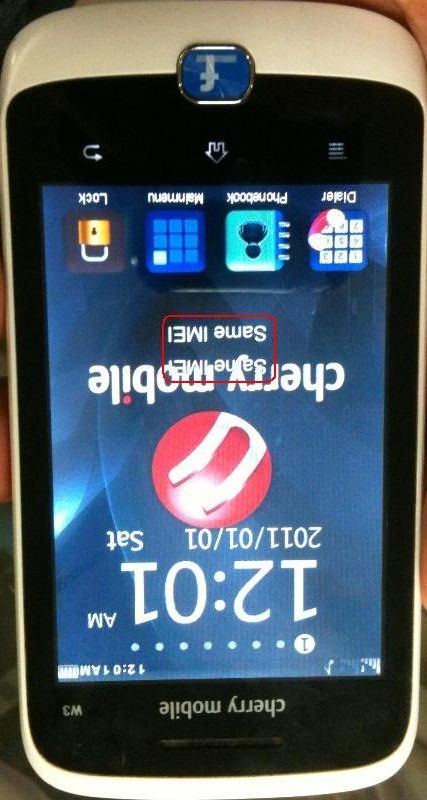
Same IMEI ang nakalagay, pero pag type mo ng *#06# isa lang IMEI
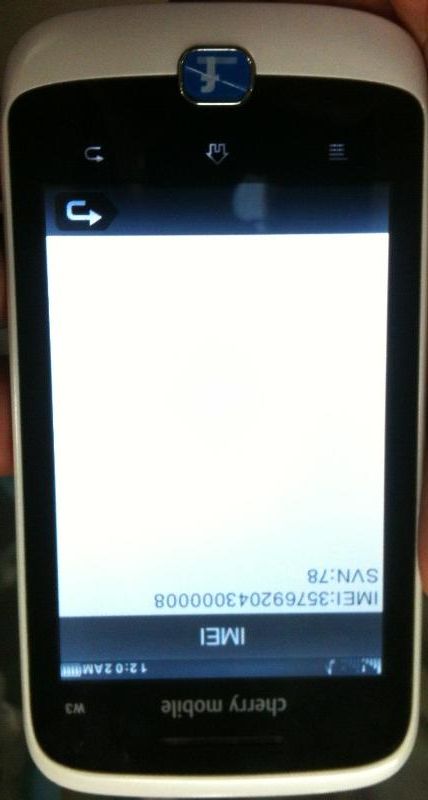
Need Repair pa ng IMEI, open IMEI Tool
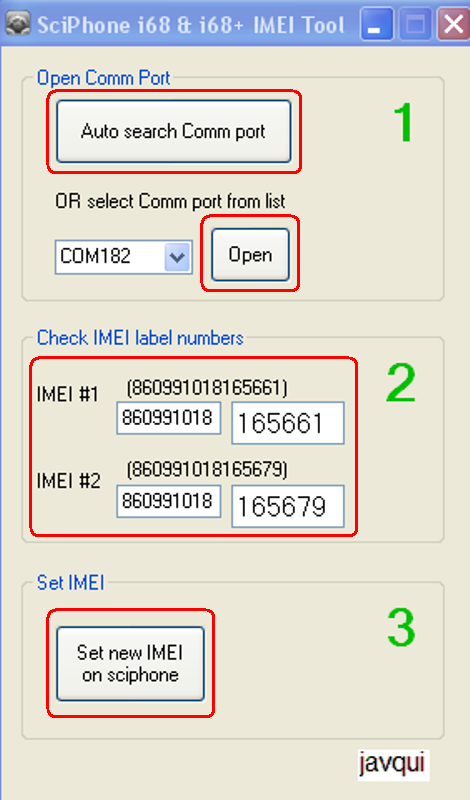
Copy IMEI sa likod ng unit then Follow step 1 2 3
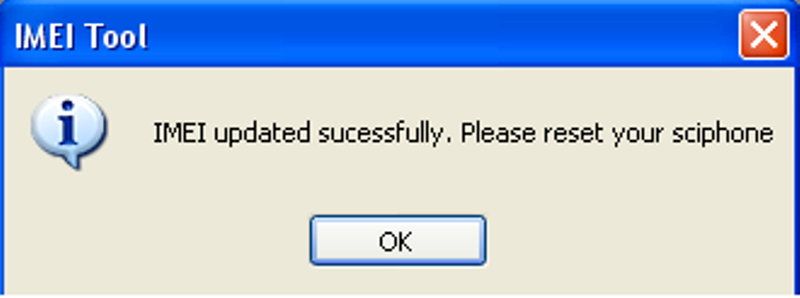
Finish Product:
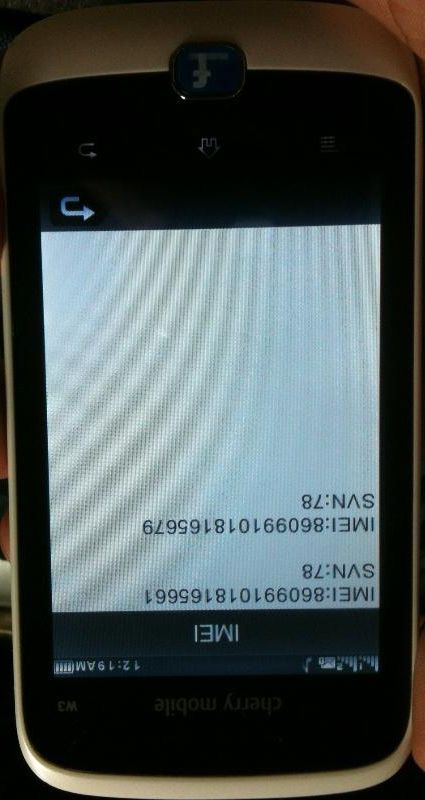
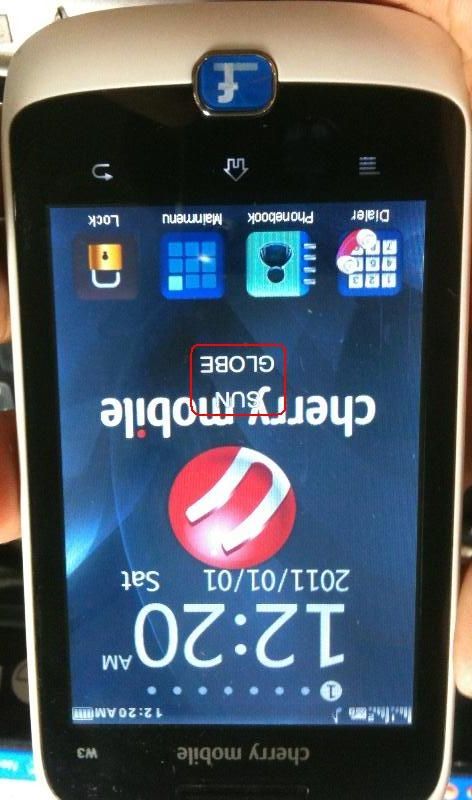
DONE...
Tools & Firmware Download Link
Cherry Mobile W3 Firmware
IMEI Tool
Problem: Hang na ang unit pagbukas at di na tutuloy sa Menu...
Solution: Format via Volcano Tool
Tools:
*Volcano Box
*Volcano Tool v2.3.8 or latest version
*Micro Usb Jig (P-058)
*IMEI Tool
Screenshot:
Hang na sya dito
Connect phone via micro usb jig
Open Volcano Tool, Click MTK, Select Boot_Auto, Check Read Info then click Run
Check Read Flash then Click Run (for Back-up)
Check Format then Click Run, Tip tab will pop up then Click Yes
Select Auto
Wait Till Done Format
Done na sa Format at nagtuloy na sa Menu, kaso may problema sa IMEI
Same IMEI ang nakalagay, pero pag type mo ng *#06# isa lang IMEI
Need Repair pa ng IMEI, open IMEI Tool
Copy IMEI sa likod ng unit then Follow step 1 2 3
Finish Product:
DONE...
Tools & Firmware Download Link
Cherry Mobile W3 Firmware
IMEI Tool