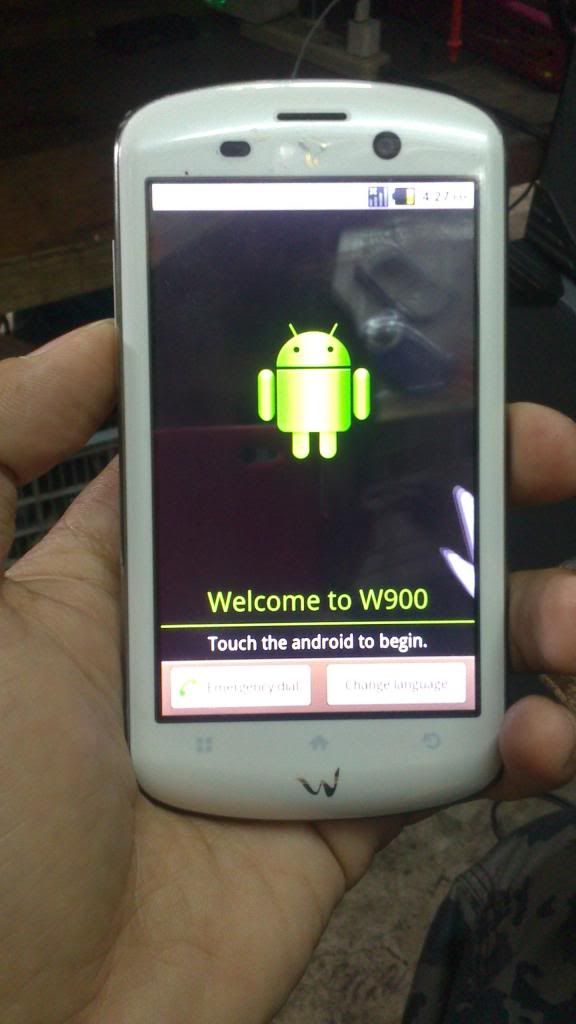
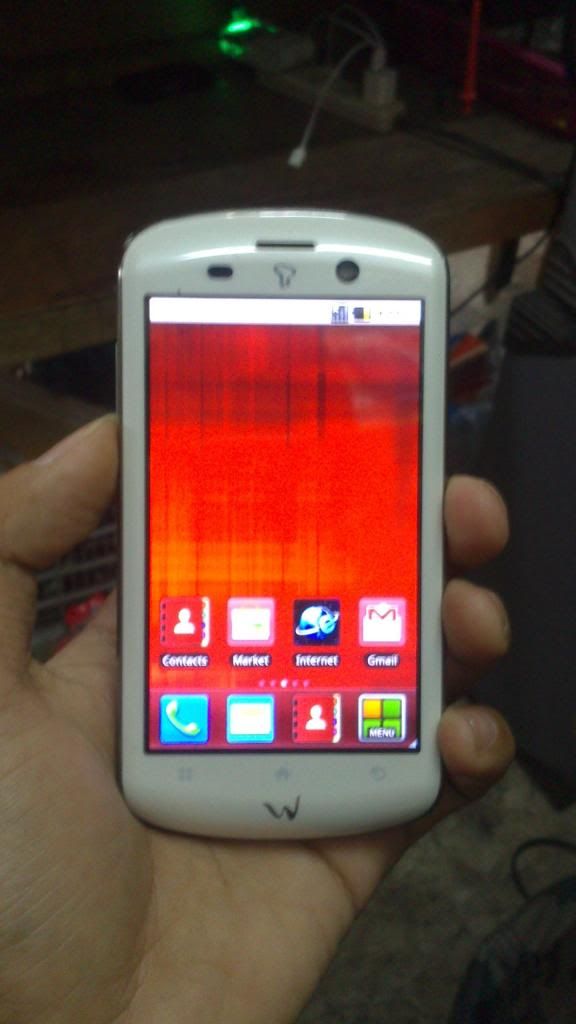
CM W900 patern problem.. done!
Magandang araw po mga katinapay... share ko lang po buenamano me ngayon araw..
cherry mobile W900 nka patern lock..
1.first turn off the phone
2.hold volume up and down + power button
3.kapag nagvibrate, pindutin ulit yung volume up, but dont release power key..
4.use volume down and up to select..
5.select system recovery and press home button to highlight WIFE DATA PARTATION..
6.select yes DELETE ALL USER DATA.. press power button.
7.select reboot system.. press power button...
pictures:
<textarea style="width: 500px;" readonly="readonly" class="ncode_imageresizer_warning" id="ncode_imageresizer_warning_7">Click here to view the original image of 576x1024px.</textarea>
<textarea style="width: 500px;" readonly="readonly" class="ncode_imageresizer_warning" id="ncode_imageresizer_warning_1">Click here to view the original image of 576x1024px.</textarea>
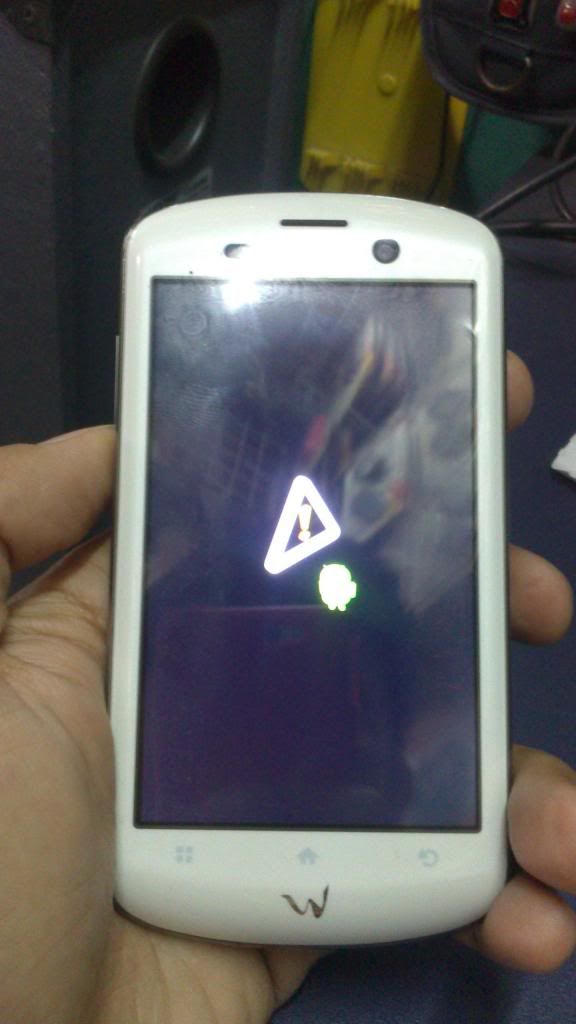
<textarea style="width: 500px;" readonly="readonly" class="ncode_imageresizer_warning" id="ncode_imageresizer_warning_2">Click here to view the original image of 576x1024px.</textarea>
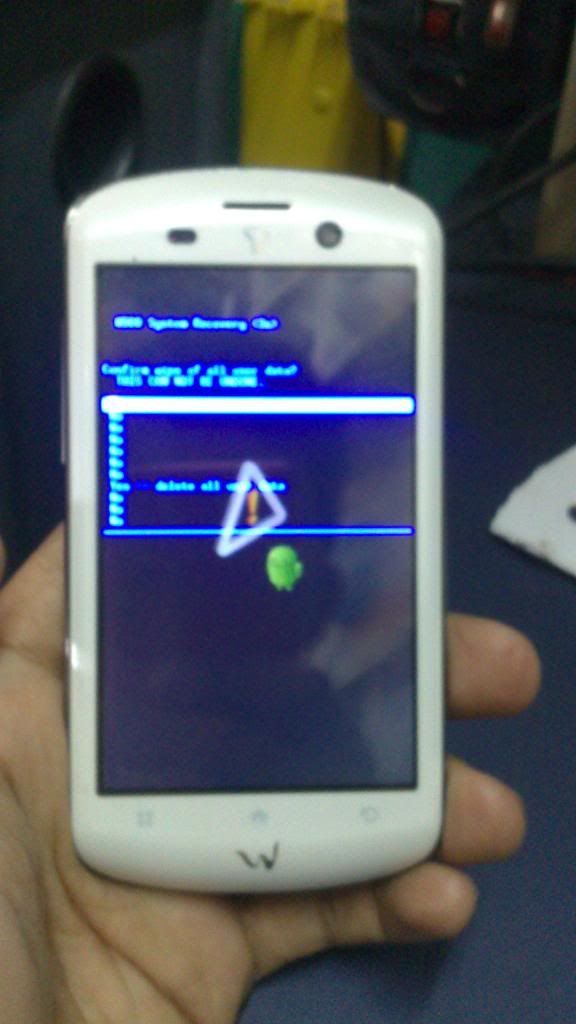
<textarea style="width: 500px;" readonly="readonly" class="ncode_imageresizer_warning" id="ncode_imageresizer_warning_3">Click here to view the original image of 576x1024px.</textarea>
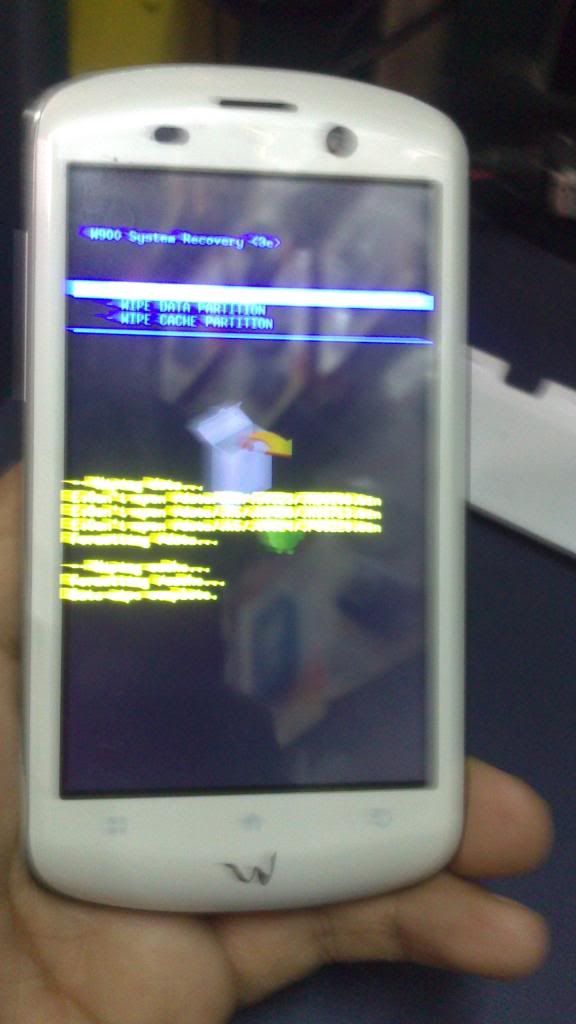
<textarea style="width: 500px;" readonly="readonly" class="ncode_imageresizer_warning" id="ncode_imageresizer_warning_4">Click here to view the original image of 576x1024px.</textarea>
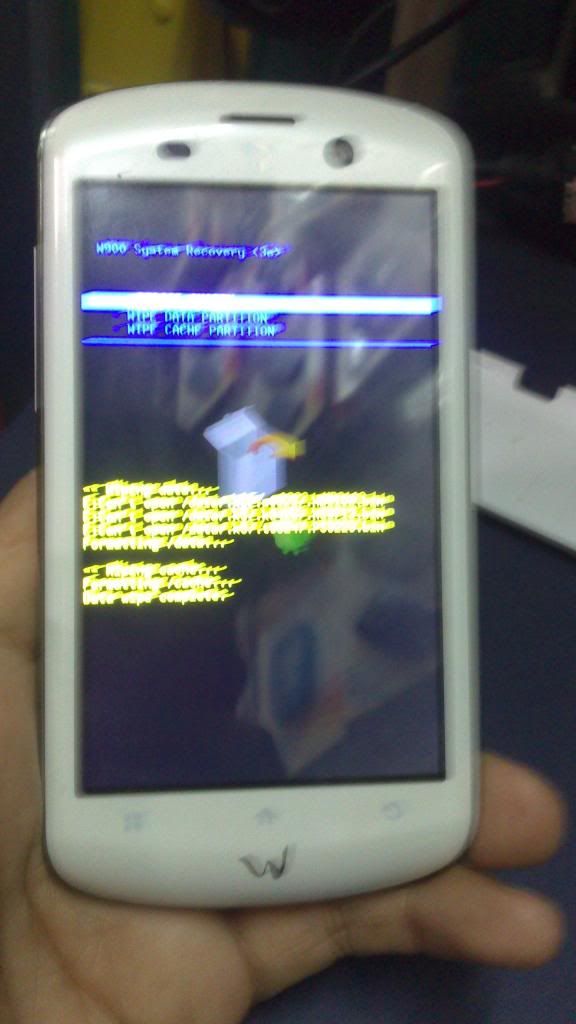
<textarea style="width: 500px;" readonly="readonly" class="ncode_imageresizer_warning" id="ncode_imageresizer_warning_5">Click here to view the original image of 576x1024px.</textarea>
<textarea style="width: 500px;" readonly="readonly" class="ncode_imageresizer_warning" id="ncode_imageresizer_warning_6">Click here to view the original image of 576x1024px.</textarea>
THANKS FOR VIEWING............
cherry mobile W900 nka patern lock..
1.first turn off the phone
2.hold volume up and down + power button
3.kapag nagvibrate, pindutin ulit yung volume up, but dont release power key..
4.use volume down and up to select..
5.select system recovery and press home button to highlight WIFE DATA PARTATION..
6.select yes DELETE ALL USER DATA.. press power button.
7.select reboot system.. press power button...
pictures:
<textarea style="width: 500px;" readonly="readonly" class="ncode_imageresizer_warning" id="ncode_imageresizer_warning_7">Click here to view the original image of 576x1024px.</textarea>
<textarea style="width: 500px;" readonly="readonly" class="ncode_imageresizer_warning" id="ncode_imageresizer_warning_1">Click here to view the original image of 576x1024px.</textarea>

<textarea style="width: 500px;" readonly="readonly" class="ncode_imageresizer_warning" id="ncode_imageresizer_warning_2">Click here to view the original image of 576x1024px.</textarea>

<textarea style="width: 500px;" readonly="readonly" class="ncode_imageresizer_warning" id="ncode_imageresizer_warning_3">Click here to view the original image of 576x1024px.</textarea>

<textarea style="width: 500px;" readonly="readonly" class="ncode_imageresizer_warning" id="ncode_imageresizer_warning_4">Click here to view the original image of 576x1024px.</textarea>

<textarea style="width: 500px;" readonly="readonly" class="ncode_imageresizer_warning" id="ncode_imageresizer_warning_5">Click here to view the original image of 576x1024px.</textarea>

<textarea style="width: 500px;" readonly="readonly" class="ncode_imageresizer_warning" id="ncode_imageresizer_warning_6">Click here to view the original image of 576x1024px.</textarea>

THANKS FOR VIEWING............
Last edited by a moderator: