]Model:
Ctroniq Snook C79Q
Status:
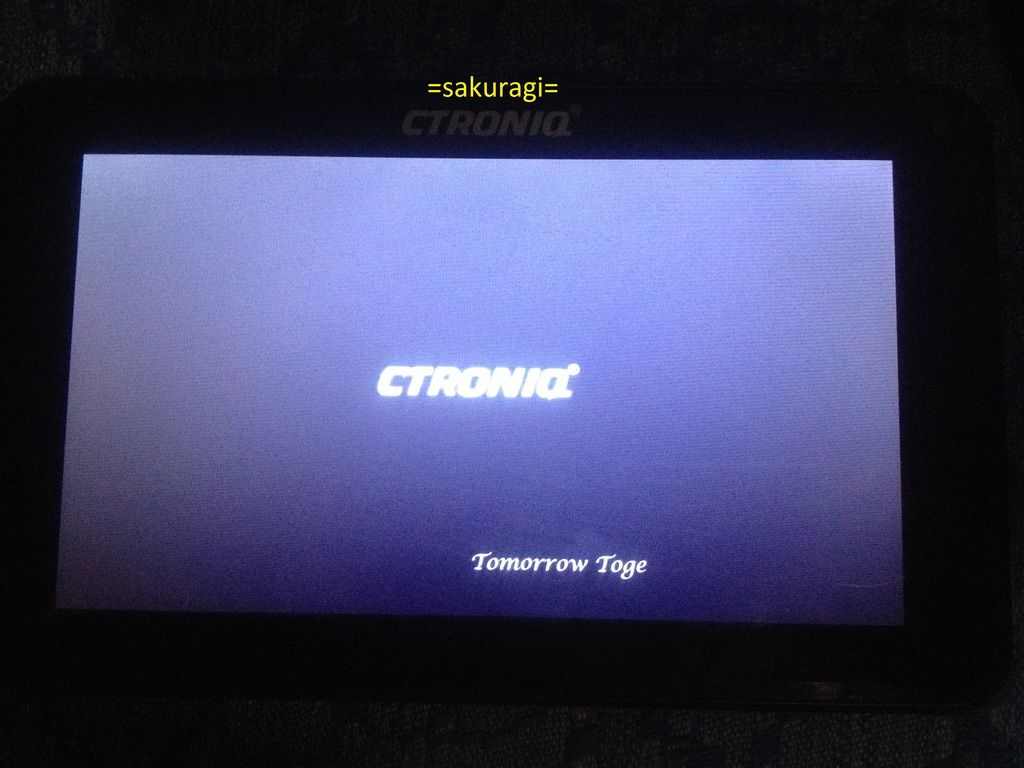
Hang in Logo
Action Taken:
Hard reset
Procedure for HR
1. press and hold power button + vol up
2. release power button when Ctroniq logo appear, while still holding vol up
until adroid logo appear,
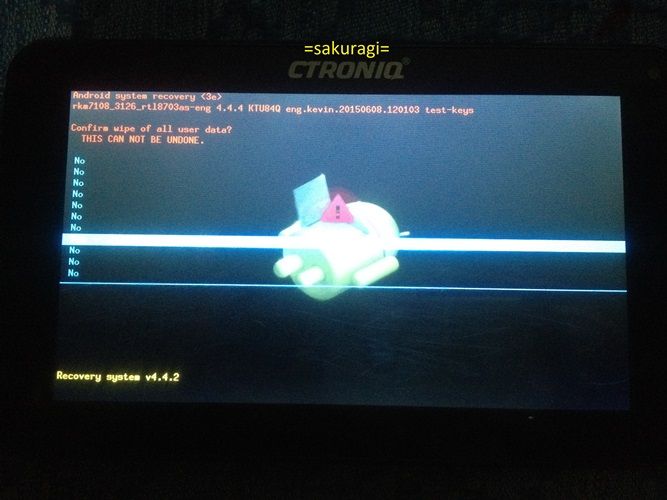
3. go to recovery mode
4. Press power button + vol up and voldown for 5 second then release all buttons
then immediately press again vol up + vol down together (kailangan sabay)
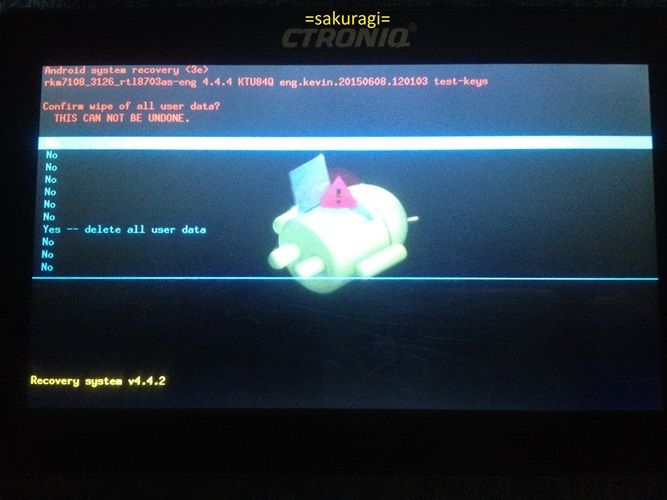
5. then wipe the device.
use vol up and vol down to select
power button to confirm.
SS:
Hang in logo
HR
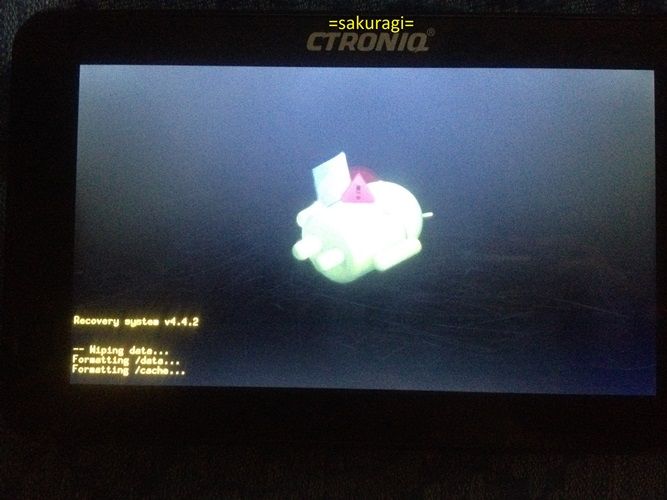
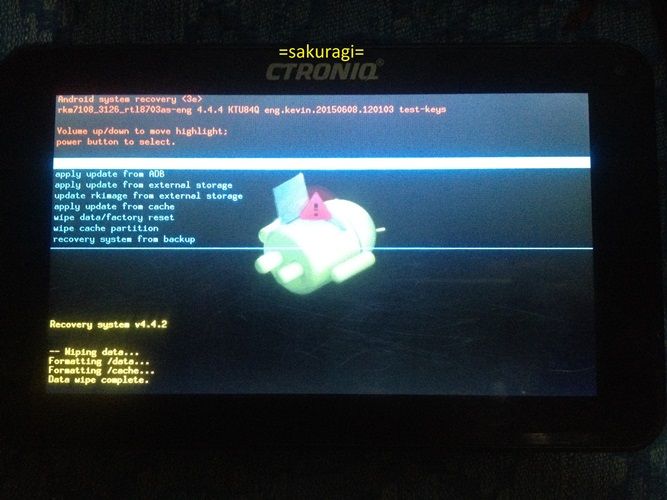
Done
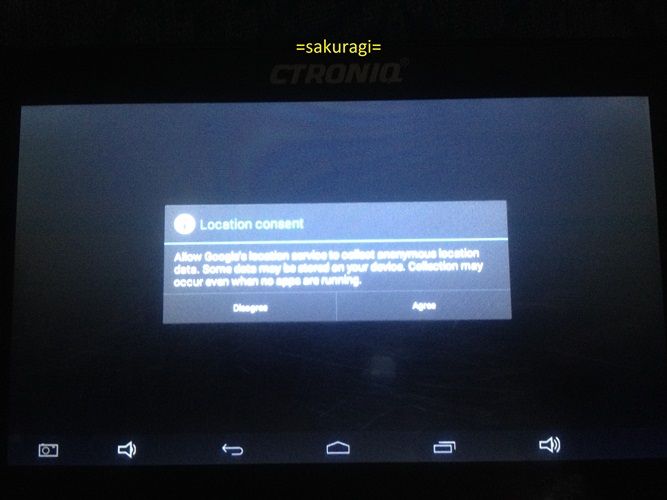
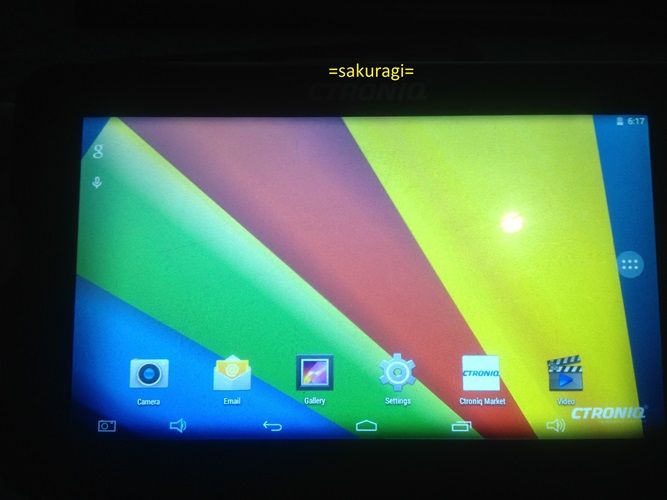
Ctroniq Snook C79Q
Status:
Hang in Logo
Action Taken:
Hard reset
Procedure for HR
1. press and hold power button + vol up
2. release power button when Ctroniq logo appear, while still holding vol up
until adroid logo appear,
3. go to recovery mode
4. Press power button + vol up and voldown for 5 second then release all buttons
then immediately press again vol up + vol down together (kailangan sabay)
5. then wipe the device.
use vol up and vol down to select
power button to confirm.
SS:
Hang in logo

HR


Done

