
UNIT
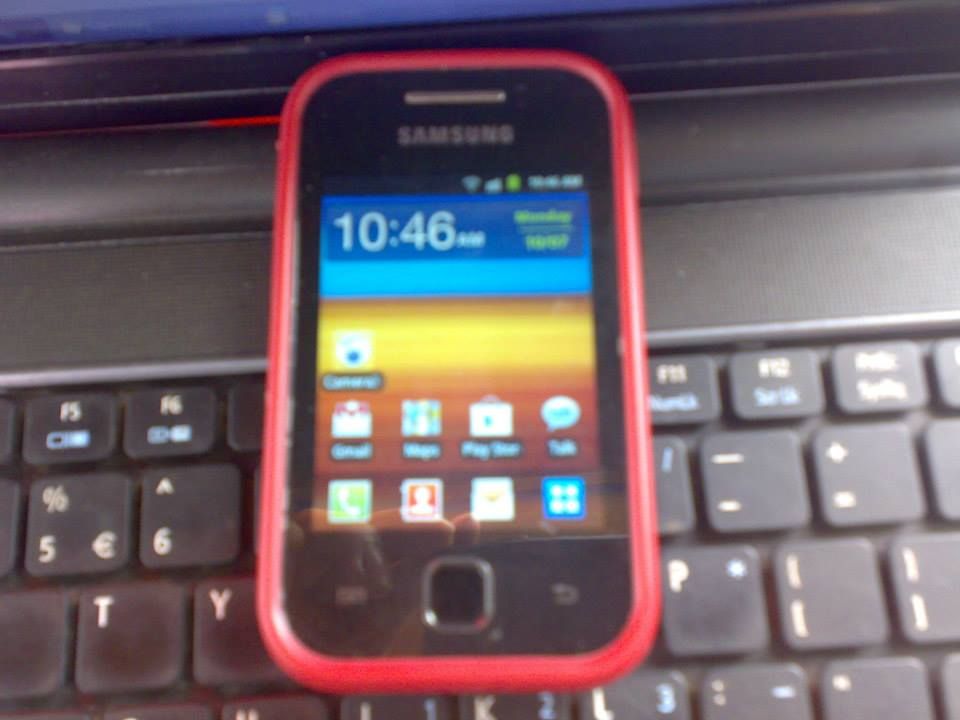
Samsung s5360[galaxy Y]
PROBLEM
no problem:jv
need to upgrade to jelly bean 4.1.1
TOOLS
1.root file:http://www.4shared.com/zip/SNDWJ5uF/update_s5360_root.html
2.skin1980-gt-s5360 cwm.zip:http://www.4shared.com/zip/Mkdei3P4/skin1980-gt-s5360_cwm.html
3.jellyblastgened.signed.zip:http://www.4shared.com/zip/nyy7d3x3/jellyblastgenedsigned.html
PROCEDURE
SCREENSHOTS



At higit sa lahat download nlang po keu ng go sms pro v5.23 sa apps store,oh kaya sa google tpos install sa phone nyo para makapag text n kayo...

Sana makatulong sa lahat............:tgy
Samsung s5360[galaxy Y]
PROBLEM
no problem:jv
need to upgrade to jelly bean 4.1.1
TOOLS
1.root file:http://www.4shared.com/zip/SNDWJ5uF/update_s5360_root.html
2.skin1980-gt-s5360 cwm.zip:http://www.4shared.com/zip/Mkdei3P4/skin1980-gt-s5360_cwm.html
3.jellyblastgened.signed.zip:http://www.4shared.com/zip/nyy7d3x3/jellyblastgenedsigned.html
PROCEDURE
Installation guide (Updated):
Step 1 - Download Jelly Blast ROM for Galaxy Y to your phone.
Step 2 - Place the rom zip file in your sd card. Do not place it in any folders!
Step 3 - Then, turn off your phone.
Step 4 - After your phone is switched off, hold the Volume Up, Home and Power button altogether .
Step 5 - Use the volume keys to move up and down.
Step 6 - Select apply update from sd card, then press CWM.zip
Step 7 - In CWM recovery, wipe data and cache.
Step 8 - Select install zip from sd card
Step 9 - Choose JellyBlastGenED.signed.zip
Step 10 - Choose "Yes" (It will be
installed)
Step 11- After the rom has been installed, reboot your phone!
Step 12- After your phone has rebooted, you have sucessfully updated your galaxy y to Android
4.1 Jelly Bean.
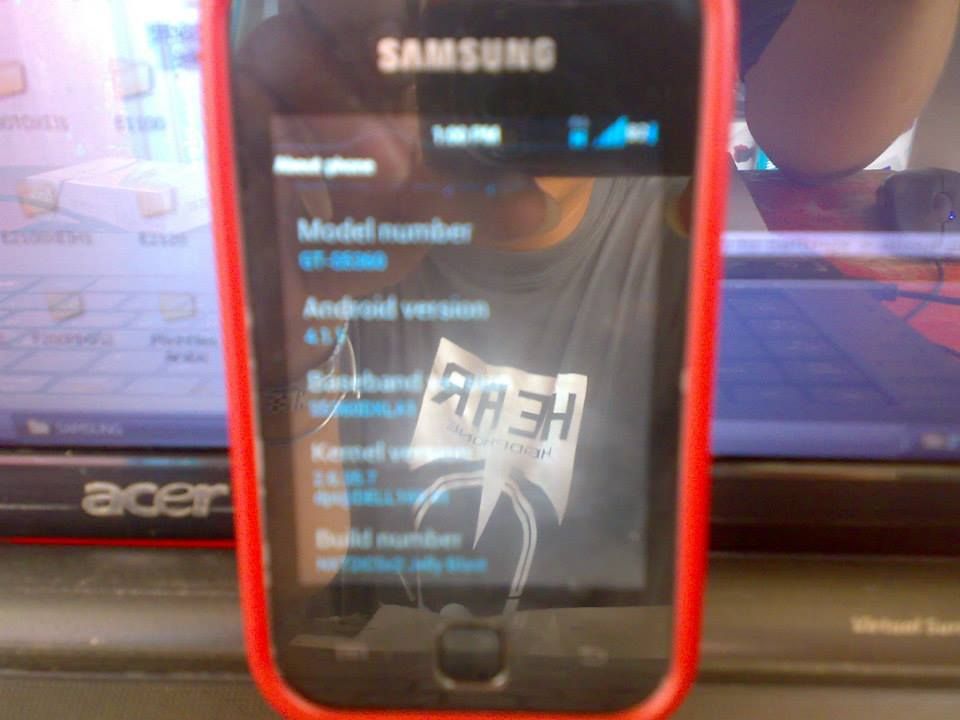
That’s it! Your Galaxy Y should now have Jelly Bean Blast Android 4.1 ROM installed on your phone! Go to Settings > About phone to verify.
SCREENSHOTS
At higit sa lahat download nlang po keu ng go sms pro v5.23 sa apps store,oh kaya sa google tpos install sa phone nyo para makapag text n kayo...
Sana makatulong sa lahat............:tgy