These are instructions on how to jailbreak your iPhone on iOS 9.2 - iOS 9.3.3 without using a computer and without needing to provide Apple ID login information.
Be sure to backup your device using iCloud or iTunes before beginning this tutorial. You should also update to iOS 9.3.3 if you are on an earlier firmware version. This isn't required but is suggested as Apple has fixed many bugs between iOS 9.2 and iOS 9.3.3.
Supported devices include: iPhone 5s, iPhone 6, iPhone 6 Plus, iPhone 6s, iPhone 6s Plus, iPhone SE, iPod touch 6G, iPad mini 2, iPad mini 3, iPad mini 4, iPad Air, iPad Air 2, iPad Pro.
Step One
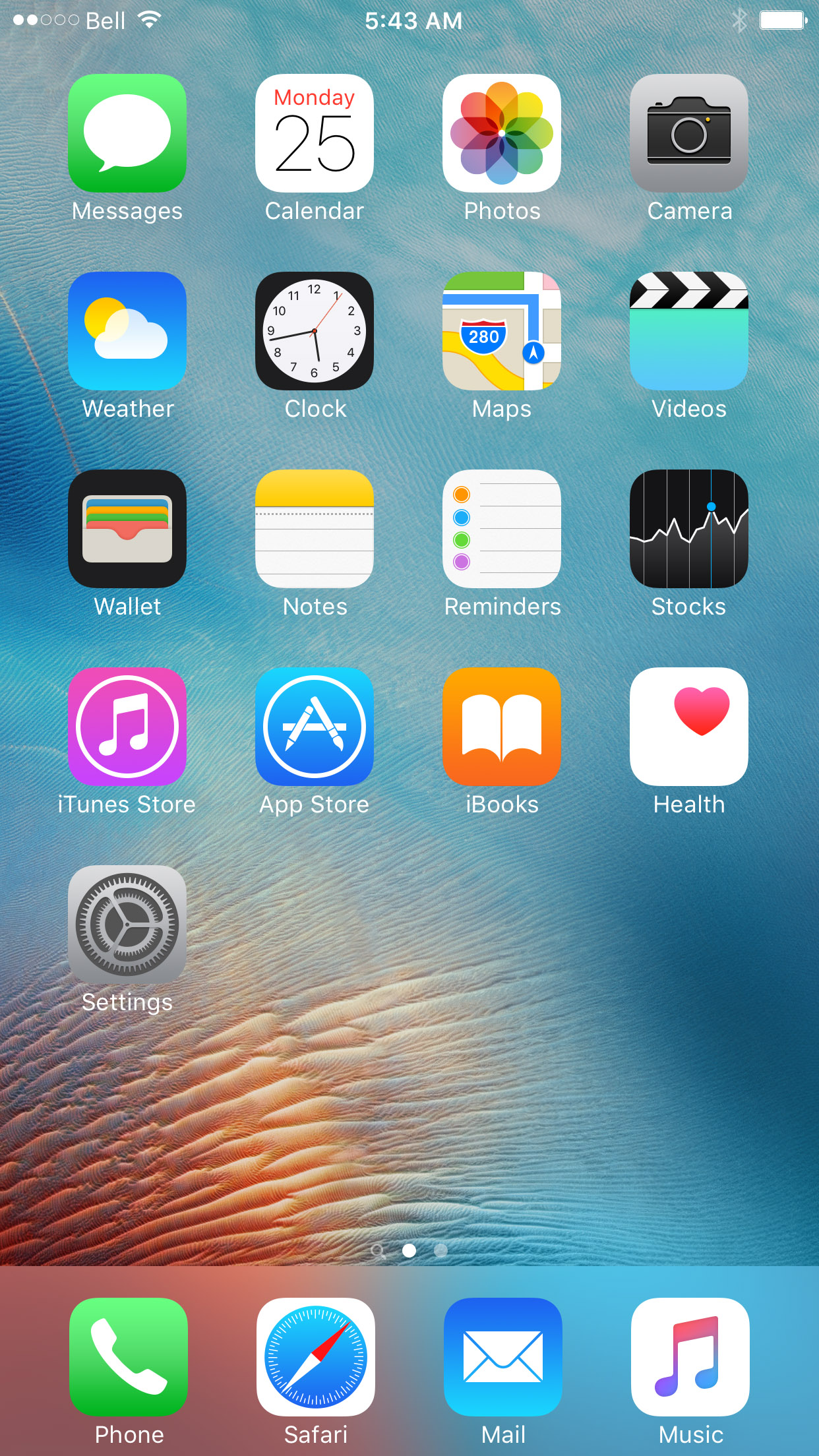
Launch Safari from your Springboard.
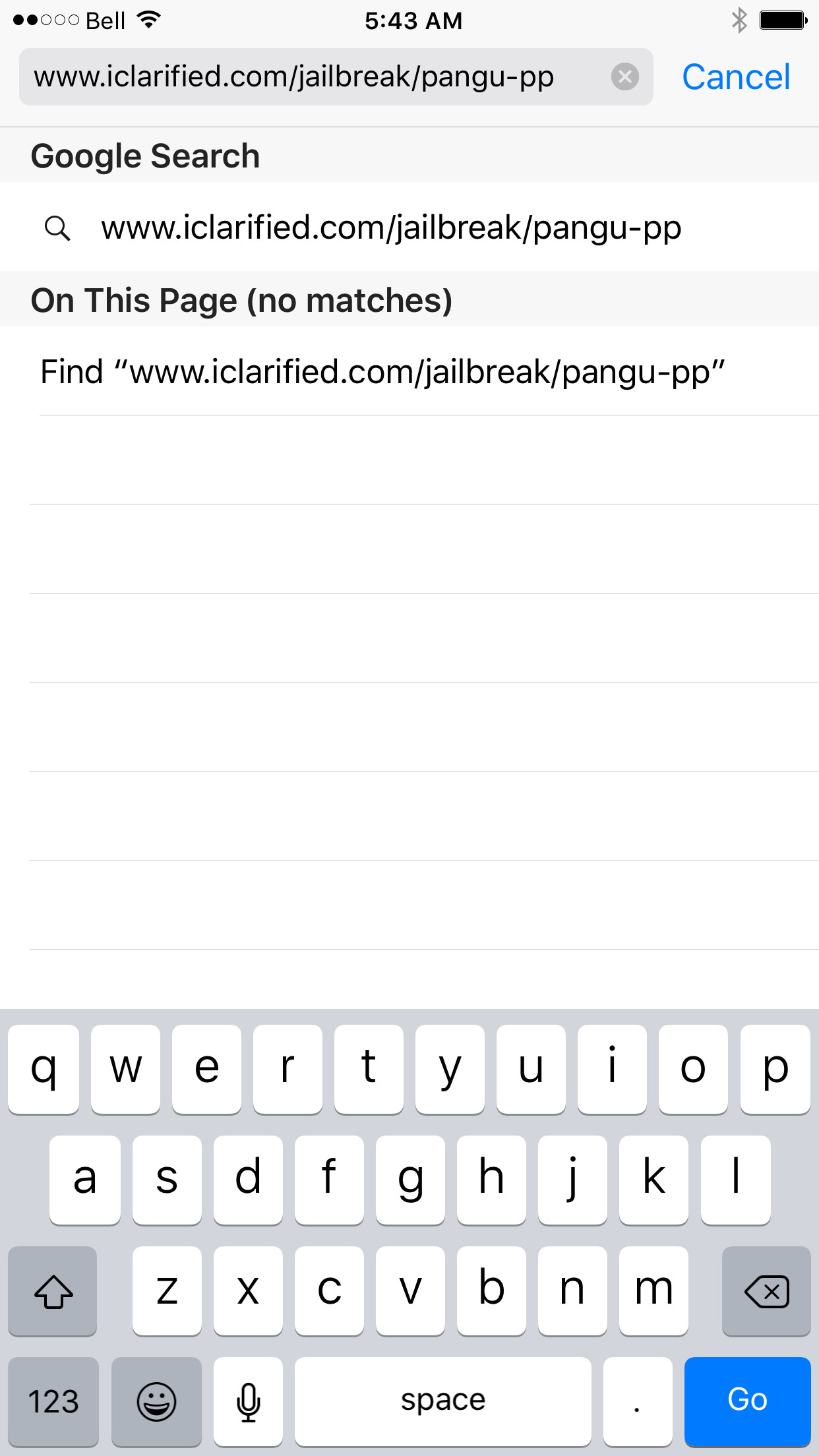
Step Two

Step Three
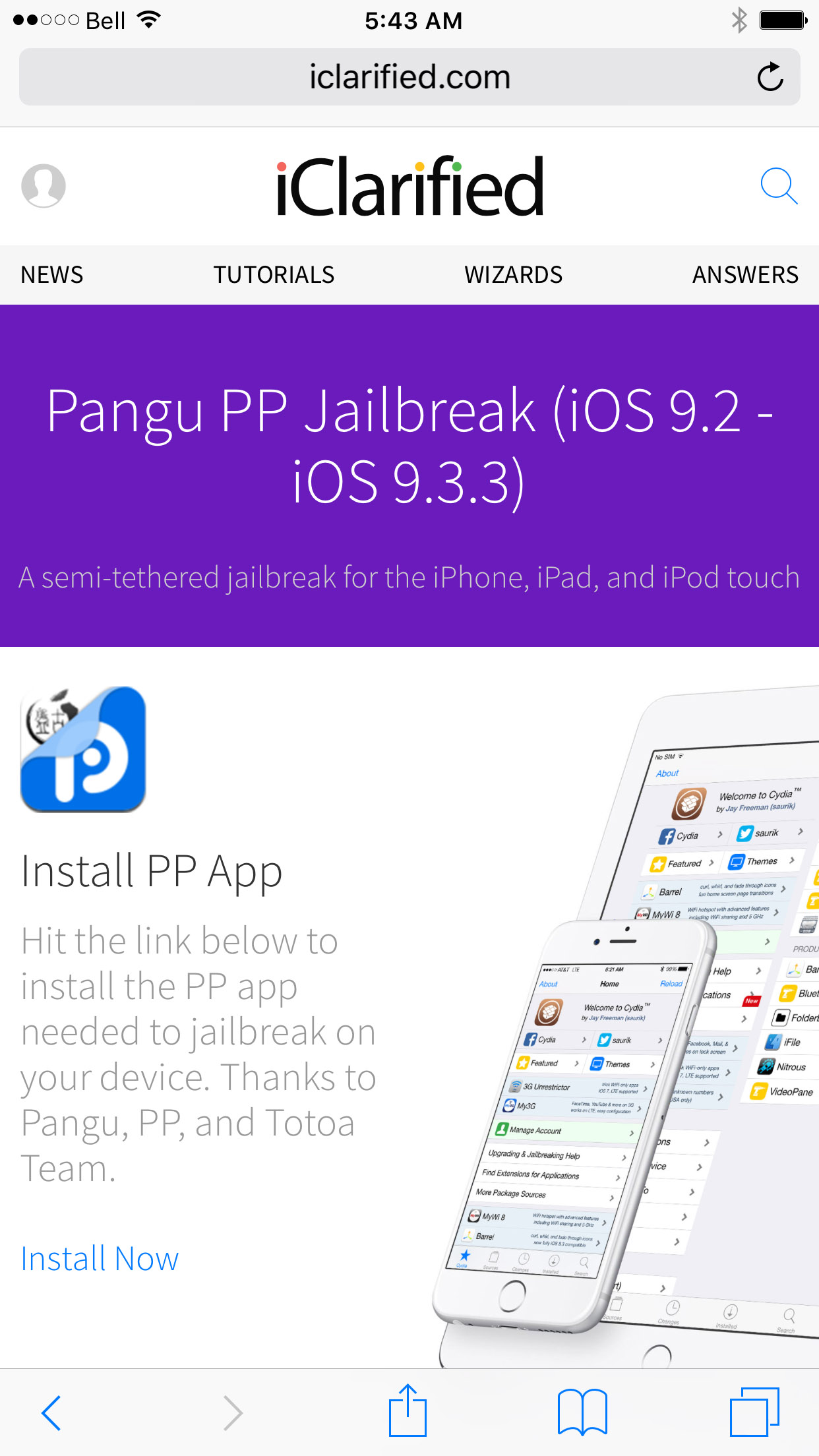
Click the Install Now link near the bottom left of the page.
Step Four
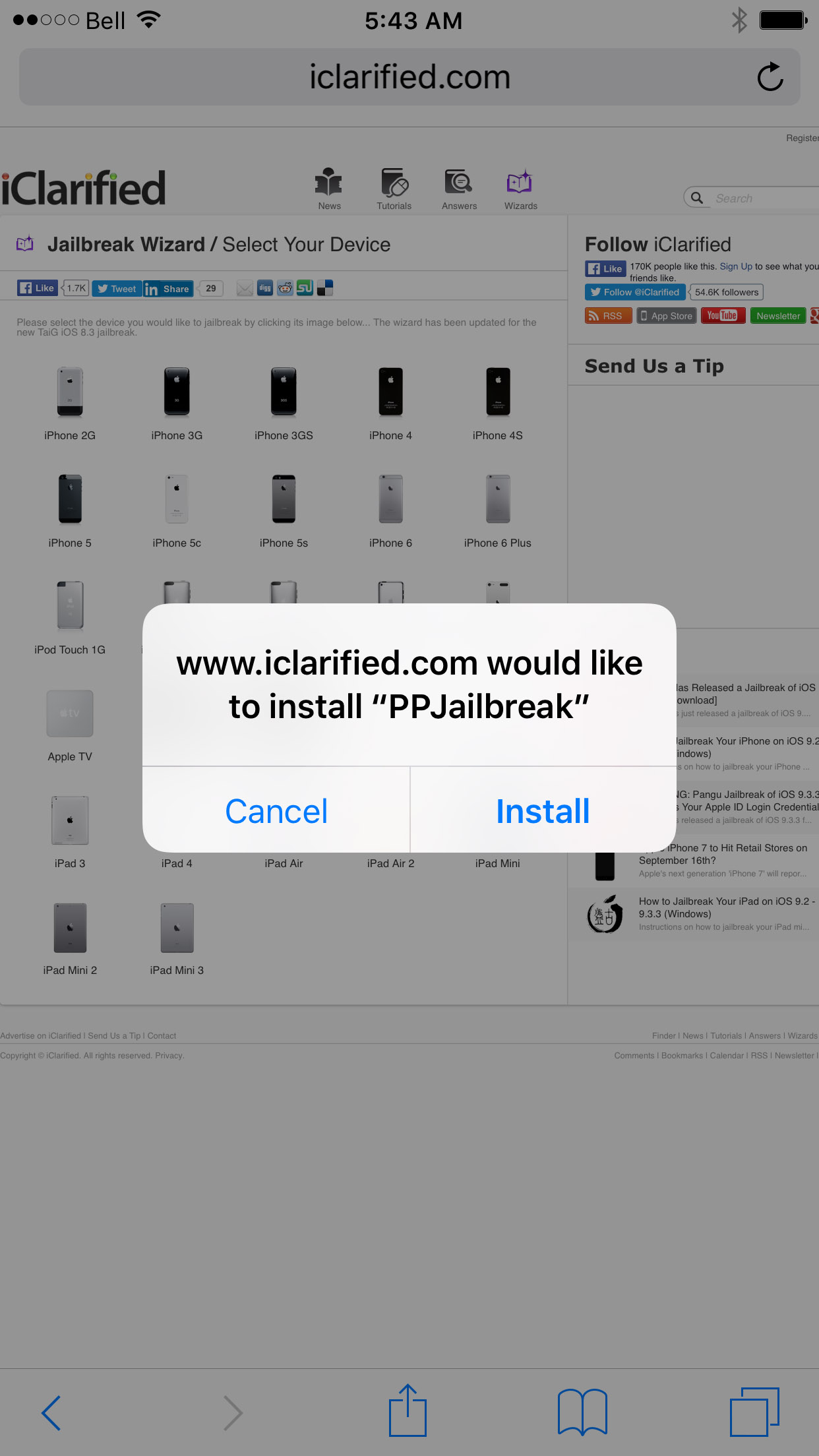
Hit the Install button on the popup that appears.
Step Five
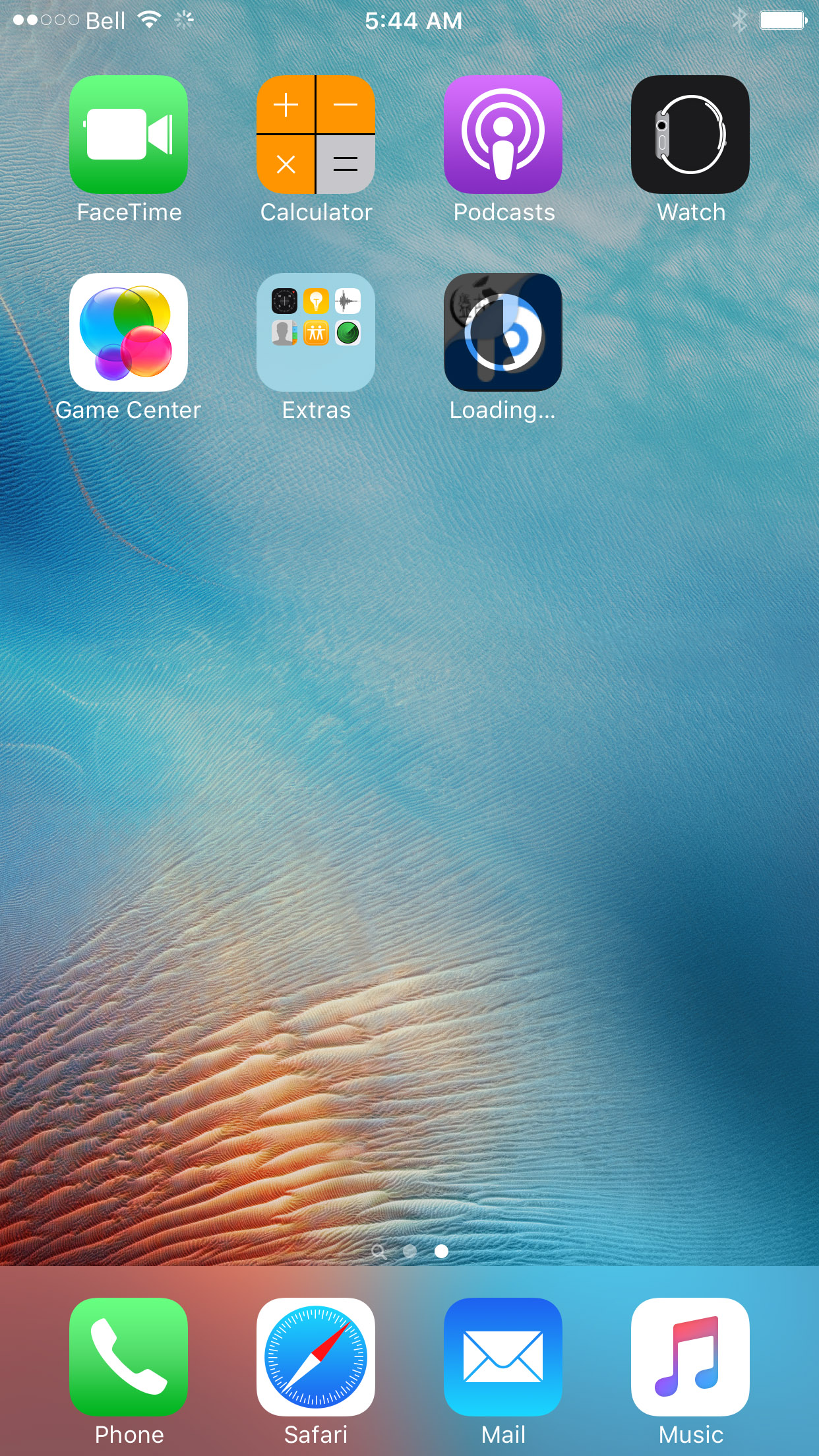
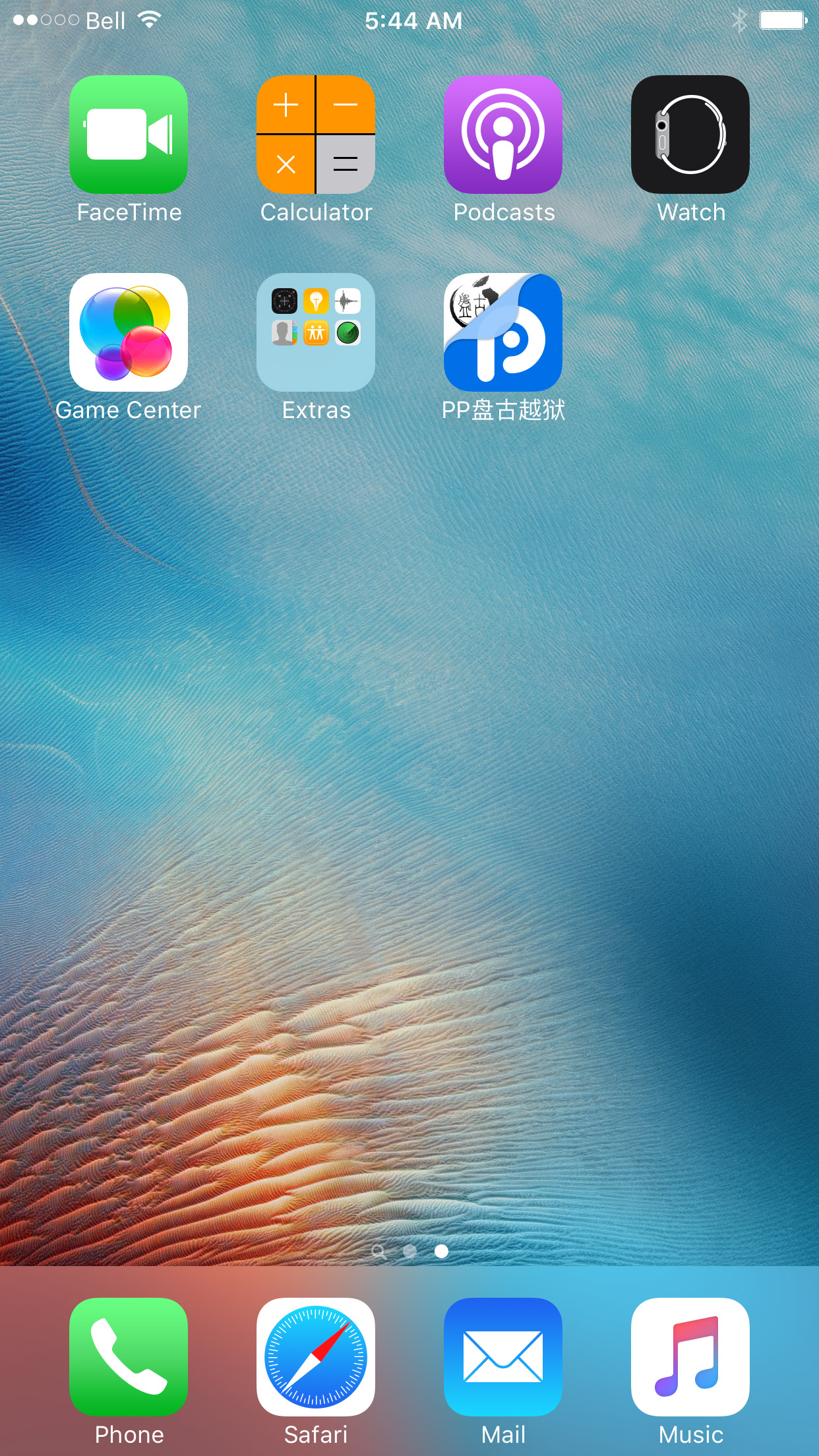
The PP app will now be installed on your device.
Step Six
Once the app has successfully downloaded to your device you must trust the enterprise developer profile used by Totoa Team to sign the PP app.
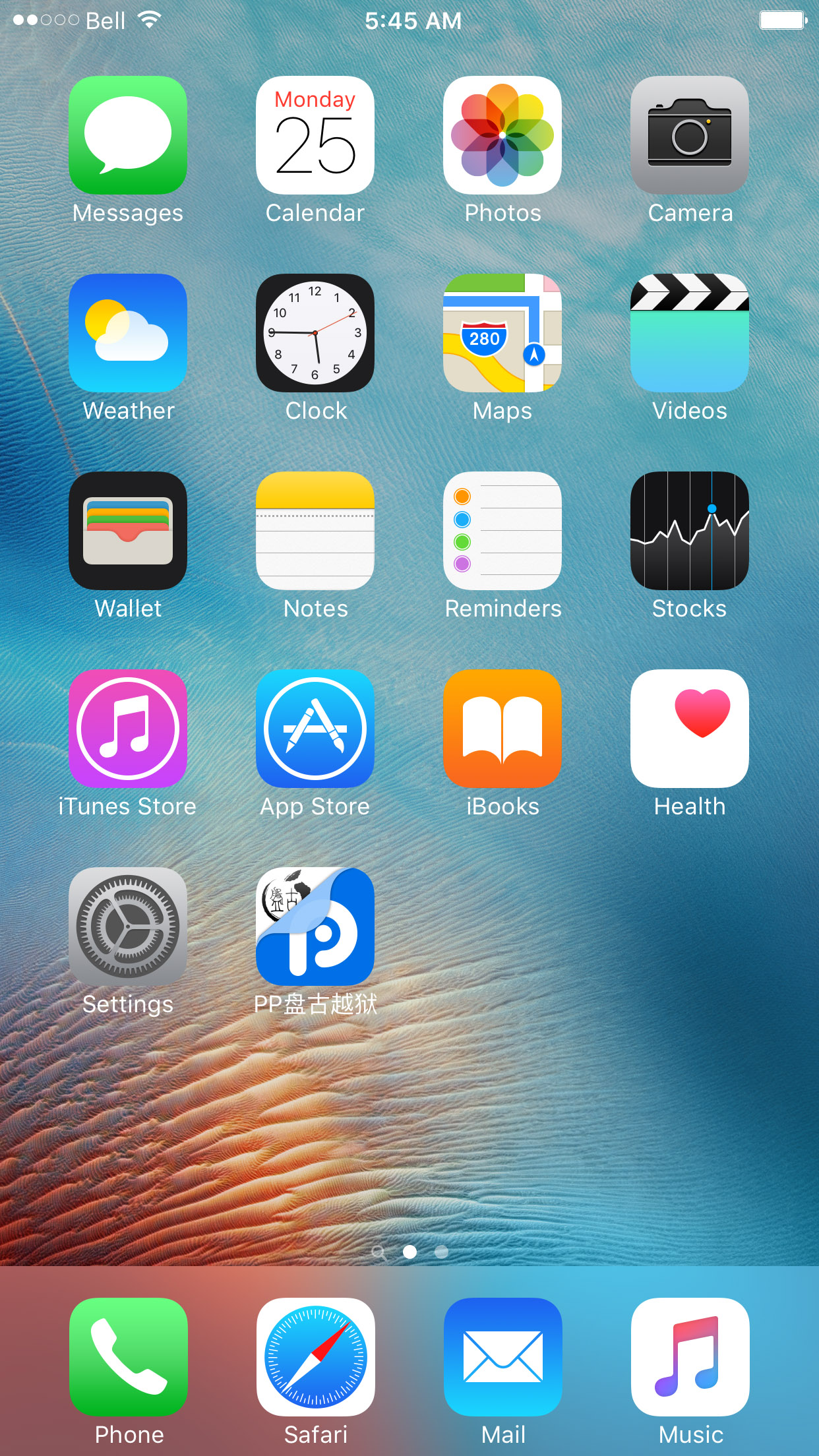
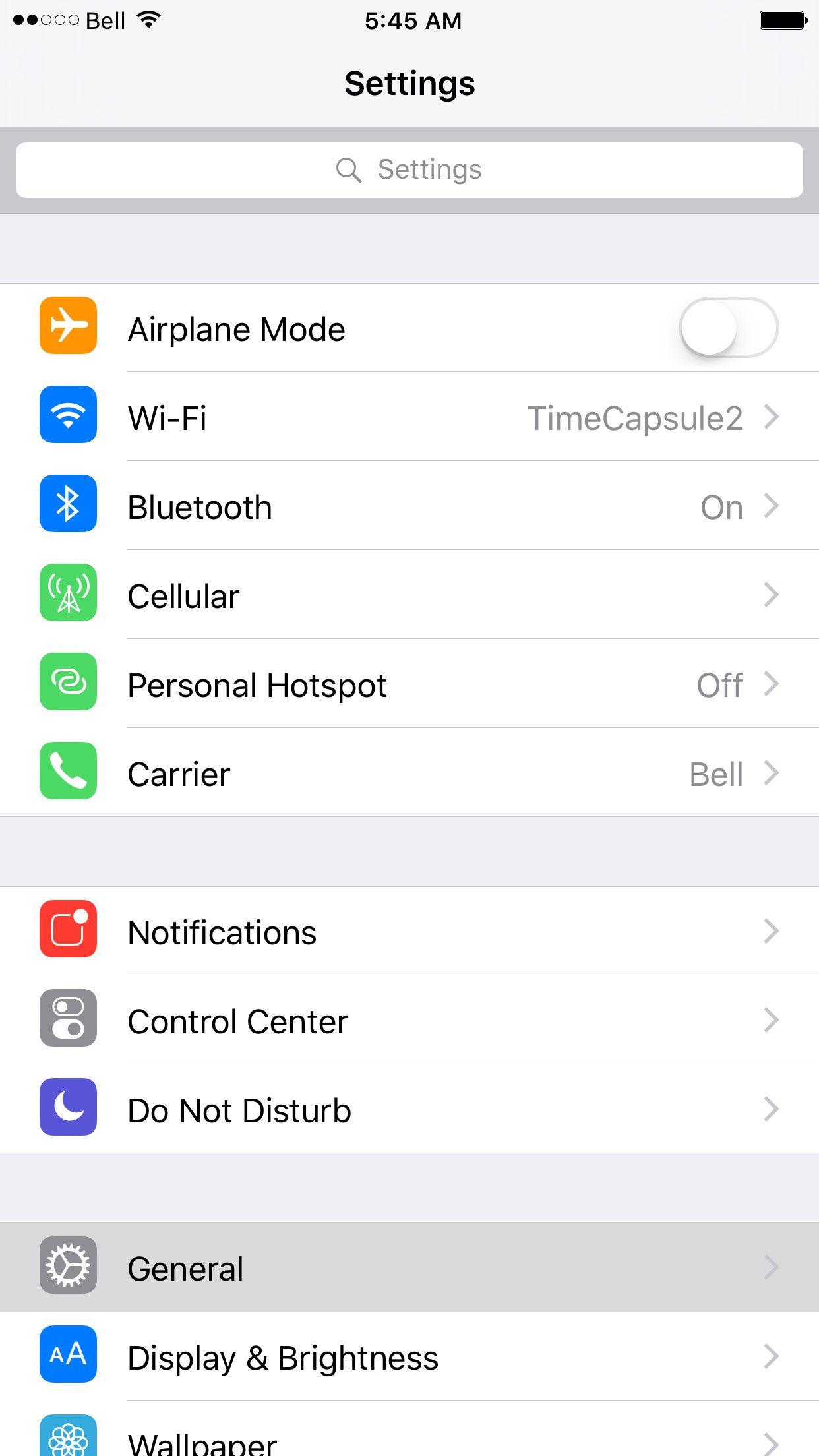
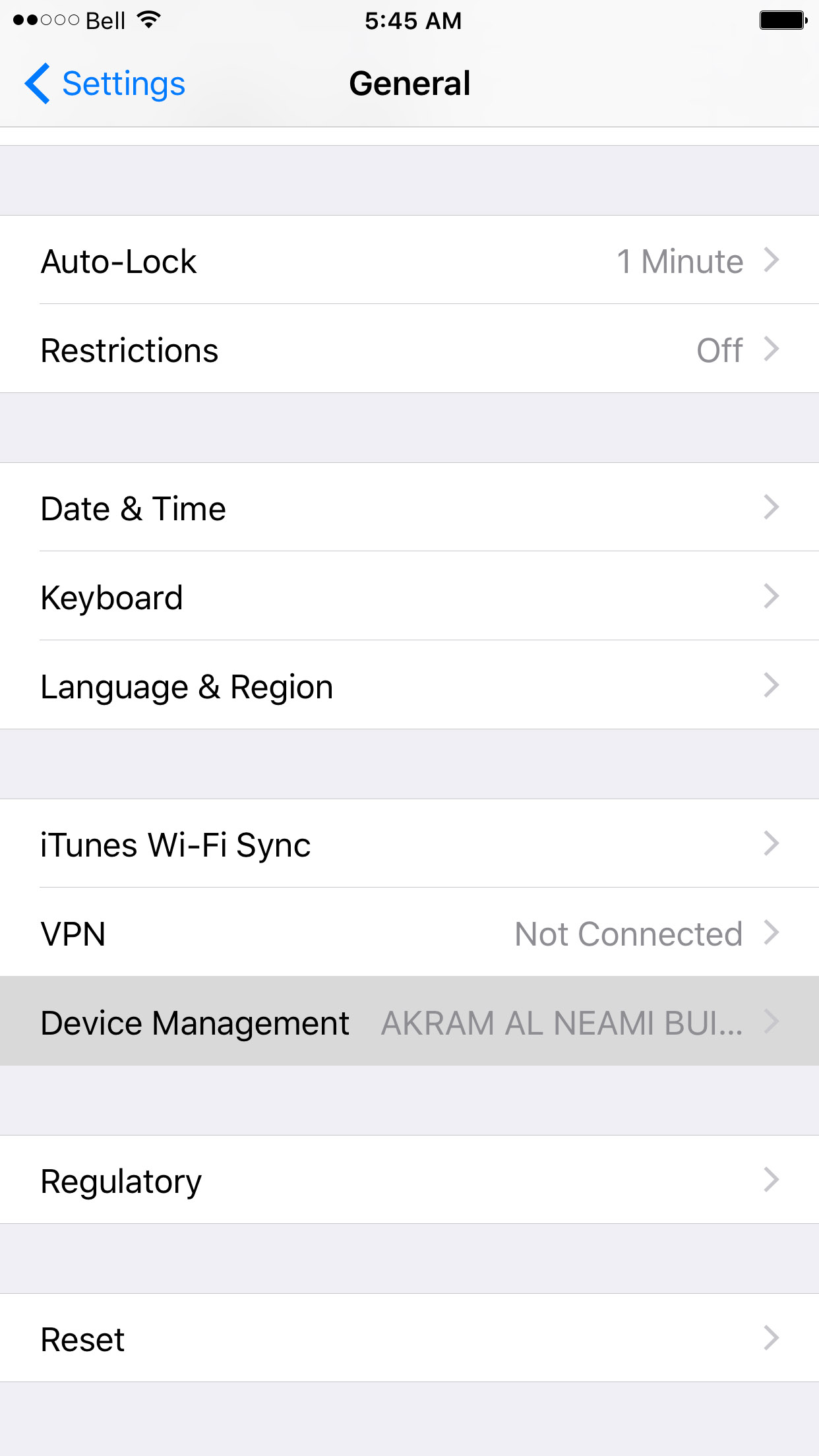
Tap Settings, then General, then Device Management.
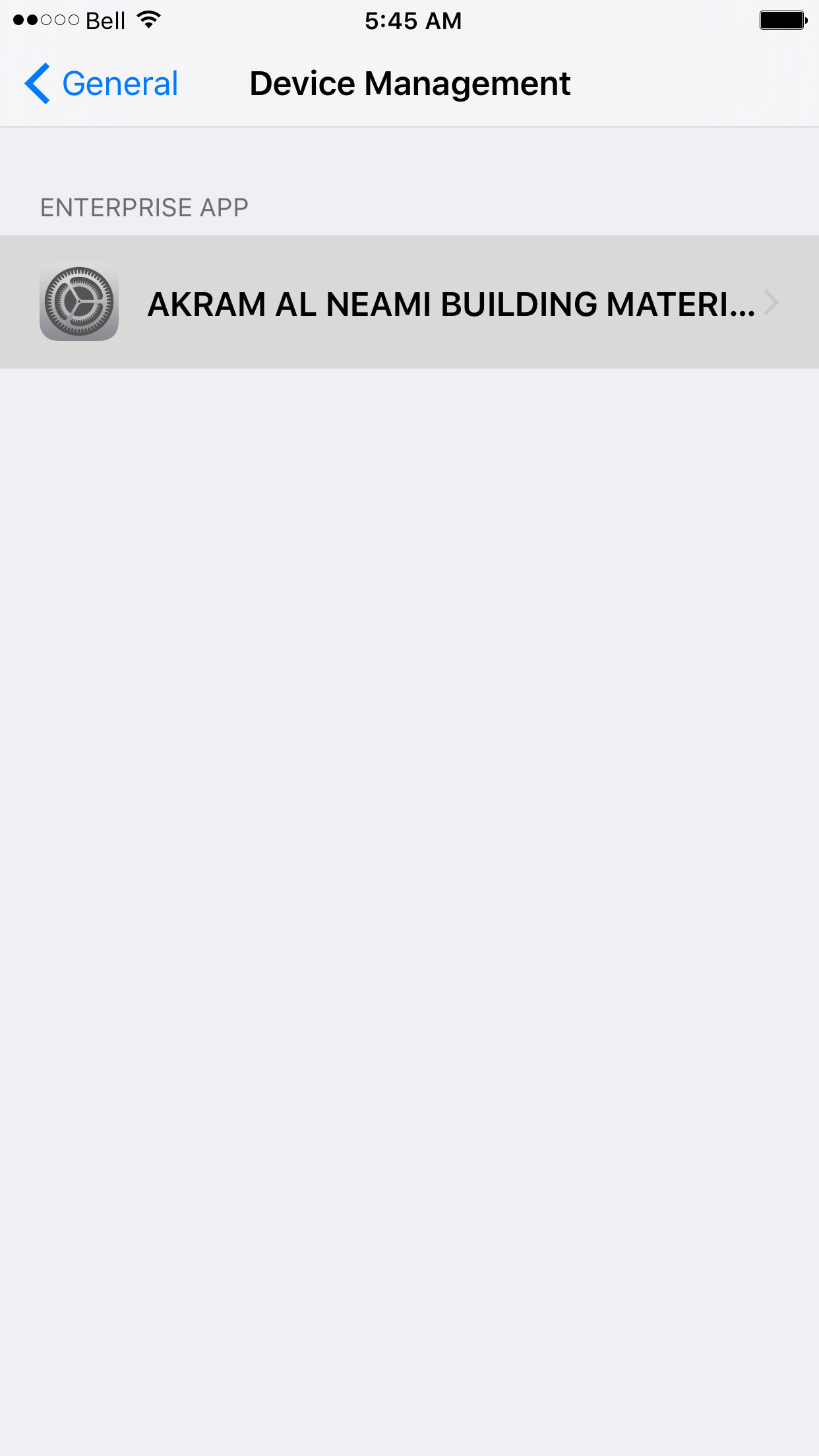
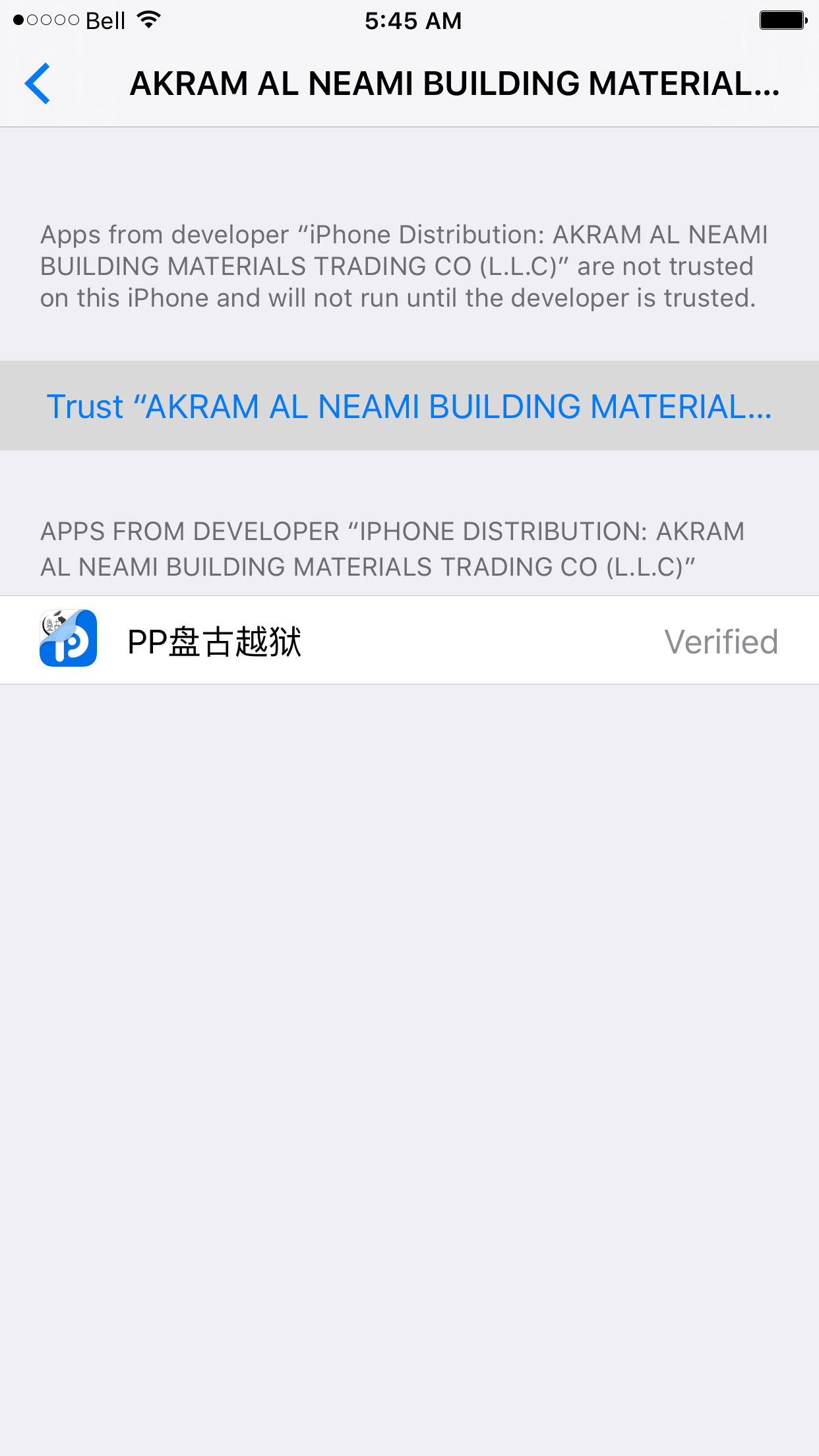
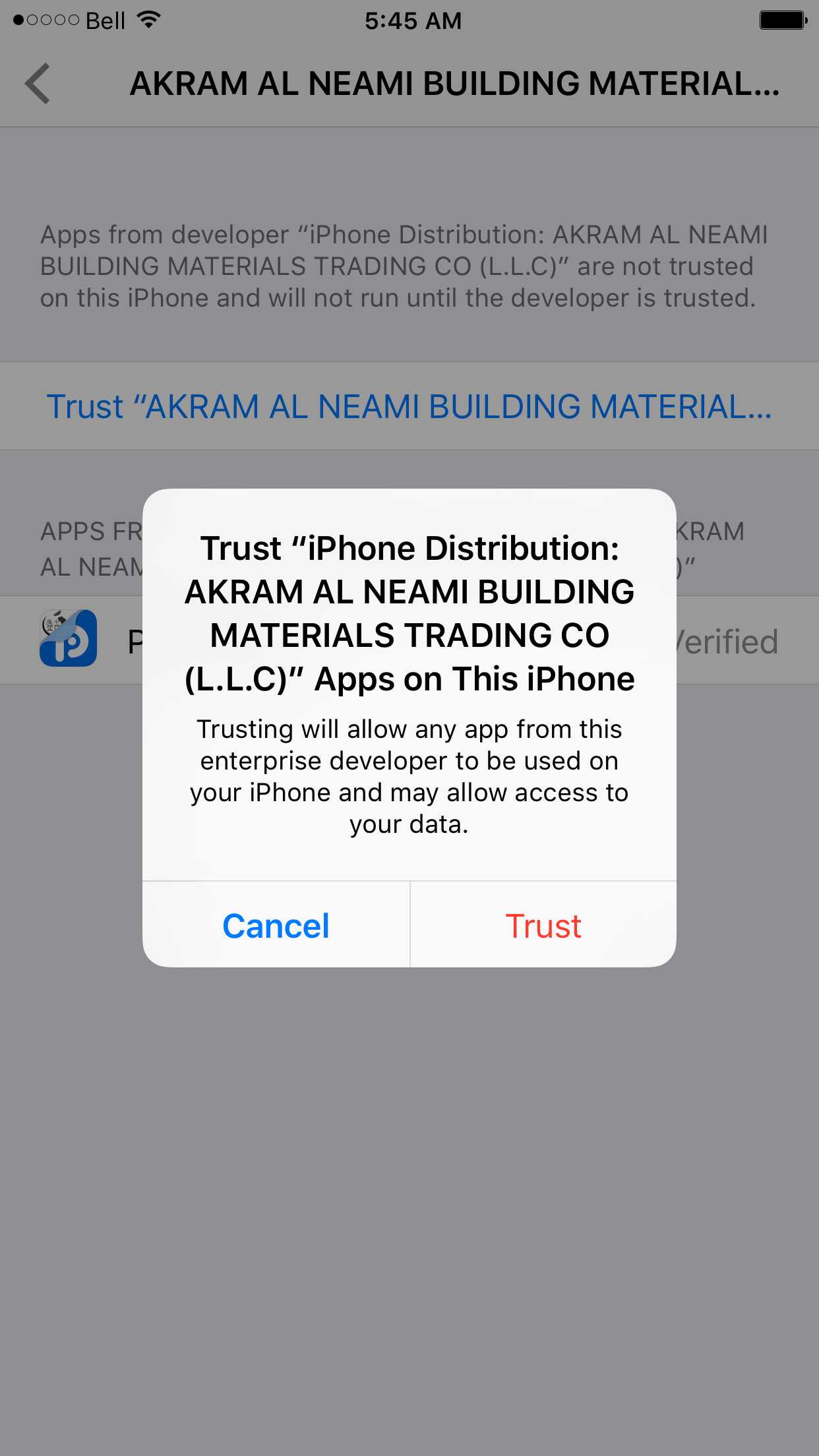
Select AKRAM AL NEAMI BUILDING MATERIALS from the list of Enterprise Apps, tap Trust AKGRAM AL NEAMI BUILDING MATERIALS TRADING CO, then click the Trust button from the popup that appears.
Step Seven
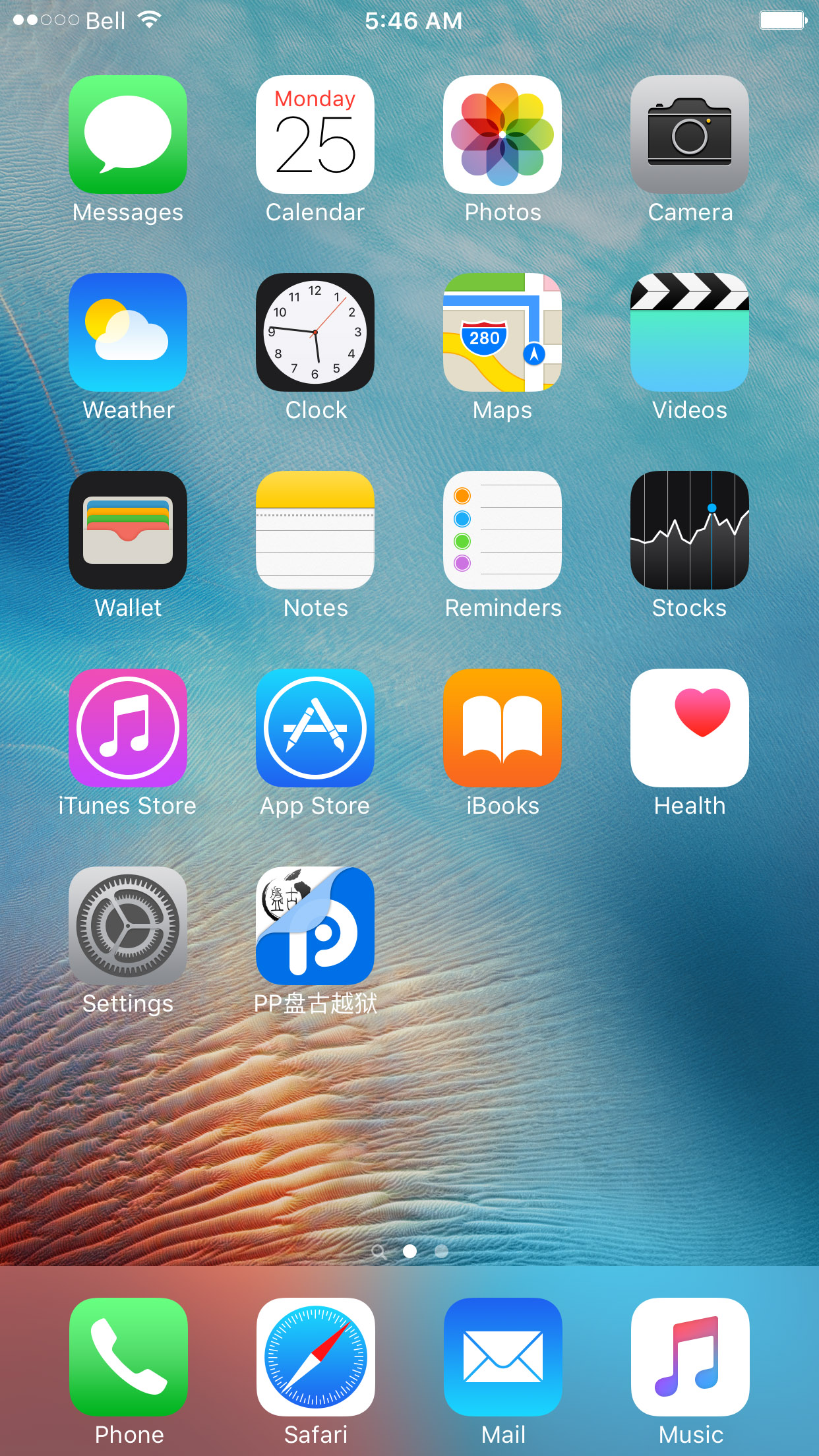
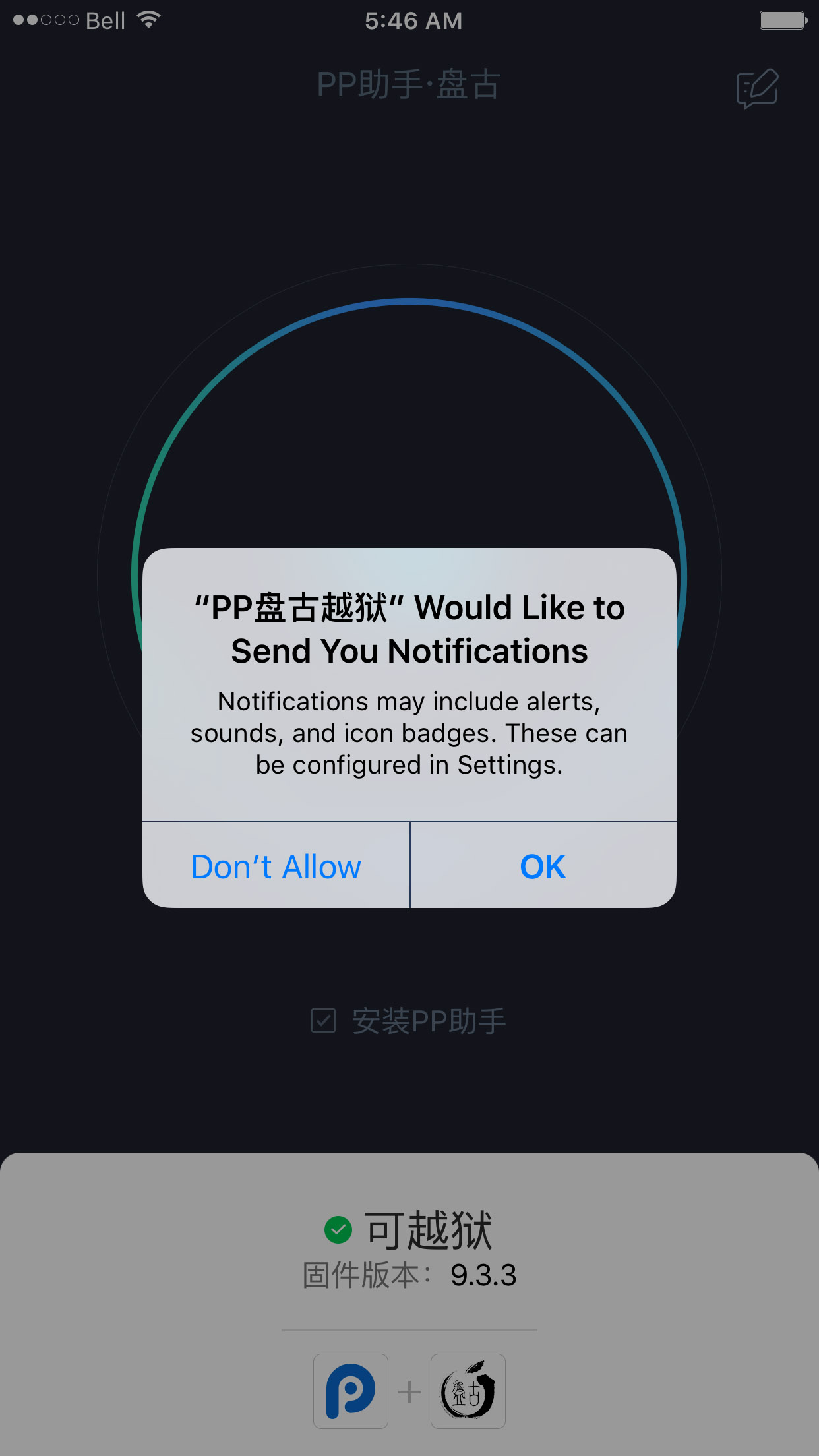
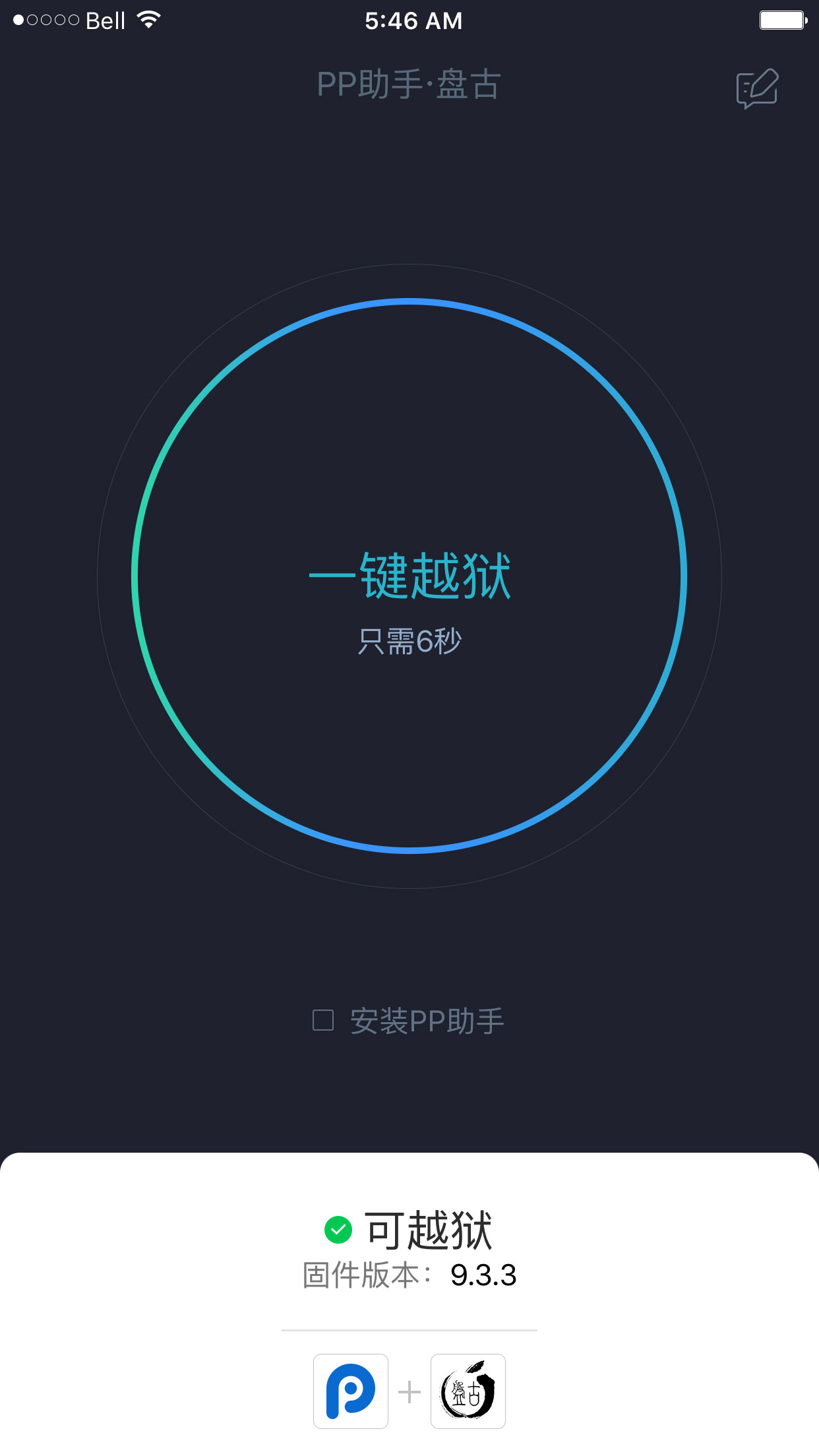
Return to the Home screen and launch the PP app. When asked to allow push notifications, click OK. Uncheck the PP box below the large circle, then tap the circle.
Step Eight
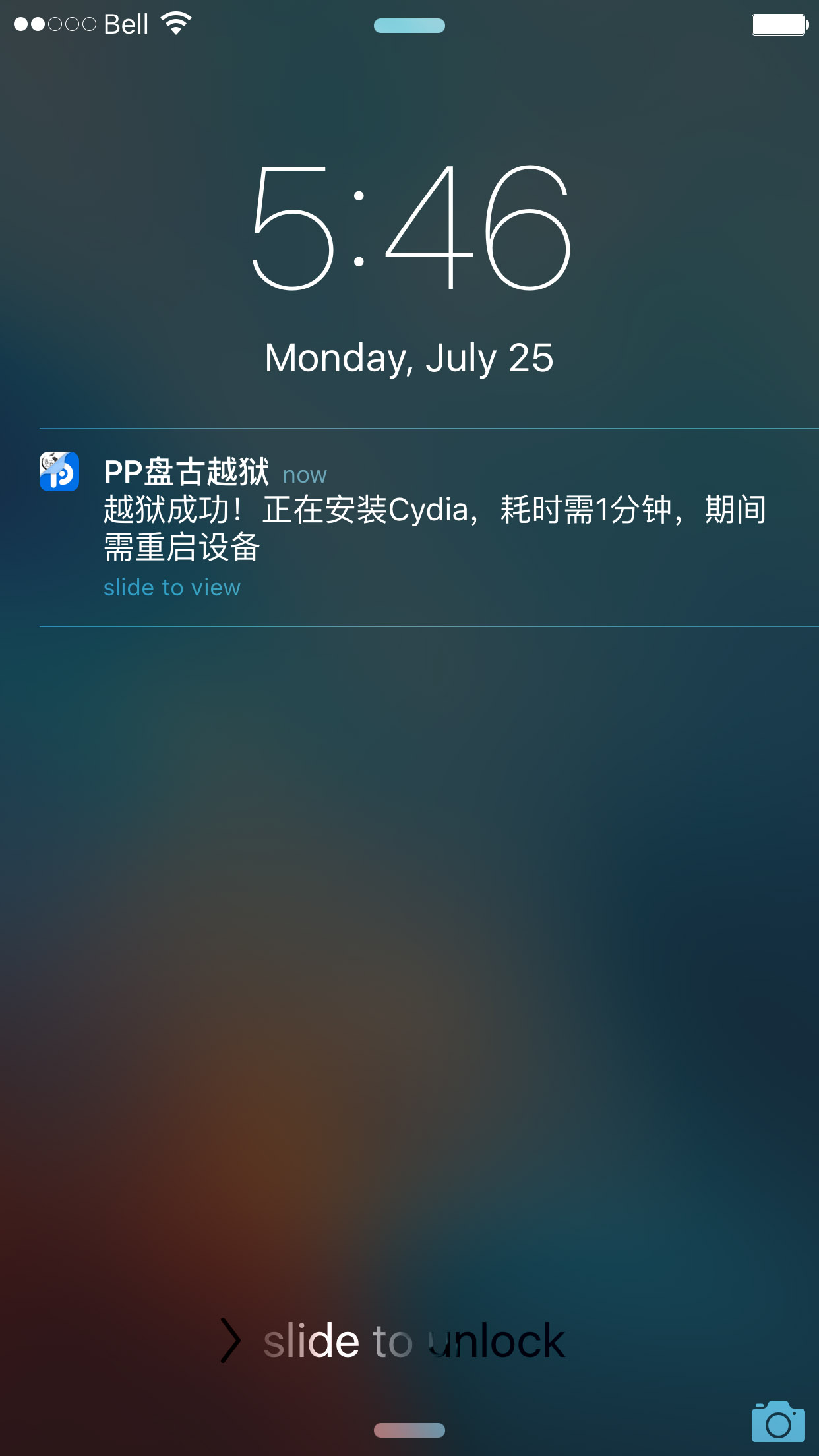
Manually lock your screen and then wait for 6 seconds. You will receive a push notification that says your device has been jailbroken successfully.
Step Nine
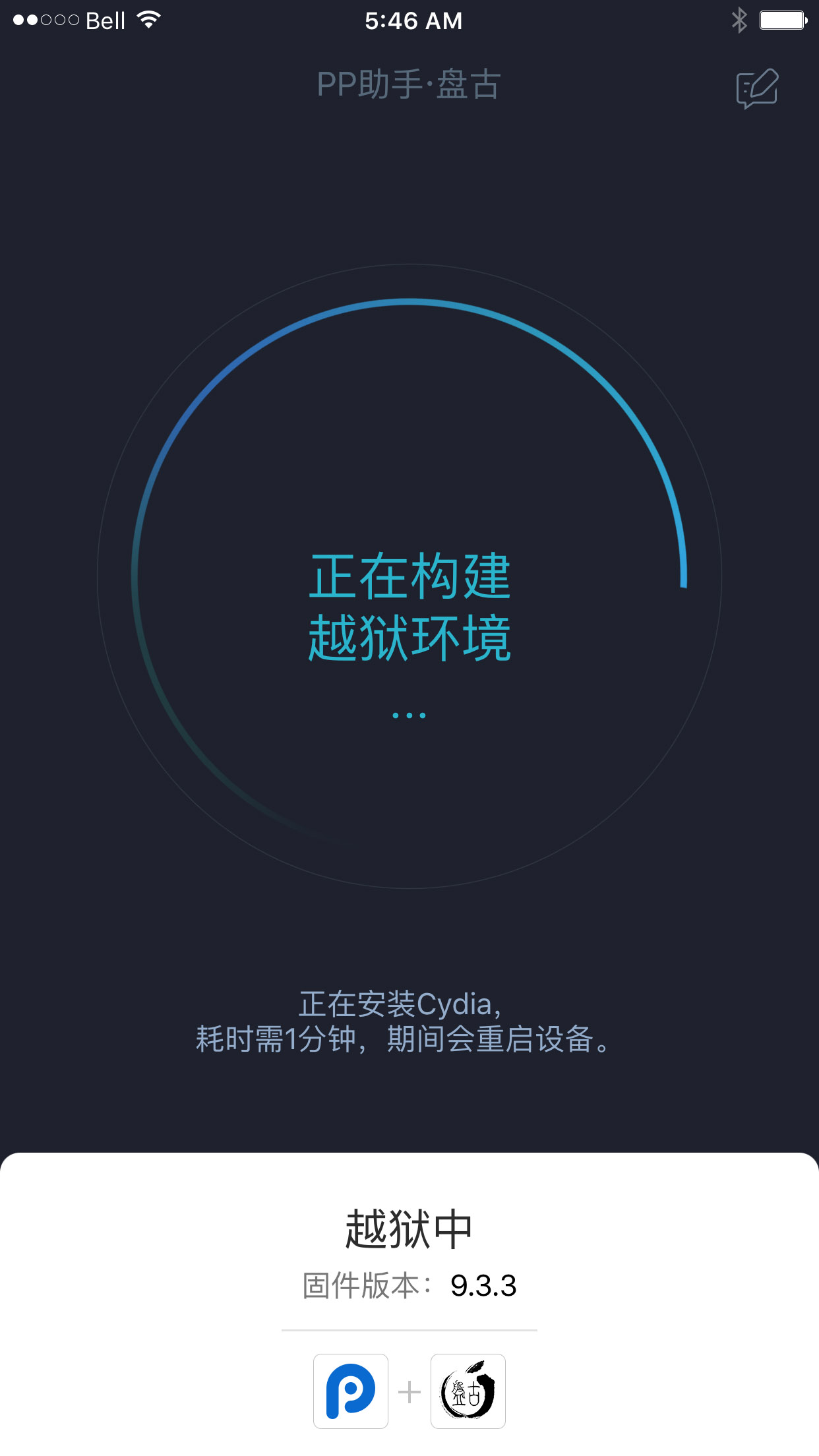
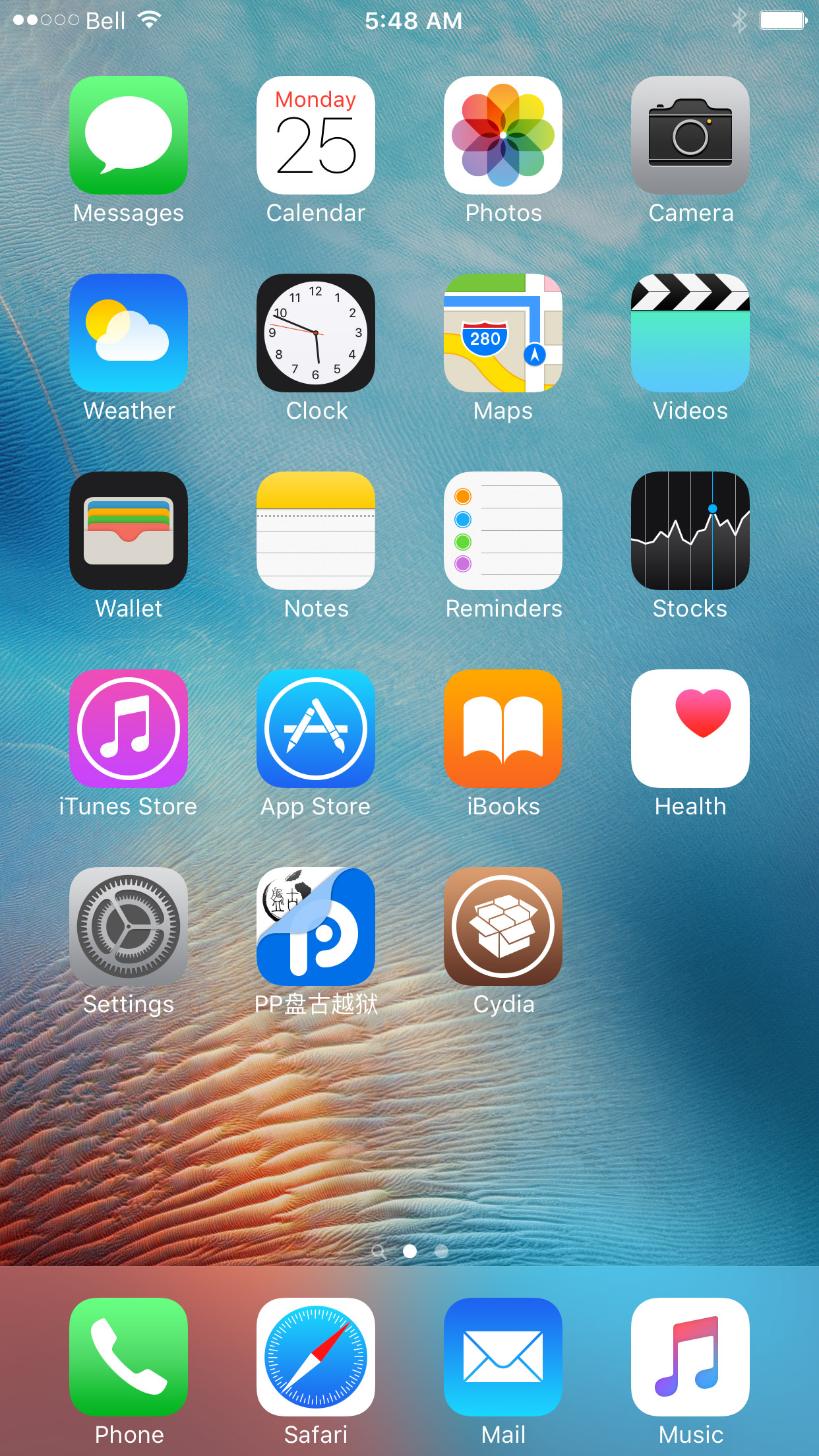
Unlock your device, reentering the PP app. You will see a circle with a loading animation. It is preparing the jailbreak environment for Cydia. When complete, your device will respring with Cydia on the Springboard!
IMPORTANT:
This jailbreak requires that you re-execute the jailbreak after each reboot. Do not delete the PP app off your device. You will need to re-open it and tap the circle after every restart.
Be sure to backup your device using iCloud or iTunes before beginning this tutorial. You should also update to iOS 9.3.3 if you are on an earlier firmware version. This isn't required but is suggested as Apple has fixed many bugs between iOS 9.2 and iOS 9.3.3.
Supported devices include: iPhone 5s, iPhone 6, iPhone 6 Plus, iPhone 6s, iPhone 6s Plus, iPhone SE, iPod touch 6G, iPad mini 2, iPad mini 3, iPad mini 4, iPad Air, iPad Air 2, iPad Pro.
Step One
Launch Safari from your Springboard.

Step Two


Step Three
Click the Install Now link near the bottom left of the page.

Step Four
Hit the Install button on the popup that appears.

Step Five
The PP app will now be installed on your device.


Step Six
Once the app has successfully downloaded to your device you must trust the enterprise developer profile used by Totoa Team to sign the PP app.
Tap Settings, then General, then Device Management.


Select AKRAM AL NEAMI BUILDING MATERIALS from the list of Enterprise Apps, tap Trust AKGRAM AL NEAMI BUILDING MATERIALS TRADING CO, then click the Trust button from the popup that appears.


Step Seven
Return to the Home screen and launch the PP app. When asked to allow push notifications, click OK. Uncheck the PP box below the large circle, then tap the circle.


Step Eight
Manually lock your screen and then wait for 6 seconds. You will receive a push notification that says your device has been jailbroken successfully.

Step Nine
Unlock your device, reentering the PP app. You will see a circle with a loading animation. It is preparing the jailbreak environment for Cydia. When complete, your device will respring with Cydia on the Springboard!


IMPORTANT:
This jailbreak requires that you re-execute the jailbreak after each reboot. Do not delete the PP app off your device. You will need to re-open it and tap the circle after every restart.