R
reejet0620
Anonymous
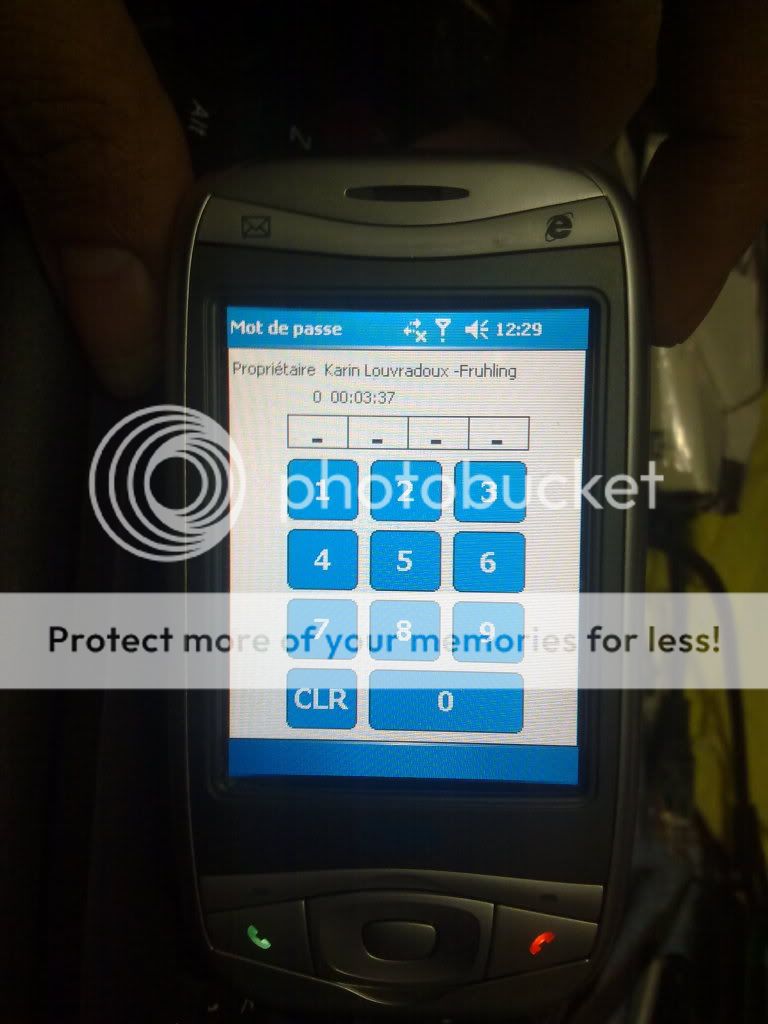
HTC WIZA200 PASSWORD DONE IN HARD RESET
PROCEDURE..
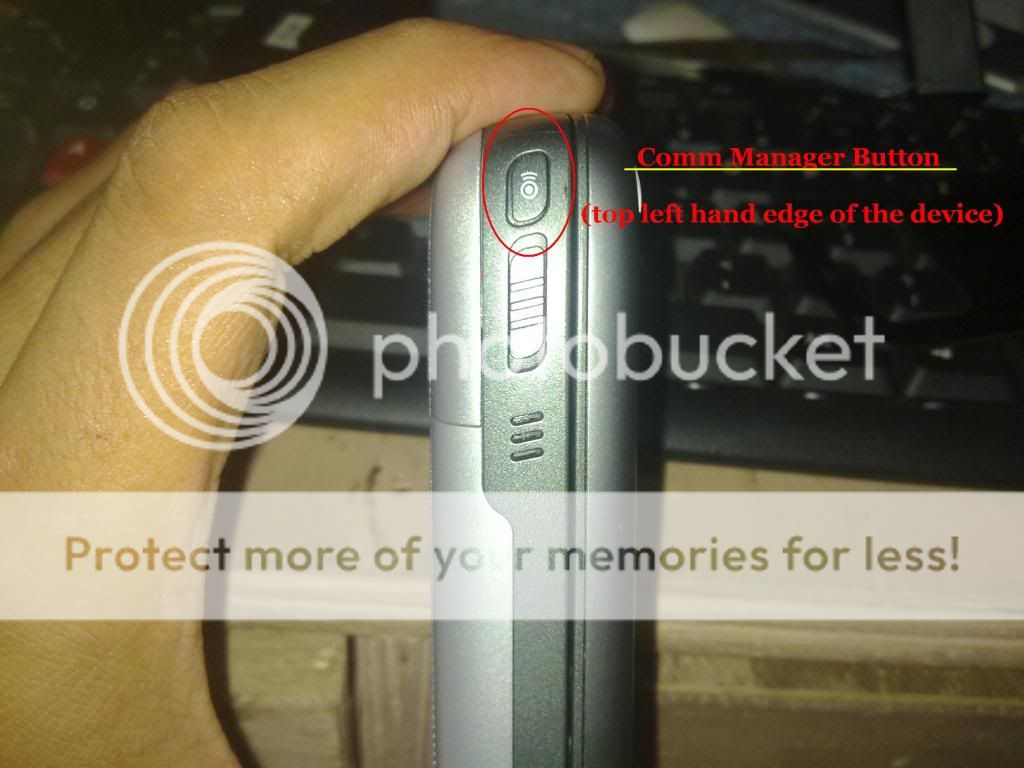
Press and Hold the two Comm Manager button (top left hand edge of the device)
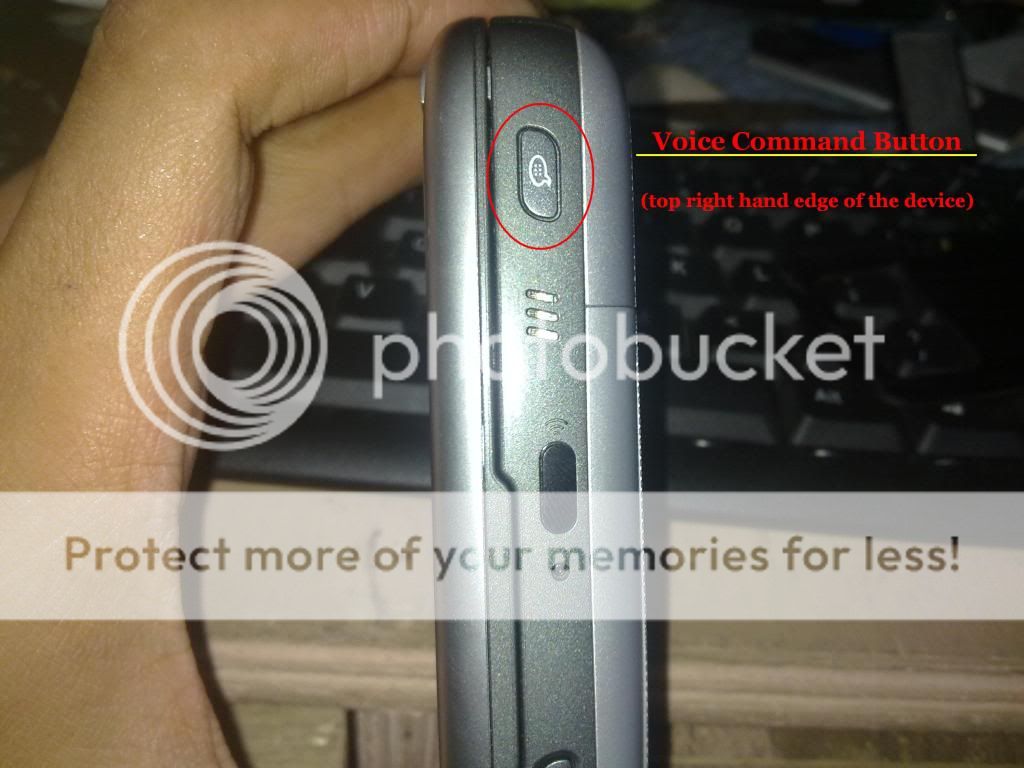
And Voice Command button (top right hand edge of the device) simultaneously.
While holding those two buttons,
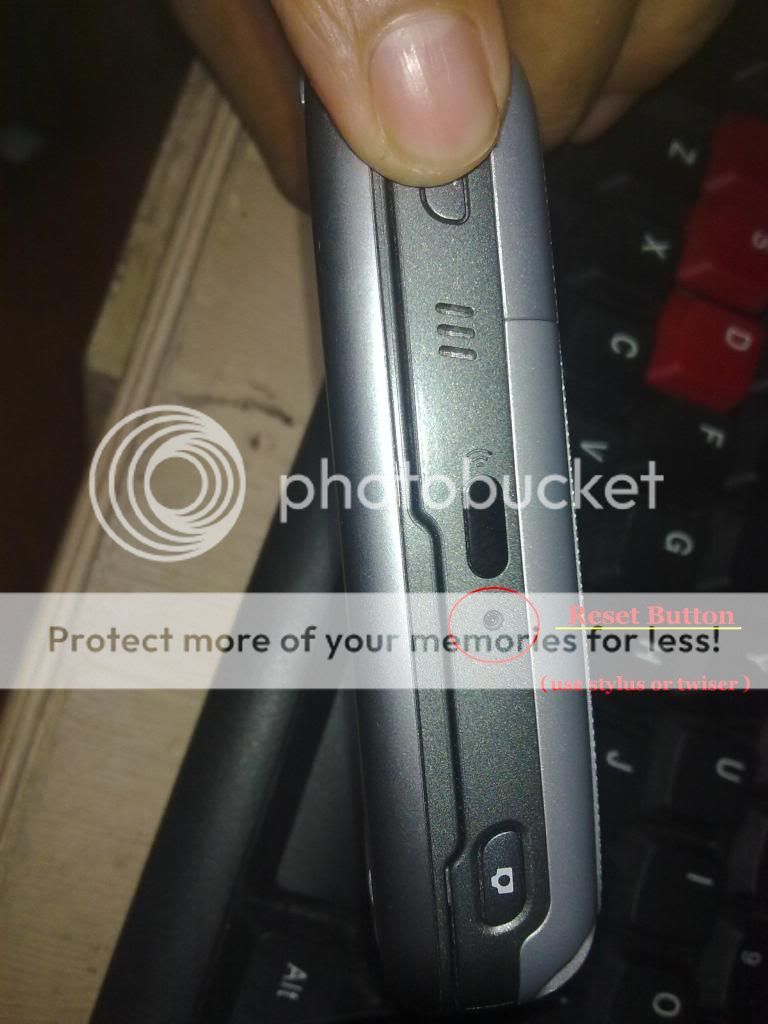
Use the stylus to press the small hole labelled ‘Reset’ on the right hand side of the device shortly (near the IR port).
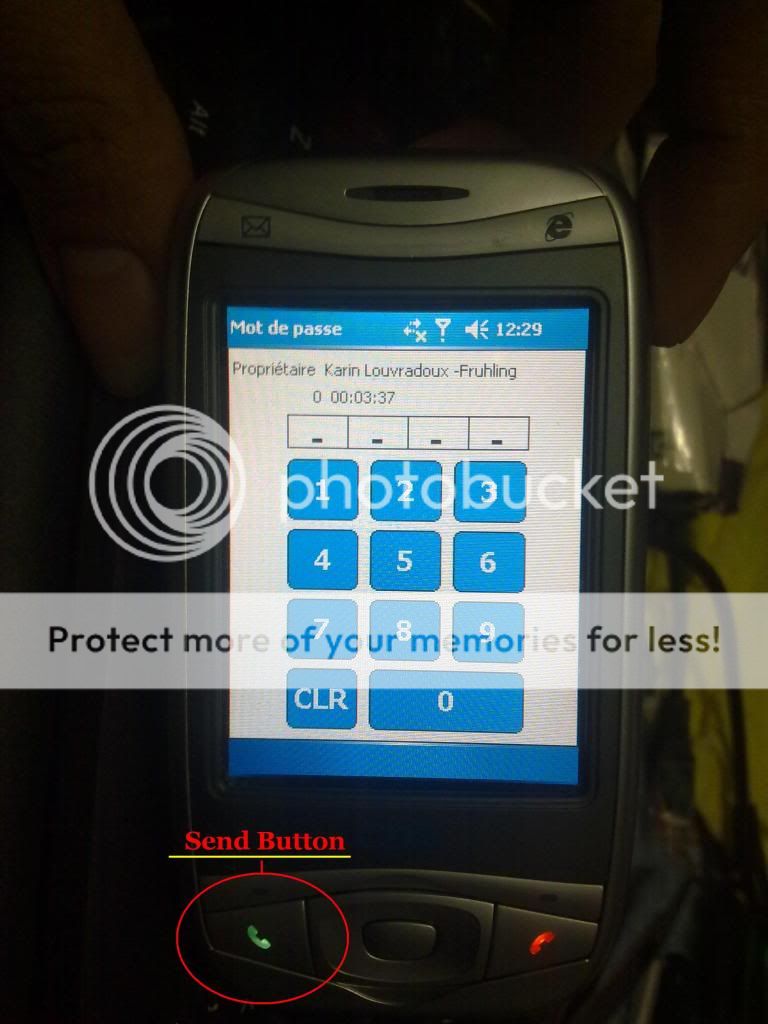
Then press Send Button while keeping holding the two & after you see Factory Default (nothing to do just wait until reboot).
DONE..
PROCEDURE..
Press and Hold the two Comm Manager button (top left hand edge of the device)
And Voice Command button (top right hand edge of the device) simultaneously.
While holding those two buttons,
Use the stylus to press the small hole labelled ‘Reset’ on the right hand side of the device shortly (near the IR port).
Then press Send Button while keeping holding the two & after you see Factory Default (nothing to do just wait until reboot).
DONE..