
Hi
Unit: HUAWEI
Model: BG2-W09
Problem: FRP
Solution: Bypass using octoplus frp tool
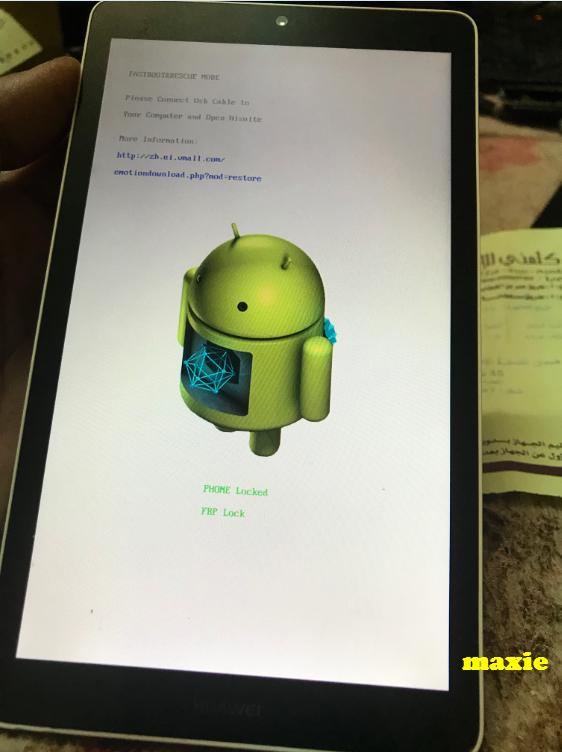
How to put Fastboot mode
Mga litrato
Logs
Finish
thanks lang ayus na
Unit: HUAWEI
Model: BG2-W09
Problem: FRP
Solution: Bypass using octoplus frp tool
How to put Fastboot mode
- Turn Off phone
- Press and Hold " Vol (-) + Power"
- Then Insert Cable while holding those two buttons
- Done
Mga litrato
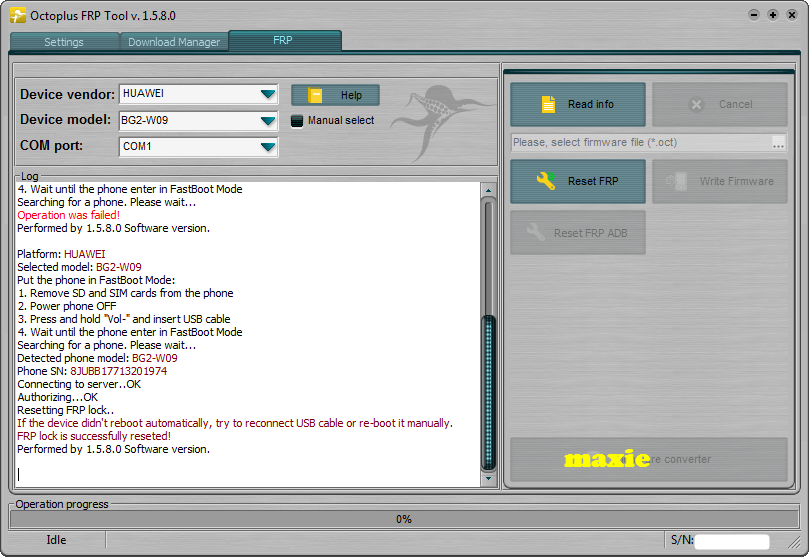
Logs
Platform: HUAWEI
Selected model: BG2-W09
Put the phone in FastBoot Mode:
1. Remove SD and SIM cards from the phone
2. Power phone OFF
3. Press and hold "Vol-" and insert USB cable
4. Wait until the phone enter in FastBoot Mode
Searching for a phone. Please wait...
Detected phone model: BG2-W09
Phone SN: 8JUBB17713201974
Connecting to server..OK
Authorizing...OK
Resetting FRP lock..
If the device didn't reboot automatically, try to reconnect USB cable or re-boot it manually.
FRP lock is successfully reseted!
Performed by 1.5.8.0 Software version.
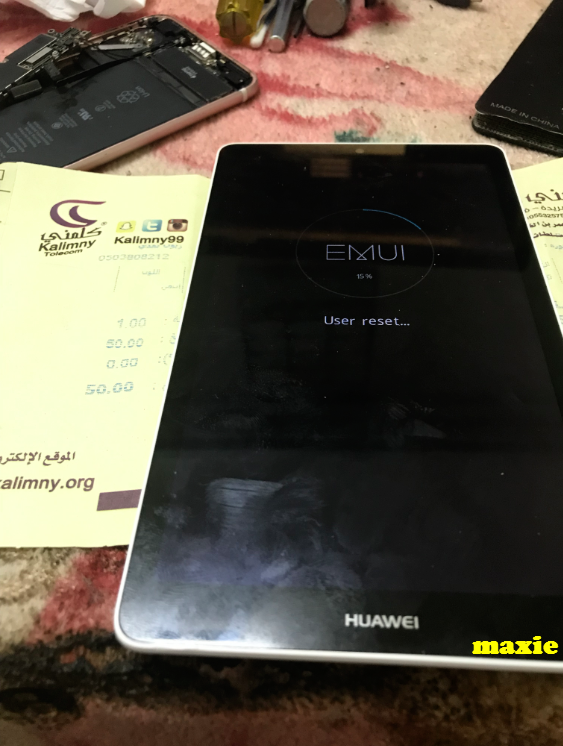
Finish
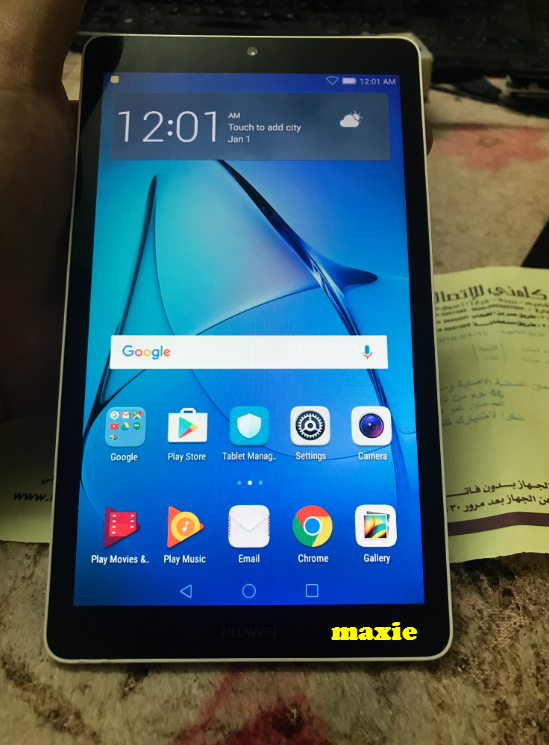
thanks lang ayus na
