
Hi
Phone : Huawei
Model :BTV-DL09
Problem : Frp or stuck on google account
Solution : Unlock via DC unlocker
Steps
To enter FastBoot Mode, do the next:
Logs
Pictures
sa susunod na naman na mga references mga folks
Phone : Huawei
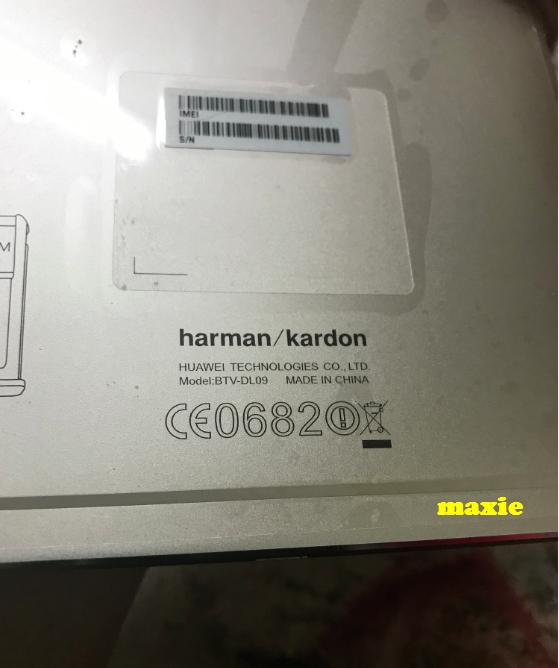
Model :BTV-DL09
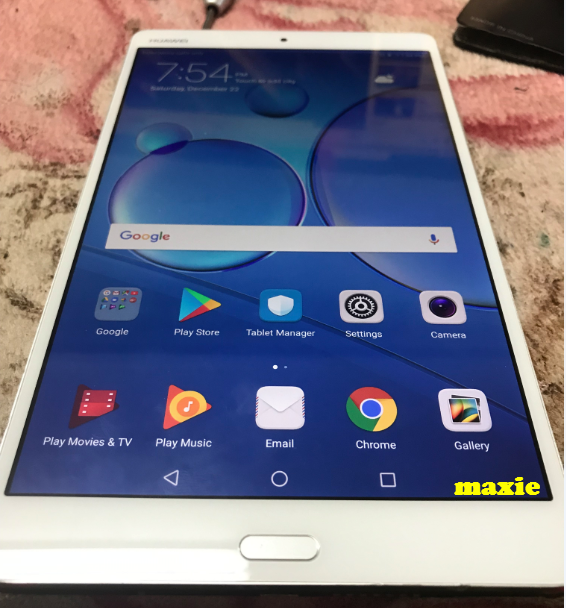
Problem : Frp or stuck on google account
Solution : Unlock via DC unlocker
Steps
To enter FastBoot Mode, do the next:
- Remove SD and SIM cards from the phone;
- Power phone OFF;
- Press and hold "Vol-" and insert USB cable;
- Wait until the phone enter in FastBoot Mode
Logs
Code:
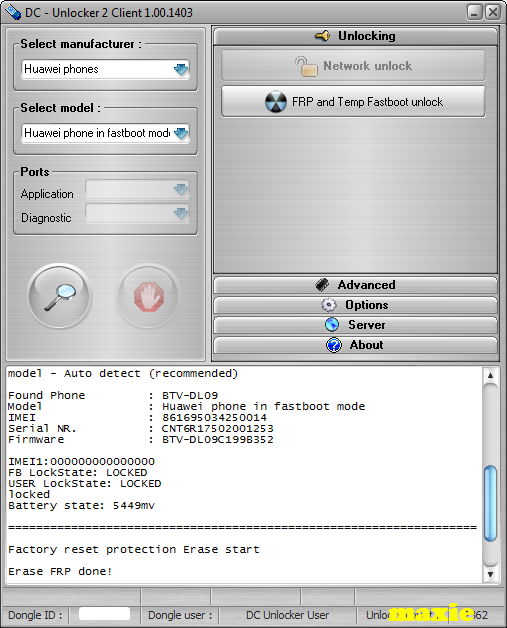
Detecting phone :

selection :
manufacturer - Huawei phones
model - Auto detect (recommended)

Found Phone         : BTV-DL09
Model               : Huawei phone in fastboot mode
IMEI                : 861695034250014
Serial NR.          : CNT6R17502001253
Firmware            : BTV-DL09C199B352

IMEI1:000000000000000
FB LockState: LOCKED
USER LockState: LOCKED
locked
Battery state: 5449mv

===================================================================

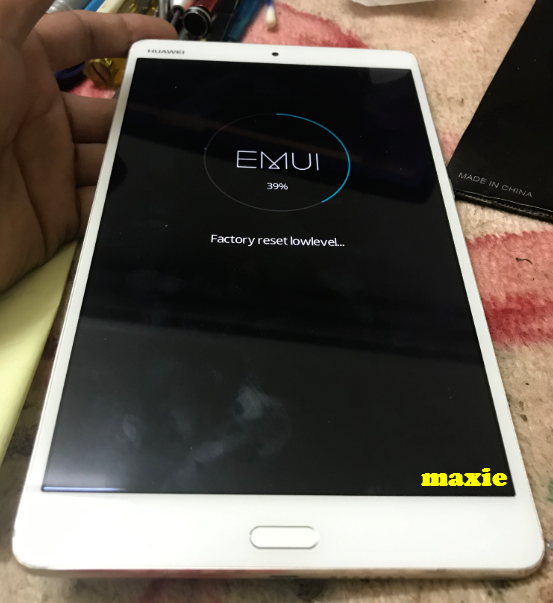
Factory reset protection Erase start

Erase FRP done!

Credits left : 110

===================================================================
Pictures
sa susunod na naman na mga references mga folks