<article>
<b>
</article>Huawei MT1-U06 Hang logo Done by SD Flashing (FIMWARE HERE)
share lang natin to para sa ating lahat Huawei MT1-U06 Hang logo
sinubukan ko i hard reset pero no luck hang logo parin
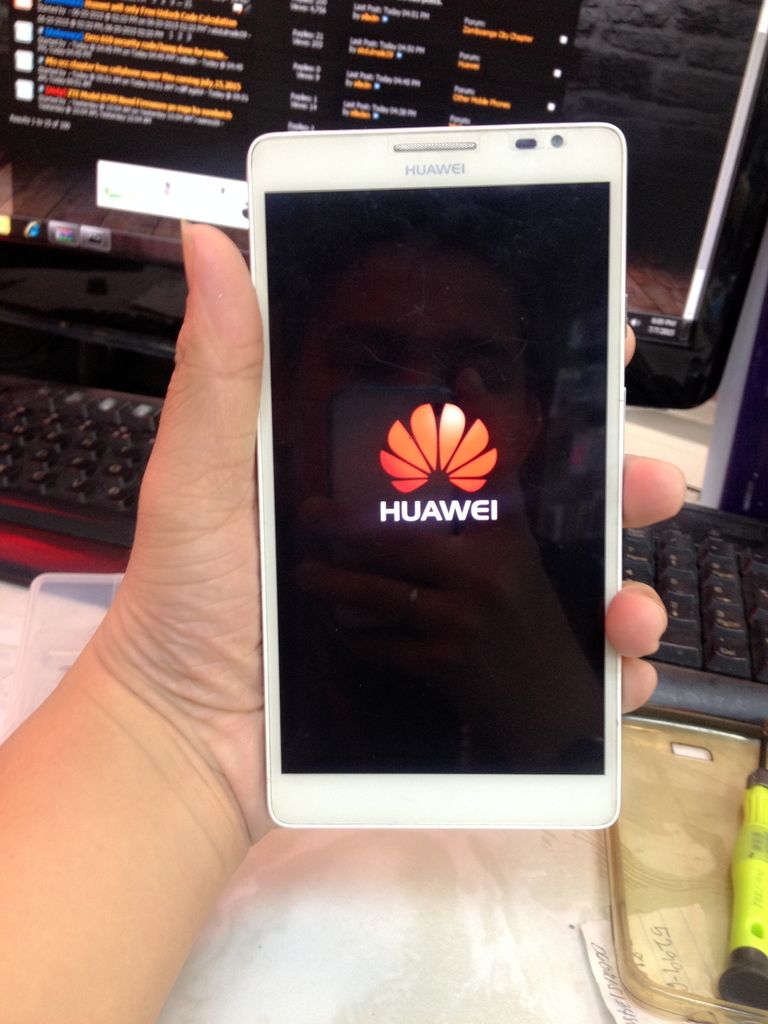
mabuti naman at may na hanap akong fimware kasu hindi scatte file flashing via SD card
Firmware
Download link - http://dl-uk.huaweinews.com/Roms/Ascend-Mate/MT1-U06_Android_4.2.2_2CV100R001C00B907.rar
<aside>
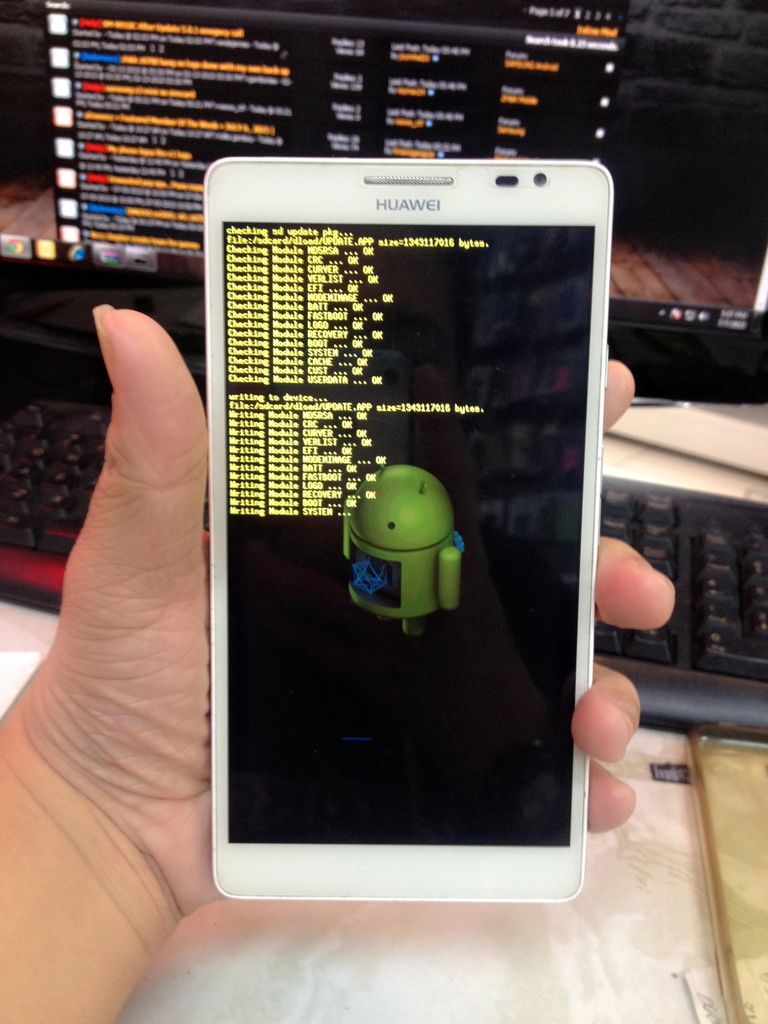
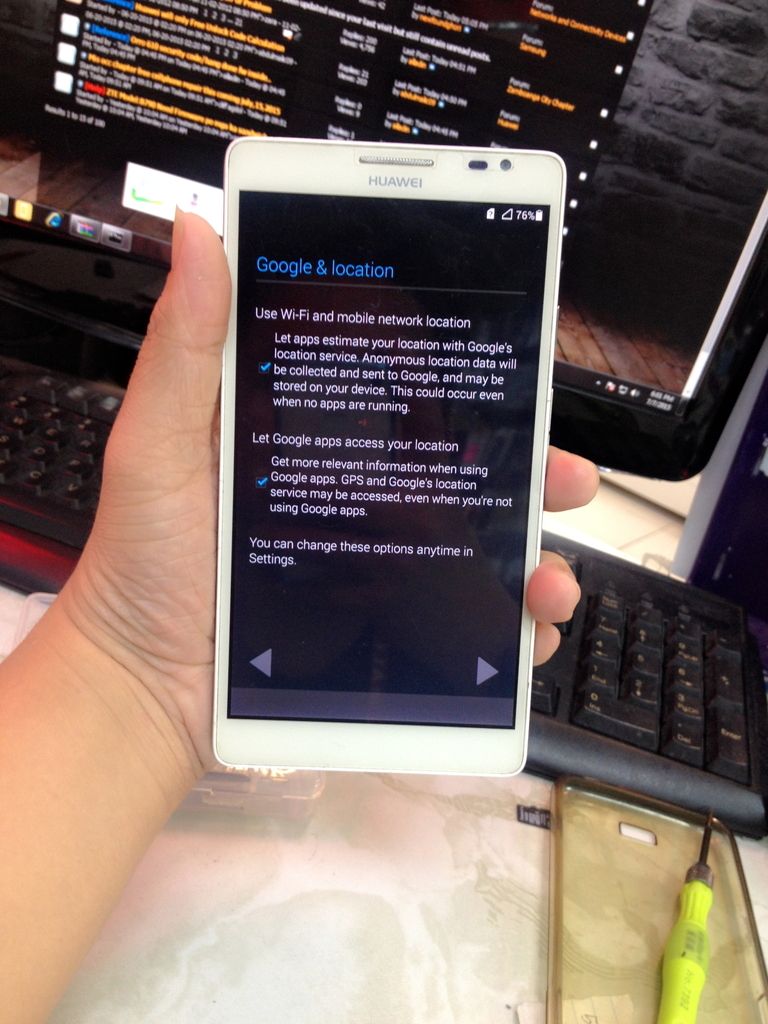
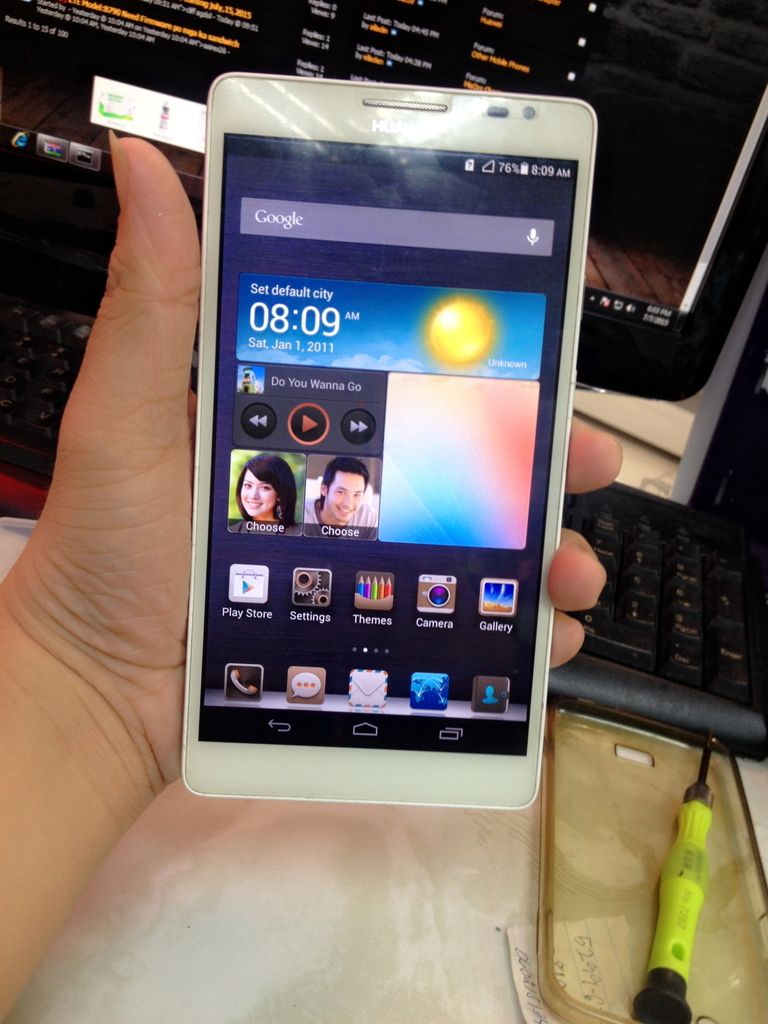
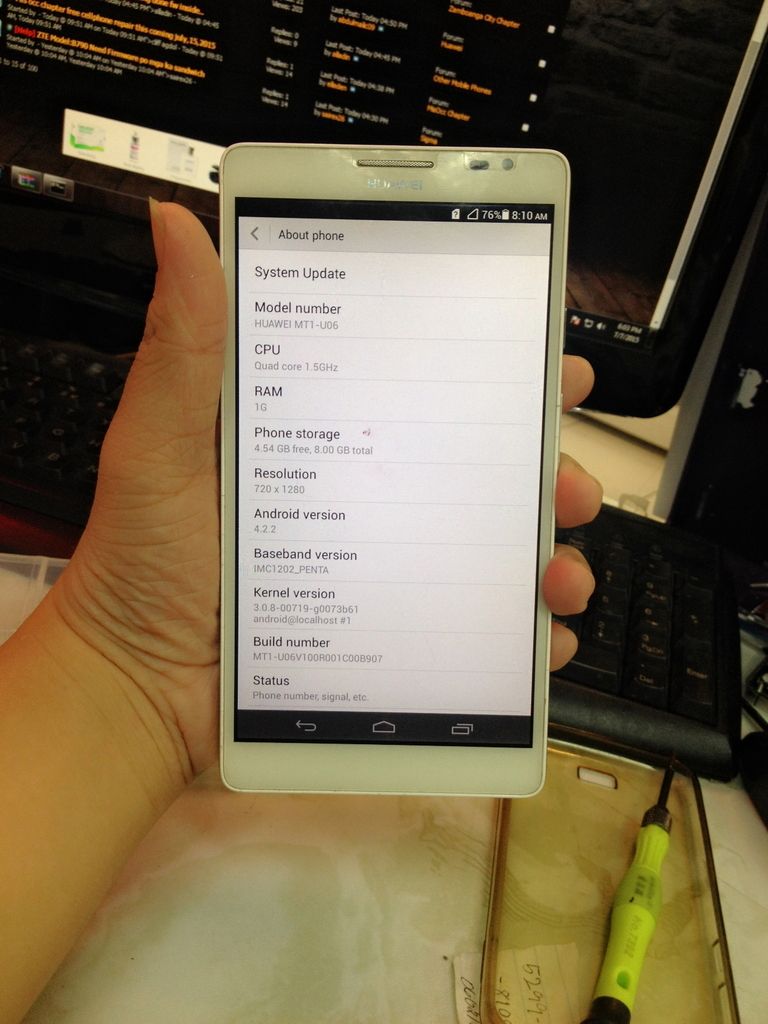
Done Smile
 MARAMING SALAMAT SA PAG VIEW
</b> share lang natin to para sa ating lahat Huawei MT1-U06 Hang logo
sinubukan ko i hard reset pero no luck hang logo parin

mabuti naman at may na hanap akong fimware kasu hindi scatte file flashing via SD card
Firmware
Download link - http://dl-uk.huaweinews.com/Roms/Ascend-Mate/MT1-U06_Android_4.2.2_2CV100R001C00B907.rar
<aside>
Tools:
1. Memory Card 2gb format po natin sa Fat 32
Procedure
1. Unrar po natin ang na download na file
2. May makikita po kayo na dload name ng folder copy paste lang po natin sa memory card
3. Off po natin ang phone sure natin po na full charge yung phone po salpak natin po ang memory card sa phone
4. Hold Volume UP + Volume Down + Power Button lilitaw si android then flashing po wait lang po natin matapos magauto restart and your done po..
Click to expand...
</aside> 1. Memory Card 2gb format po natin sa Fat 32
Procedure
1. Unrar po natin ang na download na file
2. May makikita po kayo na dload name ng folder copy paste lang po natin sa memory card
3. Off po natin ang phone sure natin po na full charge yung phone po salpak natin po ang memory card sa phone
4. Hold Volume UP + Volume Down + Power Button lilitaw si android then flashing po wait lang po natin matapos magauto restart and your done po..
Click to expand...


Done Smile
