
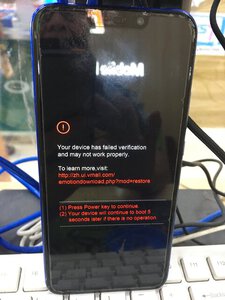
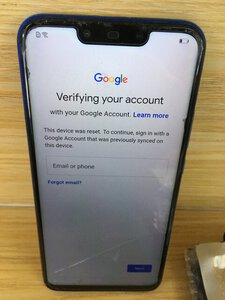
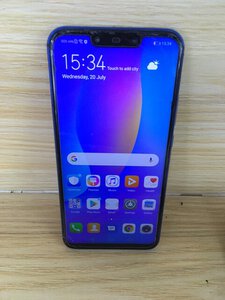
for software problem download this firmware via google
INE-LX2-L22 9.1.0.275(C636E1R1P1T8)_Firmware_EMUI9.1.0_05015FCK.zip
extract - open dload - extract update_sd - (you wind find update.app - need this file for flashing)
again from dload folder - open ine-l22-hw-spseas- extract this you will find update_sd_ine-L22_hw_spcseas -
you will find update_INE_L22_hw_spcseas.app - need this file for flashing)
run sigma huawei tool
select hisilicon
select flash
load flash file 1 (update.app) then
load flash file 2 (update_INE_L22_hw_spcseas.app)
in serial port (connect phone testpoint) select huawei usb 1.0 com
in Hisilicon select kirin 710
If phone is properly connected write firmware highlighted - click it - flashing starts
just wait until operation completed.
for frp i used octoplus frp tool
run the tool
select vendor - huawei
select model - ine-lx2
click reset frp (factory mode)
phone in off mode, connect testpoint - connect usb cable to pc
wait till done
for test point just google it.