
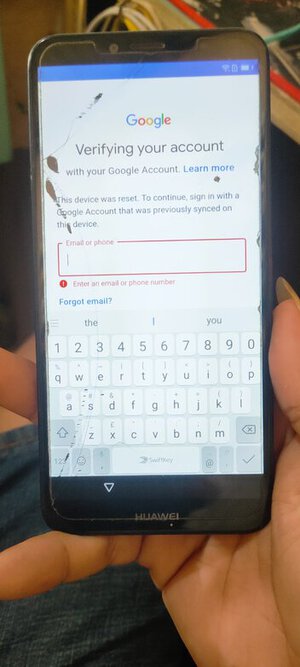
Atu- l22 frp remove by hydra qualcom tool.
Step:
Baklas si unit ready sa tp
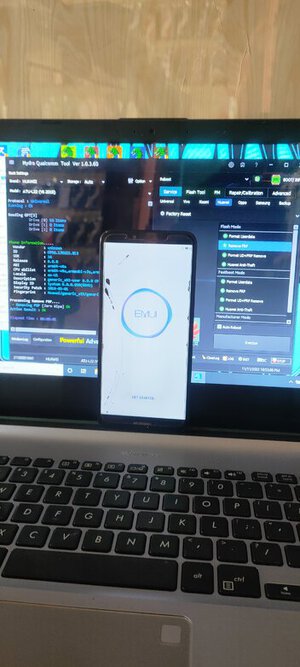
Open hydra qualcom tool
Select:
Brand: Huawei
Model: y6 2018(atu-l22)
Click boot info
Unplug the battery
Test point unit plug USB cable until matapus mag boot info
Click Huawei
Flash mode:
Remove frp
Click execute and wait until done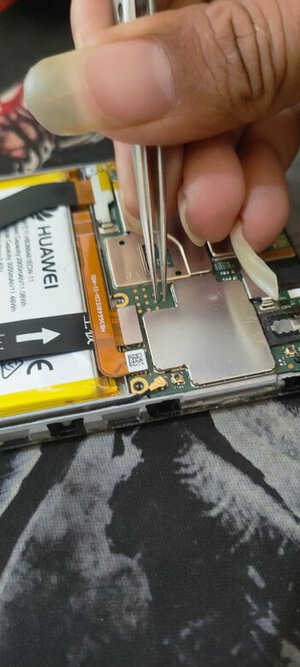
Step:
Baklas si unit ready sa tp
Open hydra qualcom tool
Select:
Brand: Huawei
Model: y6 2018(atu-l22)
Click boot info
Unplug the battery
Test point unit plug USB cable until matapus mag boot info
Click Huawei
Flash mode:
Remove frp
Click execute and wait until done