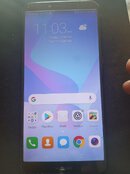
Share ko lng Mga master... sa mga baguhan din gaya ko at salamat sa mga master na nag share din ng mga ideas .. Salute! 
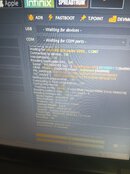
1. Open UnlockTool
2. Select Model : Huawei Y6 2018
3. Select FRP
4. Plug in USB Cord from Laptop
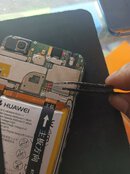
5. Use Twiser for TESTPOINT (see Photo below)
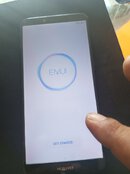
6. Reboot and Done!
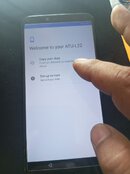
7. Setup your Phone
sana makatulong Thanks Admins and Mods.

1. Open UnlockTool
2. Select Model : Huawei Y6 2018
3. Select FRP
4. Plug in USB Cord from Laptop
5. Use Twiser for TESTPOINT (see Photo below)
6. Reboot and Done!
7. Setup your Phone
sana makatulong Thanks Admins and Mods.