iPad 4 GSM / CDMA (A1460) with iCloud, Bypass Done
Solution: Bypass iCloud via Hardware (remove R1204) then from GSM convert into WIFI na lang sya...
Procedure:
* Disassemble iPad
* Remove resistor (R1204) (Automatic DFU)
* Connect to iTunes then Restore
* Restore Using iPad 4 WIFI Firmware (A1458)
* Done...
Screenshot:
iPad 4 CDMA / GSM (A1460)

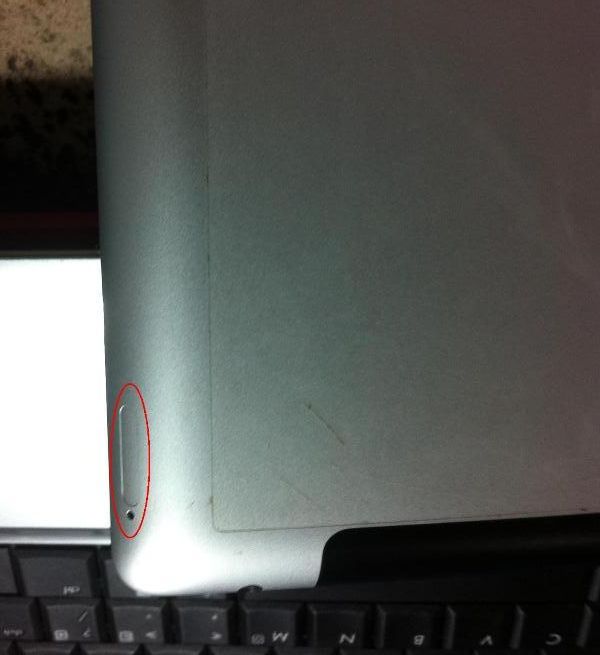
Activate iPad (iCloud Account)

Disassemble iPad
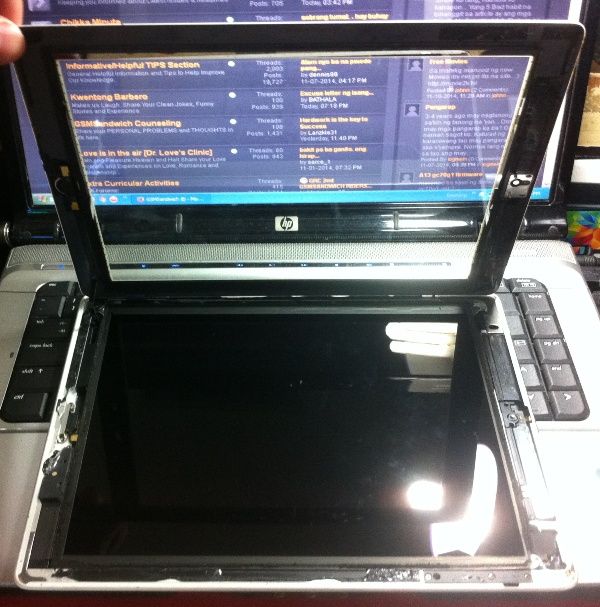
ingat po sa ribbon / flex
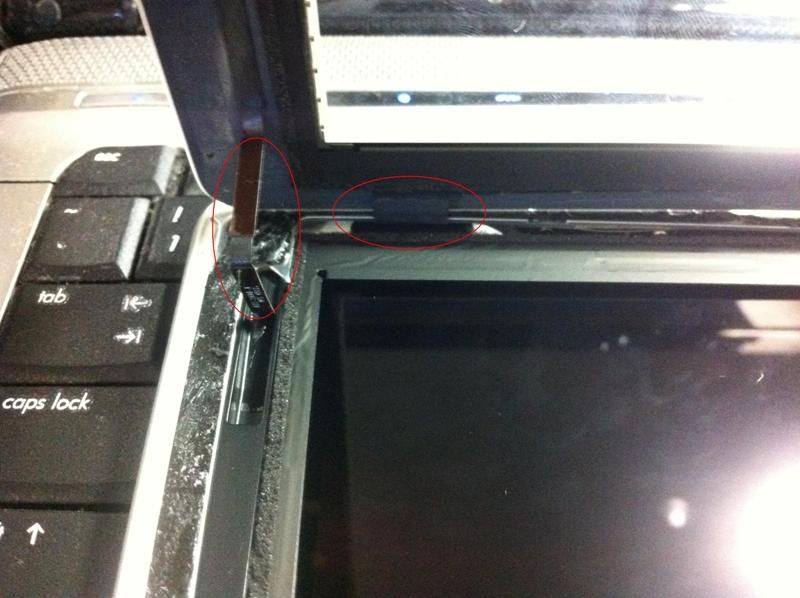

Remove resistor (R1204) at (Automatic DFU) ang unit, Connect to iTunes Then Restore


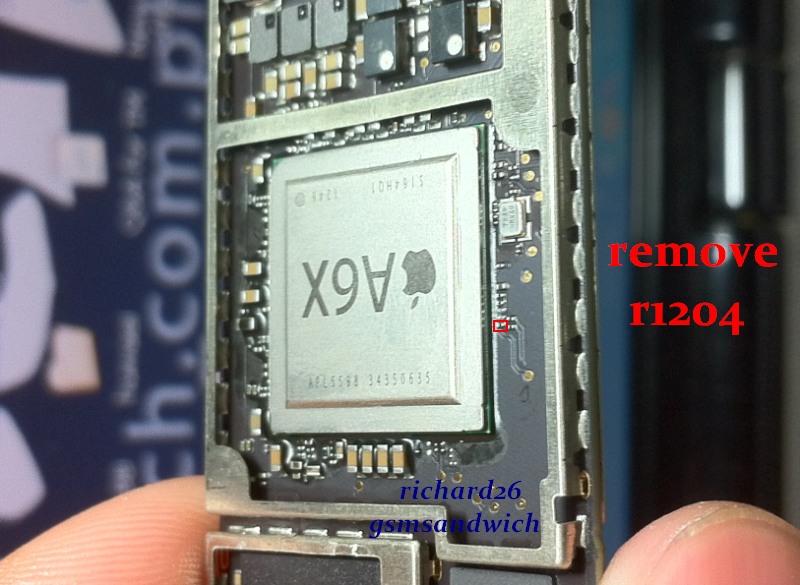
pagkatanggal Assemble then derecho na restore
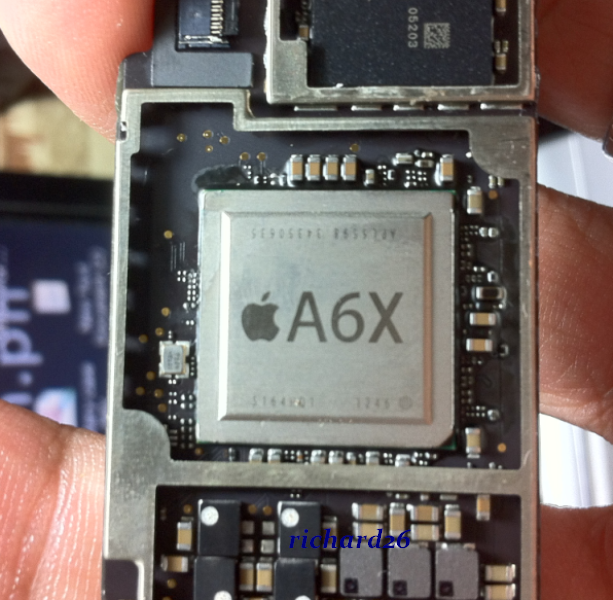
Matic DFU na ang Unit kaya Connect iTunes Then Restore at Select na lang ng firmware
note: dapat hindi Lowbatt ang Battery dahil may error na ganito pag lowbatt

recharge or fully charge muna ang unit bago tanggalin ang R1204, then restore na...

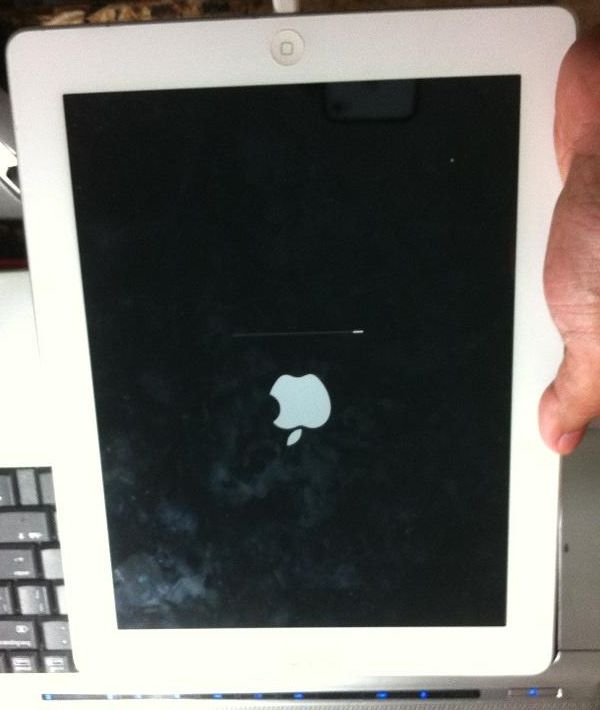
Done...


Finish Product:
Before & After

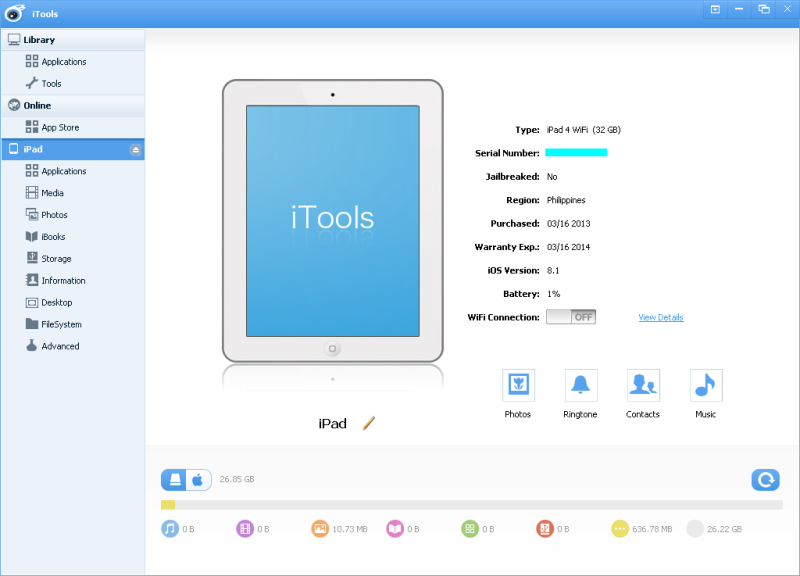

Solution: Bypass iCloud via Hardware (remove R1204) then from GSM convert into WIFI na lang sya...
Procedure:
* Disassemble iPad
* Remove resistor (R1204) (Automatic DFU)
* Connect to iTunes then Restore
* Restore Using iPad 4 WIFI Firmware (A1458)
* Done...
Screenshot:
iPad 4 CDMA / GSM (A1460)
Activate iPad (iCloud Account)
Disassemble iPad
ingat po sa ribbon / flex
Remove resistor (R1204) at (Automatic DFU) ang unit, Connect to iTunes Then Restore
pagkatanggal Assemble then derecho na restore
Matic DFU na ang Unit kaya Connect iTunes Then Restore at Select na lang ng firmware
note: dapat hindi Lowbatt ang Battery dahil may error na ganito pag lowbatt
recharge or fully charge muna ang unit bago tanggalin ang R1204, then restore na...
Done...
Finish Product:
Before & After


