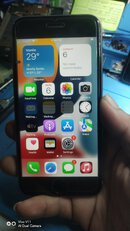
STATUS
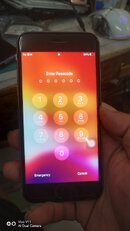
Run Eft PRO
connect iphone in DFU MODE
How to enter DFU MODE
Run Eft PRO
connect iphone in DFU MODE
How to enter DFU MODE
- After 8 seconds, release the Lock button while continuing to hold down the Home button.
- Nothing will be displayed on the screen when the device is in DFU mode. If open, iTunes will alert you that a device was detected in recovery mode.
Follow image for Procedure
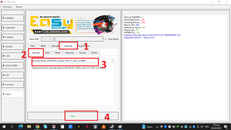
Boot Device follow image for procedure
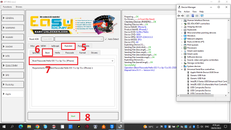
Back up Passcode follow image..
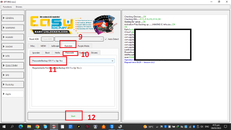
Erase all content follow image (di na screenshot operation my mistakes )

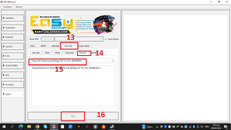
Reboot phone at mag eerase
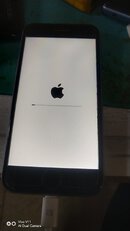
after setting up
DFU MODE uli at follow lng sa taas..
put to PWDDFU MODE number 1 to 4..
Boot Device number 5 to 8..
Then Restore Backup follow image again
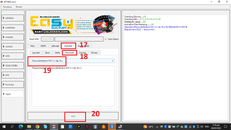
and Done...