
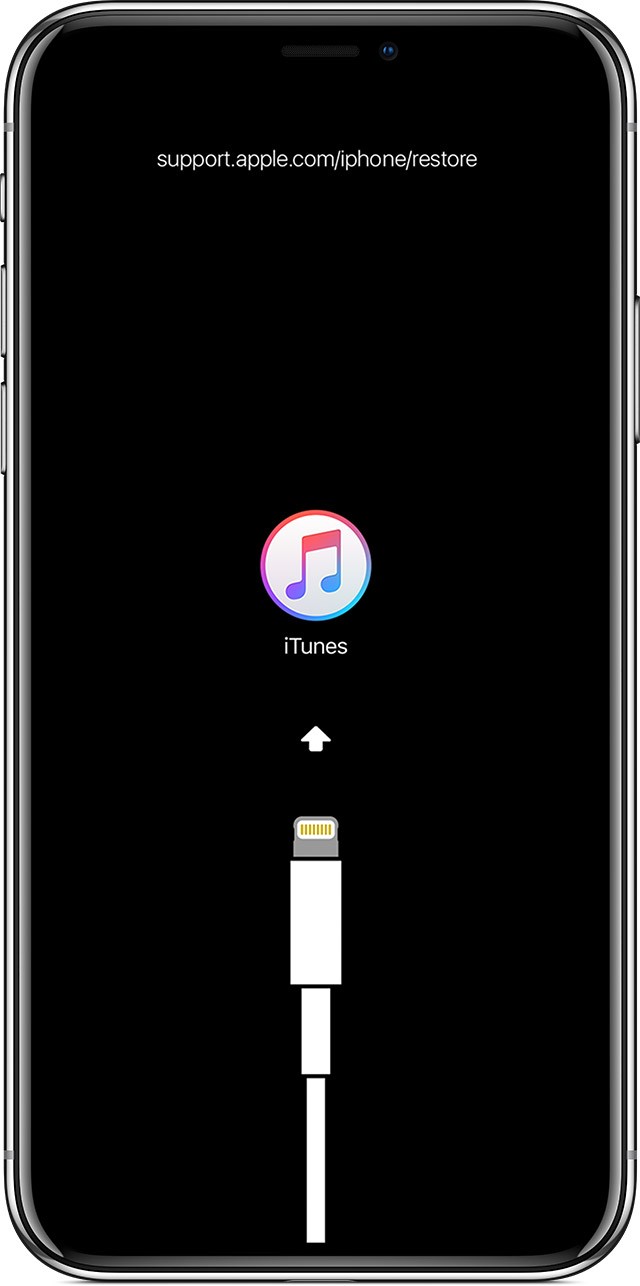
*Nakita ko lang kaya share ko na din credit to Engr. Abdullah
Error Number: Error (-1 &1)
Code Reference: Baseband Circuit: Baseband power - Baseband CPU -Baseband EEPROM - 19.2M clock
Solution: -Check power supply output of baseband power – Check baseband power - baseband CPU or baseband EEPROM for pseudo soldering or damage - Check mainboard GND resistance value to test the path
Error Number: Error (6)
Code Reference: If error message appears before reboot to2/3 of progress, it means NAND circuits have problems - if error message appears afterreboot to 2/3 of progress, it means thebaseband EEPROM has problems
Solution: If error message appears before reboot to 2/3 of progress, check NAND for pseudo soldering or damage, and measure mainboard GND resistance value if the path has problems; if error message appears after reboot to 2/3 of progress, check the baseband EEPROM for pseudo soldering or damage, and measure mainboard GND resistance value if the path has problems
Error Number: Error(9 & 14)
Code Reference: NAND circuits or logic EEPROM circuits
Solution: Check NAND for pseudo soldering or damage, and measure mainboard GNDresistance value if the path has Problem - Check logic EEPROM for pseudo soldering or damage, and measure mainboard GND resistance value if the path has problems
Error Number: Error (10)
Code Reference: Server authentication has problems - WiFidamage or CPU pseudo soldering has occurred to iPhone
Solution: 1 .Perform server authentication 2. In the case of WiFi damage, re-install or replace it 3. Check for CPU pseudo soldering or damage
Error Number: Error (21)
Code Reference: Please check the battery test foot access, orbattery bad CPU circuit problem
Solution: 1 .In the case of battery damage,
replace it 2. Check mainboard battery interface testing pin, measure GND resistance value and test the path 3. Check for CPU pseudo soldering or damage
Error Number: Error (40)
Code Reference: NAND circuits have problems
Solution: 1 .Replace the NAND if it is damaged; 2. Reinstall the NAND if it has pseudo
soldering; 3. Measure the mainboard GND resistance value if the path has problems, or the power supply is not available.
Error Number: Error (53)
Code Reference: Baseband power, camera circuits, MESA circuits, NFC circuits
Solution: Baseband CPU peripheral inductanceeasy to weld - Eliminate the problems one by one according to the methods shown on the left
Error Number: Error (56)
Code Reference: If error message 56 appears after NFC (Near Field Communication Mobile Payment Chip) phones reboot to 1/2 of progress, or camera circuits have problems
Solution: 1 .Check NFC tube for pseudo soldering or damage 2. Check for breakage in power supply lines 3. Check for breakage in the line from control line to main CPU, and check GND resistance value 4. Check for camera circuit problems.
Error Number: Error (4005)
Code Reference: Main CPU lower layer or NAND (note:the above error messages are based on the error messages during reboot after removal of NAND, and otherwise, with the NAND on the mainboard, the accuracy of error messages will be affected - random error messages)
Solution: 1 .Main CPU lower layer has pseudo soldering or damage; 2. In a few cases, NAND has problems, such as pseudo soldering or damage
Error Number: Error (4013)
Code Reference: Apple’ also occurs (note: the above error messages are based on the error messages during reboot after removal of NAND, and otherwise, with the NAND on the mainboard, the accuracy of error messages will be affected - random error messages) Baseband circuits have problems: baseband power; baseband CPU. Restart-up due to ‘White
Solution: 1 .Check power supply output of baseband power, focusing on checking whether the power supply is grounded , and if it is grounded, mostly the baseband CPU is damaged 2. Check baseband power or baseband CPU for pseudo soldering or damage 3. Check mainboard GND resistance value to test the path
Error Number: Error (4014)
Code Reference: NAND circuits or main CPU upper layer (RAM) have problems, where if Apple logo is displayed, mostly NAND has problems, and if Apple logo is not displayed, mostly CPU has problems (note: the above error messages are based on the error messages during reboot after removal of NAND, and otherwise, with the NAND on the mainboard, the accuracy of error messages will be affected - random error messages)
Solution: 1 .Replace the NAND if it is damaged; 2. Reinstall the NAND if it has pseudo soldering; 3. Measure the mainboard GND resistance value if the path has problems, or maybe the power supply is not available; 4. Check CPU upper layer for pseudo soldering or damage
Error Number: Error (3194)
Code Reference: Firmware incompatibility, Authentication is OFF; Monster phone Board phone; Failure in peripheral communication; Dock connector; Data wire; Computer firewall is not closed [360 antivirus software]; Too low version; USB problems; Check for the server configuration or server network problems
Solution: Eliminate the problems one by one according to the methods shown on the left
Error Number: Error (-23)
Code Reference: Error message -23 of iPad indicates the battery has run out
Solution: Charge or change the battery
Error Number: Error (4015)
Code Reference: CPU upper layer circuits have problems
Solution: 1 .Check main CPU upper layer for pseudo soldering or damage 2. Check CPU power supply or power supply path elements
Error Number: Error (1669)
Code Reference: Error message 1669 will appear in the case of EEPROM data error or loss, or burnout of iPhone6S dock connector
Solution: 1 .Repair with instrument as there is mismatch between baseband EEPROM and data;2. Check baseband EEPROM for pseudo soldering or damage; 3. Corresponding parts should be replaced as baseband EEPROM and baseband CPU mismatch with main CPU data