Ipod Nano (3rd Gen 4G ) FW Corrupted restore/update done (Reference)
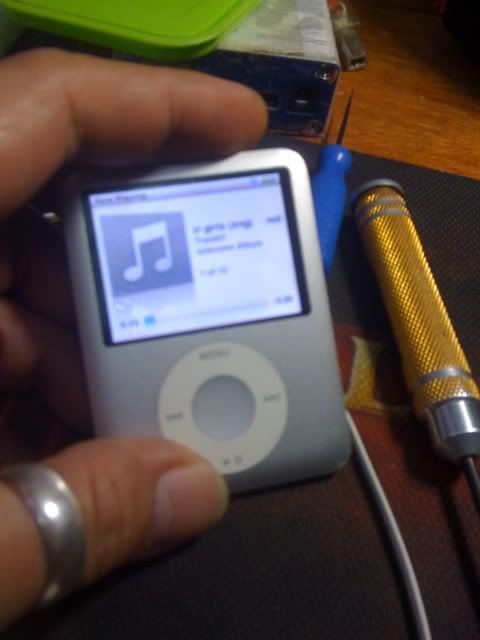
Problem: Dinala ng customer ko sabi nya hindi raw malagyan ng songs.
Action Taken:
-Connect ko sa iTunes. iTunes detects unit having corrupted firmware.
-Need to restore iPod.
Tools:
-iTunes 8.2
-iPod usb cable
-Internet connection for downloading firmware
Procedure:
-Open itunes
-Connect iPod to usb cable
-Once detected click ok
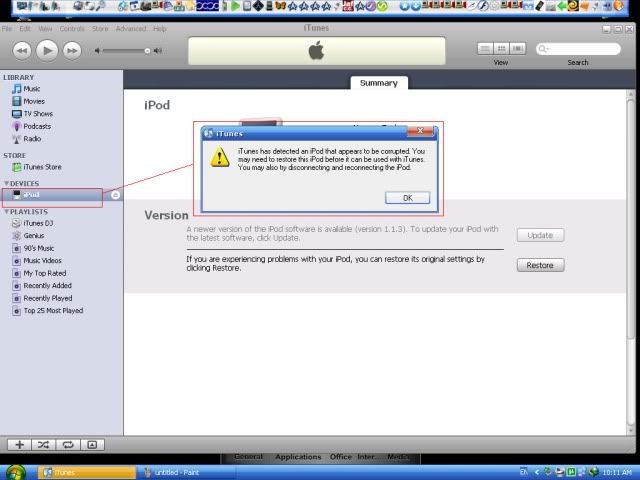
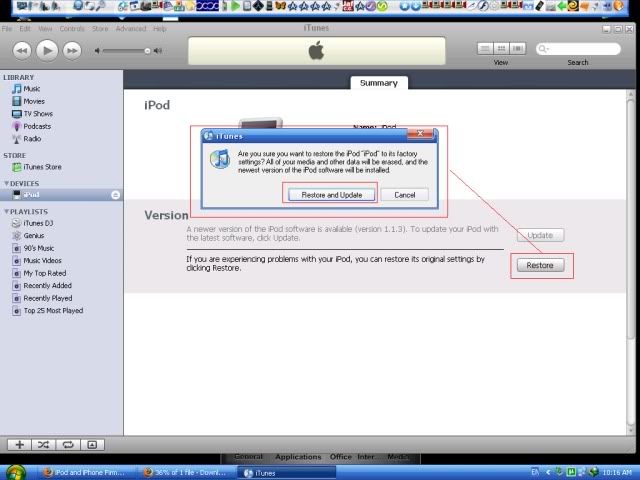
-click restore
-then click Restore and Update
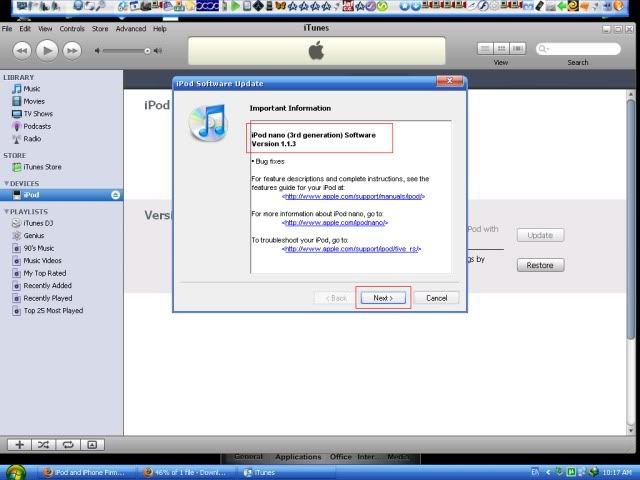
-iPod Software and Update window appears, Just click next and accept
-iTunes starts downloading software for iPod
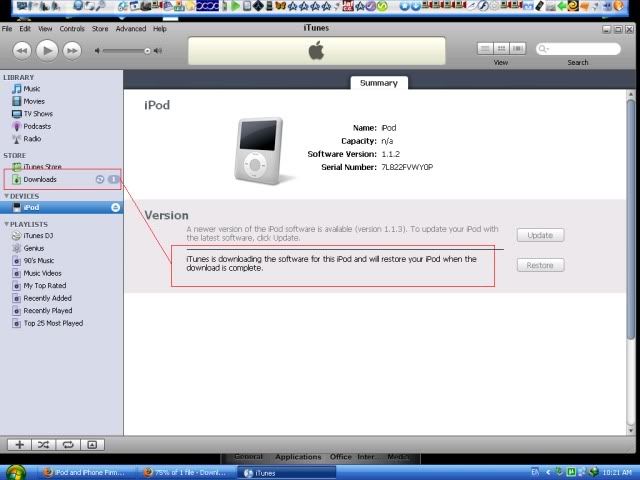
-After software is downloaded iTunes automatically updates iPod software
-Wait for it to finish it just takes a minute or 2
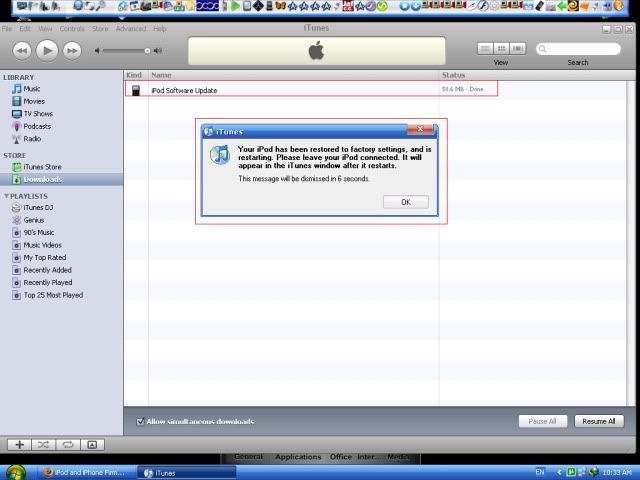
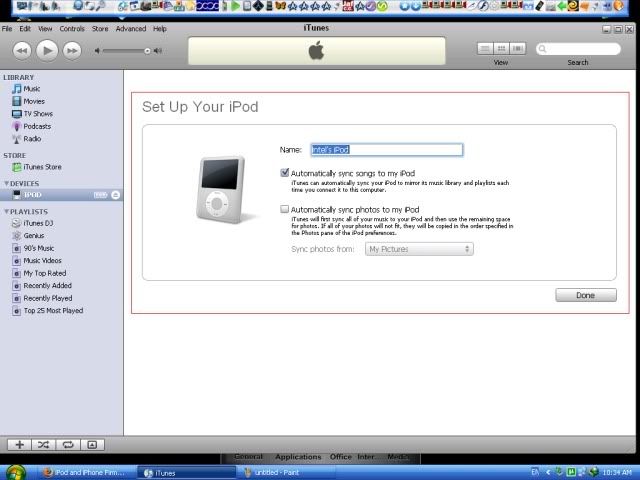
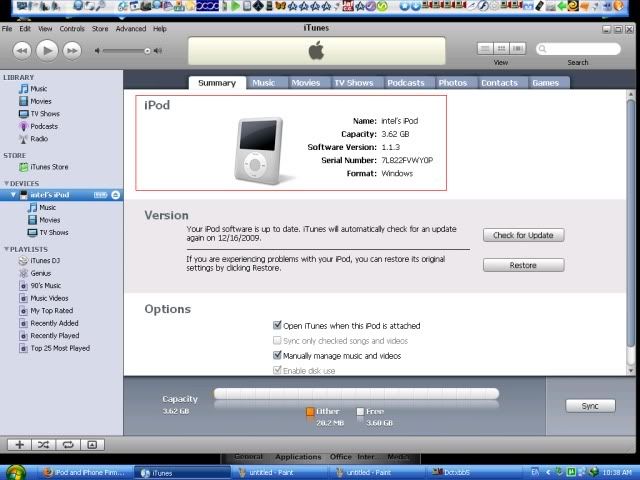
-wait for iPod to reboot and iTunes detects the iPod
Problem: Dinala ng customer ko sabi nya hindi raw malagyan ng songs.
Action Taken:
-Connect ko sa iTunes. iTunes detects unit having corrupted firmware.
-Need to restore iPod.
Tools:
-iTunes 8.2
-iPod usb cable
-Internet connection for downloading firmware
Procedure:
-Open itunes
-Connect iPod to usb cable
-Once detected click ok
-click restore
-then click Restore and Update
-iPod Software and Update window appears, Just click next and accept
-iTunes starts downloading software for iPod
-After software is downloaded iTunes automatically updates iPod software
-Wait for it to finish it just takes a minute or 2
-wait for iPod to reboot and iTunes detects the iPod