history:
blinking logo only (overheating too)
flash with octopus box but still the same after a few minutes
try cleaning, remove resistors and capacitors but NO USE
LAST OPTION:
download ORIGINAL / OFFICIAL FIRMWARE then flash with official LG updater
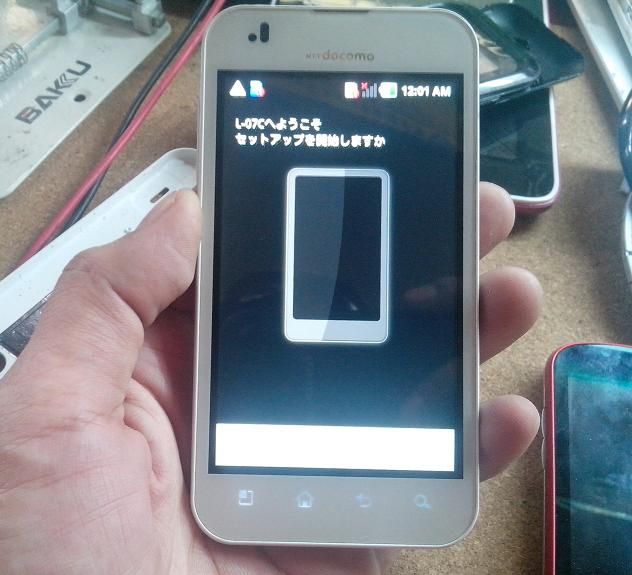
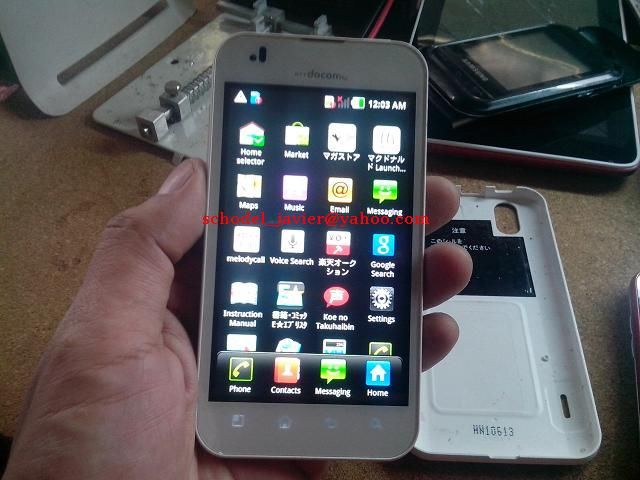
SOLVED

1.install and download this
B2cAppSetup.rar
2.download firmware
ORIGINAL FIRMWARE / KDZ format
3.download the driver and install
L07c DRIVERS
4.set phone to download mode
(power off the phone and do not remove battery
hold volume up then insert usb cable)
5.now download this hacked version
(works offline and no need "windows enabler")
i already provided the L07c DLL file inside this
OFFLINE KDZ UPDATER
now extract this kdz folder to desktop and RUN the EXE file
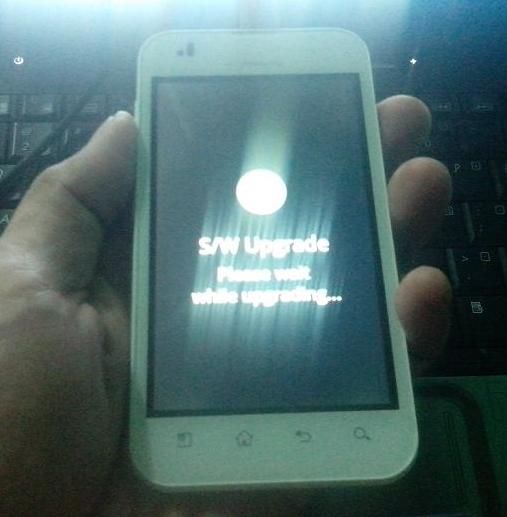
then follow the screenshots
1
2
3
4
5