
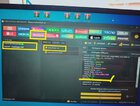
1. Open UNLOCKTOOL
2. Select Lenovo tab
3. Type k6 note sa search bar
4. Select Lenovo k6 note [K53] EDL
5. Click ERASE FRP, off unit press vol up & down insert USB cable wait until done
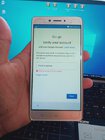
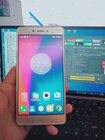
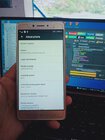
See picture for guide and proof
2. Select Lenovo tab
3. Type k6 note sa search bar
4. Select Lenovo k6 note [K53] EDL
5. Click ERASE FRP, off unit press vol up & down insert USB cable wait until done
See picture for guide and proof