
- Joined
- Jul 14, 2014
- Messages
- 114
- Reaction score
- 20
- Points
- 1
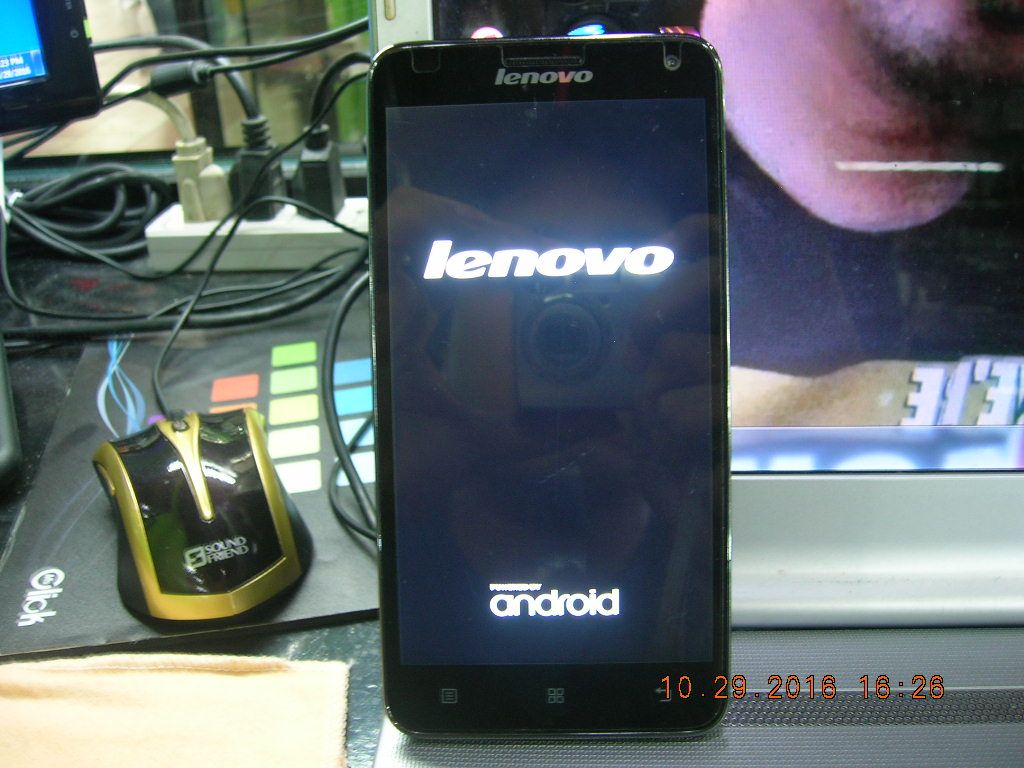
Lenovo S580 Hang on Logo Done Update via SDCard
credits to them,big thanks..
Firmware : http://firmwarefile.com/lenovo-s580
prepare SD CARD (2gb up)
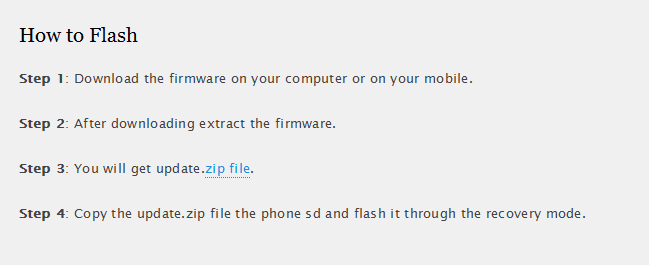
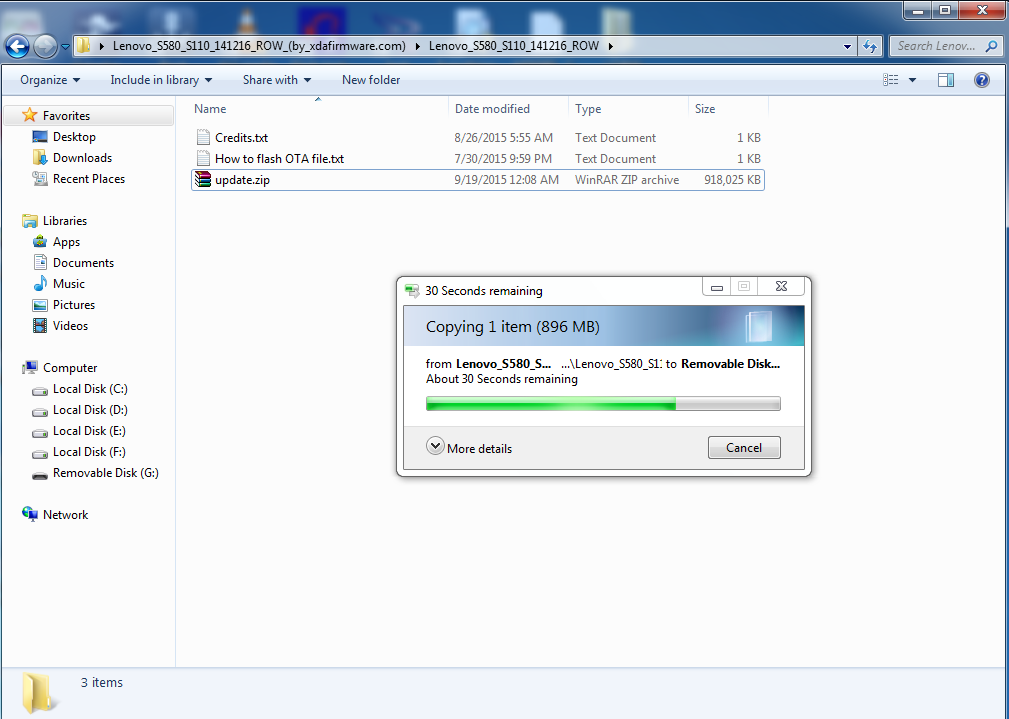
copying files to SD Card
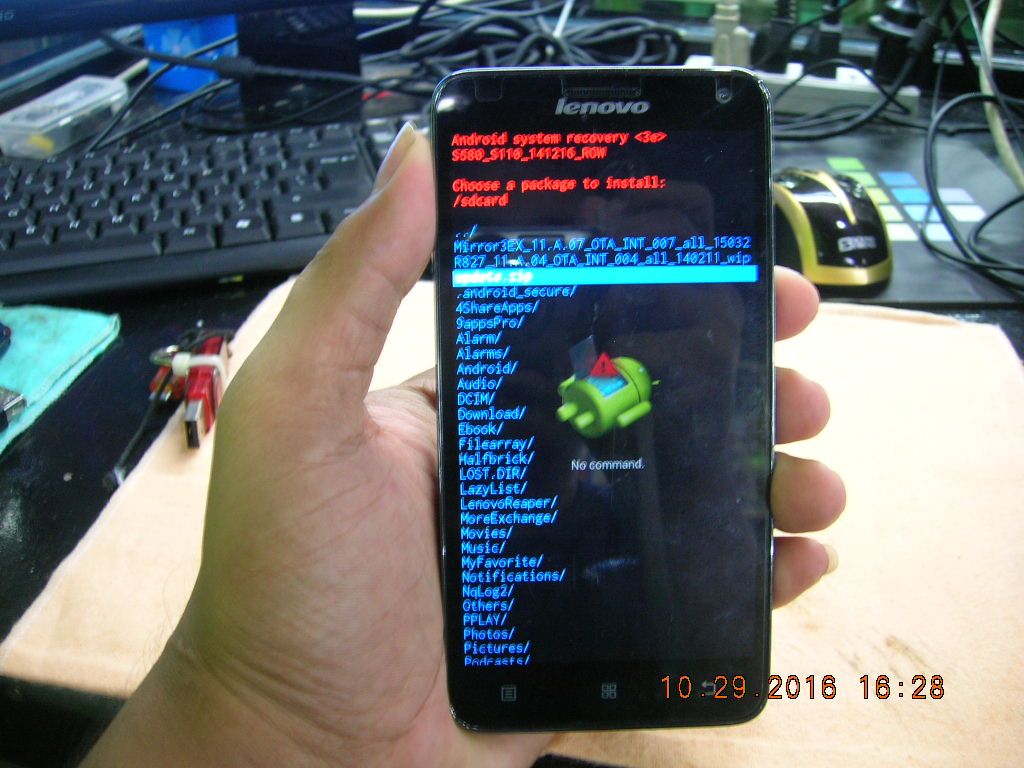
press Volume UP + Power Button to enter recovery mode
apply update from external sd card
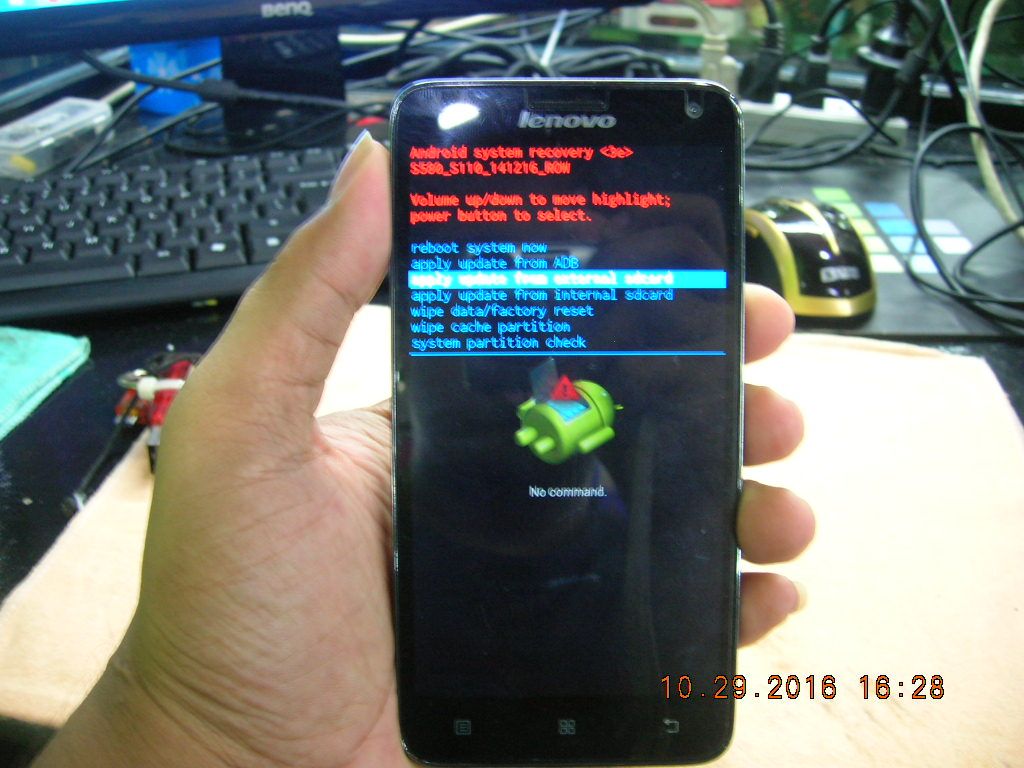
select update.zip
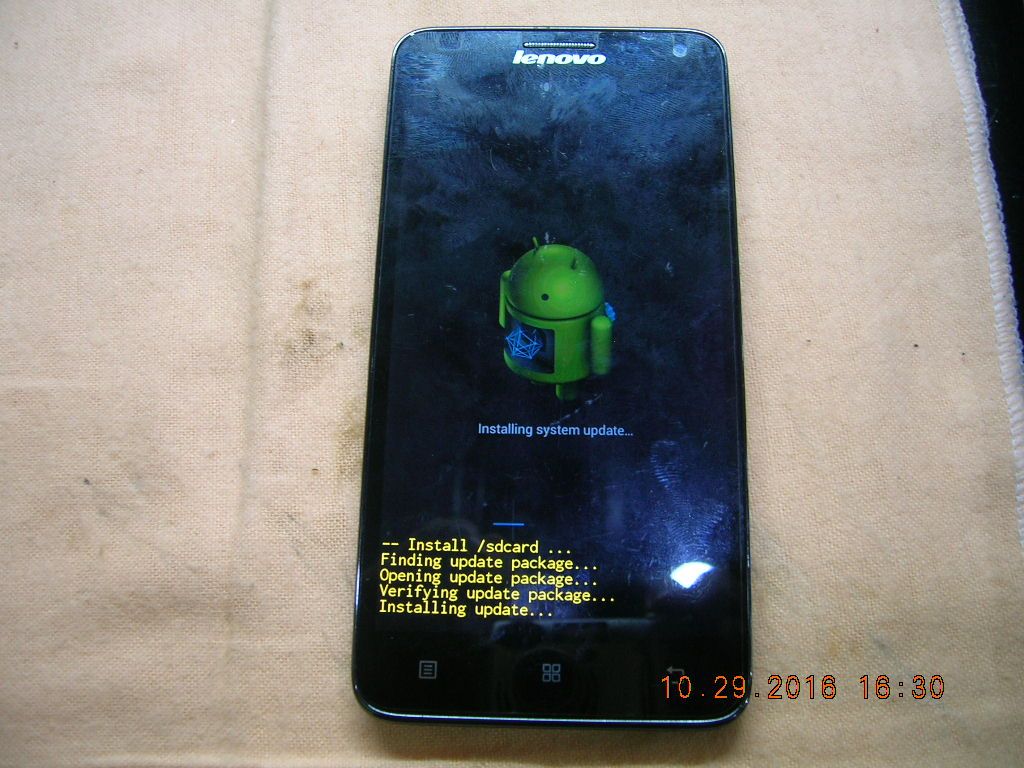
installing system update
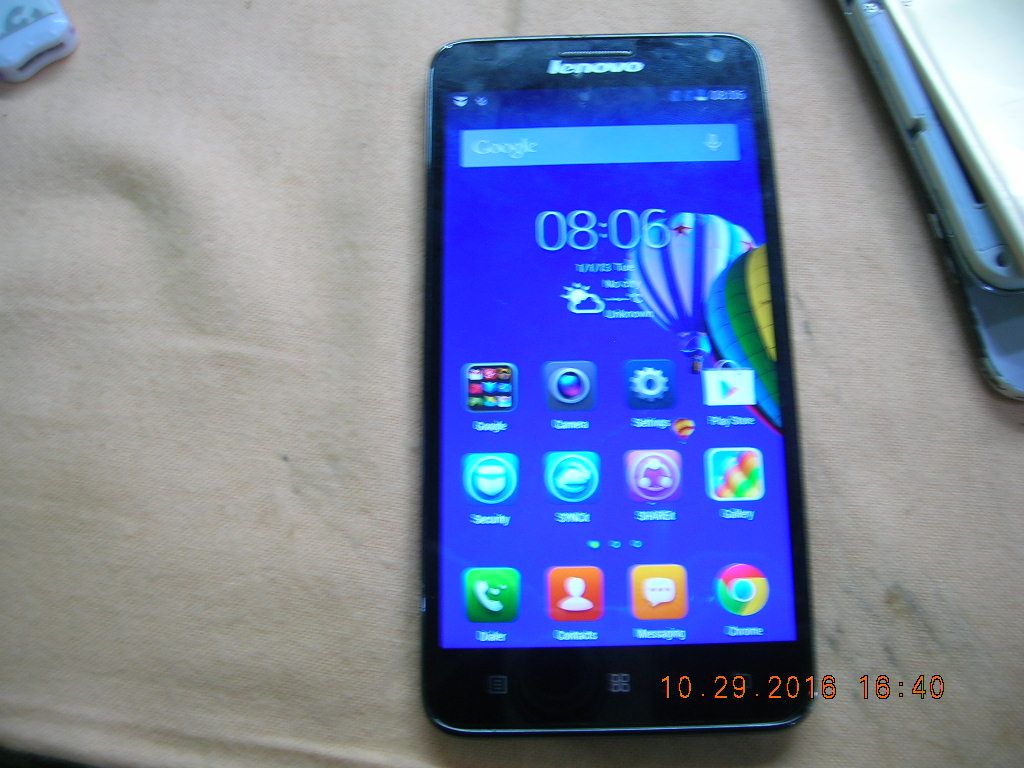
Done auto reboot ..
finish product..
thank you and God Bless all

credits to them,big thanks..
Firmware : http://firmwarefile.com/lenovo-s580
prepare SD CARD (2gb up)

copying files to SD Card

press Volume UP + Power Button to enter recovery mode
apply update from external sd card

select update.zip

installing system update

Done auto reboot ..
finish product..

thank you and God Bless all
