- Joined
- Oct 17, 2014
- Messages
- 2,447
- Reaction score
- 22
- Points
- 381
Model/ Unit; Lg Optimux 4x P880
Problem; hang on Lg Logo
here's the Procedure;
You need to download this file and extract
here KDZ file
then FIRMWARE
Open Kdz extracted file

install usb driver
after installing the usb driver
turn off your phone
now press volume down then connect usb
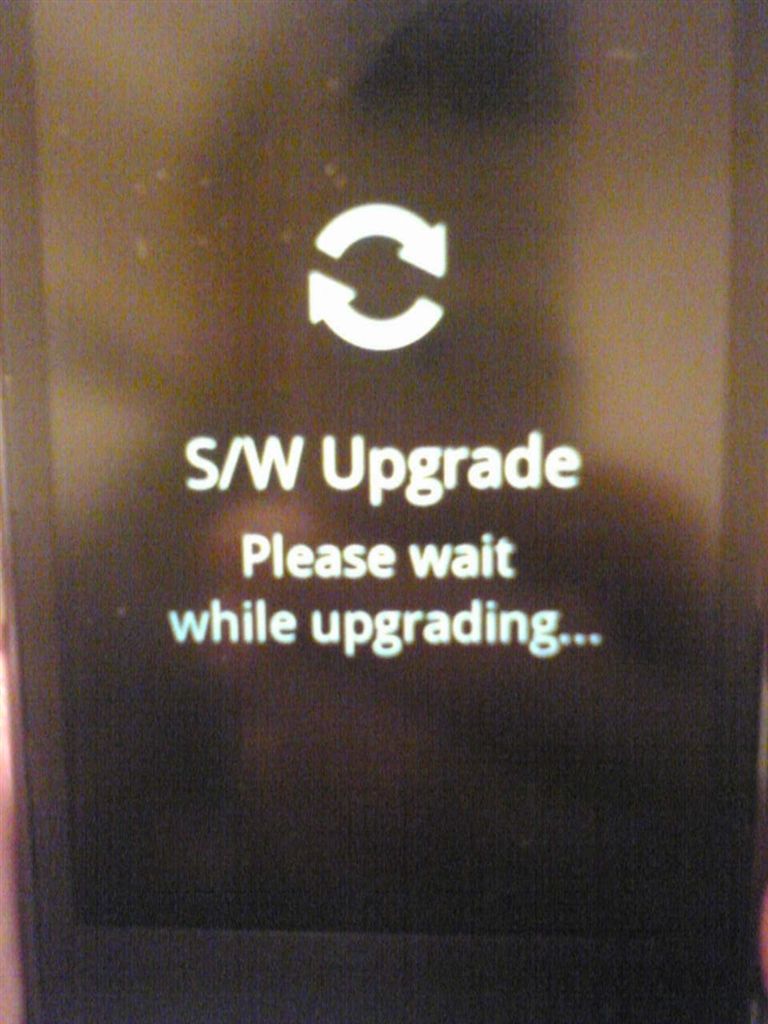
once installing the driver finish
right click my computer
device manager
go to modems
disable Lg android usb modem
GO TO Kdz folder double click windows enabler

now open Kdz_Fw_UPd file
and select Kdz firmware
and click launch software update

and wait till the phone reboot itself
smile na


thanks GOD
Problem; hang on Lg Logo
here's the Procedure;
You need to download this file and extract
here KDZ file
then FIRMWARE
Open Kdz extracted file
install usb driver
after installing the usb driver
turn off your phone
now press volume down then connect usb
once installing the driver finish
right click my computer
device manager
go to modems
disable Lg android usb modem
GO TO Kdz folder double click windows enabler
now open Kdz_Fw_UPd file
and select Kdz firmware
and click launch software update
and wait till the phone reboot itself
smile na
thanks GOD