
- Joined
- Mar 11, 2015
- Messages
- 604
- Reaction score
- 15
- Points
- 81
1.Power off your Nokia Lumia 900.
2.Press and hold the Volume Down and Camera keys simultaneously, and then press and hold the Power key until the Nokia logo screen goes black.
3. Release the Power key but continue to hold down the Volume Down and Camera keys until the phone reboots.
<textarea style="width: 500px;" readonly="readonly" class="ncode_imageresizer_warning" id="ncode_imageresizer_warning_1">Click here to view the original image of 800x600px.</textarea>
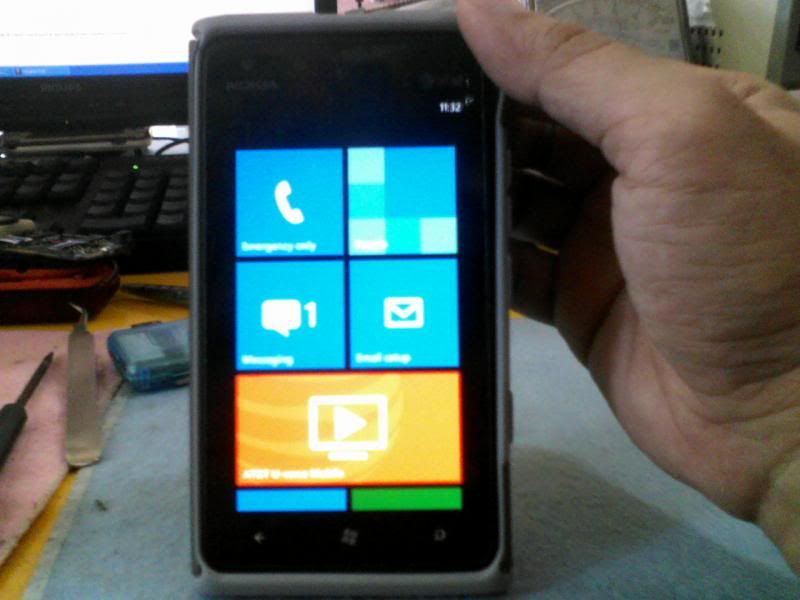
2.Press and hold the Volume Down and Camera keys simultaneously, and then press and hold the Power key until the Nokia logo screen goes black.
3. Release the Power key but continue to hold down the Volume Down and Camera keys until the phone reboots.
<textarea style="width: 500px;" readonly="readonly" class="ncode_imageresizer_warning" id="ncode_imageresizer_warning_1">Click here to view the original image of 800x600px.</textarea>
