
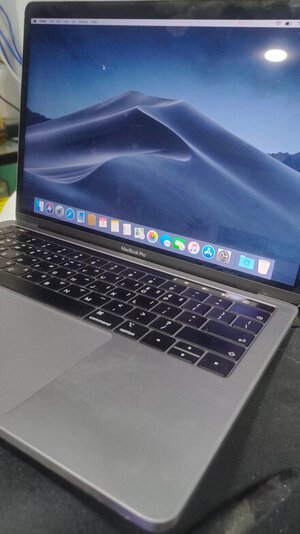
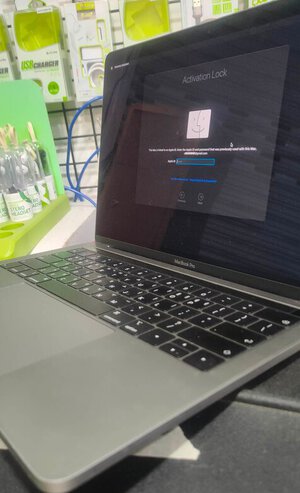
Macbook Pro 13 inch 2019 | A2159 Model Forgotten iCloud Removed Successfully
Step 1. Install last bridgeOs with Configurator
Step 2. Go to recovery screen but don’t put wifi or do anything and put device on DFU AND USE Mina T2 RAMDISK TOOL
Step 3. Activate the device
Step 4. After Activation BOOT DEVICE with Power Button + Command+R release Power Button and continue pressing Command+R until you get Internet Recovery Screen this time put wifi and Install macOs as normal.
DONE
Step 1. Install last bridgeOs with Configurator
Step 2. Go to recovery screen but don’t put wifi or do anything and put device on DFU AND USE Mina T2 RAMDISK TOOL
Step 3. Activate the device
Step 4. After Activation BOOT DEVICE with Power Button + Command+R release Power Button and continue pressing Command+R until you get Internet Recovery Screen this time put wifi and Install macOs as normal.
DONE
