
- Joined
- Jun 13, 2014
- Messages
- 56
- Reaction score
- 0
- Points
- 1
UNIT MODEL:
MI3
CPU BASED:
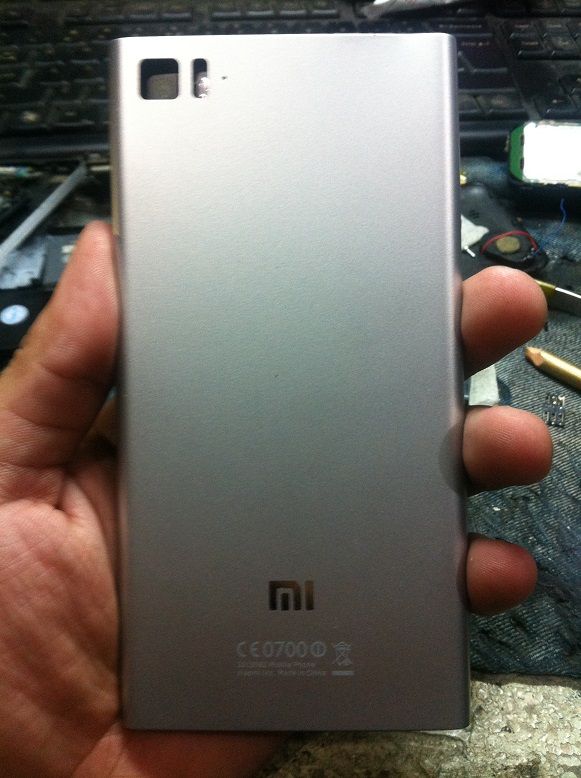
SNAPDRAGON MSM8274
PROBLEM & HISTORY:
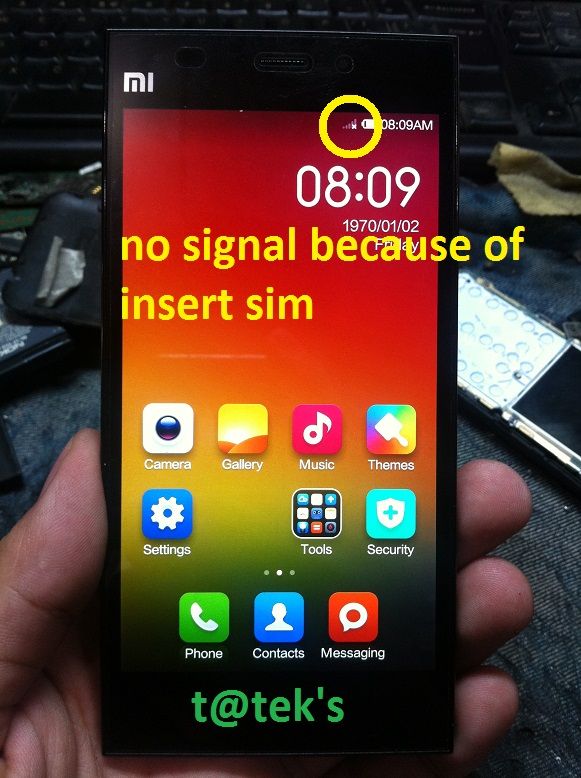
No Service, Insert SIM, ginamitan daw ng micro sim biglang nag no service
ACTION TAKEN:
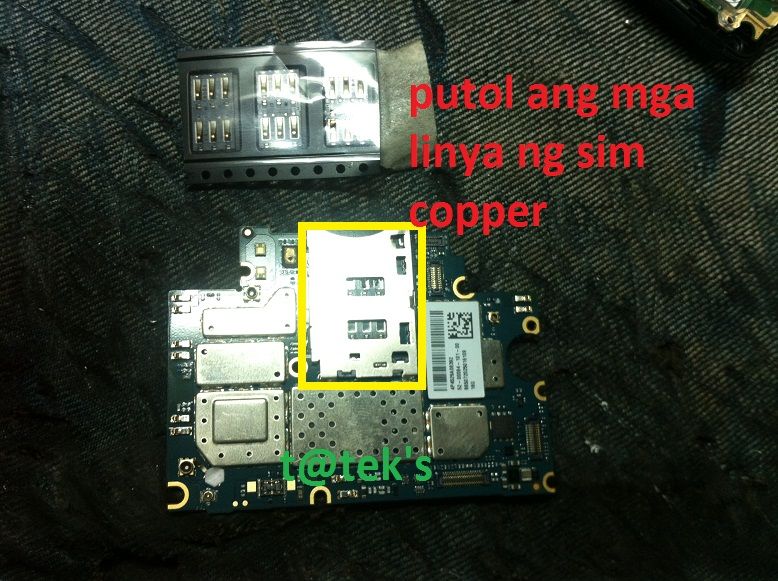
1. Dismantle the phone for diagnostic, at nakita ko putol ang mga copper pins ng sim socket
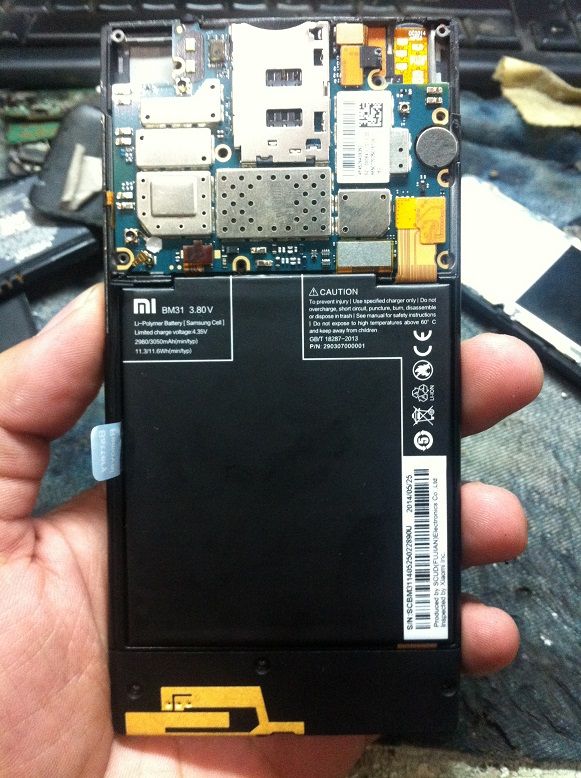
2. Carefully seperate the pcb to phone housing, and prepare a part needeed for repair, in my case ung part inorder pa sa ebay
3. proceed to repair and carefully remove the sim metal shield then remove the sim socket
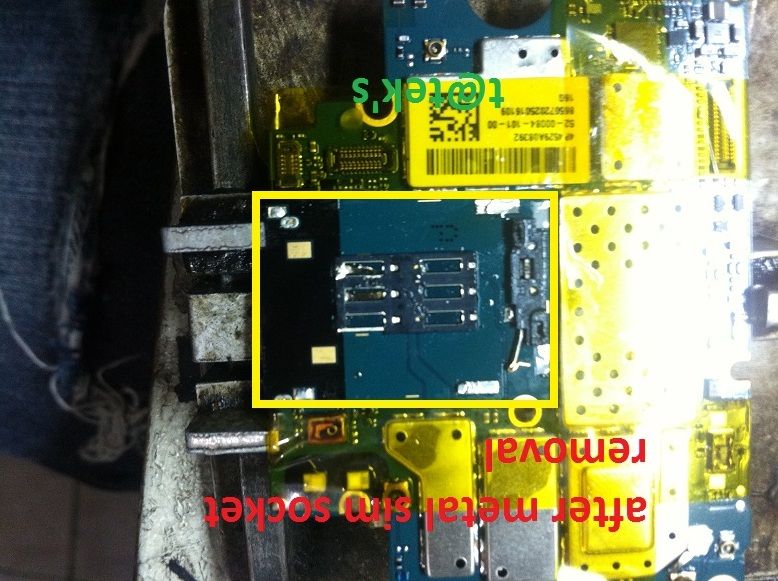
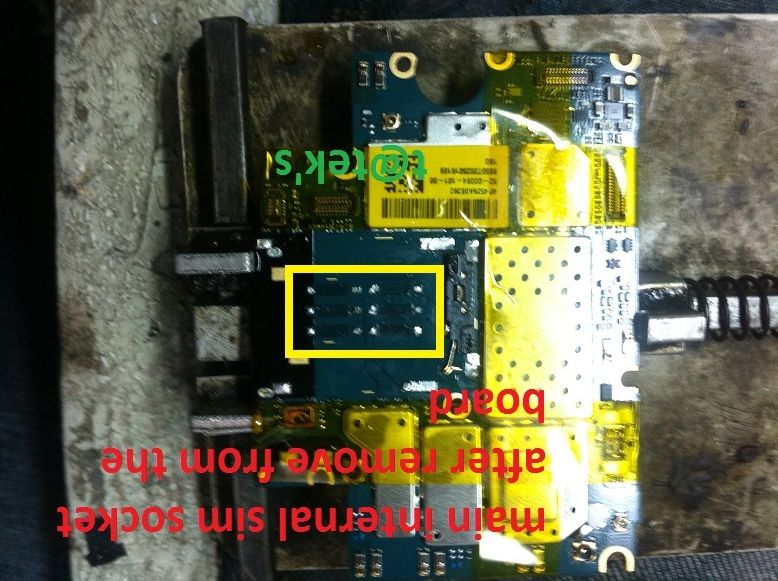
4. replace sim socket with the new one and remount the sim metal shied to pcb
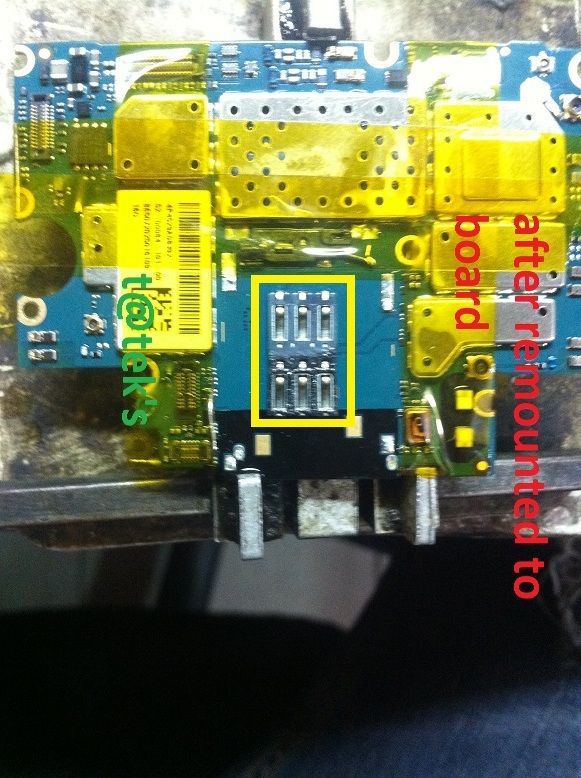
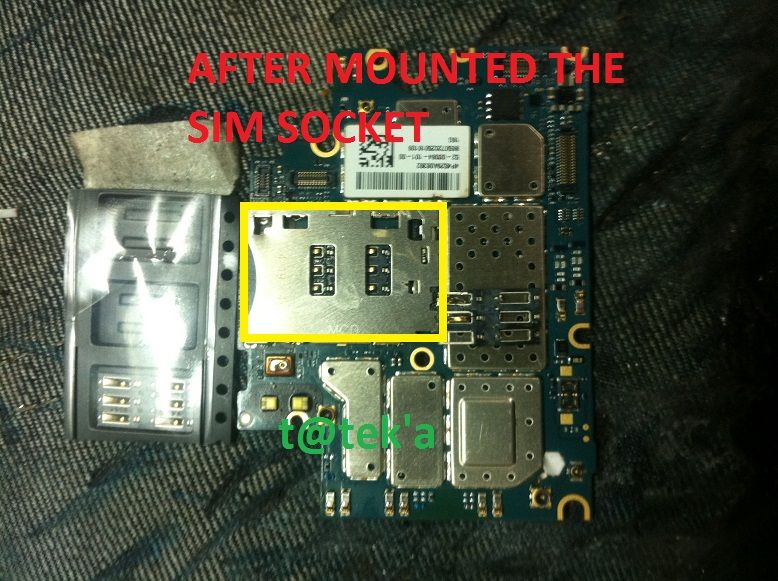
5. Test the phone after the replacement, in my case hang lang po sa MI3 startup logo,
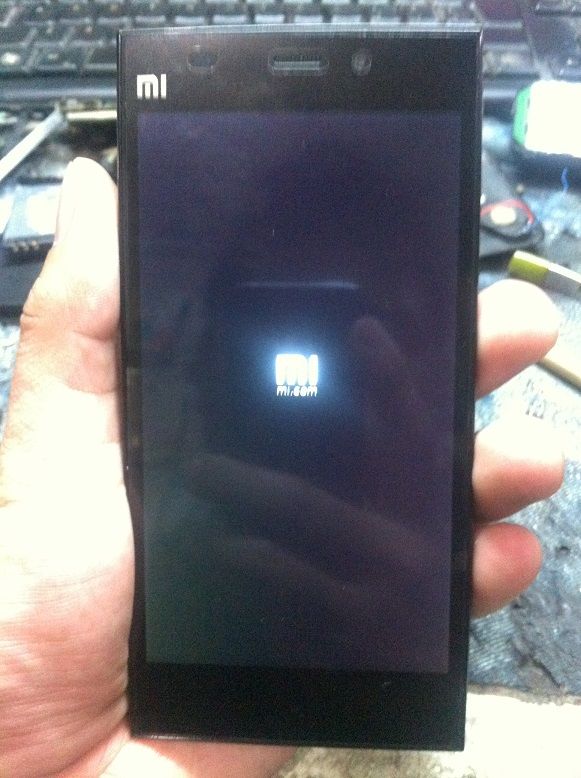
6. After the testing at konting analysis, Ill try to reflow the power management ic, baka kasi naapektuhan kasi nasa ilalim siya ng sim socket, and testing
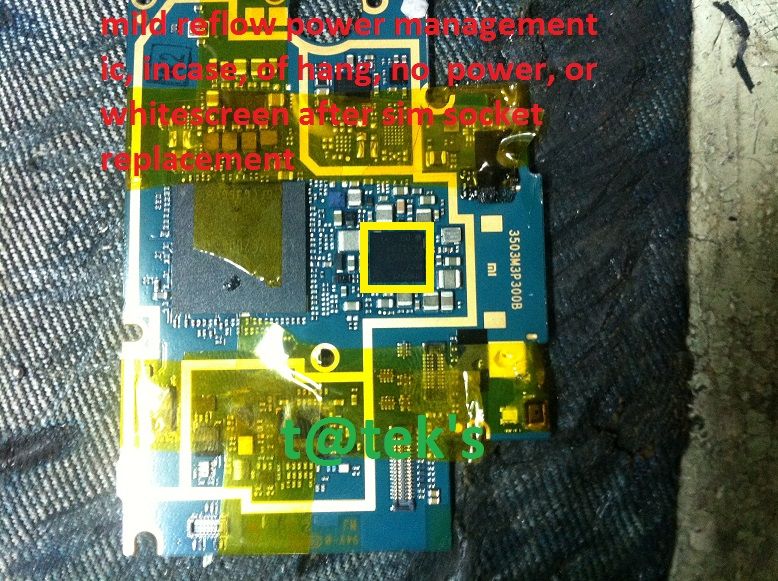
7. after reflow at maikabit ulit ang pcb sa housing nag ok naman ( buti na lang ) )
)
SCREENSHOTS:
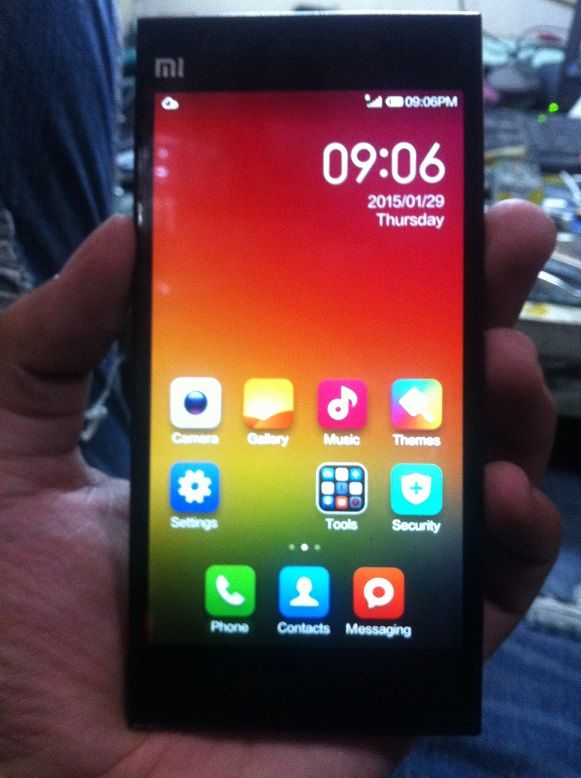
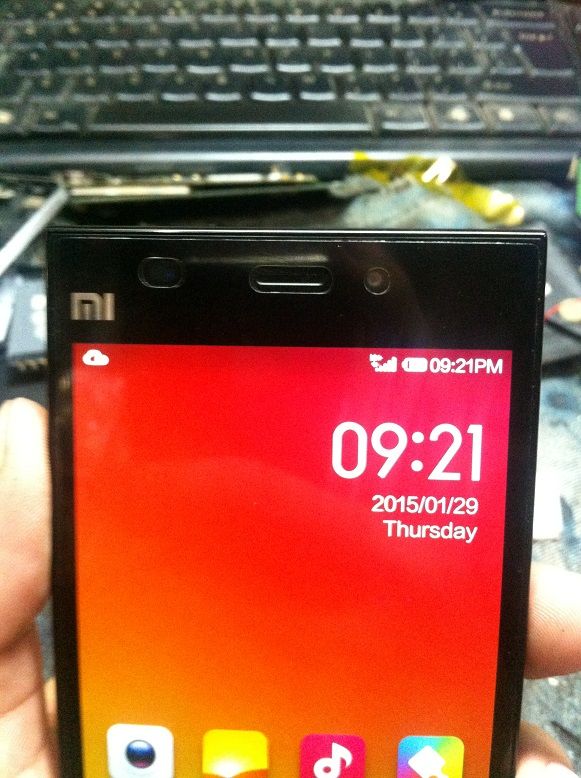
Share ko lang po
DONE
MI3
CPU BASED:

SNAPDRAGON MSM8274
PROBLEM & HISTORY:
No Service, Insert SIM, ginamitan daw ng micro sim biglang nag no service

ACTION TAKEN:
1. Dismantle the phone for diagnostic, at nakita ko putol ang mga copper pins ng sim socket


2. Carefully seperate the pcb to phone housing, and prepare a part needeed for repair, in my case ung part inorder pa sa ebay
3. proceed to repair and carefully remove the sim metal shield then remove the sim socket


4. replace sim socket with the new one and remount the sim metal shied to pcb


5. Test the phone after the replacement, in my case hang lang po sa MI3 startup logo,

6. After the testing at konting analysis, Ill try to reflow the power management ic, baka kasi naapektuhan kasi nasa ilalim siya ng sim socket, and testing

7. after reflow at maikabit ulit ang pcb sa housing nag ok naman ( buti na lang )
)SCREENSHOTS:


Share ko lang po
DONE
