Y
yow
Anonymous
MSI S73 7inch Tab Hang - On Logo Done [Firmware & Tools Here]
MSI S73 7inch Tab Hang On Logo Done [Firmware & Tools Here]
Model:
Msi s73 7inch tablet
Status:
hang on logo
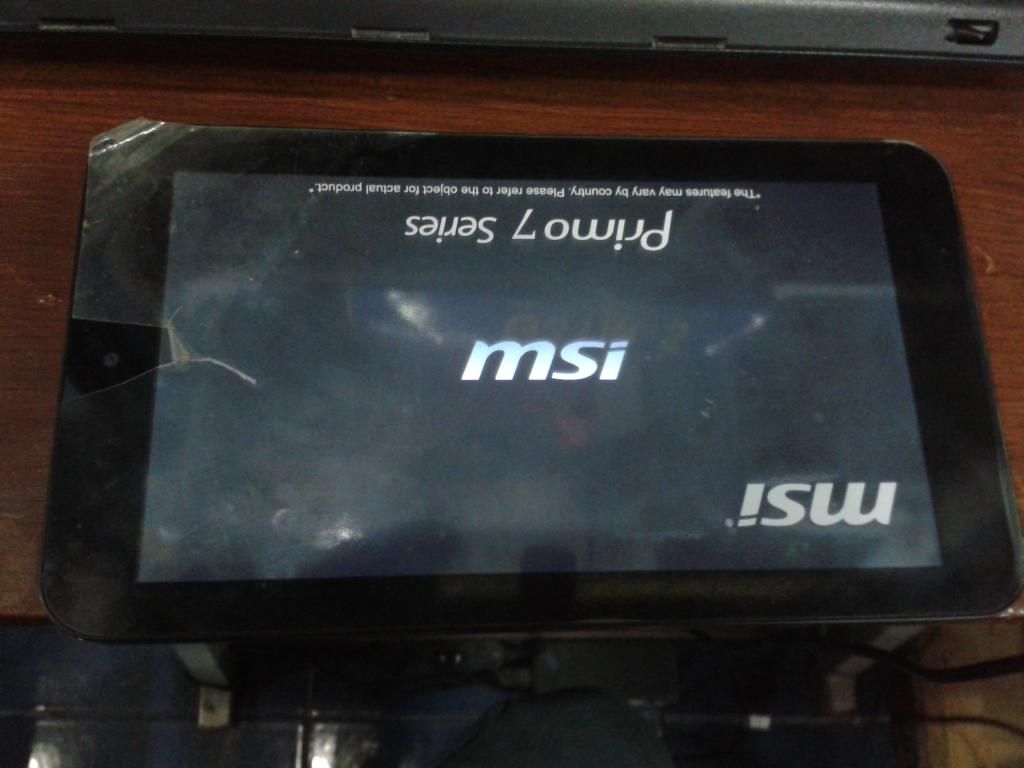
Tools here:
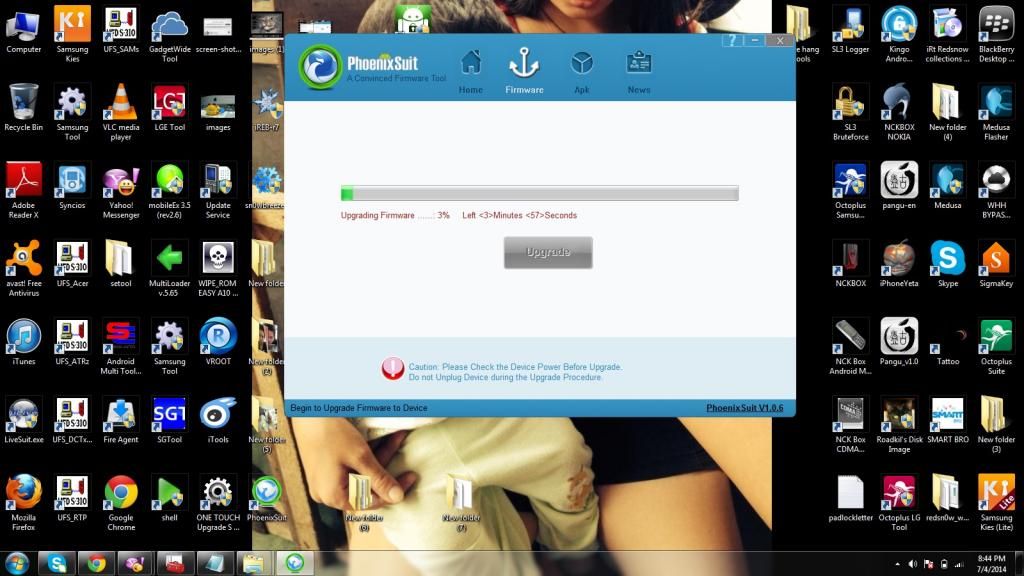
phoenixsuit,firmware & driver
download here: http://www.msi.com/support/windpad/P...ml#down-driver
Procedure:
1.long press the power at least 10 seconds to power off the device
2.press one key except the power key and do not release
3.connect the device to the PC computer
4.click power key for about 10 times
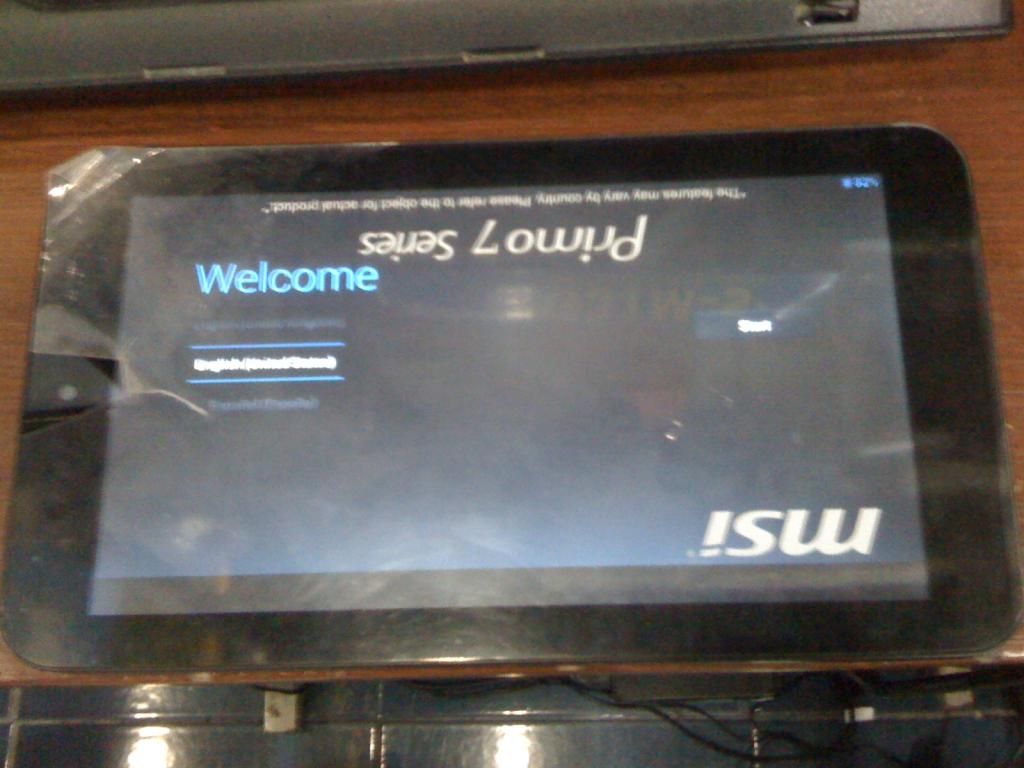
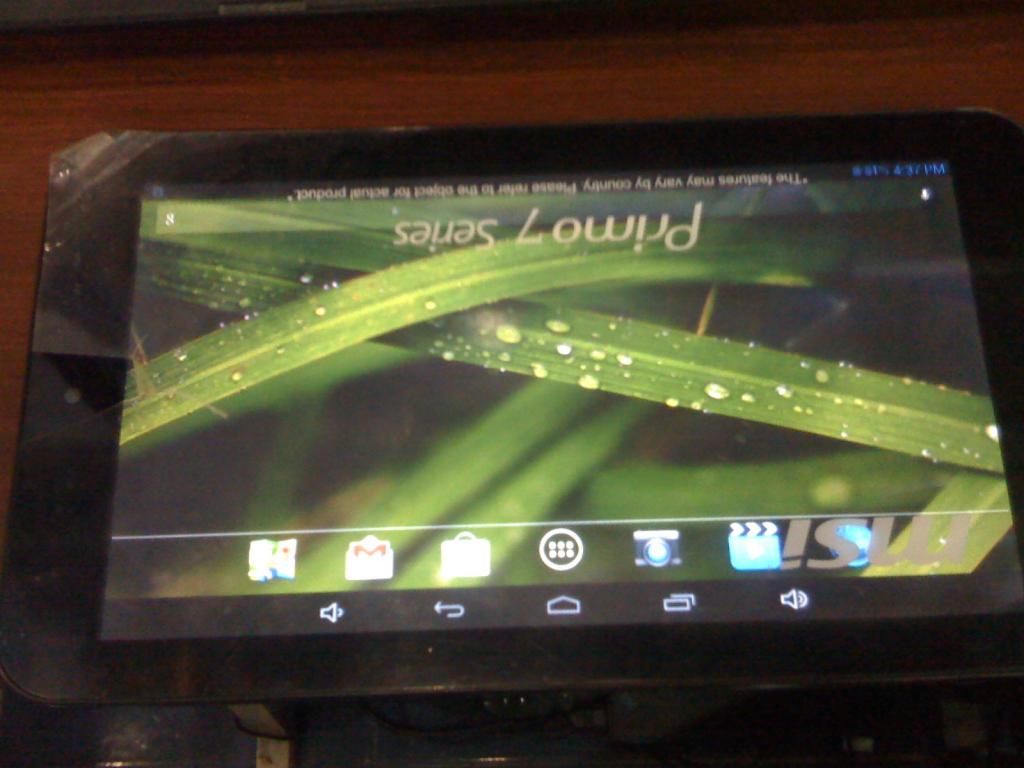
5.release all key pressed and device will be autho upgraded
6. if device do not enter upgrade process,try repeating the steps 1 to 6.




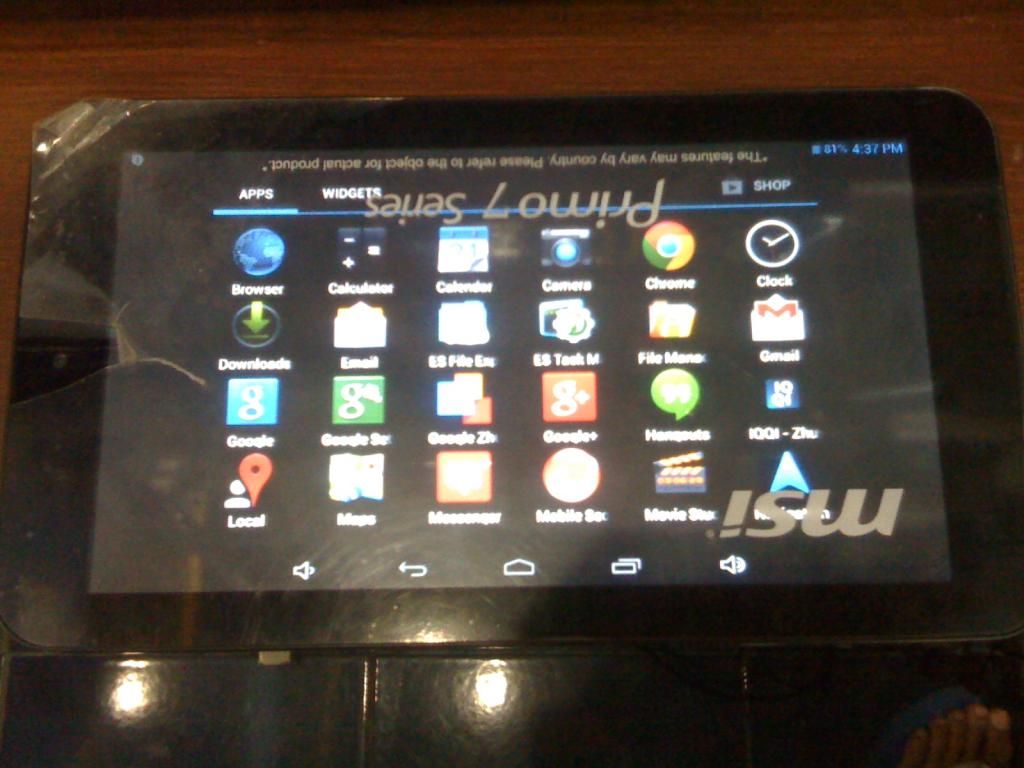
Model:
Msi s73 7inch tablet
Status:
hang on logo
Tools here:
phoenixsuit,firmware & driver
download here: http://www.msi.com/support/windpad/P...ml#down-driver
Procedure:
1.long press the power at least 10 seconds to power off the device
2.press one key except the power key and do not release
3.connect the device to the PC computer
4.click power key for about 10 times
5.release all key pressed and device will be autho upgraded
6. if device do not enter upgrade process,try repeating the steps 1 to 6.
