C
credit_tech
Anonymous
ntt docomo nec n-04c unlock done by simple software
Lets Do it Step by Step:
1. Download (http://www.sendspace.com/file/yx2vsb) for the software to use
2. Make sure your cellpone battery is more than 50% before starting this procedures
3. Format your microSD card on the phone so it will create its own system file
4. Remove microSD card from the phone
5. Insert your microSD card in card reader and plug it into your computer then copy the downloaded File extractedon the root directory of the microSD card
6. Insert the microSD card back into the phone then power on. (make sure your battery is fully charged or it must be more than 50%)
7. Power ON the phone and go to menu and tap SETTINGS
8. Tap ABOUT PHONE
9. Tap MAJOR UPDATES
10. Tap UPDATE NOW
11. Tap UPDATE by SD CARD
12. MAJOR UPDATE Prompts, Tap OK
13. The system will reboot, after reboot you see this (its take a minutes)
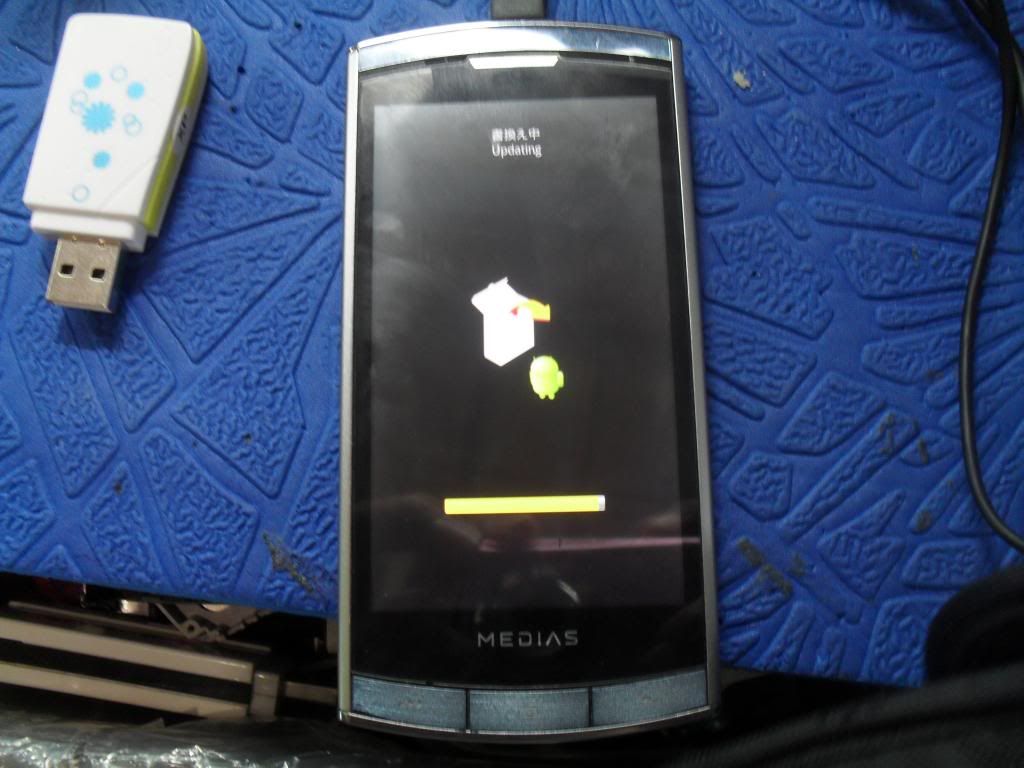
then reboot again just dont do anything and wait you see again this
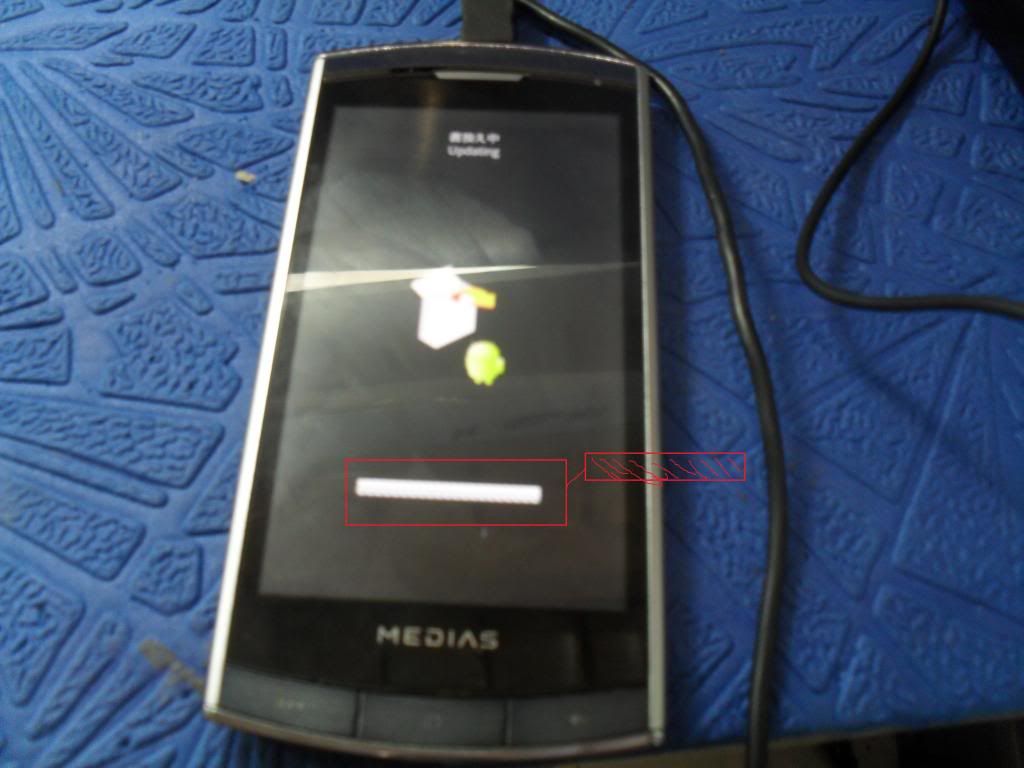
14. After updating and powered on, power off the phone, remove the battery and put non-accepted network sim and check
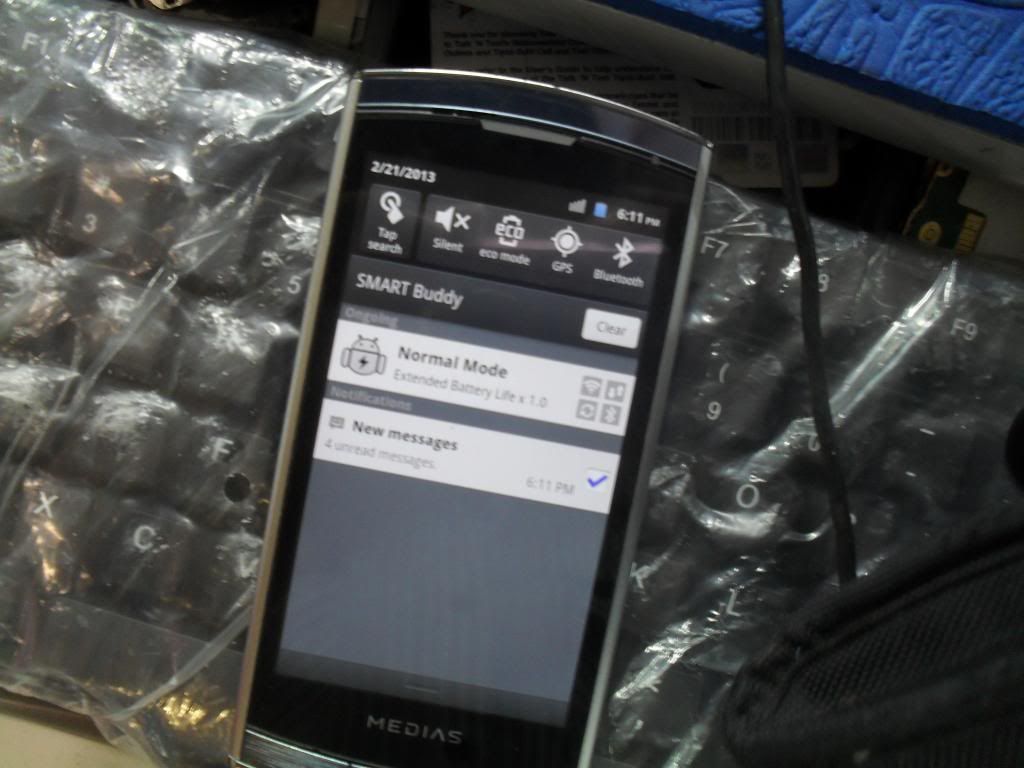
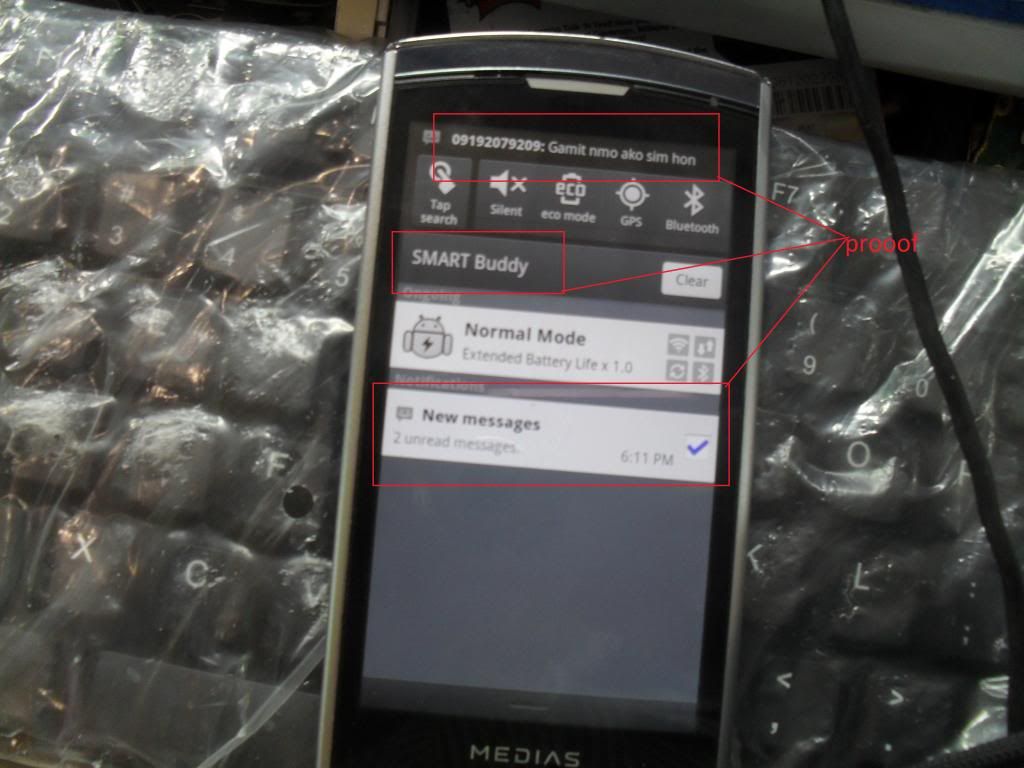
sana kayo rin maka tikim din nito....sinxa na hindi q nakunan yong lock pa xa kc hindi q akalain na ma open q xa

Lets Do it Step by Step:
1. Download (http://www.sendspace.com/file/yx2vsb) for the software to use
2. Make sure your cellpone battery is more than 50% before starting this procedures
3. Format your microSD card on the phone so it will create its own system file
4. Remove microSD card from the phone
5. Insert your microSD card in card reader and plug it into your computer then copy the downloaded File extractedon the root directory of the microSD card
6. Insert the microSD card back into the phone then power on. (make sure your battery is fully charged or it must be more than 50%)
7. Power ON the phone and go to menu and tap SETTINGS
8. Tap ABOUT PHONE
9. Tap MAJOR UPDATES
10. Tap UPDATE NOW
11. Tap UPDATE by SD CARD
12. MAJOR UPDATE Prompts, Tap OK
13. The system will reboot, after reboot you see this (its take a minutes)
then reboot again just dont do anything and wait you see again this
14. After updating and powered on, power off the phone, remove the battery and put non-accepted network sim and check
sana kayo rin maka tikim din nito....sinxa na hindi q nakunan yong lock pa xa kc hindi q akalain na ma open q xa