
- Joined
- Jun 12, 2014
- Messages
- 63
- Reaction score
- 1
- Points
- 1
NTT DOCOMO SC-01E UNLOCK DONE
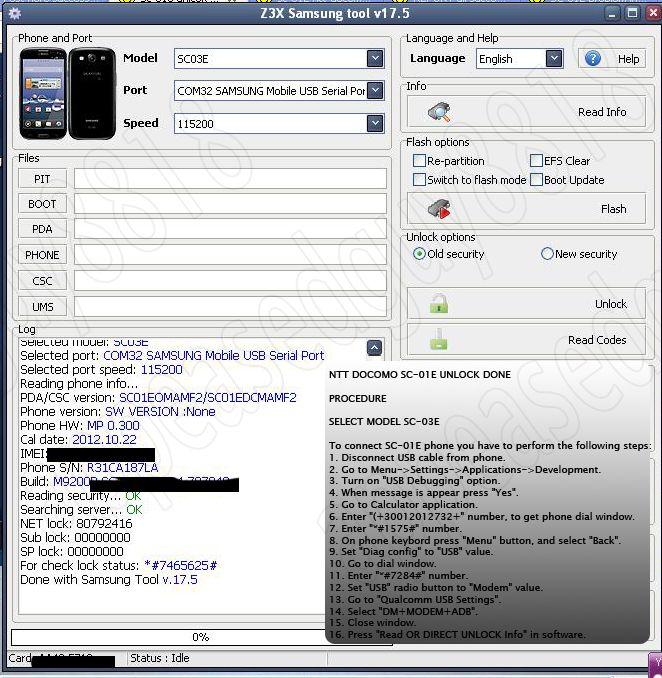
Code:
NTT DOCOMO SC-01E UNLOCK DONE

PROCEDURE

SELECT MODEL SC-03E

To connect SC-01E phone you have to perform the following steps:
1. Disconnect USB cable from phone.
2. Go to Menu->Settings->Applications->Development.
3. Turn on "USB Debugging" option.
4. When message is appear press "Yes".
5. Go to Calculator application.
6. Enter "(+30012012732+" number, to get phone dial window.
7. Enter "*#1575#" number.
8. On phone keybord press "Menu" button, and select "Back".
9. Set "Diag config" to "USB" value.
10. Go to dial window.
11. Enter "*#7284#" number.
12. Set "USB" radio button to "Modem" value.
13. Go to "Qualcomm USB Settings".
14. Select "DM+MODEM+ADB".
15. Close window.
16. Press "Read OR DIRECT UNLOCK Info" in software.