
share ko lang po itong gawa ko...
open cm2 RockChip
tselect reset setting/format
install driver if needed
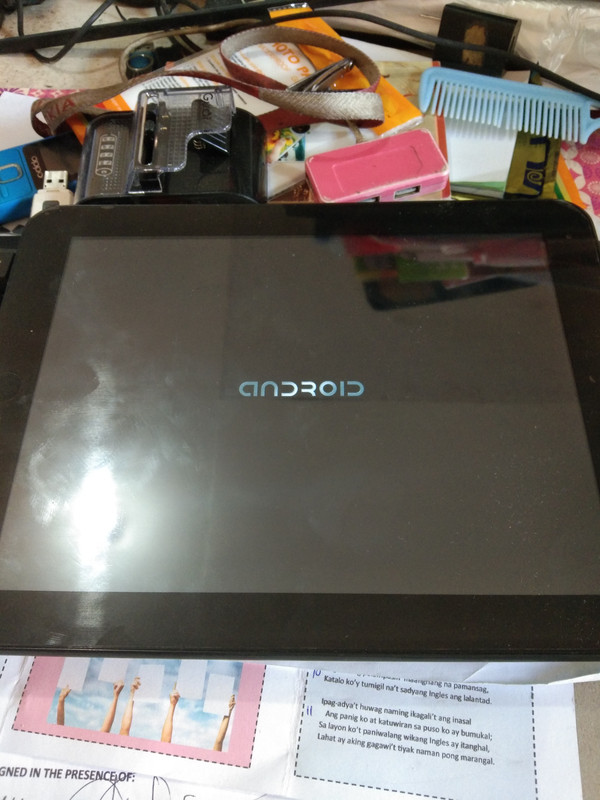
PRESS and HOLD BOTH VOLUME KEYS..done
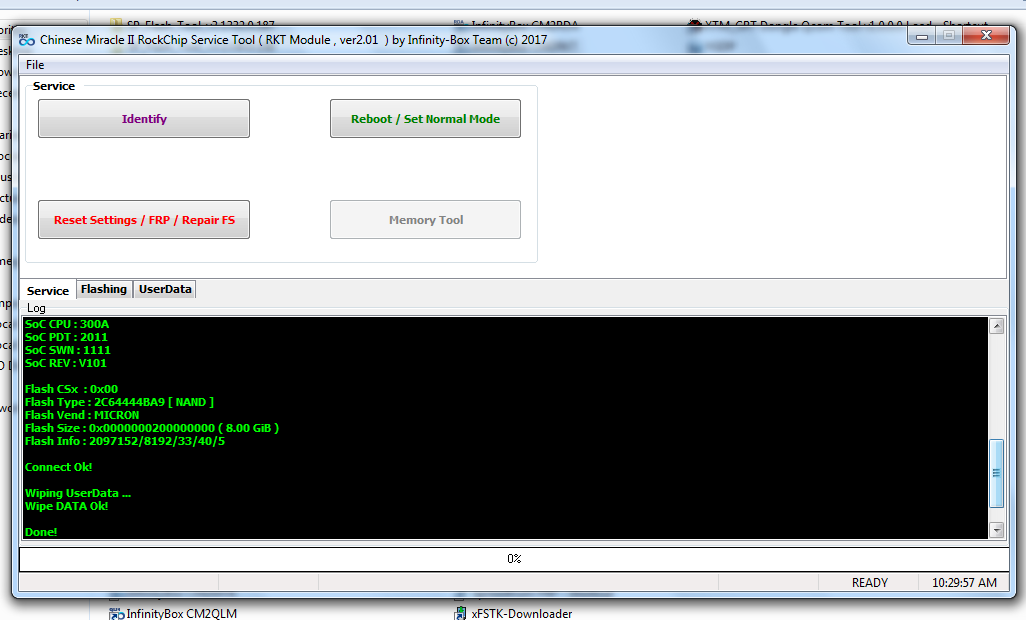
Infinity-Box RockChip Service Tool [RKT] v2.01
Operation : Reset Settings [ v2.01 ]
----- > Phone/Tablet :
1. Power Off device
2. PRESS and HOLD BOTH VOLUME KEYS!
3. Insert USB cable! Press 'POWER_ON' button for a few second!
----- > IoT/Box :
1. Reset device power
2. PRESS and HOLD 'RESET' KEY!
3. Insert OTG/USB cable! Press 'POWER_ON' button for a few second!
Wait for device ...
Device Connected!
Interface test : Passed
Device mode : Normal [ LOADER OPEN ]
Machine : RK3066
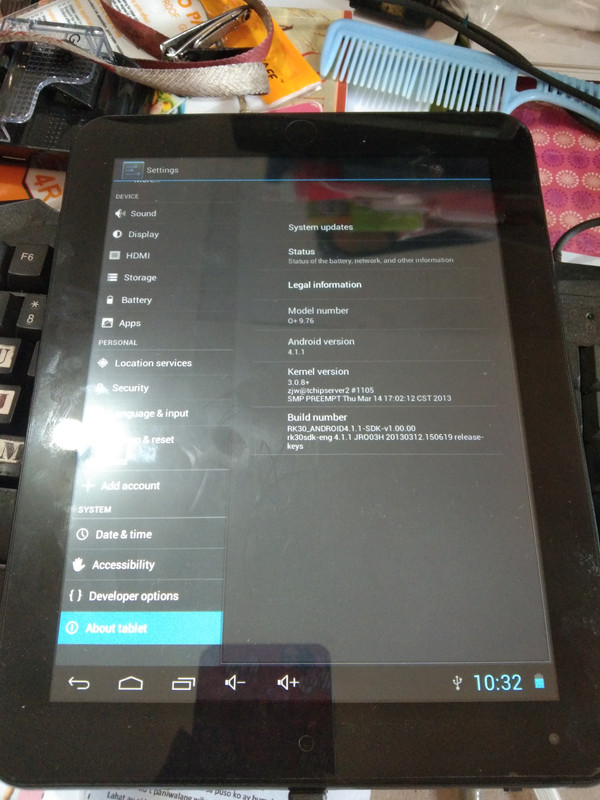
Device : O+ 9.76
ExtInfo : 4.0.4
SoC CPU : 300A
SoC PDT : 2011
SoC SWN : 1111
SoC REV : V101
Flash CSx : 0x00
Flash Type : 2C64444BA9 [ NAND ]
Flash Vend : MICRON
Flash Size : 0x0000000200000000 ( 8.00 GiB )
Flash Info : 2097152/8192/33/40/5
Connect Ok!
Wiping UserData ...
Wipe DATA Ok!
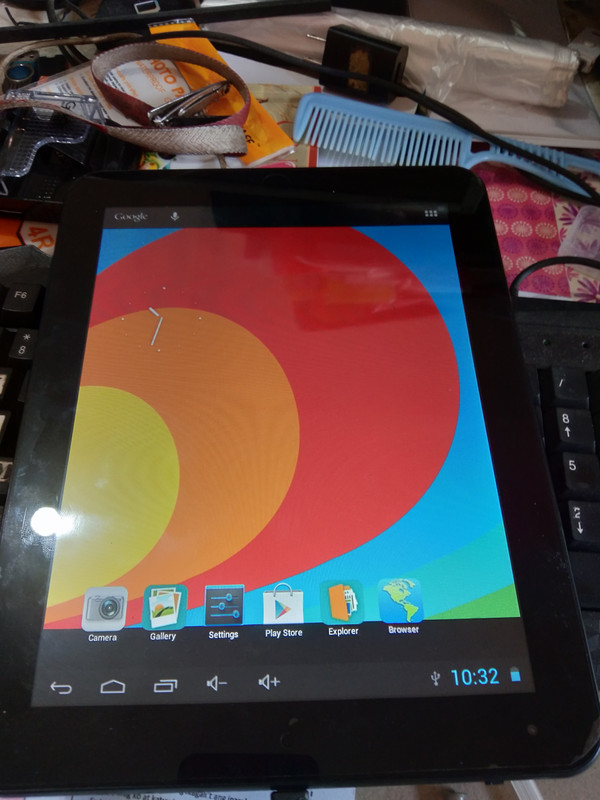
Done!
open cm2 RockChip
tselect reset setting/format
install driver if needed
PRESS and HOLD BOTH VOLUME KEYS..done
Infinity-Box RockChip Service Tool [RKT] v2.01
Operation : Reset Settings [ v2.01 ]
----- > Phone/Tablet :
1. Power Off device
2. PRESS and HOLD BOTH VOLUME KEYS!
3. Insert USB cable! Press 'POWER_ON' button for a few second!
----- > IoT/Box :
1. Reset device power
2. PRESS and HOLD 'RESET' KEY!
3. Insert OTG/USB cable! Press 'POWER_ON' button for a few second!
Wait for device ...
Device Connected!
Interface test : Passed
Device mode : Normal [ LOADER OPEN ]
Machine : RK3066
Device : O+ 9.76
ExtInfo : 4.0.4
SoC CPU : 300A
SoC PDT : 2011
SoC SWN : 1111
SoC REV : V101
Flash CSx : 0x00
Flash Type : 2C64444BA9 [ NAND ]
Flash Vend : MICRON
Flash Size : 0x0000000200000000 ( 8.00 GiB )
Flash Info : 2097152/8192/33/40/5
Connect Ok!
Wiping UserData ...
Wipe DATA Ok!
Done!