
Problem : Pattern and Frp
Tools :
Micro data cable
Octoplus FRP Tool
Procedure :
Device Vendor : ONEPLUS
Device Model : 5T (A5010)
Tools :
Micro data cable
Octoplus FRP Tool
Procedure :
Device Vendor : ONEPLUS
Device Model : 5T (A5010)
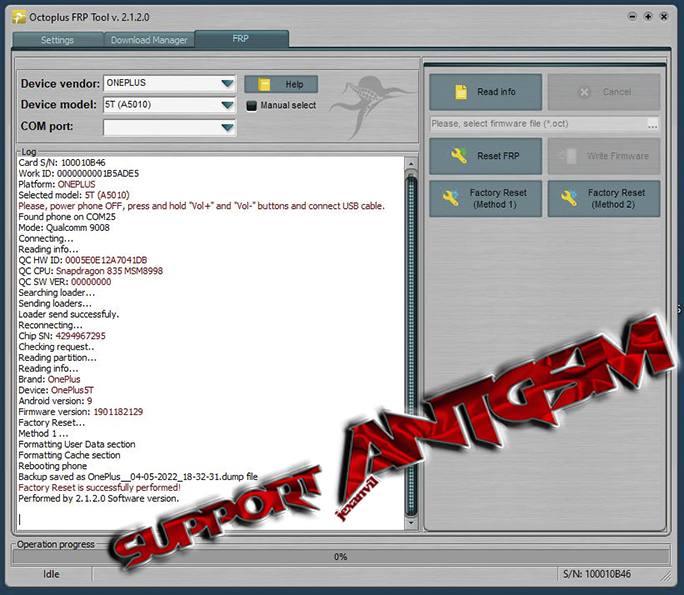
- Factory reset - power phone OFF , press and hold Vol+ and Vol- buttons and connect usb cable then press Factory reset (Method1).
- After factory reset completion - proceed to Reset FRP
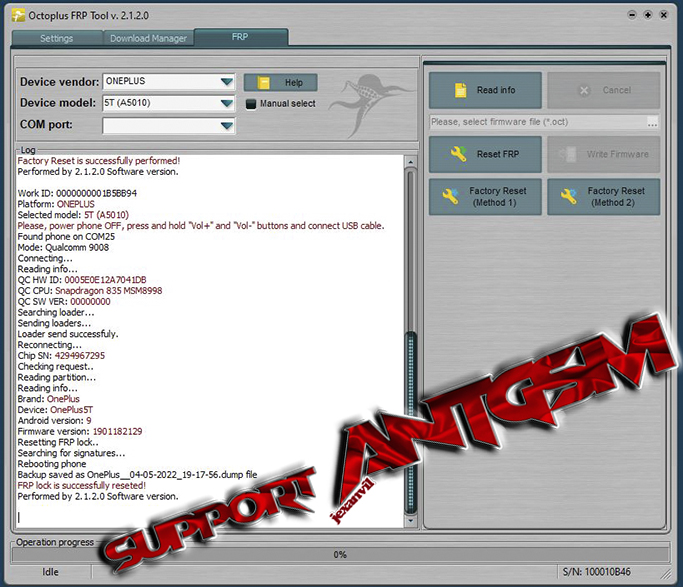
- Reset FRP - power phone OFF , press and hold Vol+ and Vol- buttons and connect usb cable then press Reset FRP. Reboot and wait until it's done.
(loading screen may take a minute)
Attachments

Last edited:
