
salamat sa Dios
Oppo A5S (Cph1909) Pattern binugahan ni HYDRA (Flash Mode)
Open folder Hydra Tool/Bin/libusbfilter/install-filter-win
choose Install a device filter, click Next
Press Bootkey (Vol + -) then connect cable
select MTK port then click install, unplug cable
open MTK module
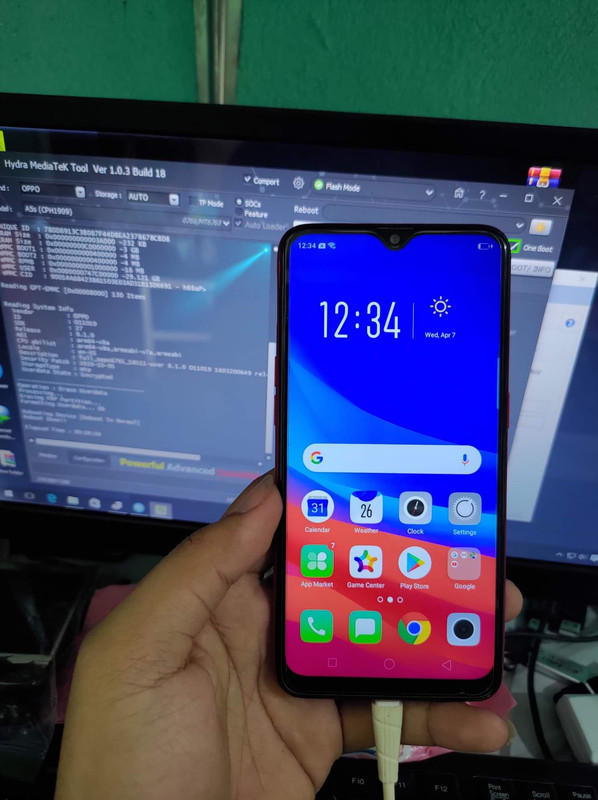
Oppo A5S (Cph1909) Pattern binugahan ni HYDRA (Flash Mode)
Open folder Hydra Tool/Bin/libusbfilter/install-filter-win
choose Install a device filter, click Next
Press Bootkey (Vol + -) then connect cable
select MTK port then click install, unplug cable
open MTK module
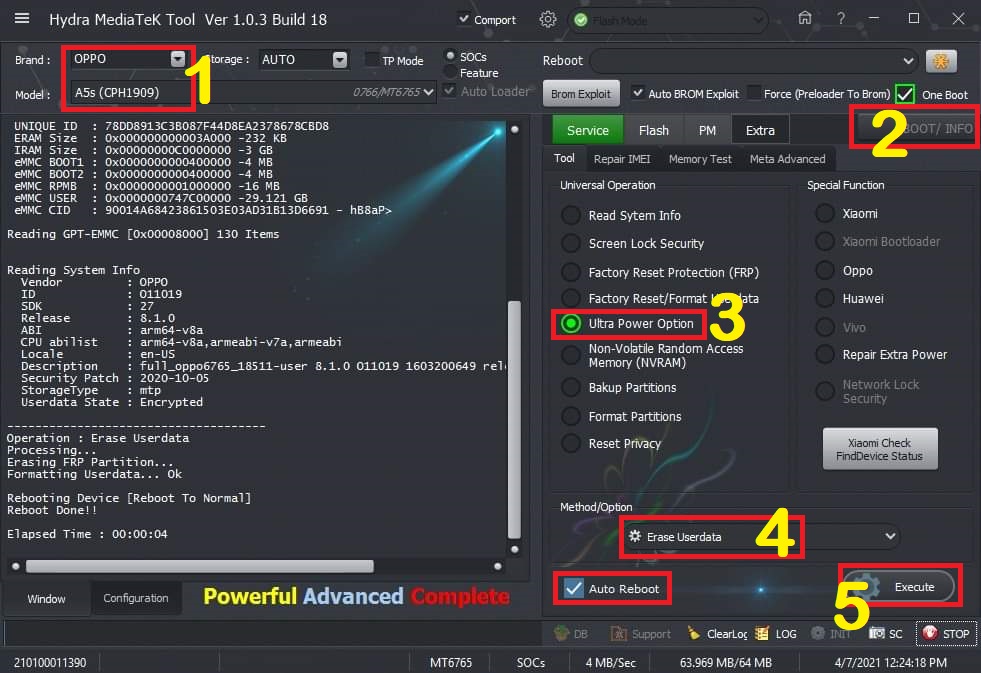
- Select Brand: Oppo & Model: a5s (cph1909)
- Click Bootinfo, Press bootkey (Vol + -) then connect cable, release bootkey pag detected na
- Click Ultra Power Option para kasama FRP
- sa method/option choose Erase Userdata
- check Auto Reboot then click Execute, Done


