
procedure:
1 turn off the phone
2 open octoplus FRP tool
3 choose OPPO A5s
4 tick factory reset
5 hold vol + and vol - and insert cable
6 wait until finish reset successfully
7 for FRP just dial *#813#
8 done!
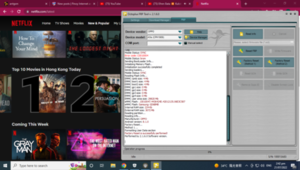
1 turn off the phone
2 open octoplus FRP tool
3 choose OPPO A5s
4 tick factory reset
5 hold vol + and vol - and insert cable
6 wait until finish reset successfully
7 for FRP just dial *#813#
8 done!