
Link ng mrt vr 3.80 DOWNLOAD
Procedure
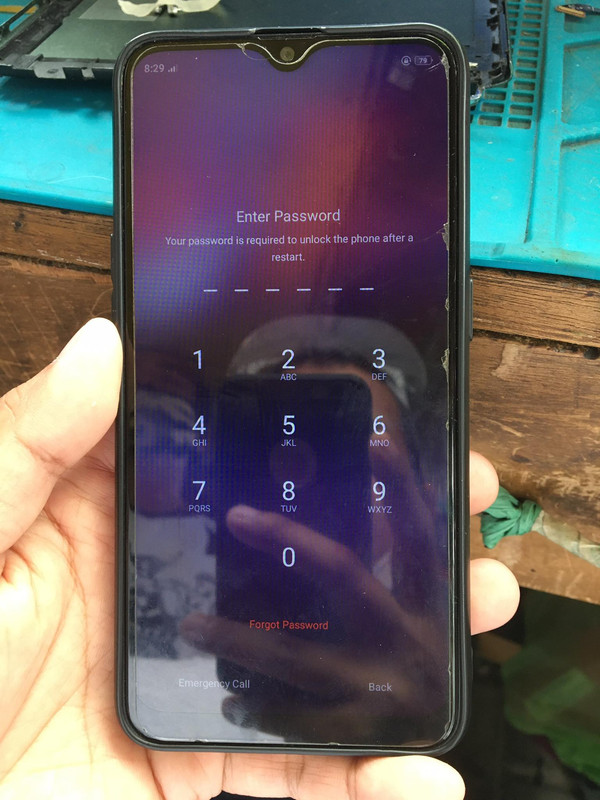
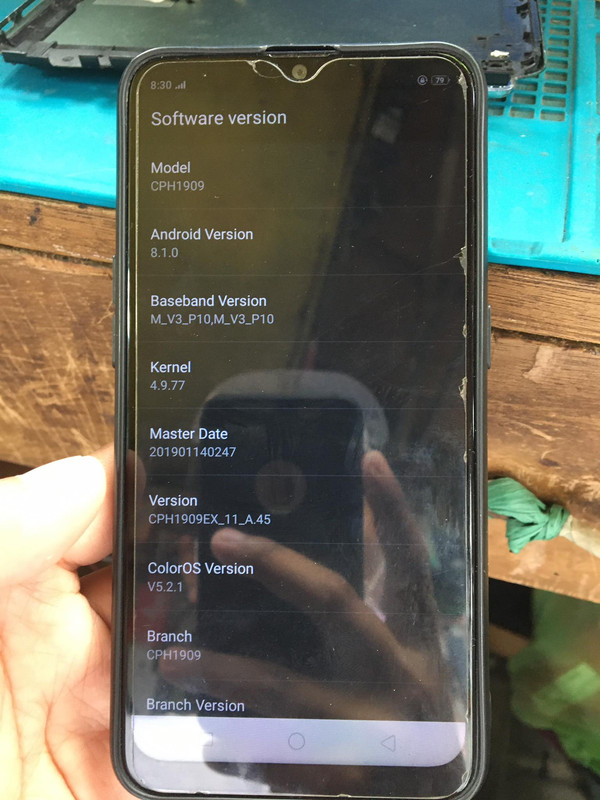
1st : check model ng cp, ganito mag check ng model kung walang nakalagay na sticker sa likod
Type *#899# > Select Software vr > CPH1909 (A5S)
2nd : Open Mrt dongle vr 3.80 ( install drivers if needed)
DRIVERS
3rd : Select Oppo > a5s > Format(unlock)
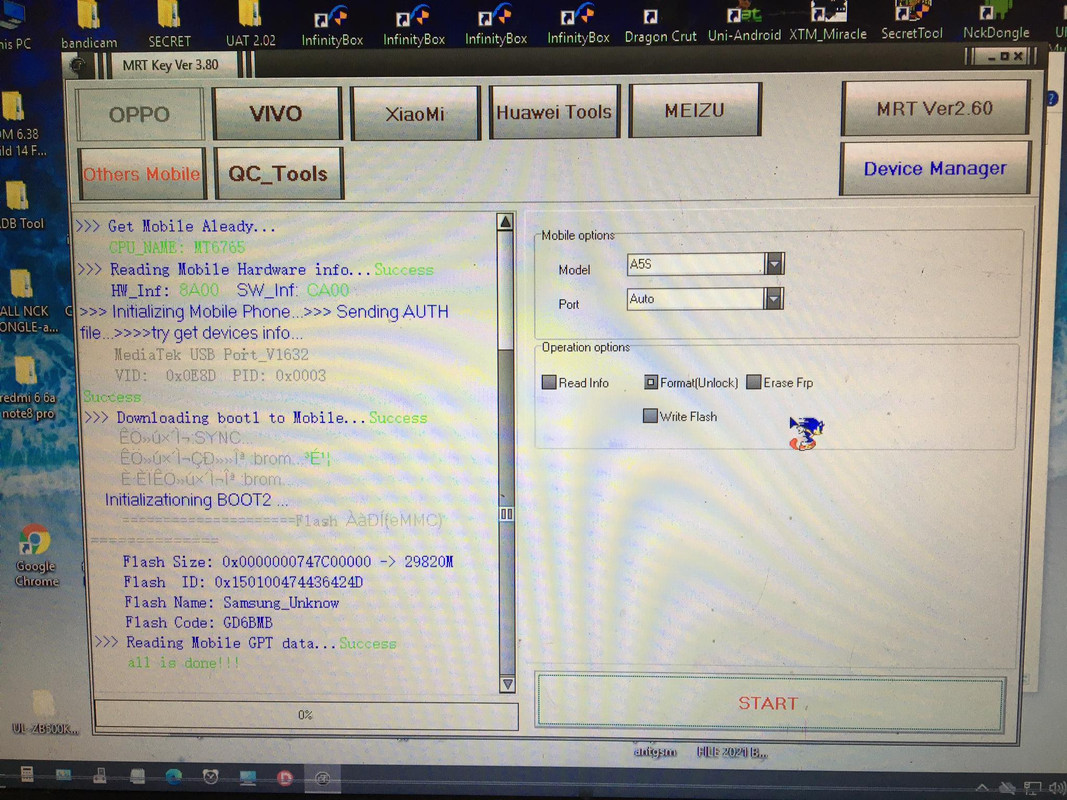
4th : Power off unit > Hold vol+,- (release agad kapag nadetect ng pc) Wait til done
5th : Open unit may Frp pa Just dial *#812#
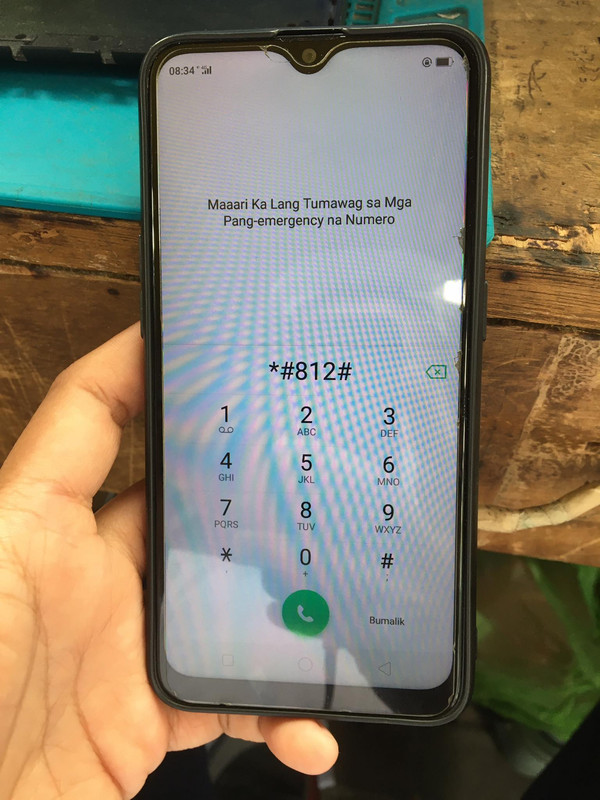
6th : Change language nalang sa settings DONE!!!
Procedure
1st : check model ng cp, ganito mag check ng model kung walang nakalagay na sticker sa likod
Type *#899# > Select Software vr > CPH1909 (A5S)
2nd : Open Mrt dongle vr 3.80 ( install drivers if needed)
DRIVERS
3rd : Select Oppo > a5s > Format(unlock)
4th : Power off unit > Hold vol+,- (release agad kapag nadetect ng pc) Wait til done
5th : Open unit may Frp pa Just dial *#812#
6th : Change language nalang sa settings DONE!!!
