
Oppo F1s A1601 V5.1 Password And Frp Done sa MRT CRACK
Tool Download
MRT CRACK HERE
RAR PASS: samkatz INSTALLATION PASS: GSMAsifKhan
MRT CRACK KEYGEN TOOL HERE
Procedure:
Open Mrt Crack
Click MTK Special tool
Click Format Ulock
Click EMMC_Flash_init 2
Click Oppo Only
Hit Start Button
Salpak Usb and hold voll up wait...... mag done
Tool picture:
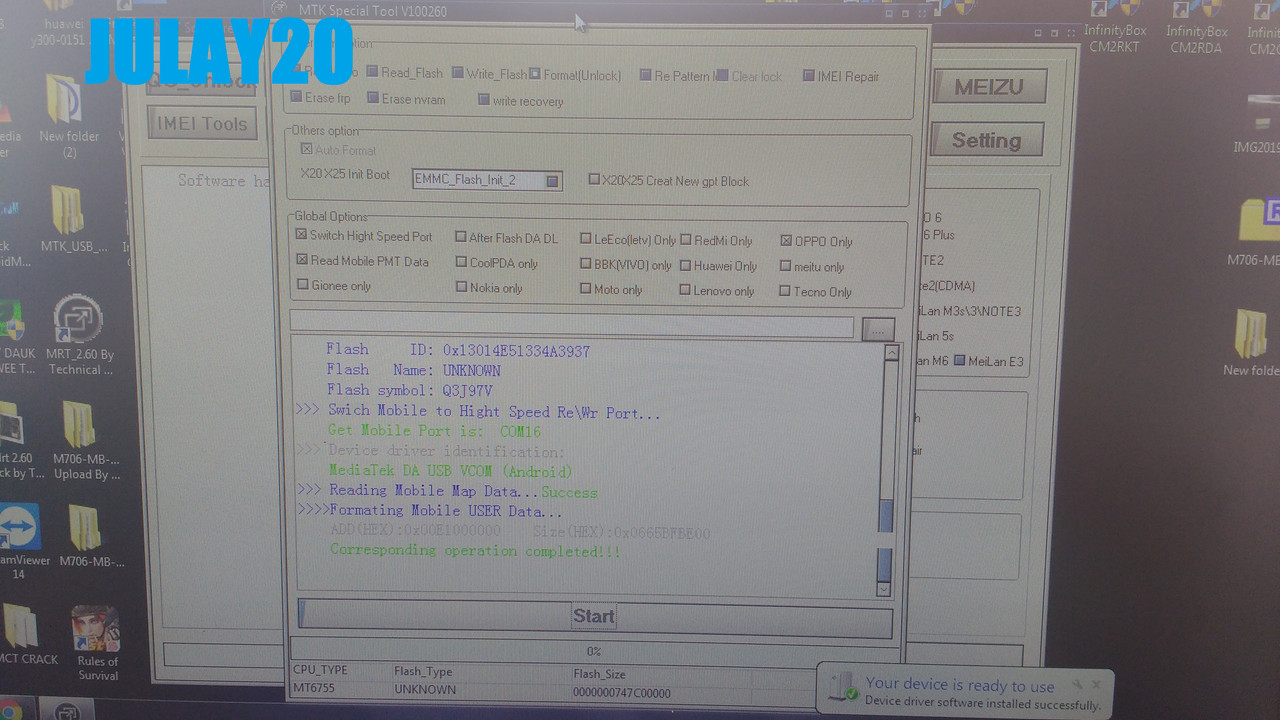
surry malabo sa pc ko kc ginawa kaya lang walang ss sa pc e lang keybord sera hahahaha
Log's
Phone picture:
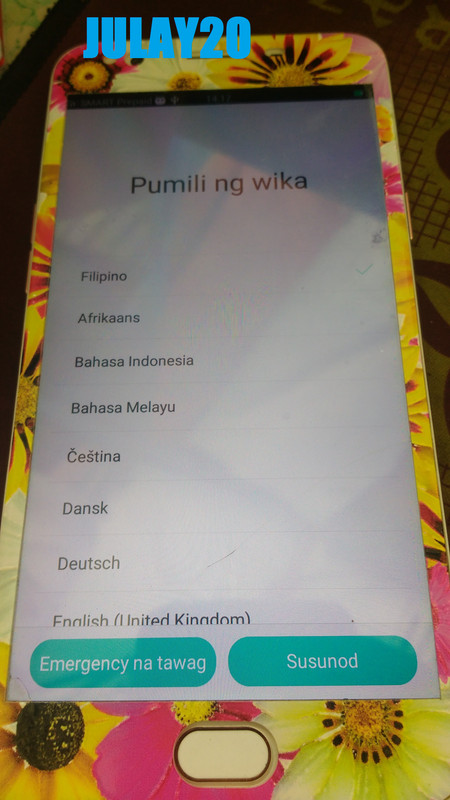
pag katapos ng password my frp use mrt crack padin
FRP Prucedure:
Open Mrt Crack
Click MTK Special tool
Click Erase Frp
Click EMMC_Flash_init 2
Click Oppo Only
Hit Start Button
Salpak Usb and hold voll up wait...... mag done
walang tool picture na mamadali si DOK eh.... logs lang
Log's
Done picture:
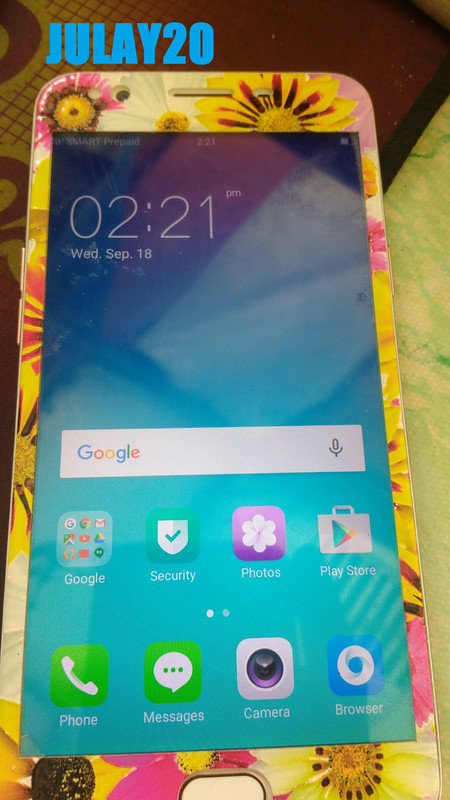
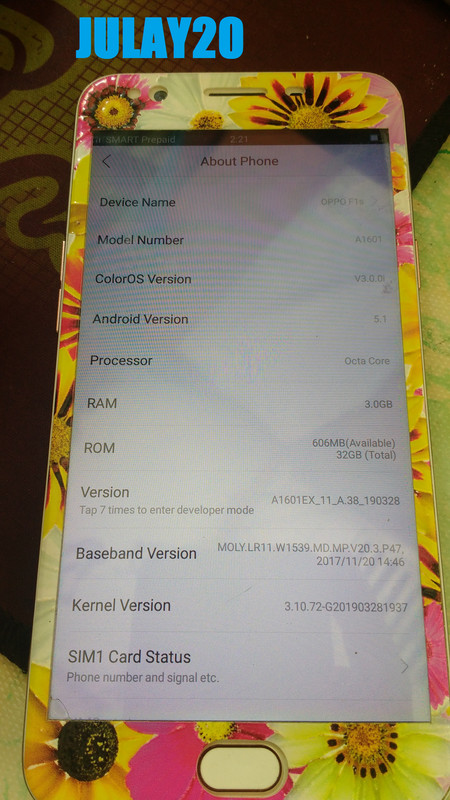
sana maka tolong meron na po yan naka post post lang din natin ulit
Tool Download
MRT CRACK HERE
RAR PASS: samkatz INSTALLATION PASS: GSMAsifKhan
MRT CRACK KEYGEN TOOL HERE
Procedure:
Open Mrt Crack
Click MTK Special tool
Click Format Ulock
Click EMMC_Flash_init 2
Click Oppo Only
Hit Start Button
Salpak Usb and hold voll up wait...... mag done
Tool picture:
surry malabo sa pc ko kc ginawa kaya lang walang ss sa pc e lang keybord sera
hahahahaLog's
Code:
    Disconnect Mobile...
    Re-Put the Mobile Bettery...
    Then Connect your Phone to Computer again....
    Please Make sure Mobile better has Power...
>>> Searching Mobile Port...
    Get Mobile Port is:  COM15
>>> Device driver identification:
    MediaTek USB Port
>>> Mobile Has Connect...
    CPU_NAME: MT6755
>>> Reading Mobile Hardware Info...Success
    HW_Inf:  8A00    SW_Inf:  CB00
>>> Initialization Mobile ...Success
>>> Downloading Boot1 To Mobile Phone...Success
    Mobile phone status:SYNC...
    Mobile phone status swtich to :brom...Success
Success
    Make sure Mobile status has in :brom...
    Init Mobile BOOT2 ...
    =====================Flash Type(eMMC)==============
    Flash   Size: 0x0000000747C00000 -> 29820M
    Flash     ID: 0x13014E51334A3937
    Flash   Name: UNKNOWN
    Flash symbol: Q3J97V
>>> Swich Mobile to Hight Speed Re\Wr Port...
    Get Mobile Port is:  COM16
>>> Device driver identification:
    MediaTek DA USB VCOM (Android)
>>> Reading Mobile Map Data...Success
>>>>Formating Mobile USER Data...
    ADD(HEX):0x00E1000000    Size(HEX):0x0665BFBE00
    Corresponding operation completed!!!
Phone picture:
pag katapos ng password my frp use mrt crack padin
FRP Prucedure:
Open Mrt Crack
Click MTK Special tool
Click Erase Frp
Click EMMC_Flash_init 2
Click Oppo Only
Hit Start Button
Salpak Usb and hold voll up wait...... mag done
walang tool picture na mamadali si DOK eh....
logs langLog's
Code:
    Disconnect Mobile...
    Re-Put the Mobile Bettery...
    Then Connect your Phone to Computer again....
    Please Make sure Mobile better has Power...
>>> Searching Mobile Port...
    Get Mobile Port is:  COM15
>>> Device driver identification:
    MediaTek USB Port
>>> Mobile Has Connect...
    CPU_NAME: MT6755
>>> Reading Mobile Hardware Info...Success
    HW_Inf:  8A00    SW_Inf:  CB00
>>> Initialization Mobile ...Success
>>> Downloading Boot1 To Mobile Phone...Success
    Mobile phone status:SYNC...
    Mobile phone status swtich to :brom...Success
Success
    Make sure Mobile status has in :brom...
    Init Mobile BOOT2 ...
    =====================Flash Type(eMMC)==============
    Flash   Size: 0x0000000747C00000 -> 29820M
    Flash     ID: 0x13014E51334A3937
    Flash   Name: UNKNOWN
    Flash symbol: Q3J97V
>>> Swich Mobile to Hight Speed Re\Wr Port...
    Get Mobile Port is:  COM16
>>> Device driver identification:
    MediaTek DA USB VCOM (Android)
>>> Reading Mobile Map Data...Success
>>>>Formating Mobile account data...
    Corresponding operation completed!!!
Done picture:
sana maka tolong meron na po yan naka post post lang din natin ulit