I
illustrado
Anonymous
MODEL:
Oppo joy 3
PROBLEM:
Recovery mode always
SOLUTION:
Update via sd card
TOOLS:
Firmware you can download here:http://www.oppo.com/ph/downloads/
UPDATE PROCEDURE:
After download firmware finish
Format first the SDcard
Copy the firmware into SDcard
No need to extract
Put SDcard into phone
Press volume down & power button
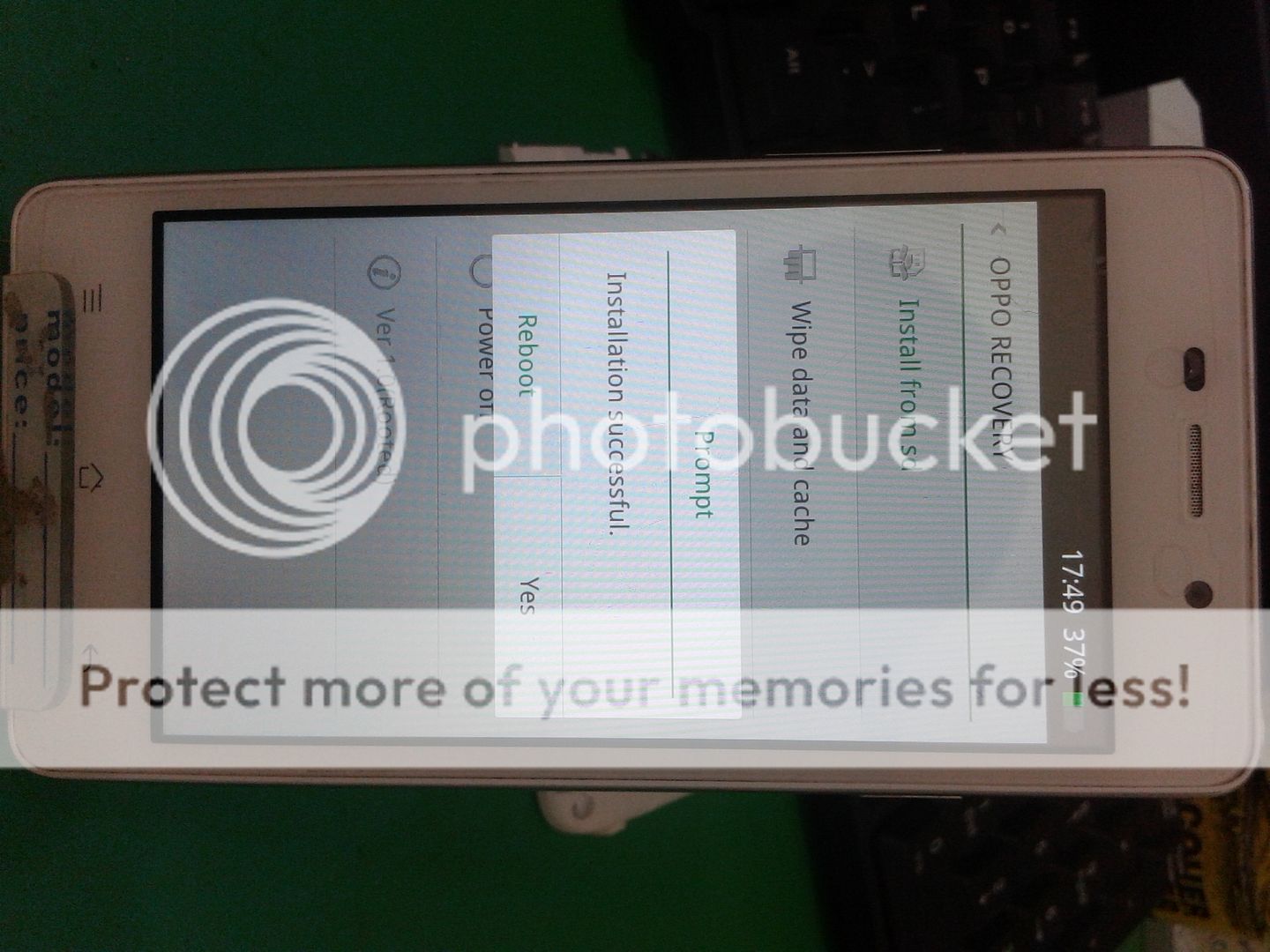
Select English then select intall from SDcard
Wait until update finish.
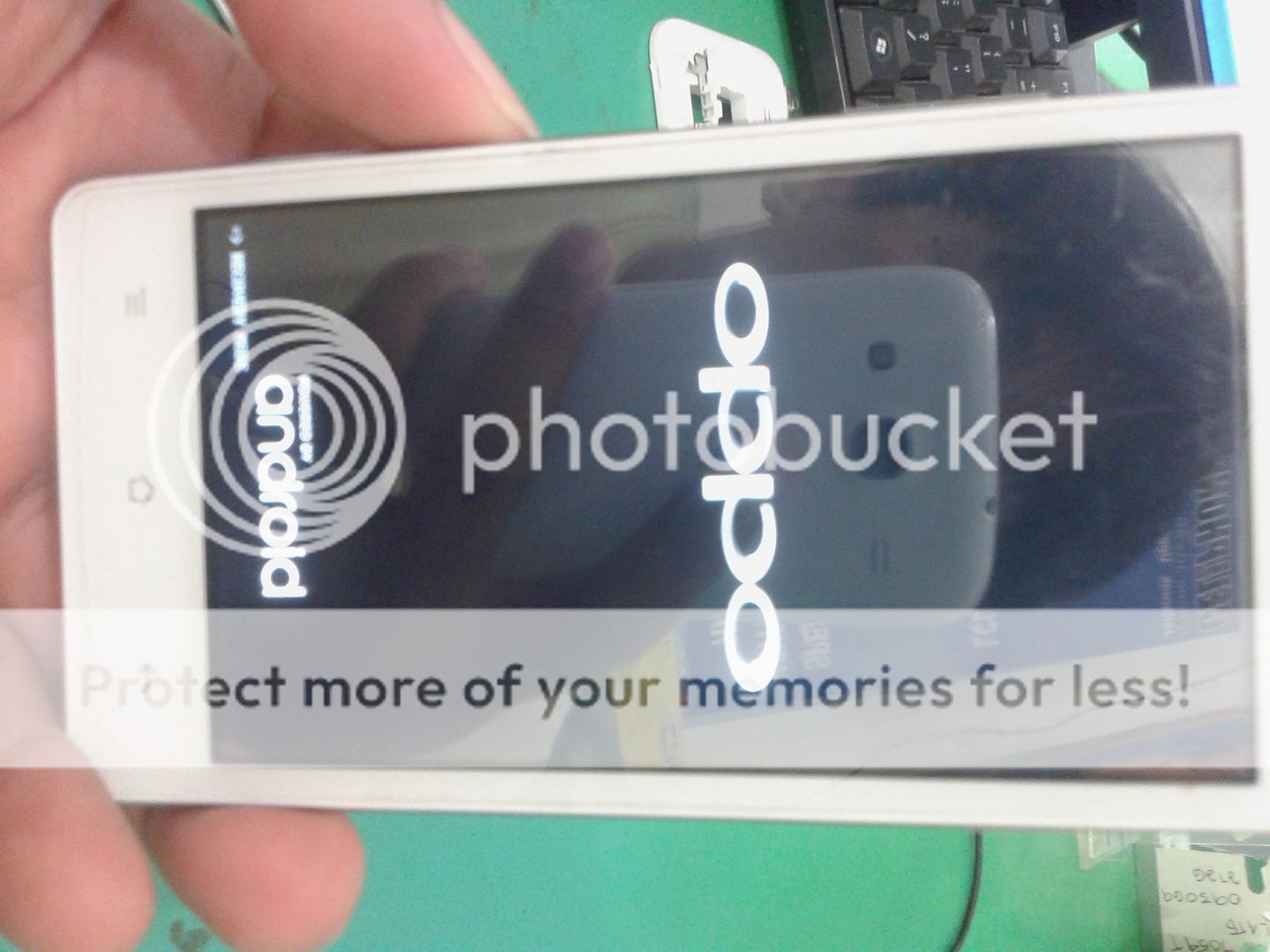
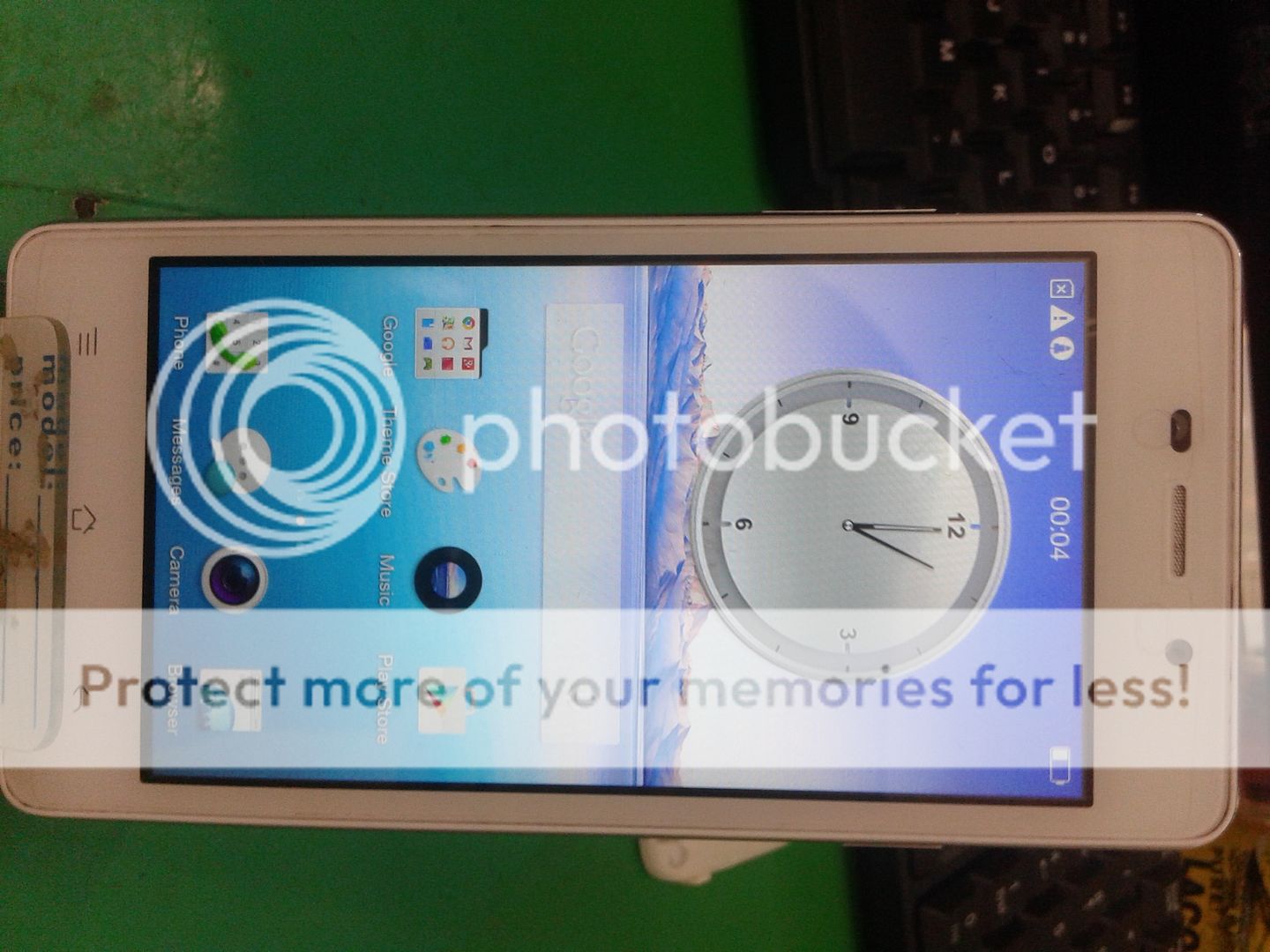
Status ng unit before:
Updating on going until done:


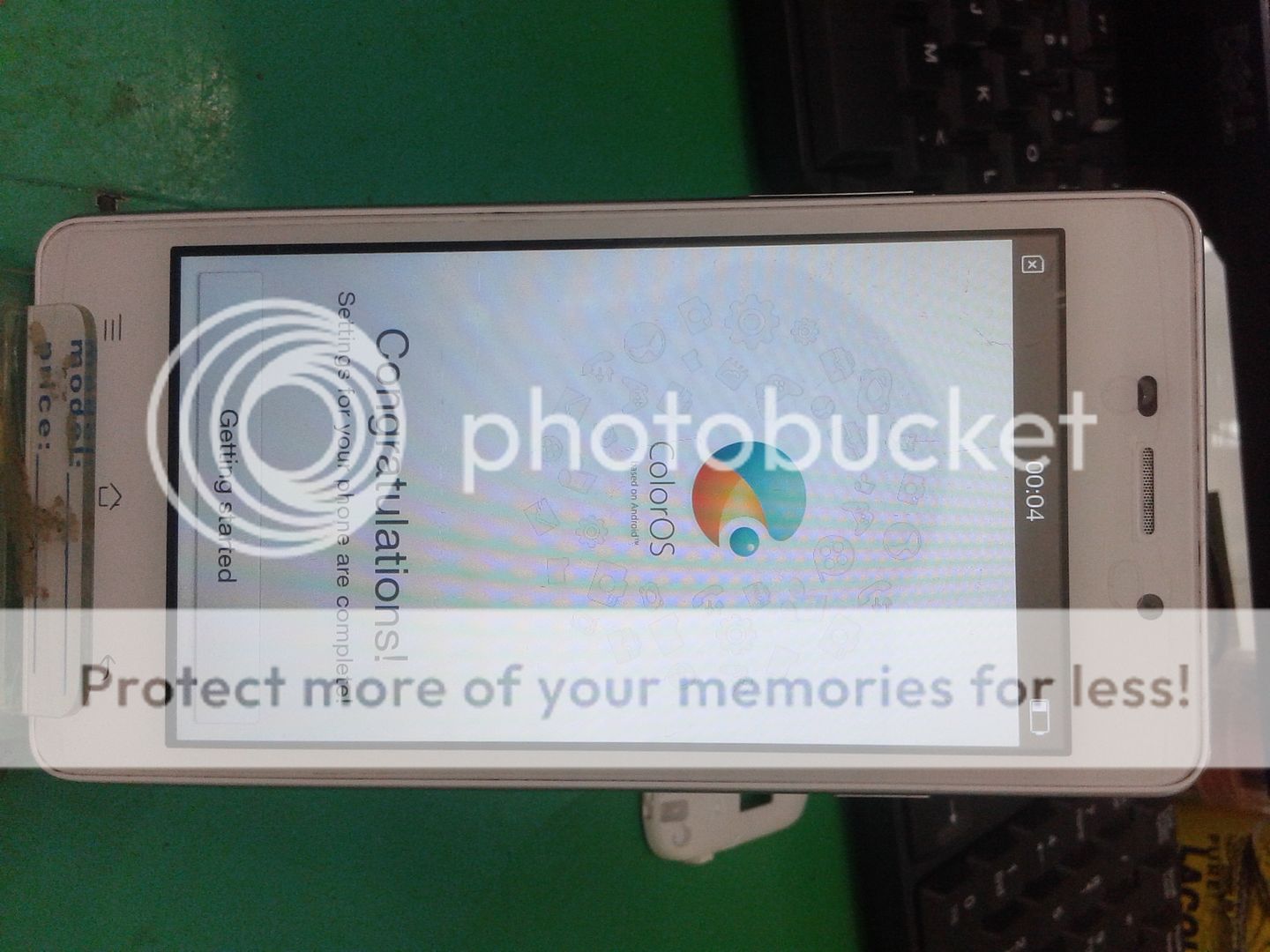
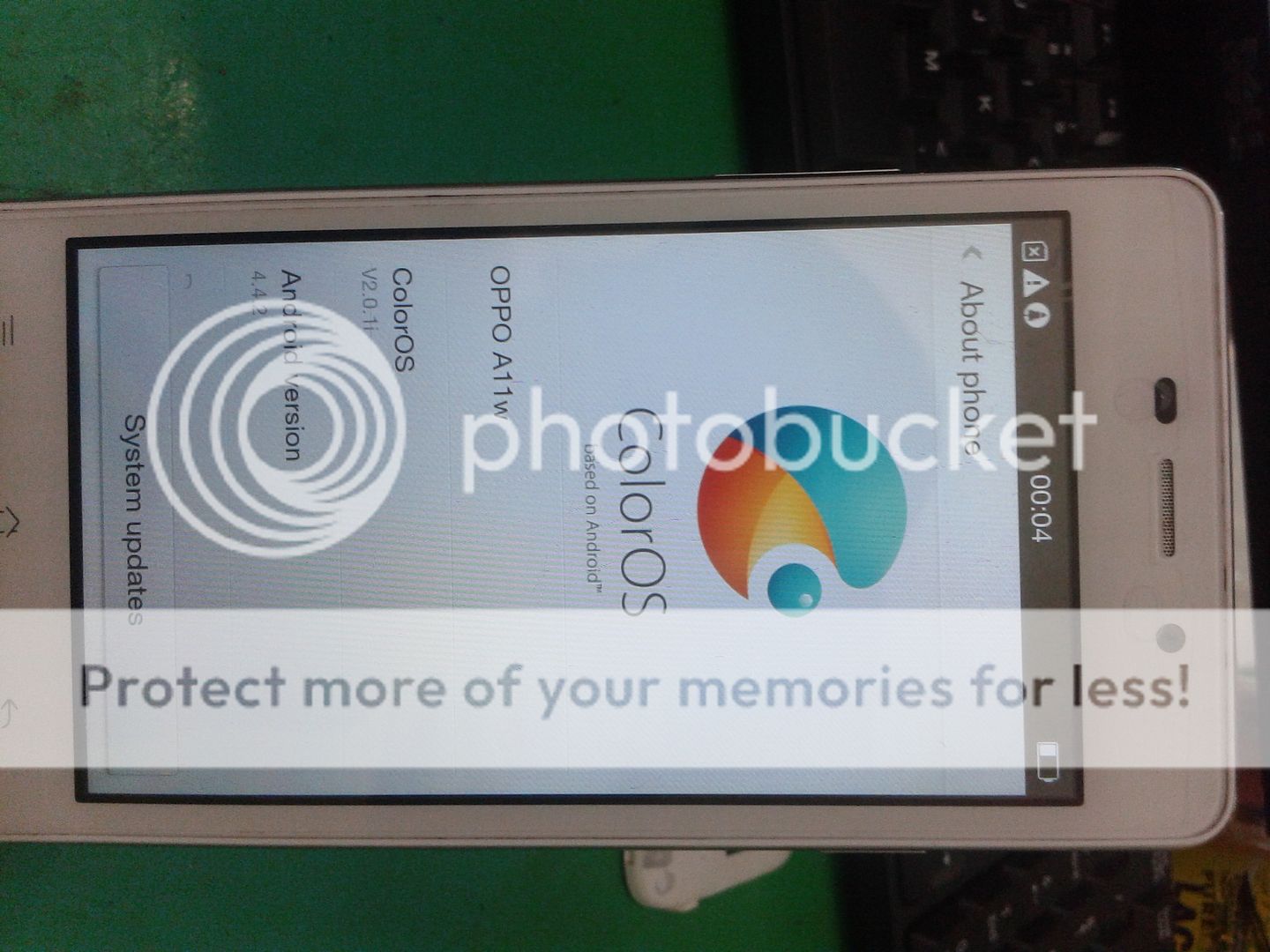
AYOOOS!!!
Oppo joy 3
PROBLEM:
Recovery mode always
SOLUTION:
Update via sd card
TOOLS:
Firmware you can download here:http://www.oppo.com/ph/downloads/
UPDATE PROCEDURE:
After download firmware finish
Format first the SDcard
Copy the firmware into SDcard
No need to extract
Put SDcard into phone
Press volume down & power button
Select English then select intall from SDcard
Wait until update finish.
Status ng unit before:

Updating on going until done:


AYOOOS!!!