
- Joined
- Dec 10, 2017
- Messages
- 269
- Reaction score
- 175
- Points
- 201
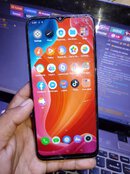
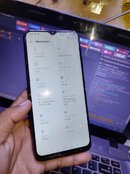
Realme C25s frp reset
Model:RMX3195
Operation:
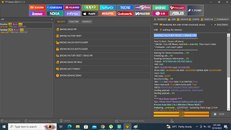
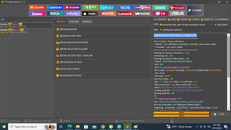
1. Open tft tool
2. Click oppo tab and search c25
3. select security tab
4. Click (brom) factory reset / erase frp
5. Phone must be off and charged atleast 50% above
6. Hold both vol up and down then insert usb cable(type c)
7. wait 1 - 2 minutes to load 100% complete operation
8.Unplug usb,power on and waiting to boot normally.DONE and INJOY!
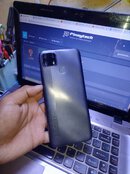
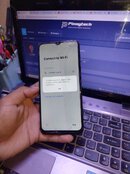
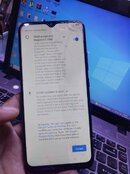
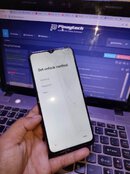
#QC CHAPTER
Model:RMX3195
Operation:
1. Open tft tool
2. Click oppo tab and search c25
3. select security tab
4. Click (brom) factory reset / erase frp
5. Phone must be off and charged atleast 50% above
6. Hold both vol up and down then insert usb cable(type c)
7. wait 1 - 2 minutes to load 100% complete operation
8.Unplug usb,power on and waiting to boot normally.DONE and INJOY!
#QC CHAPTER