
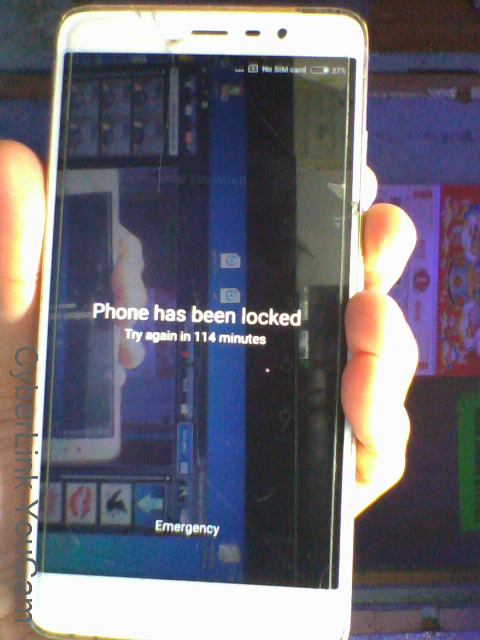
HISTORY: Password nakalimutan, how many times pauit-ulit nilagay wrong password kaya nagkaroon ng
" Phone has been Lock "
ACTION TAKEN:
CM2 QCM kahit ano gawin ko hindi magdetect-no luck
MRT mas lalong hindi Nagdetect
UMT nagdedetect pero hindi ren matanggal Password
UMT+Freesoft- ed1-1 at edl-2 ng Umt hindi ren gumana, so I decided hanap ng ibang paraan using Freesoft
Download Link for EDL :https://www.4shared.com/archive/NJbuUpEzda/MiFlashWithEDL.html
Password Protected Po use Tatsulok
Procedure:
1.Fasboot Mode ( Hold Volume down + Power button at lalabas na Fastboot ) then inser Usb cable
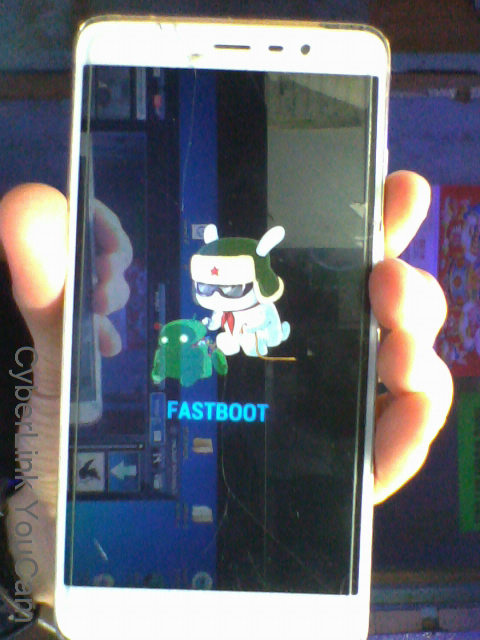 screen shot on windows
2.Reboot to EDL mode using Software above https://www.4shared.com/archive/NJbuUpEzda/MiFlashWithEDL.html
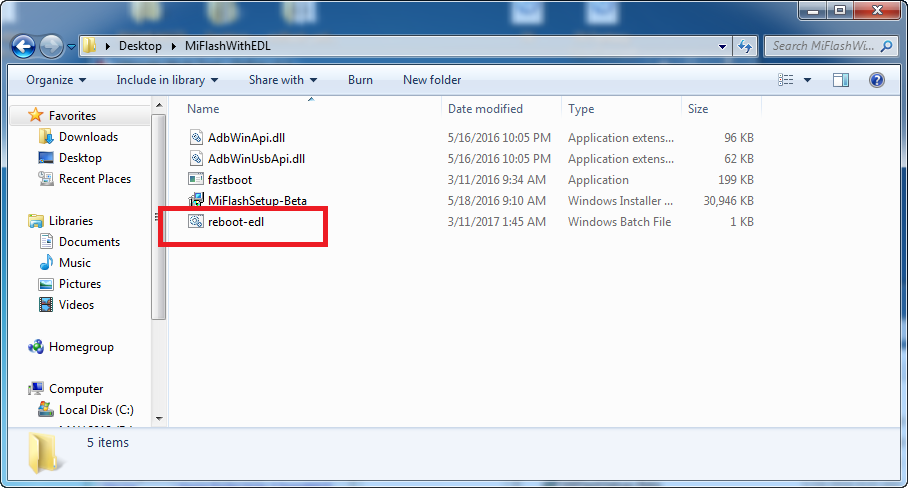
Note: sandaling mag Black screen unit nyo at may mag Blink-blink na Red Light, dont be confuse normal lang sa Redmi EDL mode.
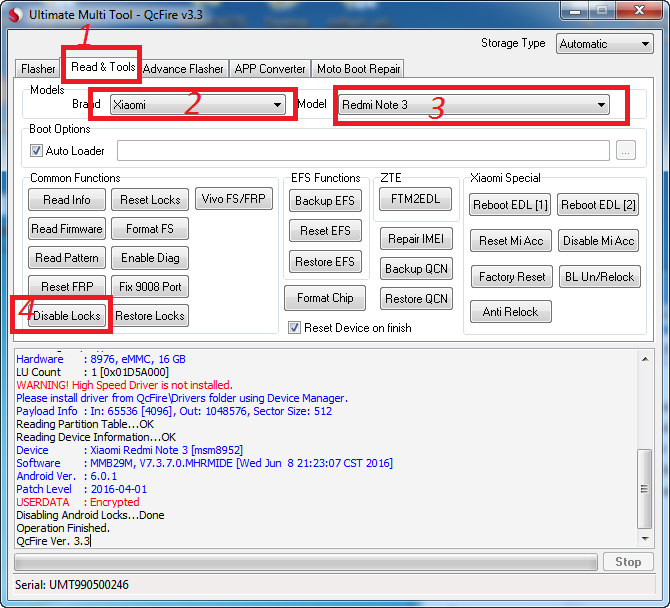
3.Using UMT , follow instruction nalang
 free image service
4.Finish Product , without data loss.
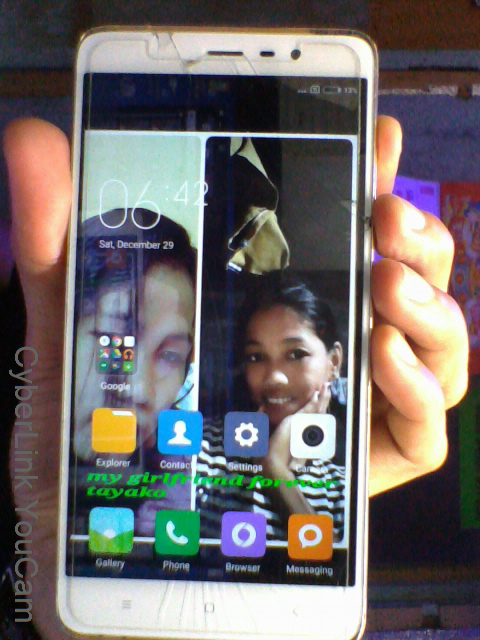
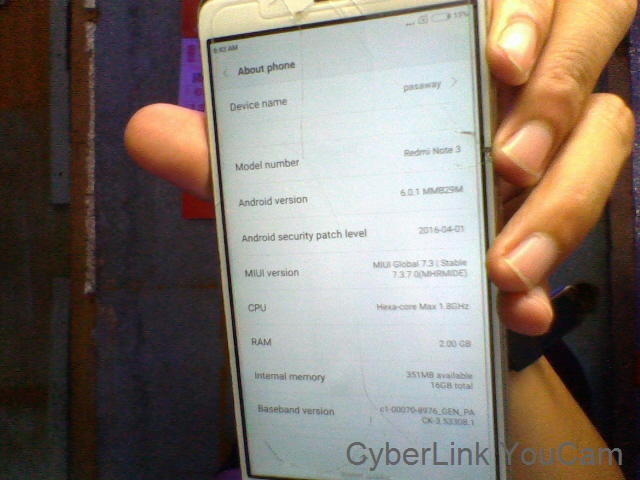
5.Done! sana nakatulong , God Bless You All.....
" Phone has been Lock "
ACTION TAKEN:
CM2 QCM kahit ano gawin ko hindi magdetect-no luck
MRT mas lalong hindi Nagdetect
UMT nagdedetect pero hindi ren matanggal Password
UMT+Freesoft- ed1-1 at edl-2 ng Umt hindi ren gumana, so I decided hanap ng ibang paraan using Freesoft
Download Link for EDL :https://www.4shared.com/archive/NJbuUpEzda/MiFlashWithEDL.html
Password Protected Po use Tatsulok
Procedure:
1.Fasboot Mode ( Hold Volume down + Power button at lalabas na Fastboot ) then inser Usb cable
screen shot on windows2.Reboot to EDL mode using Software above https://www.4shared.com/archive/NJbuUpEzda/MiFlashWithEDL.html
Note: sandaling mag Black screen unit nyo at may mag Blink-blink na Red Light, dont be confuse normal lang sa Redmi EDL mode.
3.Using UMT , follow instruction nalang
free image service4.Finish Product , without data loss.
5.Done! sana nakatulong , God Bless You All.....