
Redmi Note 5 Pro (MEI7S & MEC7S) MI Account Remove Done 100%
Redmi Note 5 Pro (MEI7S & MEC7S)
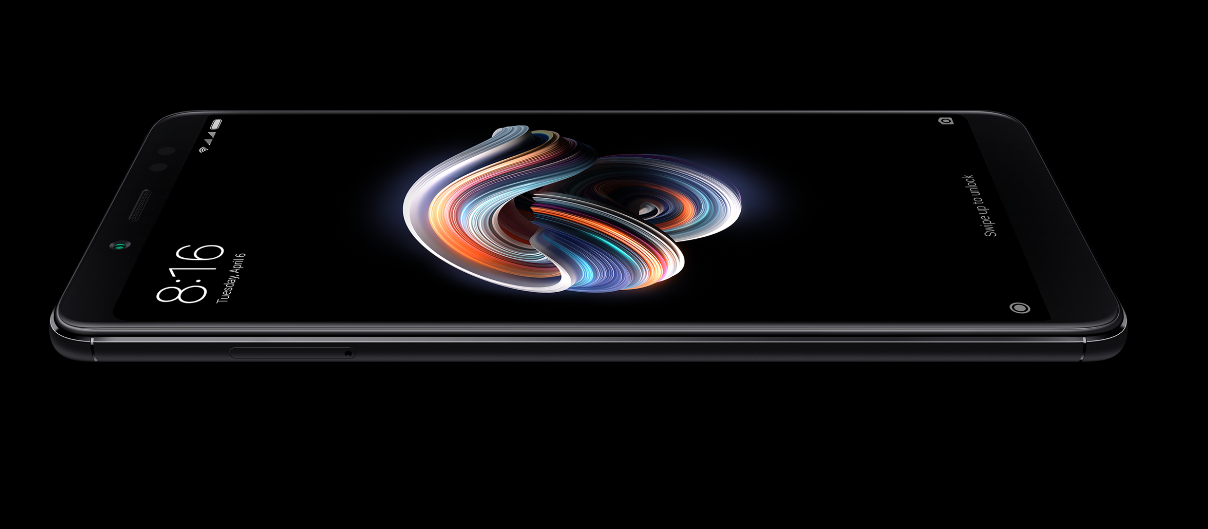
Redmi Note 5 Pro (MEI7S & MEC7S) MI Account Remove Done 100%-redmi-note-5-pro-png
MI Account Remove Done 100% EDL mode BY (BST Dongle One Click)
Everything Perfect Work Redmi Note 5 Pro,
No Need Extra Custom Loader File.
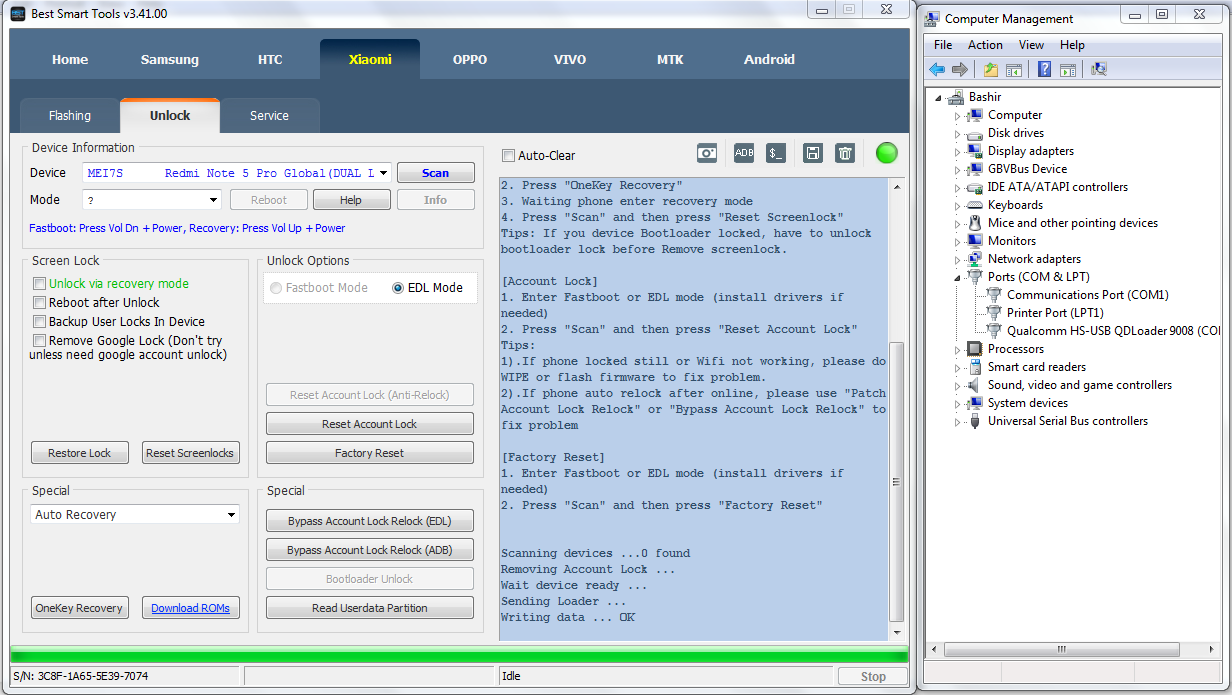
[Account Lock]
1. Enter Fastboot or EDL mode (install drivers if needed)
2. Press "Scan" and then press "Reset Account Lock"
Tips:
1).If phone locked still or Wifi not working, please do WIPE or flash firmware to fix problem.
2).If phone auto relock after online, please use "Patch Account Lock Relock" or "Bypass Account Lock Relock" to fix problem
[Factory Reset]
1. Enter Fastboot or EDL mode (install drivers if needed)
2. Press "Scan" and then press "Factory Reset"
Scanning devices ...0 found
Removing Account Lock ...
Wait device ready ...
Sending Loader ...
Writing data ... OK
PC BY JEDAH LINK
Redmi Note 5 Pro (MEI7S & MEC7S)
Redmi Note 5 Pro (MEI7S & MEC7S) MI Account Remove Done 100%-redmi-note-5-pro-png
MI Account Remove Done 100% EDL mode BY (BST Dongle One Click)
Everything Perfect Work Redmi Note 5 Pro,
No Need Extra Custom Loader File.
[Account Lock]
1. Enter Fastboot or EDL mode (install drivers if needed)
2. Press "Scan" and then press "Reset Account Lock"
Tips:
1).If phone locked still or Wifi not working, please do WIPE or flash firmware to fix problem.
2).If phone auto relock after online, please use "Patch Account Lock Relock" or "Bypass Account Lock Relock" to fix problem
[Factory Reset]
1. Enter Fastboot or EDL mode (install drivers if needed)
2. Press "Scan" and then press "Factory Reset"
Scanning devices ...0 found
Removing Account Lock ...
Wait device ready ...
Sending Loader ...
Writing data ... OK
PC BY JEDAH LINK