
Procedure:
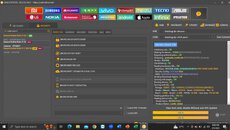
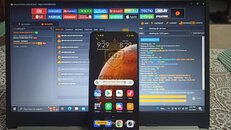
1. Open Unlocktool.
2. Select the MI tab then the Security tab.
3. Search Redmi Note 9 for the model.
4. Go to Brom/Edl tab and select [ BROM ERASE FRP].
5. Hold vol. + & vol - and insert usb cable wait until done.
1. Open Unlocktool.
2. Select the MI tab then the Security tab.
3. Search Redmi Note 9 for the model.
4. Go to Brom/Edl tab and select [ BROM ERASE FRP].
5. Hold vol. + & vol - and insert usb cable wait until done.