
Hang restart and restart
nag hanap ako kay google ng pinout eto meron akong
nakita pero gusto ko rin ibahagi na tested kay ATF to
Congrats to me
now downlaod firmware here
Link: https://flashfile9.blogspot.com/2015/08/nokia-112-flash-file.html
tested na po to
mga kasangkapan
ATF BOX eto talga the best at si hwk
cable
battery
then analize
eto ipapakita ko muna ang pinouts
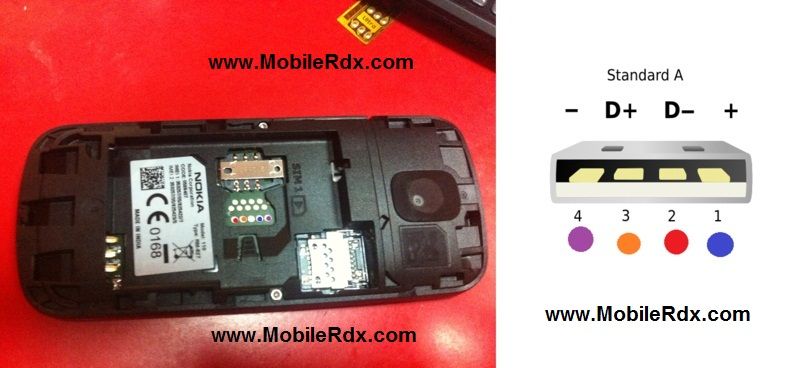
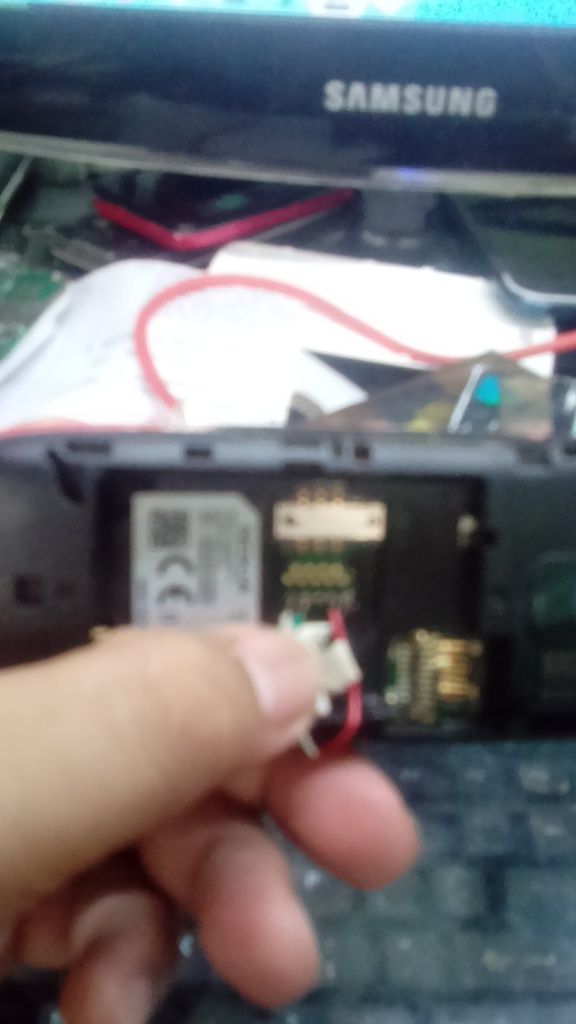
gayahin lang po ang nasa picture i analize ng mabuti para hindi mag kamali
then tara na sa procedure
Procedure:
kung nakakabit na ang jumper sa pinouts wag muna niyo pong
iconnect sa usb port
open atf then choose correct model
tick bus check ayun press power then connect mo na ang usb port niya sa computer
then put battery
madedetec na lang ng computer yan
ayan kapag na read ng computer proceed to write program
Firmware:
https://flashfile9.blogspot.com/2015/08/nokia-112-flash-file.html
ulitin mo ang processong unplug mo ulit sa computer ang device
then load correct flash file then tick start connect mo ulit ang unit mo pressing power then insert battery
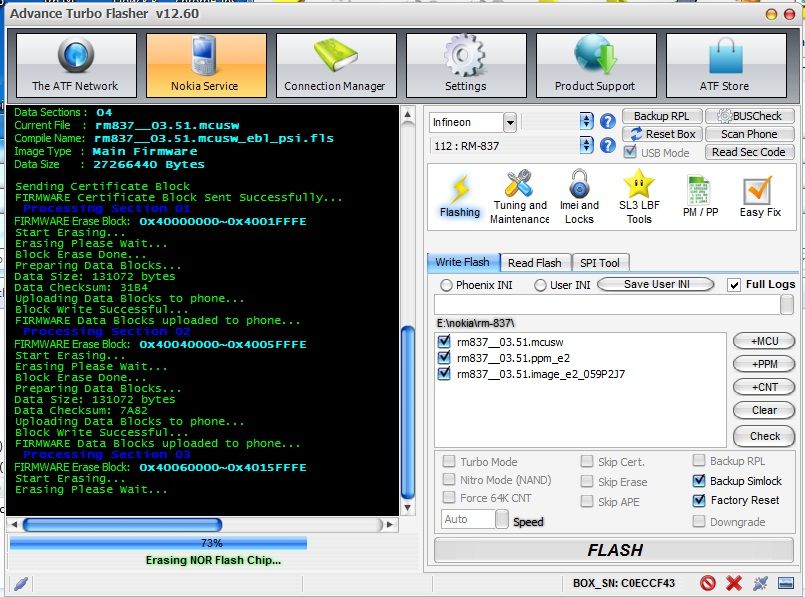
then eto na sa flashing
eto naman hawak hawak ko kasi baka mag stop
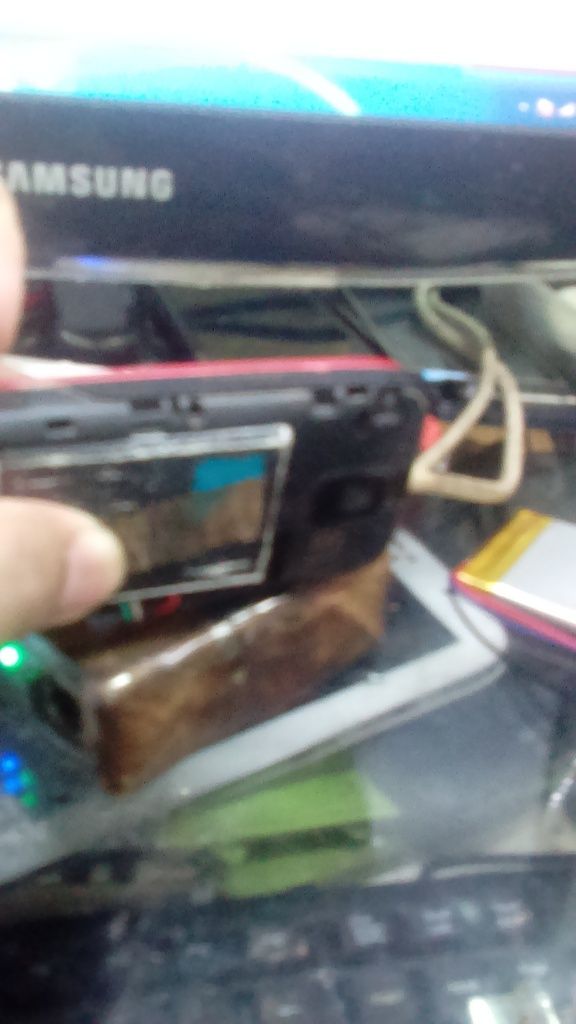
ayun wapak tapos na ang processing niya pwede mo ng alisin at gamitin
Congrats to me .....
hehehehehehe
nag hanap ako kay google ng pinout eto meron akong
nakita pero gusto ko rin ibahagi na tested kay ATF to
Congrats to me
now downlaod firmware here
Link: https://flashfile9.blogspot.com/2015/08/nokia-112-flash-file.html
tested na po to
mga kasangkapan
ATF BOX eto talga the best at si hwk
cable
battery
then analize
eto ipapakita ko muna ang pinouts


gayahin lang po ang nasa picture i analize ng mabuti para hindi mag kamali
then tara na sa procedure
Procedure:
kung nakakabit na ang jumper sa pinouts wag muna niyo pong
iconnect sa usb port
open atf then choose correct model
tick bus check ayun press power then connect mo na ang usb port niya sa computer
then put battery
madedetec na lang ng computer yan
ayan kapag na read ng computer proceed to write program
Firmware:
https://flashfile9.blogspot.com/2015/08/nokia-112-flash-file.html
ulitin mo ang processong unplug mo ulit sa computer ang device
then load correct flash file then tick start connect mo ulit ang unit mo pressing power then insert battery
then eto na sa flashing

eto naman hawak hawak ko kasi baka mag stop

ayun wapak tapos na ang processing niya pwede mo ng alisin at gamitin

Congrats to me .....
hehehehehehe