
- Joined
- Apr 29, 2015
- Messages
- 28
- Reaction score
- 0
- Points
- 1
UNLOCK INSTRUCTIONS:
Phone must be rooted!
For Root Instructions
refer to this link: How to root Samsung Galaxy A8 Updated 29/9/2015 - Rooter 15
Make sure OEM is on in Developer Options. Reactivation Lock is Off also.
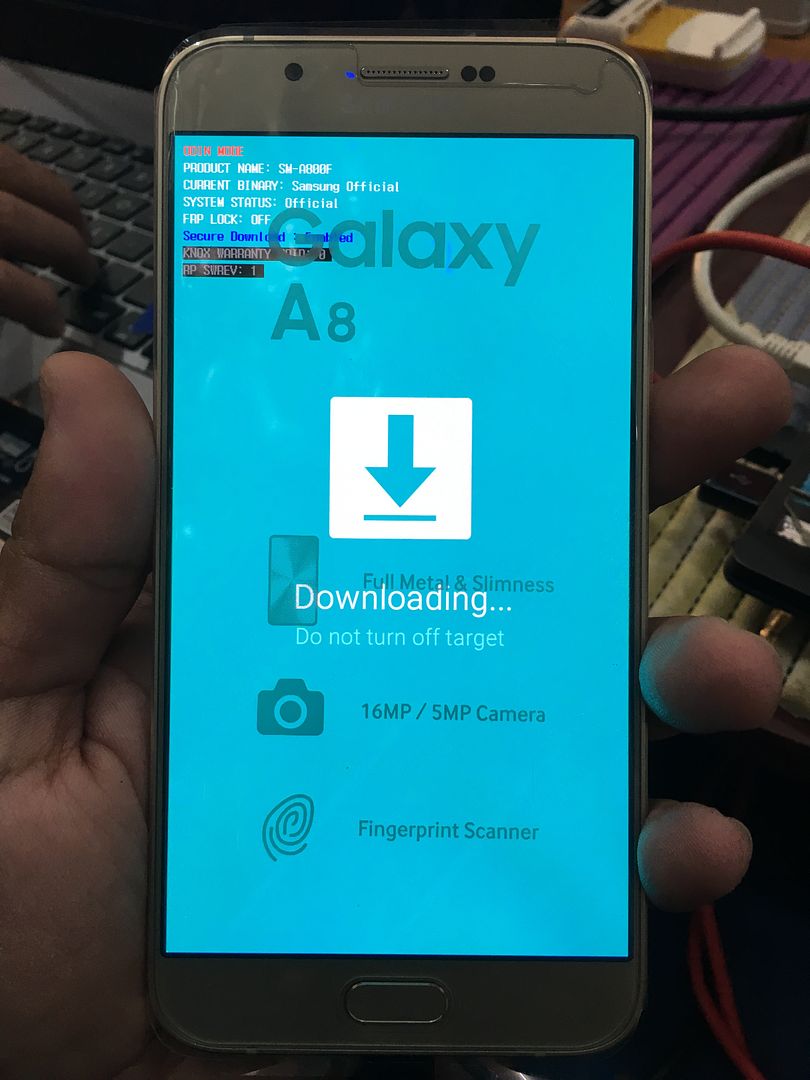
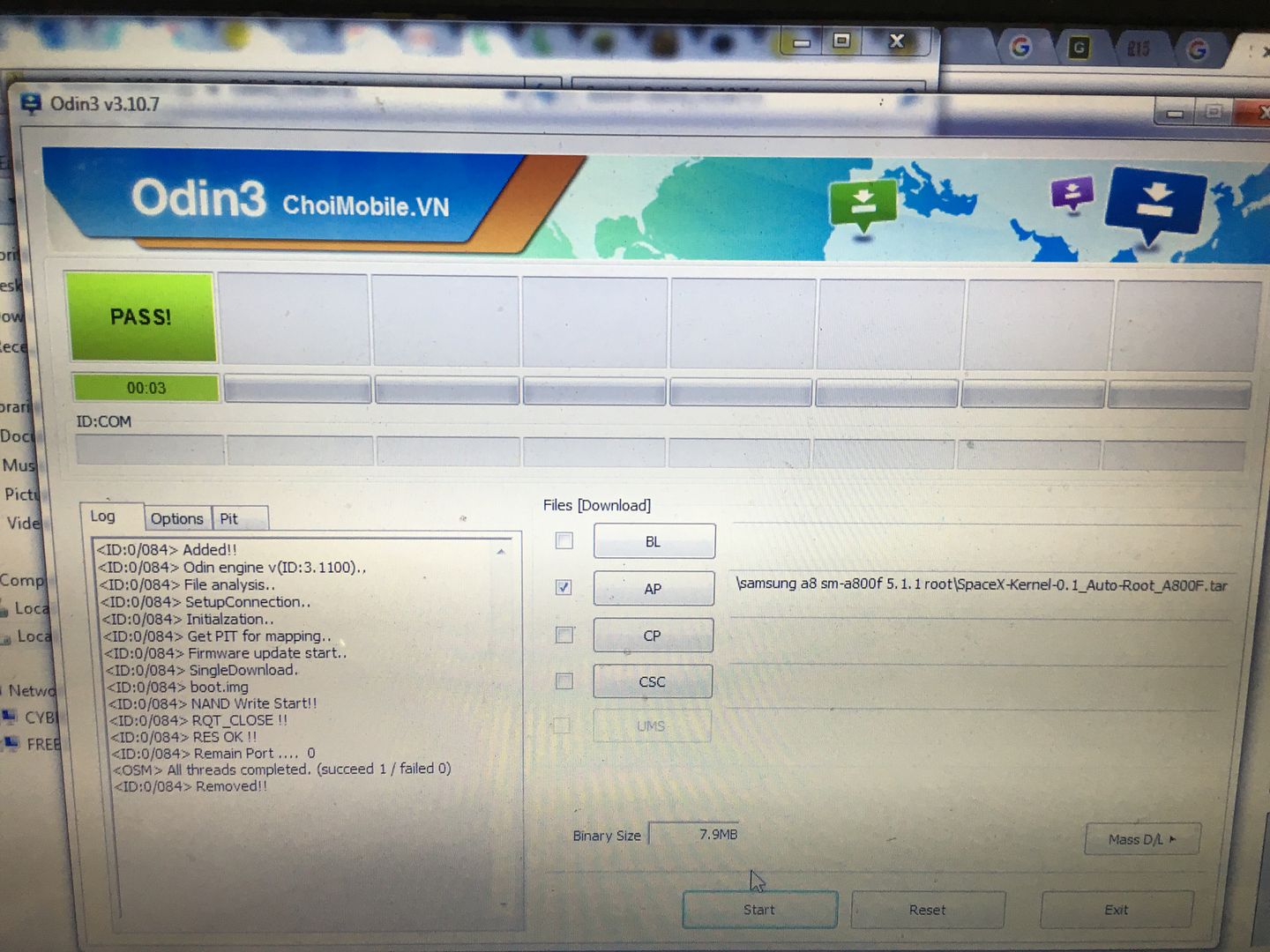
After flashing tar file using odin. Download superuser in playstore then install. Root is done.
1. Power on the phone.
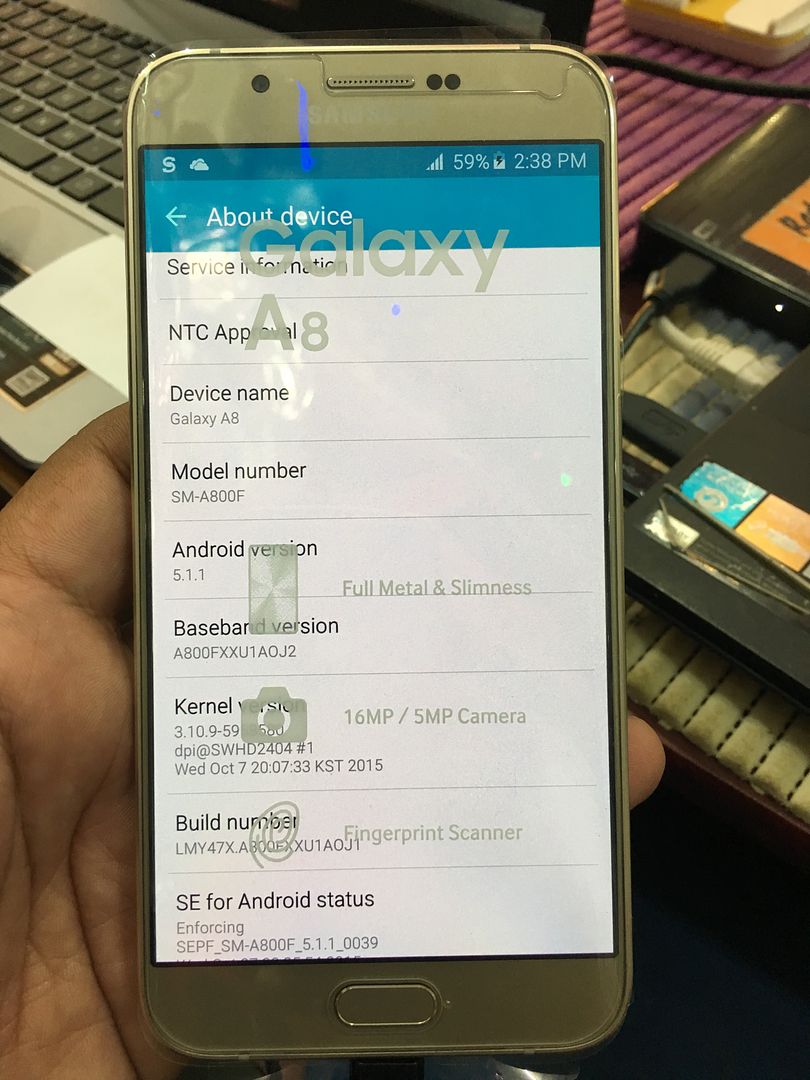
2. Tap 7 times on 'Build number' in 'Settings'-'About phone' to enable 'Developer options',
go to 'Settings'-'Developer options' and enable 'USB debugging'.
3. Connect the phone to PC with USB cable, install drivers if needed.
4. Select device in ADB settings.
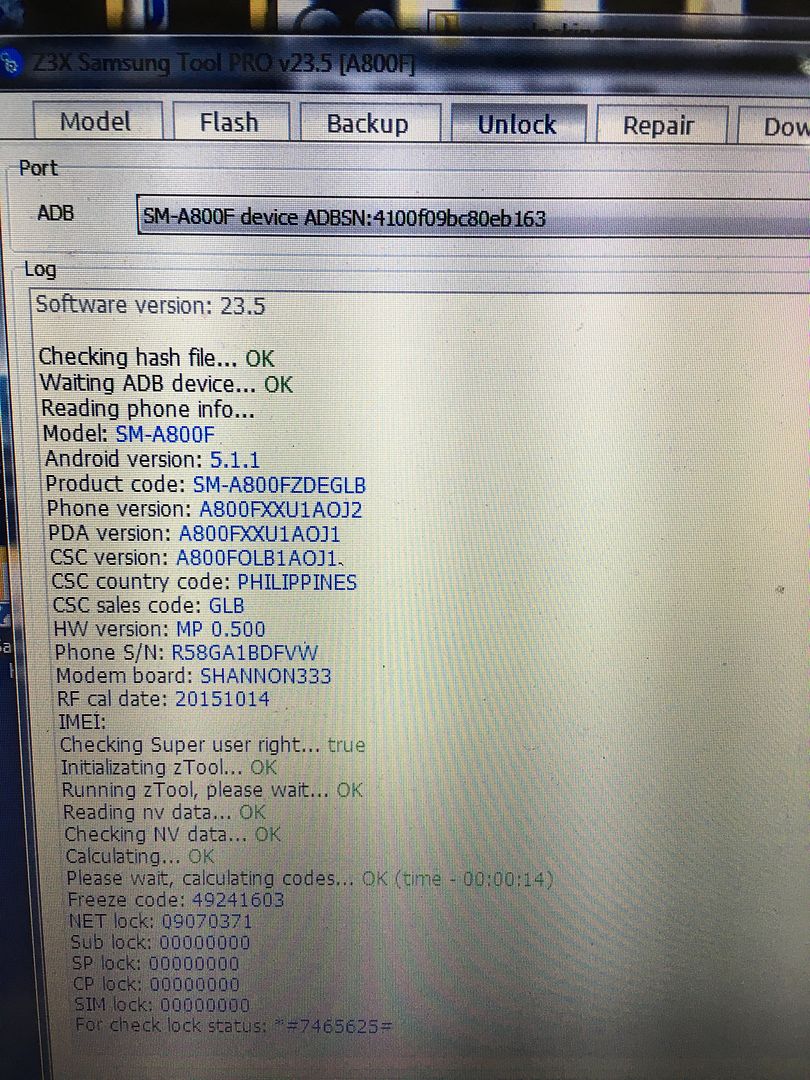
5. Press Read Codes
Insert other carrier sim and input unlock code.
Done

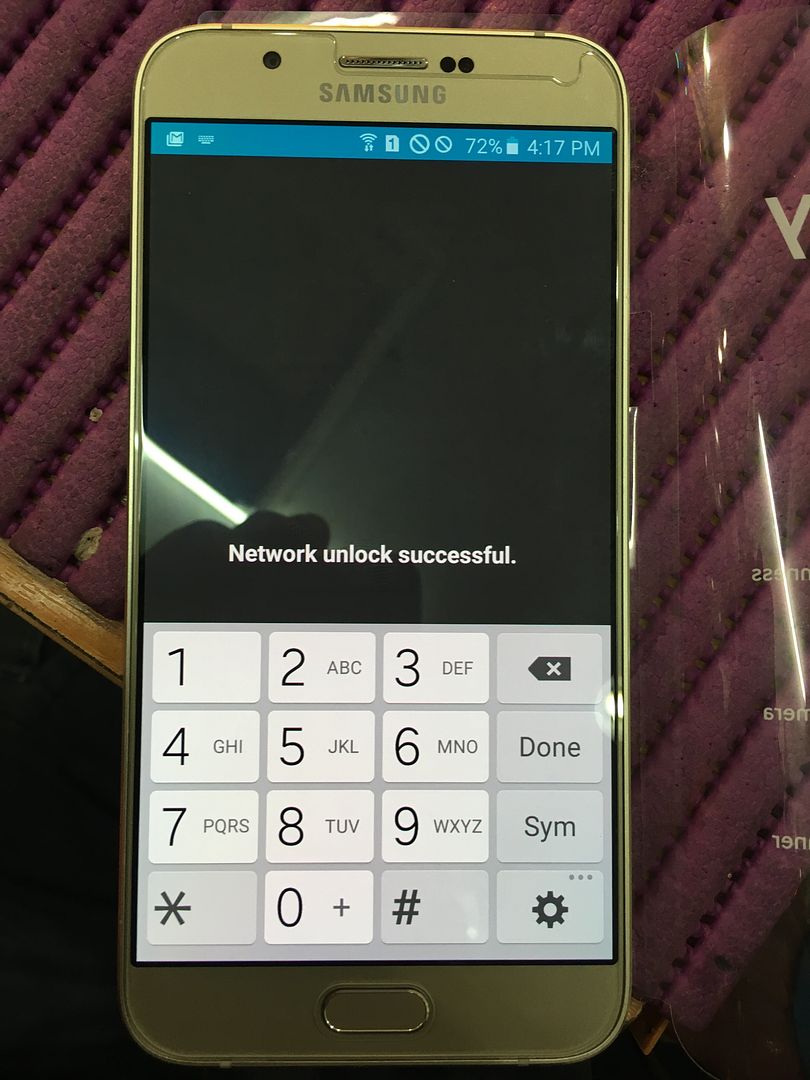
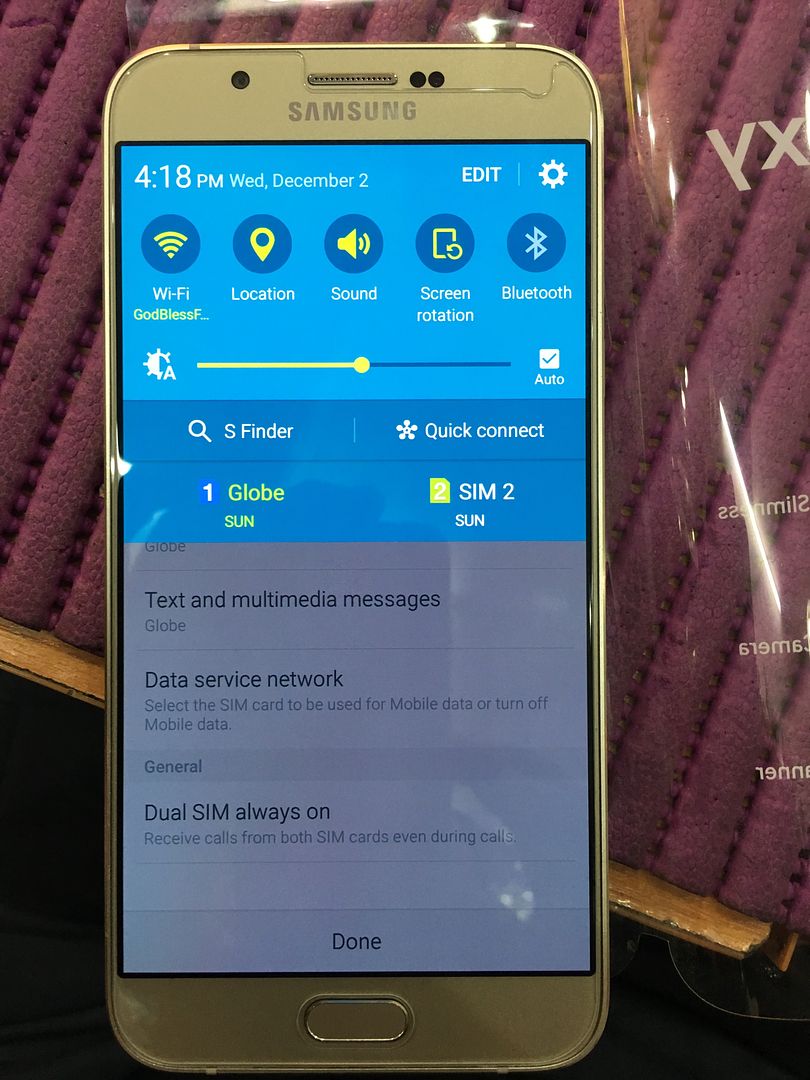
EDI WOW!!!
Phone must be rooted!
For Root Instructions
refer to this link: How to root Samsung Galaxy A8 Updated 29/9/2015 - Rooter 15
Make sure OEM is on in Developer Options. Reactivation Lock is Off also.
After flashing tar file using odin. Download superuser in playstore then install. Root is done.
1. Power on the phone.
2. Tap 7 times on 'Build number' in 'Settings'-'About phone' to enable 'Developer options',
go to 'Settings'-'Developer options' and enable 'USB debugging'.
3. Connect the phone to PC with USB cable, install drivers if needed.
4. Select device in ADB settings.
5. Press Read Codes
Insert other carrier sim and input unlock code.
Done


EDI WOW!!!