
- Joined
- Feb 23, 2015
- Messages
- 1,961
- Reaction score
- 6
- Points
- 181
Procedures:
1. Select E1080t phone
2. Add cla & tfs file of e1080f
3. Press write firmware
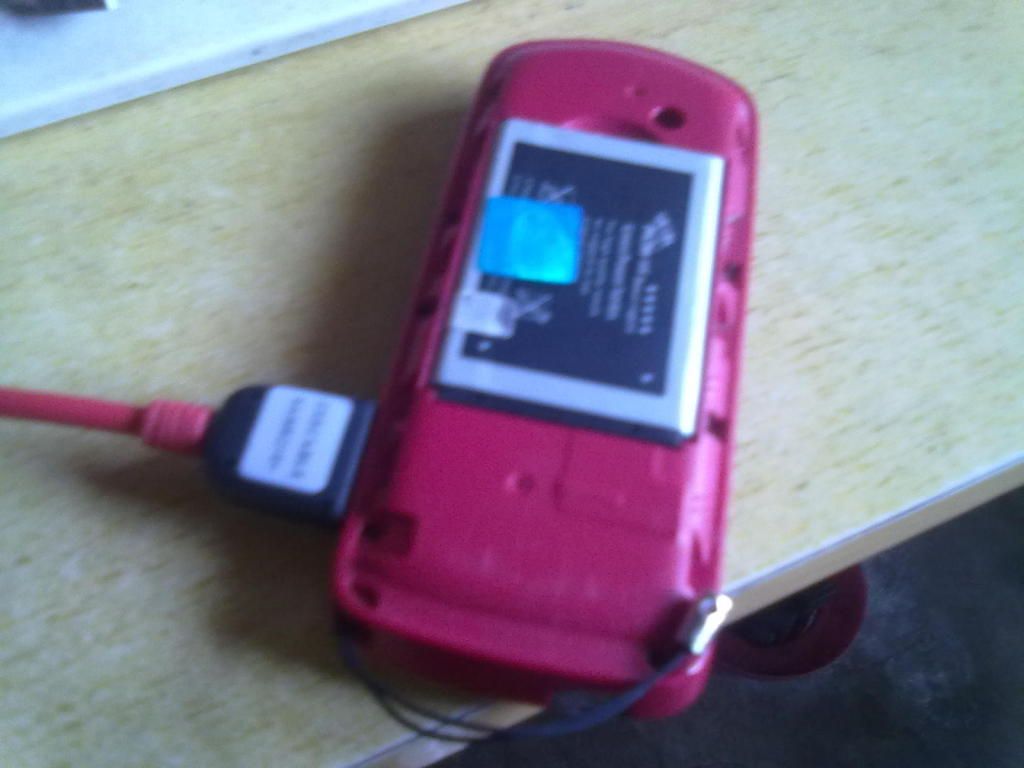
4. Insert cable
5. When the progress bar runs insert battery
6. Wait for a while until finis
100% working na po yun phone.


Selected model: E1080T
Selected com port: COM5
Selected speed port: 921600
Please, connect phone and press power button 3 seconds
Phone Detected
Sending loader1... OK
Flash ID: 54
Sending loader2... OK
Start TFS format... OK
Start NOR flash
NOR flash - ok
Start Flash TFS
Download - ok
Elapsed time: 264 second, sw ver: 3.5.0038
1. Select E1080t phone
2. Add cla & tfs file of e1080f
3. Press write firmware
4. Insert cable
5. When the progress bar runs insert battery
6. Wait for a while until finis
100% working na po yun phone.
Selected model: E1080T
Selected com port: COM5
Selected speed port: 921600
Please, connect phone and press power button 3 seconds
Phone Detected
Sending loader1... OK
Flash ID: 54
Sending loader2... OK
Start TFS format... OK
Start NOR flash
NOR flash - ok
Start Flash TFS
Download - ok
Elapsed time: 264 second, sw ver: 3.5.0038