
Samsung Galaxy J2 Core J260F Network Lock
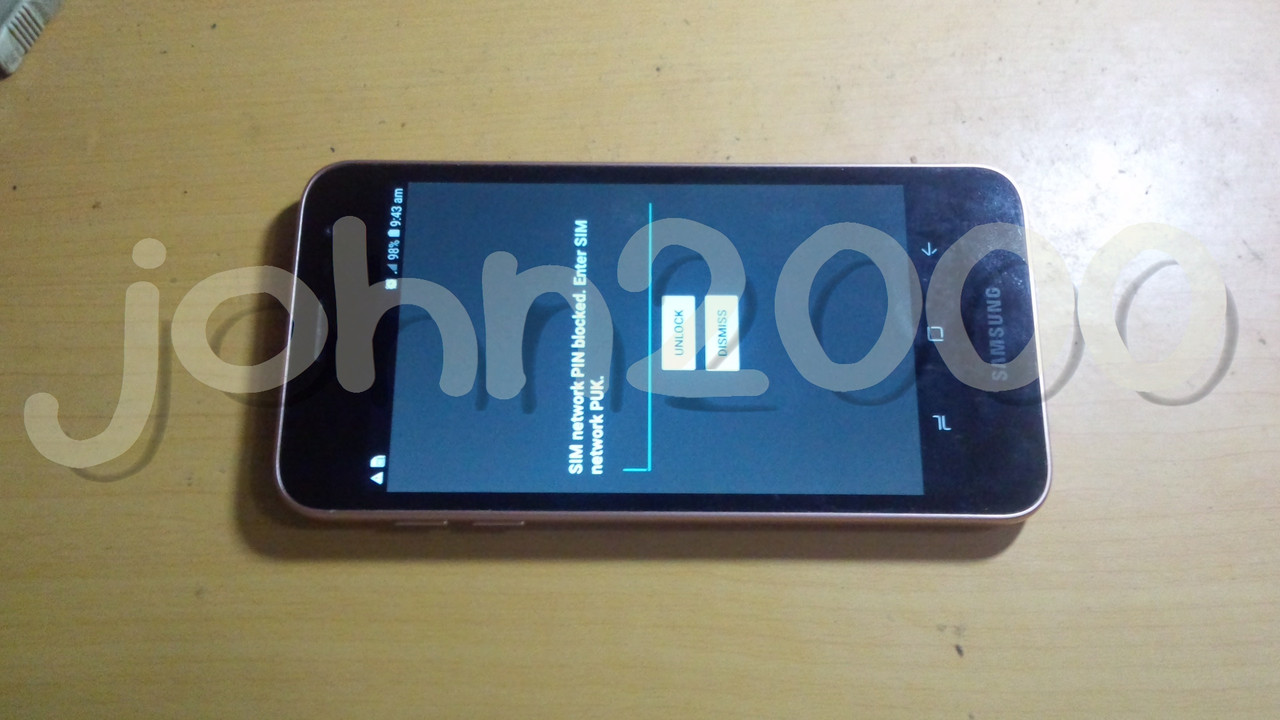
History :
Padala ng Nanay galing Middle East
Solution :
Network Unlock
Tools :
Z3X Box
CA-101 Micro USB Cable
Procedures with Screenshots :
Go to Phone Settings
Enable USB debuging by Tapping 7 times on 'Build number'
Enable OEM
Run Samsung Tool PRO GUI
Select correct model in Model Tab
Click Unlock Tab
Insert CA-101 Micro USB Cable
Select Device connected in ADB Port
Click Read Code via Server Button
Click Yes button when Confirmation to continue operation popup
Wait till all code appear
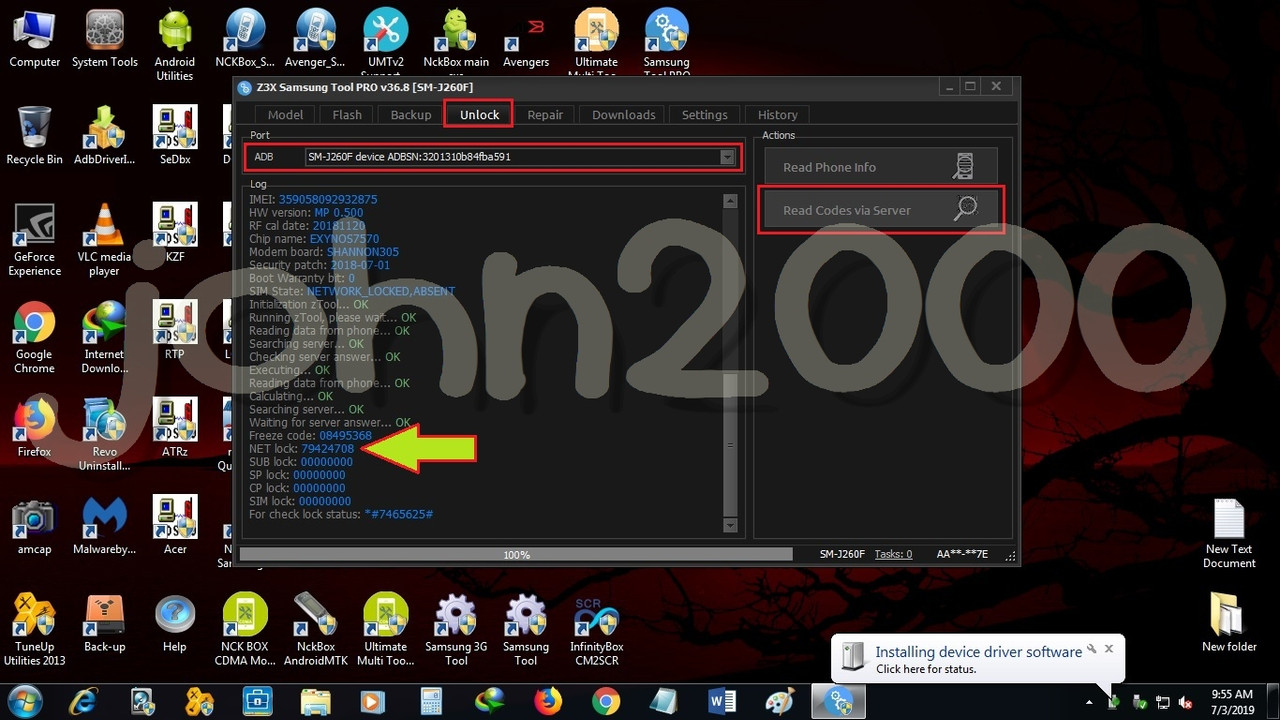
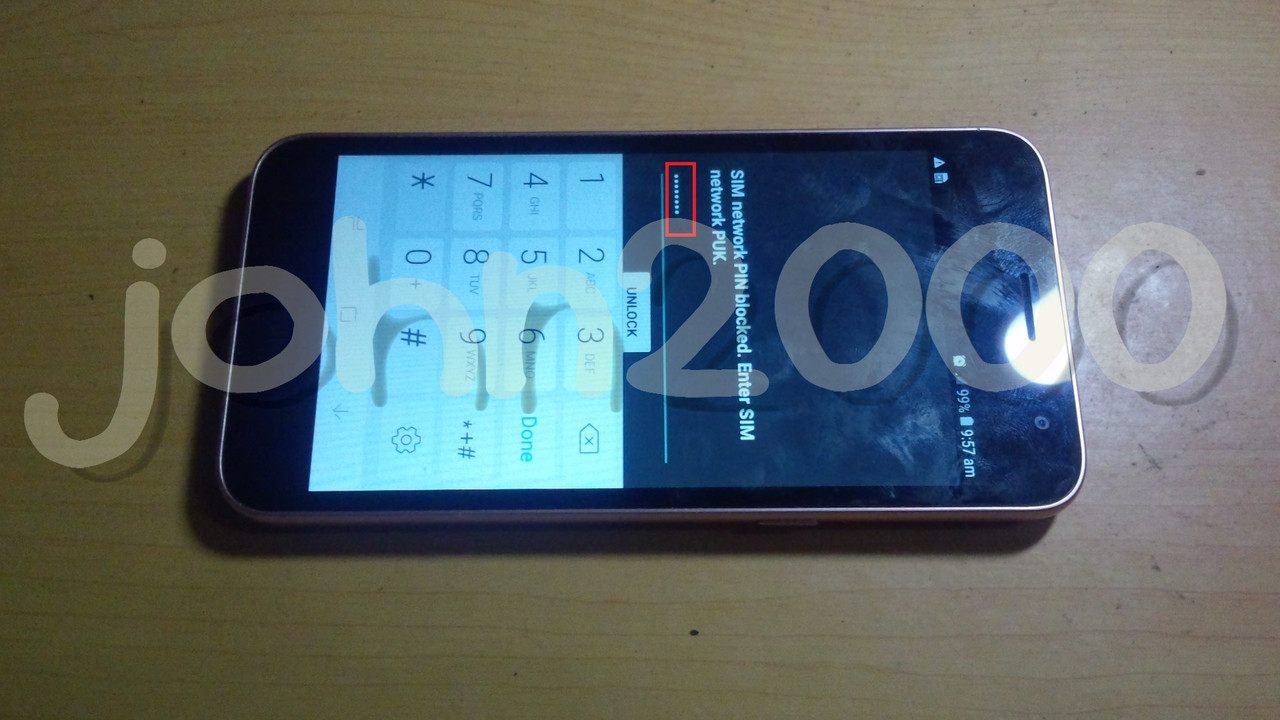
Enter NET Lock code and tap unlock
Result :
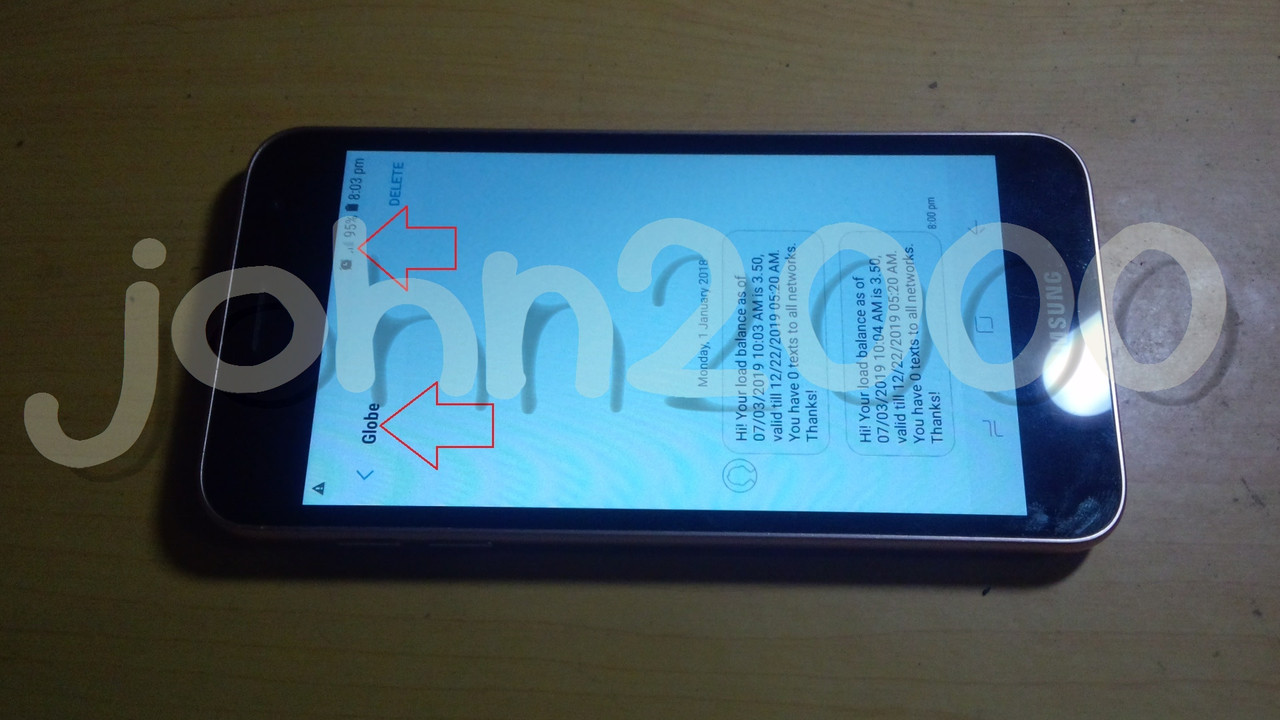
Done...
History :
Padala ng Nanay galing Middle East
Solution :
Network Unlock
Tools :
Z3X Box
CA-101 Micro USB Cable
Procedures with Screenshots :
Go to Phone Settings
Enable USB debuging by Tapping 7 times on 'Build number'
Enable OEM
Run Samsung Tool PRO GUI
Select correct model in Model Tab
Click Unlock Tab
Insert CA-101 Micro USB Cable
Select Device connected in ADB Port
Click Read Code via Server Button
Click Yes button when Confirmation to continue operation popup
Wait till all code appear
Enter NET Lock code and tap unlock
Result :
Done...