
Samsung Galaxy J2 Pro (J250G DS) Network Lock
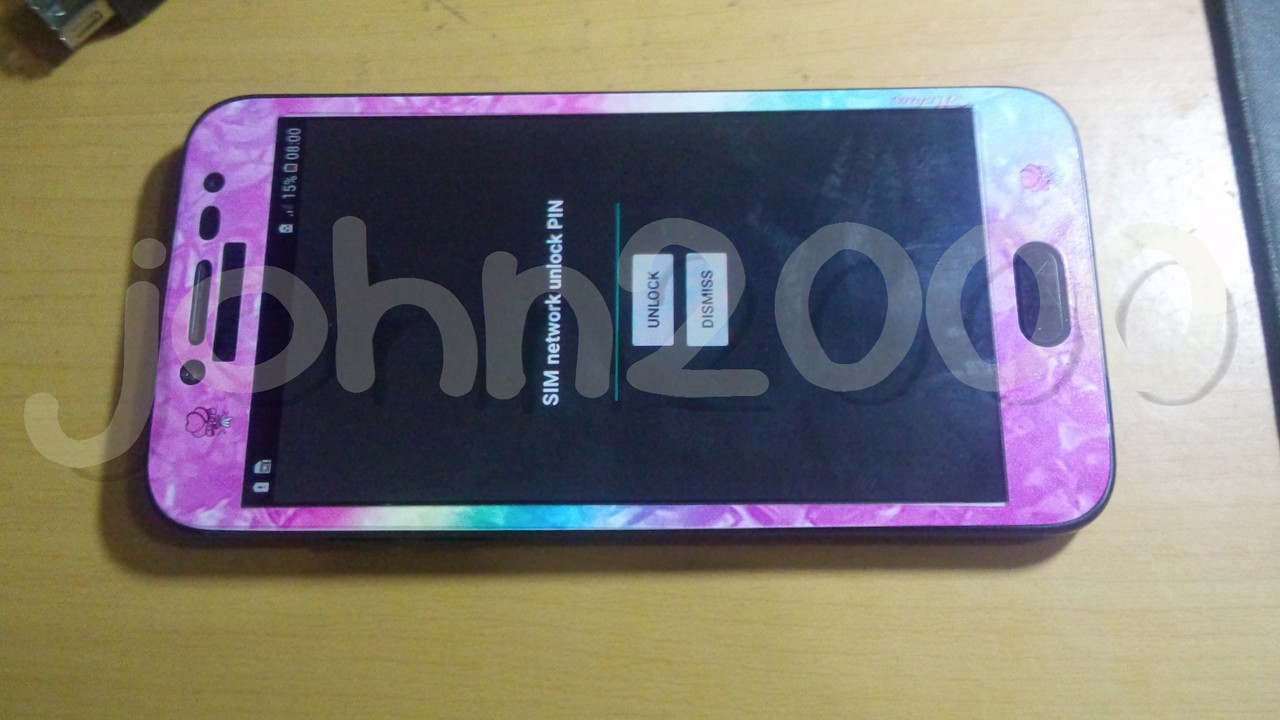
History :
Hindi daw nya magamit sa Globe
Solution :
Network Unlock
Tools :
Z3X Box
CA-101 Micro USB Cable
Procedures with Screenshots :
Run Samsung Tool PRO GUI
Select correct model in Model Tab
Click Unlock Tab
Do Software Tip before hitting Read Code via Server
After all settings set needed as software say,Hit Read Code via Server Button
Click Yes Button as new windows popup
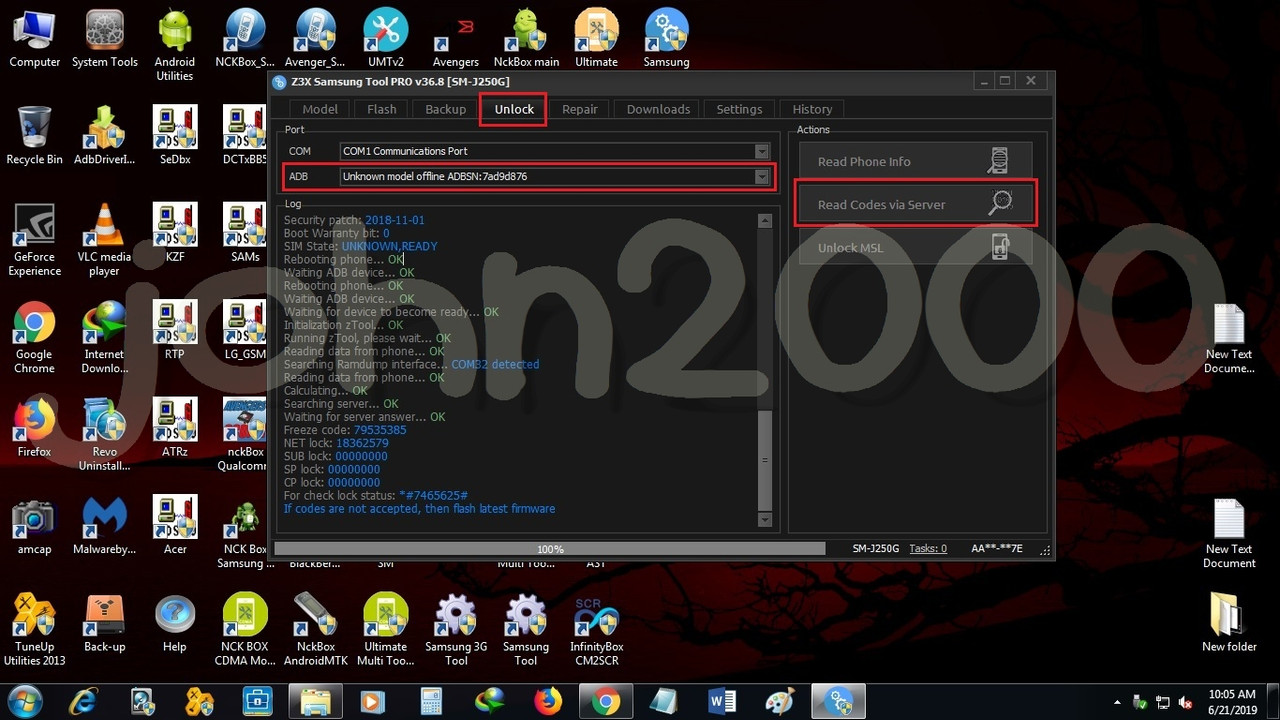
Enter NET Lock Code given by Samsung Tool PRO Software
Result :
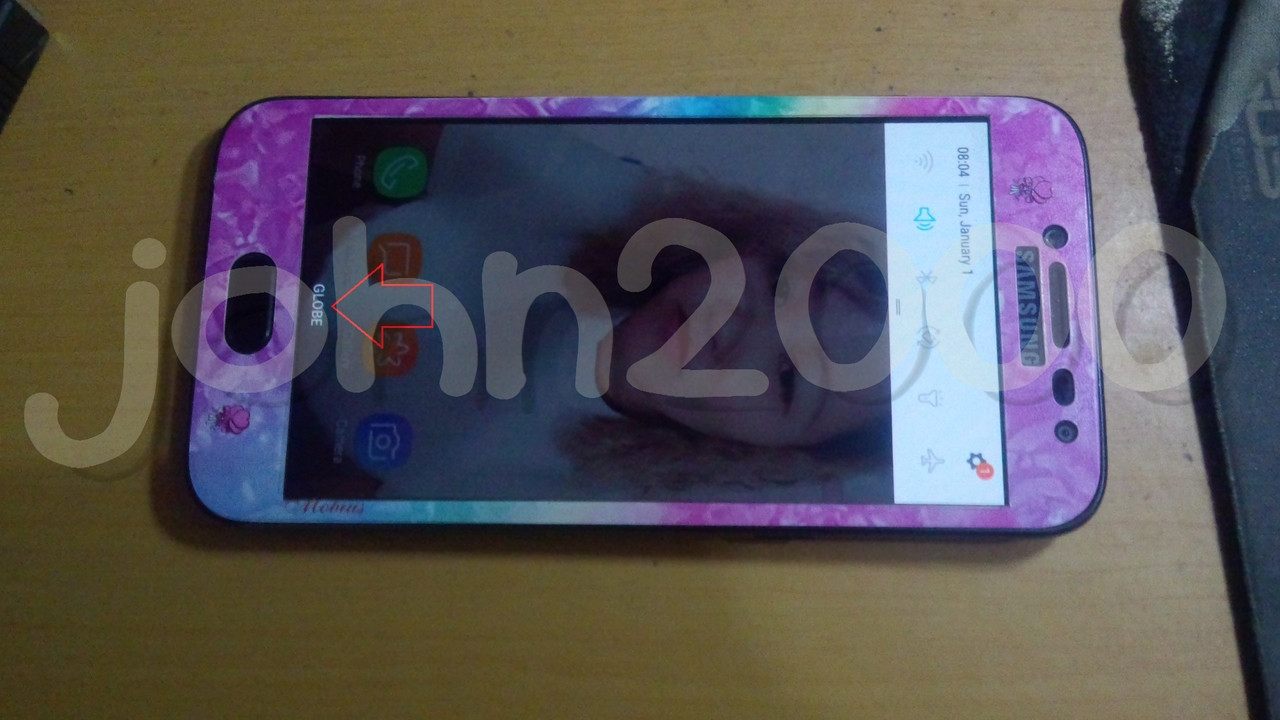
Done...
History :
Hindi daw nya magamit sa Globe
Solution :
Network Unlock
Tools :
Z3X Box
CA-101 Micro USB Cable
Procedures with Screenshots :
Run Samsung Tool PRO GUI
Select correct model in Model Tab
Click Unlock Tab
Do Software Tip before hitting Read Code via Server
After all settings set needed as software say,Hit Read Code via Server Button
Click Yes Button as new windows popup
Enter NET Lock Code given by Samsung Tool PRO Software
Result :
Done...
Last edited: