
- Joined
- Jul 25, 2019
- Messages
- 285
- Reaction score
- 345
- Points
- 201
Samsung Galaxy On7 (SM-G6100) Hang on logo
procedure:
turn offf phone first
hold vol down + home button + power switch to enable download mode
download program first make sure it the same binary just check in hard reset first to be sure.
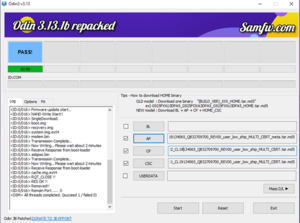
open oden
insert file AP, CP & CSC
insert usb
click start
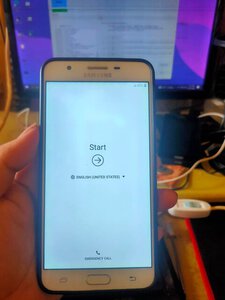
wait until its done
firmware link : https://samfw.com/firmware/SM-G6100/TGY/G6100ZHU5CTG1
procedure:
turn offf phone first
hold vol down + home button + power switch to enable download mode
download program first make sure it the same binary just check in hard reset first to be sure.
open oden
insert file AP, CP & CSC
insert usb
click start
wait until its done
firmware link : https://samfw.com/firmware/SM-G6100/TGY/G6100ZHU5CTG1