samsung Galaxy Tab 2 7.0 hang sa logo
Procedure:
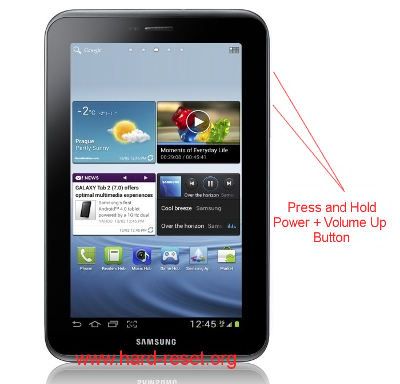
1. Turn off SAMSUNG GALAXY TAB 2 7.0 (P3100&P3110)
2. Make sure you already charge full SAMSUNG GALAXY TAB 2 7.0 (P3100&P3110) battery
3.Press and hold together Power Button Key + Volume Up Button Key for several seconds until the logo appear in LCD
4.When logo already appear, release Power Button Key & Volume Up Button Key
5.You will see the menu at LCD, choose wipe data / factory reset with Volume Button Key for navigation, and press Power Button Key to ok or enter or confirm
6.Follow the process to choose and confirm the reset and reboot step
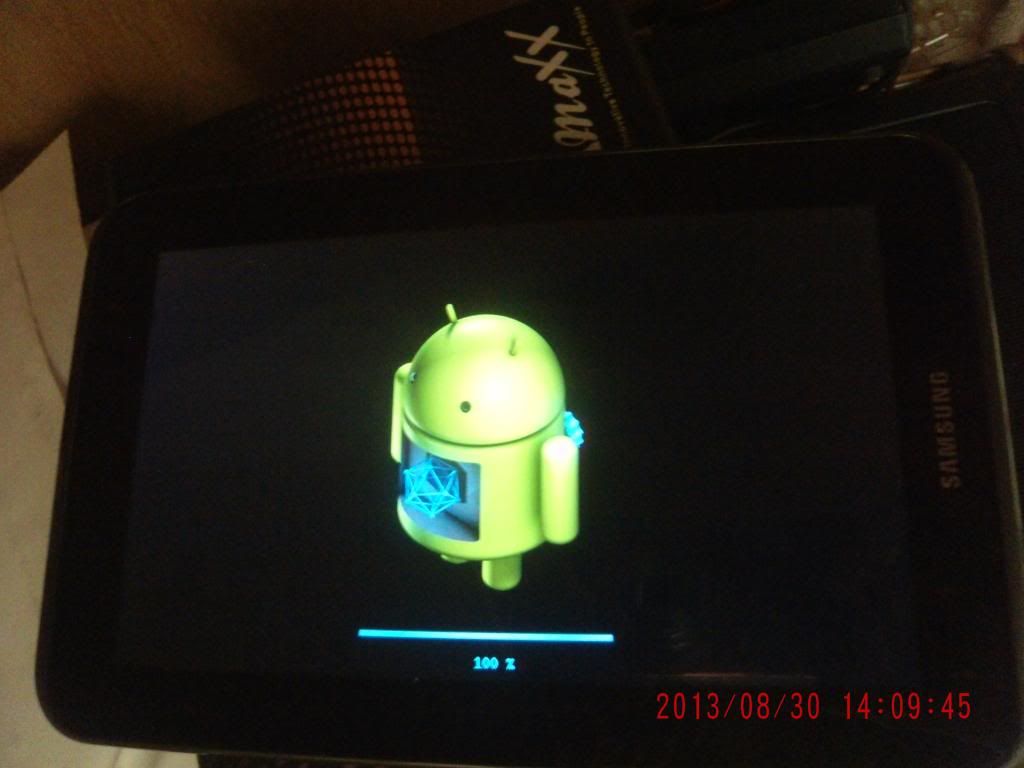
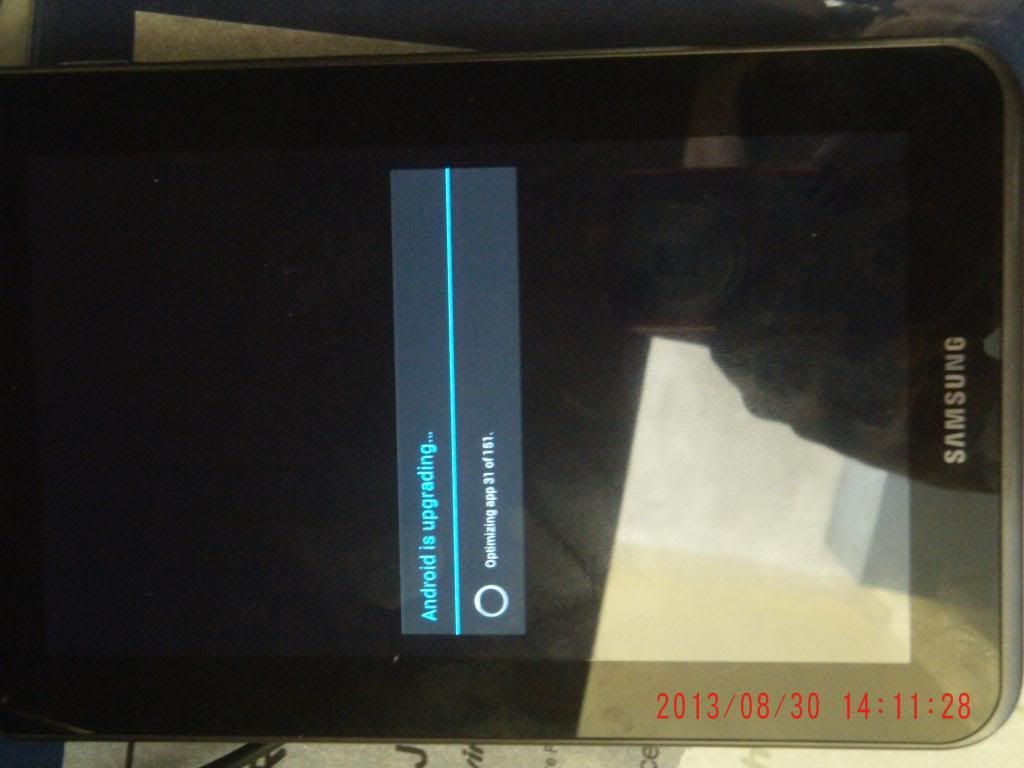
7.The SAMSUNG GALAXY TAB 2 7.0 (P3100&P3110) will do the format to factory data reset
done

Procedure:
1. Turn off SAMSUNG GALAXY TAB 2 7.0 (P3100&P3110)
2. Make sure you already charge full SAMSUNG GALAXY TAB 2 7.0 (P3100&P3110) battery
3.Press and hold together Power Button Key + Volume Up Button Key for several seconds until the logo appear in LCD
4.When logo already appear, release Power Button Key & Volume Up Button Key
5.You will see the menu at LCD, choose wipe data / factory reset with Volume Button Key for navigation, and press Power Button Key to ok or enter or confirm
6.Follow the process to choose and confirm the reset and reboot step
7.The SAMSUNG GALAXY TAB 2 7.0 (P3100&P3110) will do the format to factory data reset
done